Введение
Thank you for choosing the NexiGo Wireless Controller NS32-A9. This controller is designed to enhance your gaming experience on Nintendo Switch and Switch 2 consoles, offering advanced features such as no deadzone thumbsticks, customizable RGB lighting, adjustable vibration, six-axis gyroscope, and a turbo function. Please read this manual carefully to ensure proper setup and operation.
Характеристики продукта
- No Deadzone Thumbsticks: Experience precise control with minimal input delay, ensuring accurate movements in games.
- Dual Motors and Six-Axis Gyroscope: Enjoy immersive haptic feedback and responsive motion controls for a dynamic gaming experience.
- Светодиодный индикатор: The thumbsticks feature LED activity indicator rings that light up and flash during use, providing visual feedback.
- Быстрая зарядка: The controller can be fully charged in 2-3 hours, providing up to 10 hours of gameplay.
- Подключение Bluetooth: Easily pairs wirelessly with your Nintendo Switch console. Initial pairing requires a wired connection.
- Comfortable Non-Slip Design: Constructed from durable ABS material with ergonomic, non-slip grips to reduce hand fatigue during extended play sessions.
- Турбо-функция: Allows for partial and full automatic button mashing for repetitive actions in games.
- Регулируемая вибрация: Customize the intensity of the haptic feedback with four distinct levels.
- Широкая совместимость: Compatible with Nintendo Switch, Nintendo Switch OLED, Nintendo Switch Lite, and PC.
- Switch Wake-Up Function: Conveniently wake up your Nintendo Switch console directly from the controller.

Image: No Deadzone Precision

Изображение: Широкая совместимостьview
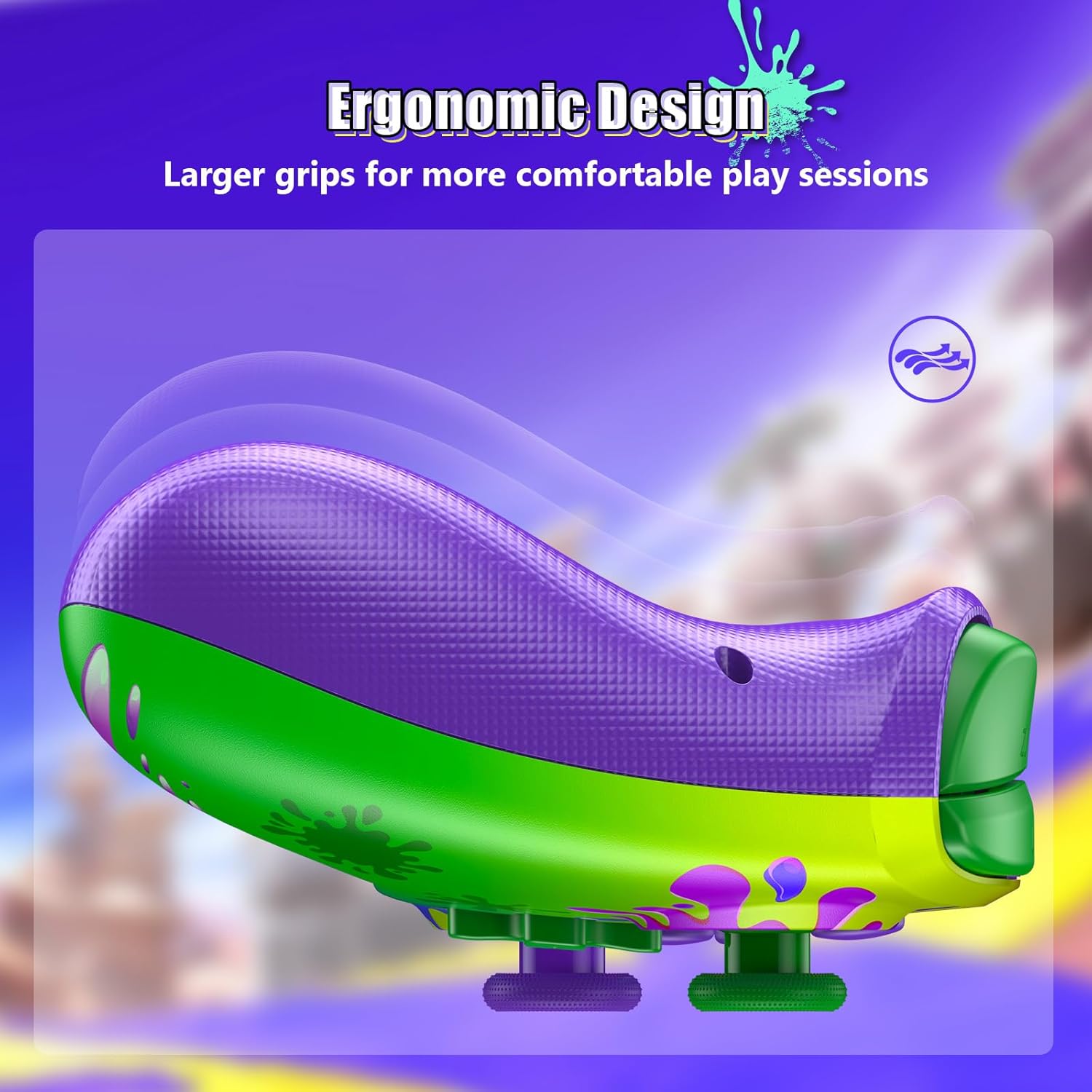
Image: Ergonomic Design for Comfort
Setup: Wireless Connection
Follow these steps to connect your NexiGo Wireless Controller to your Nintendo Switch console:
- Шаг 1: Turn on your Nintendo Switch console and navigate to the "Controllers" menu from the HOME screen.
- Шаг 2: Select "Change Grip/Order" from the list of options.
- Шаг 3: Press and hold the Pairing button on the top of your controller for at least two seconds. The Pairing button is typically a small, circular button located near the charging port.
- Шаг 4: The LEDs on your controller will flash during the pairing process and remain solid when the connection is successful.
Примечание: You can only connect your controller wirelessly after pairing it once via a USB cable for the initial setup.
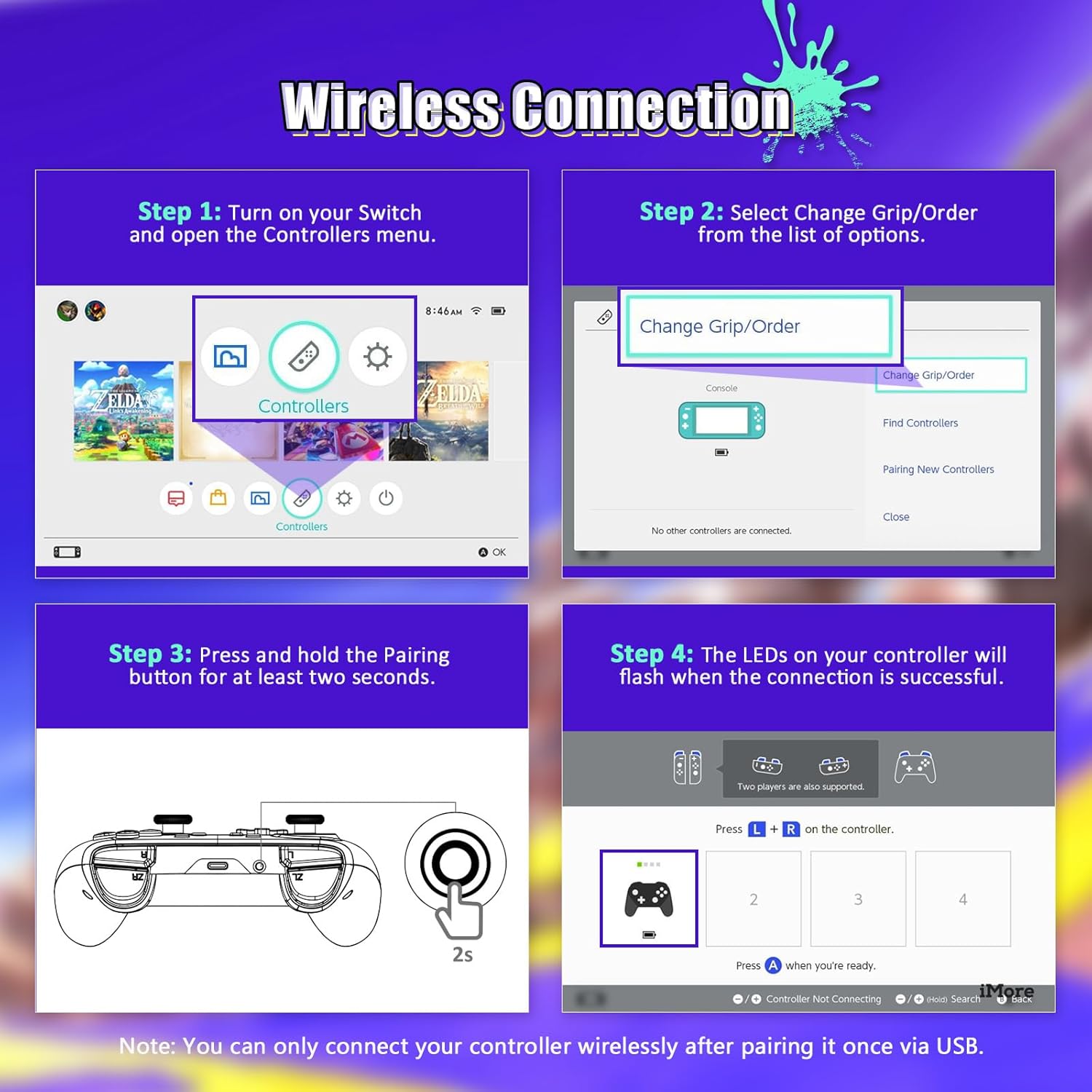
Image: Wireless Connection Setup Guide
Инструкция по эксплуатации
Турбофункция
The Turbo function allows you to assign rapid-fire capabilities to specific buttons. This is useful for games requiring quick, repeated button presses.
- Активация Турбо: Press and hold the button you wish to assign Turbo to, then press the Turbo button (usually located on the back or bottom of the controller). The button will now rapidly input when held down.
- Деактивация Turbo: Repeat the activation steps for the same button to turn off the Turbo function.
- Регулировка турбо-скорости: (If applicable, consult specific controller documentation for speed adjustment methods, often involves Turbo button + D-pad up/down).

Image: Turbo Mode in action
Регулируемая вибрация
The controller features four levels of vibration intensity. You can adjust this to suit your preference or the game you are playing.
- Регулировка вибрации: Typically, this is done by holding a specific button (e.g., Turbo or Function button) and pressing the D-pad Up or Down. Refer to the quick start guide for your specific model's button combination.
- The four levels are usually 0% (off), 30%, 75%, and 100% intensity.

Image: Adjustable Vibration Levels
Шестиосный гироскоп
The built-in six-axis gyroscope provides precise motion control for games that support it. This allows for intuitive tilt and motion-based gameplay.
- Убедитесь, что игра, в которую вы играете, поддерживает управление движением.
- Calibrate the gyroscope if you experience inaccurate motion sensing. This option is usually found in the Nintendo Switch system settings under "Controllers and Sensors."
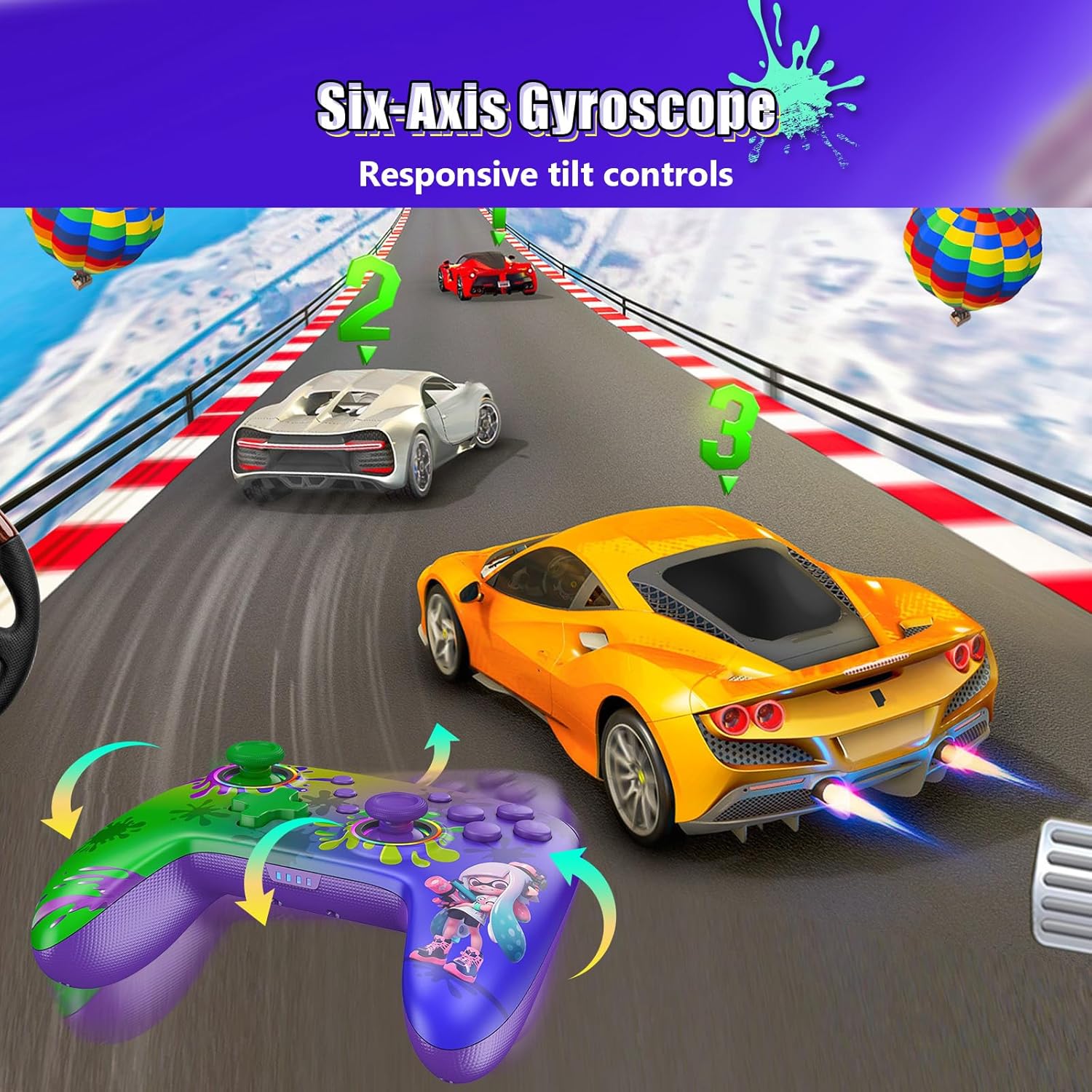
Image: Six-Axis Gyroscope in use
RGB Thumbsticks
The controller features customizable RGB lighting around the thumbsticks. These lights can be adjusted for color, brightness, and mode.
- Изменение цветов/режимов: Refer to the controller's quick start guide for specific button combinations to cycle through seven colors, adjust brightness, and select from three lighting modes (e.g., breathing, cycling, static).
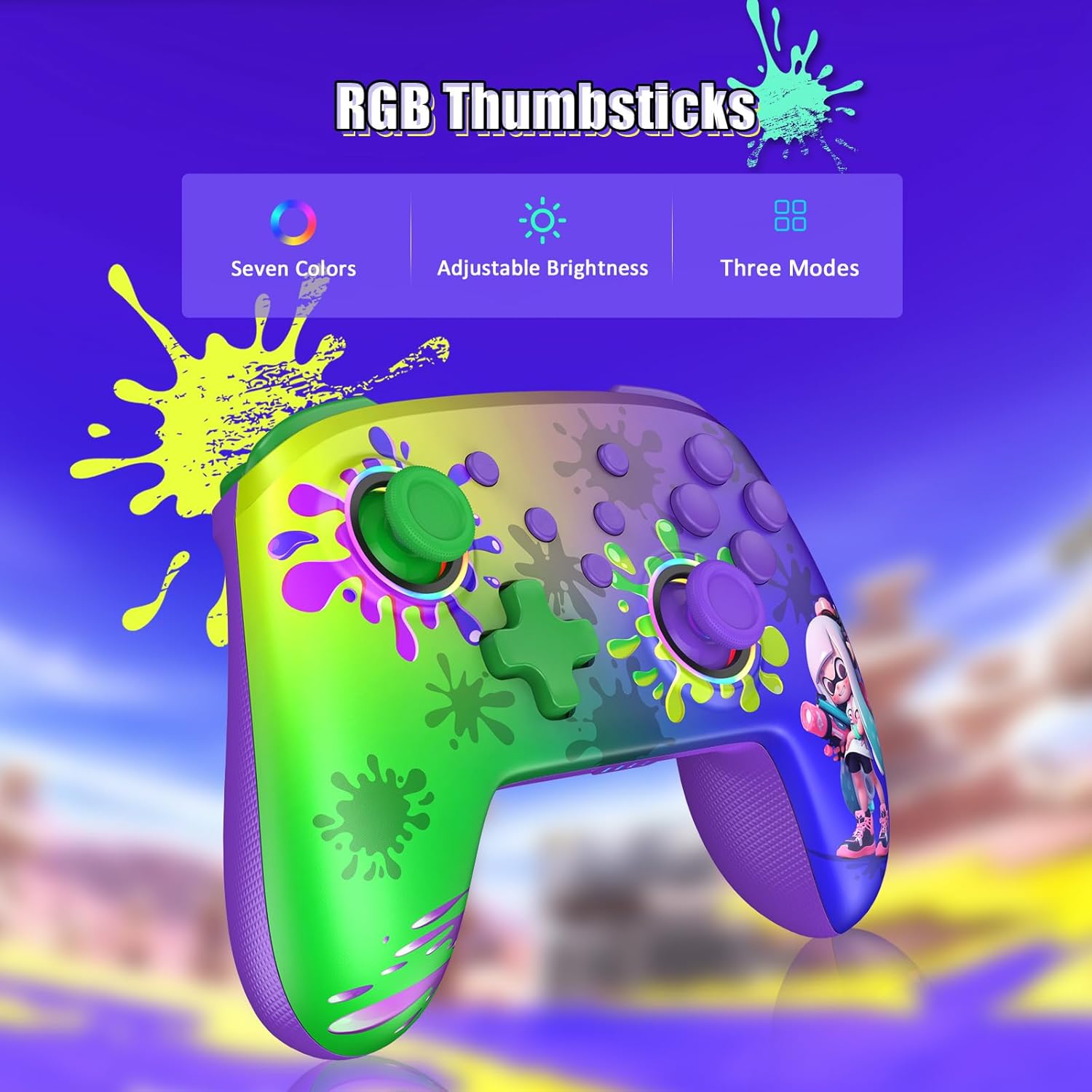
Image: RGB Thumbsticks Features
Обслуживание
- Уборка: Для чистки контроллера используйте мягкую сухую ткань. Избегайте использования едких химикатов и абразивных материалов.
- Хранилище: Храните контроллер в прохладном, сухом месте, вдали от прямых солнечных лучей и экстремальных температур.
- Уход батареи: Чтобы продлить срок службы батареи, избегайте частой полной разрядки контроллера. Регулярно заряжайте его, даже если он не используется постоянно.
- Избегайте капель: Оберегайте контроллер от падений и ударов, которые могут повредить внутренние компоненты.
Поиск неисправностей
- Контроллер не подключается:
- Убедитесь, что контроллер заряжен.
- Убедитесь, что Bluetooth включен на вашей Nintendo Switch.
- Attempt to re-pair the controller by following the "Wireless Connection" steps.
- Try connecting the controller via USB cable to confirm it powers on.
- Задержка ввода или неработающие кнопки:
- Ensure there are no obstructions between the controller and the console.
- Проверьте наличие помех от других беспроводных устройств.
- Update the controller's firmware if an update is available (check the NexiGo official webсайт).
- Вибрация не работает:
- Проверьте настройки игры и убедитесь, что вибрация включена.
- Adjust the vibration intensity using the controller's dedicated function.
- Motion Controls Inaccurate:
- Calibrate the gyroscope in the Nintendo Switch system settings.
- Ensure the controller is held steadily during calibration.
Технические характеристики
| Номер модели | NS32-A9 |
| Размеры продукта | 6.14 x 4.02 x 2.56 дюйма |
| Вес товара | 10.6 унции |
| Связность | Bluetooth |
| Срок службы батареи | До 10 часов (приблизительно) |
| Время зарядки | 2-3 часов (прибл.) |
| Производитель | Некст Инк |
Гарантия и поддержка
NexiGo products are designed for reliability and performance. For any issues or questions, please refer to the following support information:
- Служба поддержки клиентов: NexiGo offers quick response customer support, typically within 24 hours.
- Политика возврата: Products can be returned within 30 days for an exchange or refund, subject to terms and conditions.
- Техническая поддержка: Lifetime technical customer support is provided for your NexiGo product.
- For detailed warranty information and to contact support, please visit the official NexiGo webсайт или обратитесь к гарантийному талону, прилагаемому к вашему продукту.


