Введение
This manual provides essential information for setting up, operating, maintaining, and troubleshooting your HP 15 Laptop. Please read this guide thoroughly to ensure proper use and to maximize the performance and longevity of your device.

Изображение: Оверview of the HP 15 Laptop highlighting its main components and features.
Настраивать
1. Initial Power-On and Windows 11 Pro Setup
- Connect the provided AC power adapter to the laptop and a power outlet.
- Откройте крышку ноутбука и нажмите кнопку питания.
- Следуйте инструкциям на экране для завершения настройки Windows 11 Pro. Это включает в себя выбор региона, языка, подключение к сети Wi-Fi и создание учётной записи пользователя.
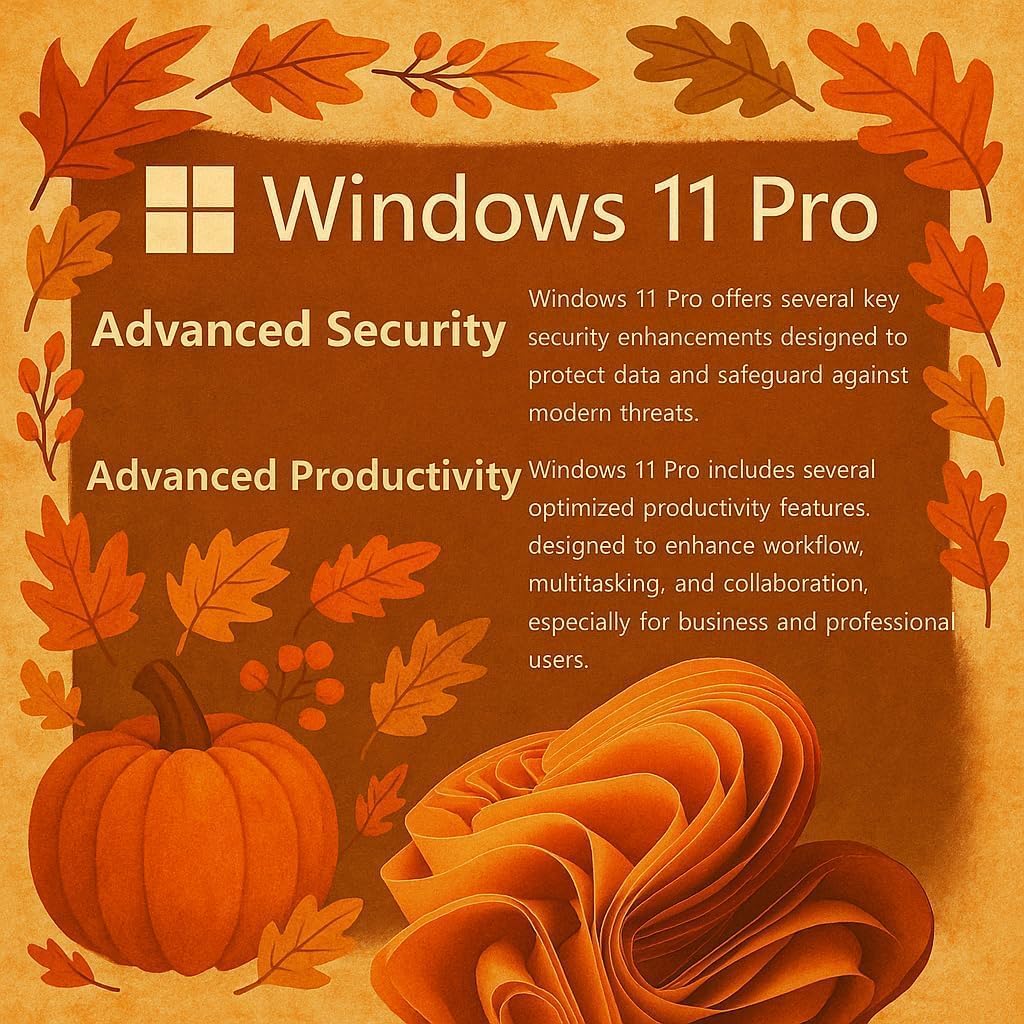
Image: Visual representation of Windows 11 Pro features, emphasizing security and productivity.
2. Активация Microsoft Office 365
Your laptop includes Microsoft Office 365. To activate it:
- Locate the instructions included in your package for redeeming your Microsoft Office license key.
- Follow the provided steps to install and activate Word, Excel, PowerPoint, Outlook, and other Office applications.
3. Connecting Peripherals and External Devices
The HP 15 Laptop offers various ports for connectivity:
- USB Type-C (5 Гбит/с): For modern USB-C devices and data transfer.
- USB Type-A (5Gbps): Two ports for standard USB devices like mice, keyboards, or external drives.
- HDMI 1.4б: Подключайтесь к внешним дисплеям или проекторам.
- SD Media Card Reader: Для передачи files from SD cards.
- Комбинированный разъем для наушников и микрофона: Для аудиовхода/выходa.
- Порт питания переменного тока: Для подключения адаптера питания.

Изображение: подробное view со стороны ноутбукаfiles, indicating the location and type of each port and slot.
Operating Your HP 15 Laptop
1. Функции дисплея
The 15.6-inch Full HD (1920 x 1080) IPS display features narrow bezels and an anti-glare coating for comfortable viewing. It provides clear and vibrant visuals for various tasks.

Image: Visual comparison demonstrating the superior clarity of the 1080p Full HD display.
2. Производительность и многозадачность
Your HP 15 Laptop is equipped with an Intel N4120 Quad-Core Processor, capable of turbo boosting up to 2.6 GHz, and Intel UHD Graphics. With 16GB DDR4 RAM and a 512GB SSD, it delivers responsive performance for daily computing tasks, multitasking, and quick application loading.

Изображение: подробное view of the Intel Celeron N4120 Processor specifications.
3. Using Copilot AI
The laptop is Copilot AI-ready, integrating an AI assistant within Windows and Microsoft 365. Copilot helps streamline tasks, generate content, and enhance productivity. Access it through the Windows interface to utilize its features.

Image: The Copilot AI interface on the Windows desktop.
4. Беспроводная связь
The laptop supports Realtek RTL8822CE 802.11ac (2x2) Wi-Fi for internet access and Bluetooth 5.0 for connecting wireless peripherals like headphones or speakers.
Обслуживание
1. Чистка ноутбука
- Используйте мягкую, безворсовую ткань, слегкаampДля очистки дисплея смочите его водой или очистителем для экранов.
- Для чистки клавиатуры и корпуса используйте мягкую ткань. Избегайте использования агрессивных химикатов и абразивных материалов.
- Перед чисткой убедитесь, что ноутбук выключен и отсоединен от сети.
2. Уход за аккумулятором
- Чтобы продлить срок службы батареи, избегайте экстремальных температур.
- Periodically allow the battery to discharge to around 20% before recharging.
- Если вы храните ноутбук в течение длительного времени, убедитесь, что батарея заряжена примерно на 50%.
3. Обновления программного обеспечения
Регулярно проверяйте наличие обновлений Windows и устанавливайте их, чтобы ваша система была оснащена последними исправлениями безопасности и улучшениями производительности. Перейти к Настройки > Центр обновления Windows для управления обновлениями.
Поиск неисправностей
Распространенные проблемы и решения
- Ноутбук не включается: Убедитесь, что адаптер переменного тока надёжно подключён, а розетка исправна. Попробуйте использовать другую розетку. Если используется аккумулятор, убедитесь, что он достаточно заряжен.
- Проблемы с дисплеем (нет изображения, мерцание): Перезагрузите ноутбук. Если он подключен к внешнему монитору, попробуйте его отключить. Проверьте настройки дисплея в Windows.
- Нет подключения к Wi-Fi: Verify Wi-Fi is enabled in Windows settings. Restart your router and modem. Check for updated Wi-Fi drivers.
- Низкая производительность: Close unnecessary applications. Check Task Manager for resource-intensive processes. Ensure sufficient free space on the SSD. Run a disk cleanup.
For more detailed troubleshooting or issues not covered here, please refer to the official HP support webсайт или обратитесь в службу поддержки клиентов HP.
Технические характеристики
| Особенность | Деталь |
|---|---|
| Бренд | HP |
| Название модели | G9 |
| Размер экрана | 15.6 дюйма |
| Разрешение экрана | 1920 x 1080 пикселей (Full HD) |
| Процессор | Intel N4120 (2.6 GHz Celeron, 4 Cores) |
| БАРАН | 16 ГБ DDR4 |
| Жесткий диск | SSD-накопитель объемом 512 ГБ (4 разъема PCIE) |
| Графический сопроцессор | Intel UHD Graphics (интегрированная) |
| Операционная система | Windows 11 Профессиональная |
| Тип беспроводной связи | 802.11ac, Bluetooth 5.0 |
| USB-порты | 1 x USB Type-C, 2 x USB Type-A |
| HDMI-порт | 1xHDMI 1.4b |
| Кардридер | SD Media Card Reader |
| Особые возможности | Anti Glare Coating, HD Audio, Memory Card Slot, Numeric Keypad |
| Цвет | Серебро |
| Вес товара | 6 фунта |
| Размеры продукта | 14.09 x 0.78 x 9.53 дюйма |
Гарантия и поддержка
1. Гарантия на продукцию
Your HP 15 Laptop is covered by a standard manufacturer's warranty. Please refer to the warranty documentation included with your product for specific terms, conditions, and duration. Keep your proof of purchase for warranty claims.
2. Техническая поддержка
Для получения технической помощи, загрузки драйверов или дополнительной поддержки посетите официальный сайт поддержки HP. website. You may need your product's serial number, typically found on a label on the bottom of the laptop or in the system information within Windows.
Поддержка HP Webсайт: support.hp.com