1. Введение
This manual provides essential information for the HP 17.3-inch Touchscreen Laptop, model 17-cp3602nr. It covers initial setup, basic operation, maintenance guidelines, and troubleshooting tips to ensure optimal performance and longevity of your device. Please read this manual thoroughly before using your laptop.
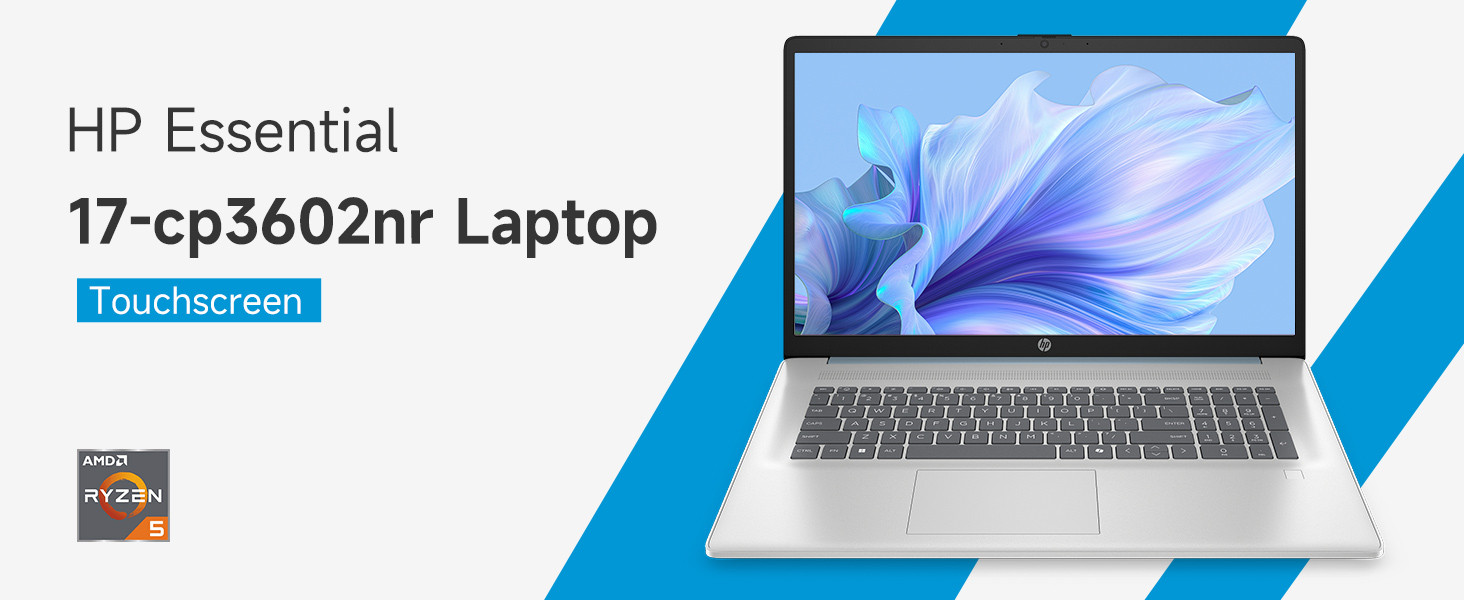
Изображение: Оверview of the HP 17.3-inch Touchscreen Laptop highlighting its main features.
2. Настройка
2.1 Распаковка и первоначальный осмотр
Аккуратно извлеките ноутбук и все аксессуары из упаковки. Убедитесь, что все компоненты на месте:
- Ноутбук HP с 17.3-дюймовым сенсорным экраном
- Адаптер питания и шнур питания
- Документация (краткое руководство пользователя, информация о гарантии)
Inspect the laptop for any physical damage. If any damage is found or components are missing, contact your retailer or HP support immediately.
2.2 Подключение адаптера питания
Connect the power adapter to the laptop's AC smart pin port and then plug the power cord into a wall outlet. The laptop can be used while charging, but it is recommended to fully charge the battery before first use.
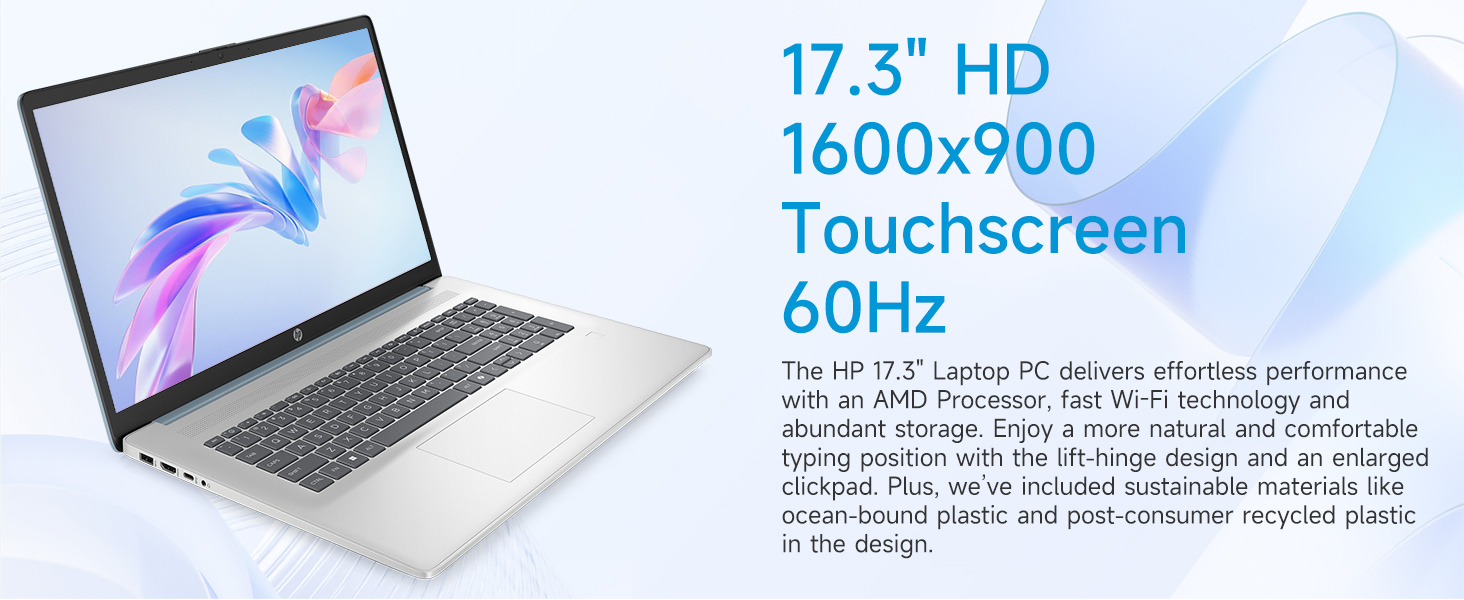
Image: Laptop ports and their locations, including the AC smart pin.
2.3 Первое включение питания и установка Windows 11
Press the power button to turn on the laptop. Follow the on-screen instructions to complete the Windows 11 Home setup process. This includes:
- Выбор региона и раскладки клавиатуры.
- Connecting to a Wi-Fi network (Wi-Fi 6 supported).
- Вход в систему или создание учетной записи Microsoft.
- Установка PIN-кода или пароля.
- Настройка параметров конфиденциальности.
2.4 Настройка считывателя отпечатков пальцев
During the Windows 11 setup or later via Windows Settings, you can configure the integrated fingerprint reader for secure login. Follow the prompts to register your fingerprints.
3. Работа с ноутбуком
3.1 Базовая навигация
Your HP laptop features a 17.3-inch HD+ (1600 x 900) touchscreen display, a touchpad, and a full-size keyboard for navigation.
- Сенсорный экран: Use gestures similar to a smartphone or tablet for direct interaction with the display.
- Сенсорная панель: Supports multi-touch gestures for scrolling, zooming, and more.
- Клавиатура: Включает цифровую клавиатуру для удобного ввода данных.
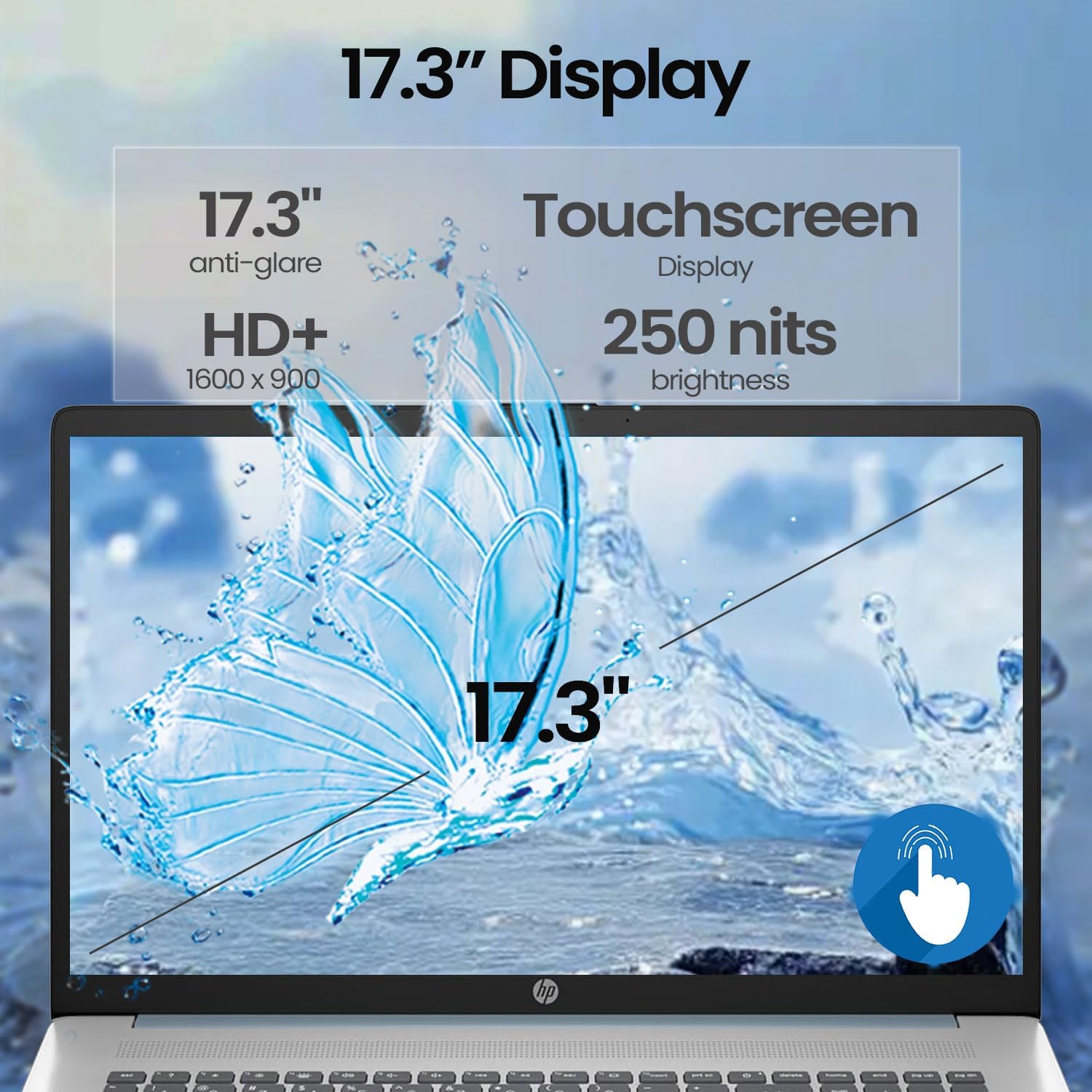
Image: A finger interacting with the laptop's touchscreen display.
3.2 Клавиатура с подсветкой
The keyboard features backlighting for improved visibility in low-light conditions. The backlight can typically be toggled or adjusted using a dedicated function key (often Fn + F5 or similar, refer to your specific model's keyboard layout).
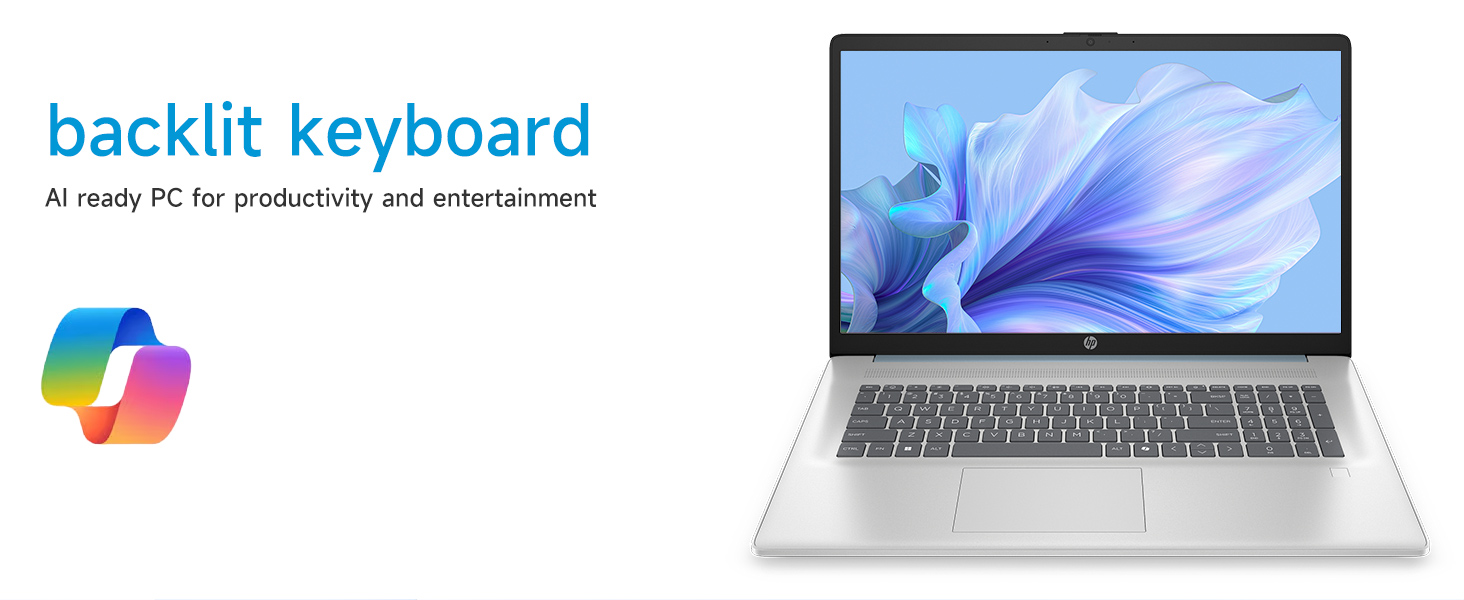
Image: The laptop's backlit keyboard in operation.
3.3 Использование сканера отпечатков пальцев
Once configured, simply place your registered finger on the fingerprint reader (usually located near the keyboard or power button) to log in to Windows or authenticate applications.

Image: Illustration of the fingerprint reader for secure access.
3.4 Подключение внешних устройств
Ваш ноутбук оснащен различными портами:
- USB Type-C 5Gbps signaling rate: Для подключения современных устройств USB-C.
- USB Type-A 5Gbps signaling rate (x2): Для стандартных USB-устройств, таких как мыши, клавиатуры или внешние накопители.
- HDMI 1.4б: Connects to external monitors or TVs for extended display.
- Комбинированный разъем для наушников/микрофона: Для подключения гарнитур или внешних аудиоустройств.
Simply plug the compatible device into the appropriate port. Most devices are plug-and-play and will be recognized automatically by Windows.
3.5 WebИспользование камеры
Интегрированный webcam can be used for video calls, online meetings, and capturing photos/videos. Access it through applications like Camera, Microsoft Teams, Zoom, or other communication software.
4. Техническое обслуживание
4.1 Чистка ноутбука
- Экран: Используйте мягкую, безворсовую ткань, слегкаampСмочите экран водой или чистящим средством. Избегайте использования агрессивных химикатов.
- Корпус и клавиатура: Используйте мягкую сухую ткань. Для удаления стойких загрязнений используйте слегка мягкую ткань.amp cloth can be used. Avoid getting moisture into ports or vents.
- Вентили: Периодически используйте сжатый воздух для очистки вентиляционных отверстий от пыли, чтобы предотвратить перегрев.
4.2 Уход за аккумулятором
- Избегайте частой полной разрядки аккумулятора.
- Если вы не используете ноутбук в течение длительного времени, храните его в прохладном, сухом месте.
- Используйте только оригинальный адаптер питания HP.
4.3 Обновления программного обеспечения
Регулярно проверяйте наличие и устанавливайте обновления Windows и драйверов с официального сайта поддержки HP. webсайт для обеспечения стабильности, безопасности и оптимальной производительности системы.
4.4 Управление хранением
Периодически убирайте ненужное. files, uninstall unused applications, and manage your 512GB PCIe NVMe M.2 SSD to maintain fast boot-up and data transfer speeds.
5. Поиск Неисправностей
В этом разделе рассматриваются распространенные проблемы, с которыми вы можете столкнуться при использовании ноутбука HP.
5.1 Проблемы с питанием
- Ноутбук не включается: Ensure the power adapter is securely connected to both the laptop and a working power outlet. Try a different outlet. If the battery is completely drained, it may take a few minutes of charging before the laptop can power on.
- Аккумулятор не заряжается: Verify the power adapter and cable are not damaged. Check the charging indicator light on the laptop.
5.2 Проблемы с отображением
- Нет изображения на экране: Connect an external monitor via HDMI to check if the issue is with the laptop's internal display. Restart the laptop.
- Сенсорный экран не отвечает: Перезагрузите ноутбук. Убедитесь, что драйверы дисплея обновлены.
5.3 Проблемы с сетевым подключением
- Не могу подключиться к Wi-Fi: Убедитесь, что Wi-Fi включен в настройках Windows. Перезагрузите маршрутизатор и модем. Проверьте наличие обновленных драйверов Wi-Fi.
5.4 Input Device Problems
- Клавиатура или сенсорная панель не отвечают: Перезагрузите ноутбук. Проверьте наличие обновленных драйверов в Диспетчере устройств.
- Сканер отпечатков пальцев не работает: Ensure your fingerprints are properly enrolled in Windows Hello settings. Clean the sensor.
For persistent issues, consult the HP support webсайт или обратитесь в службу поддержки клиентов HP.
6. Технические характеристики
Detailed technical specifications for the HP 17.3-inch Touchscreen Laptop (Model 17-cp3602nr).
| Особенность | Спецификация |
|---|---|
| Бренд | HP |
| Название модели | 17-cp3602nr |
| Процессор | AMD Ryzen 5 7430U (6 ядер, 12 потоков, до 4.3 ГГц) |
| Графика | AMD Radeon Graphics (интегрированная) |
| БАРАН | 16 ГБ DDR4 SDRAM (3200 МГц) |
| Хранилище | SSD-накопитель PCIe NVMe M.2 емкостью 512 ГБ |
| Отображать | 17.3-inch HD+ (1600 x 900) Touchscreen, Anti-glare, 250 nits, 60% NTSC, 60 Hz |
| Операционная система | Windows 11 Домашняя |
| Связность | Wi-Fi 6 (802.11ax) |
| Порты | 1x USB Type-C 5Gbps, 2x USB Type-A 5Gbps, 1x HDMI 1.4b, 1x Headphone/Microphone Combo, 1x AC Smart Pin |
| Особые возможности | Backlit Keyboard, Fingerprint Reader, Numeric Keypad, Webкулачок |
| Габариты (Д x Ш x Толщина) | 15.78" x 10.15" x 0.81" |
| Цвет | Синий |
| СКП | 199485902807 |
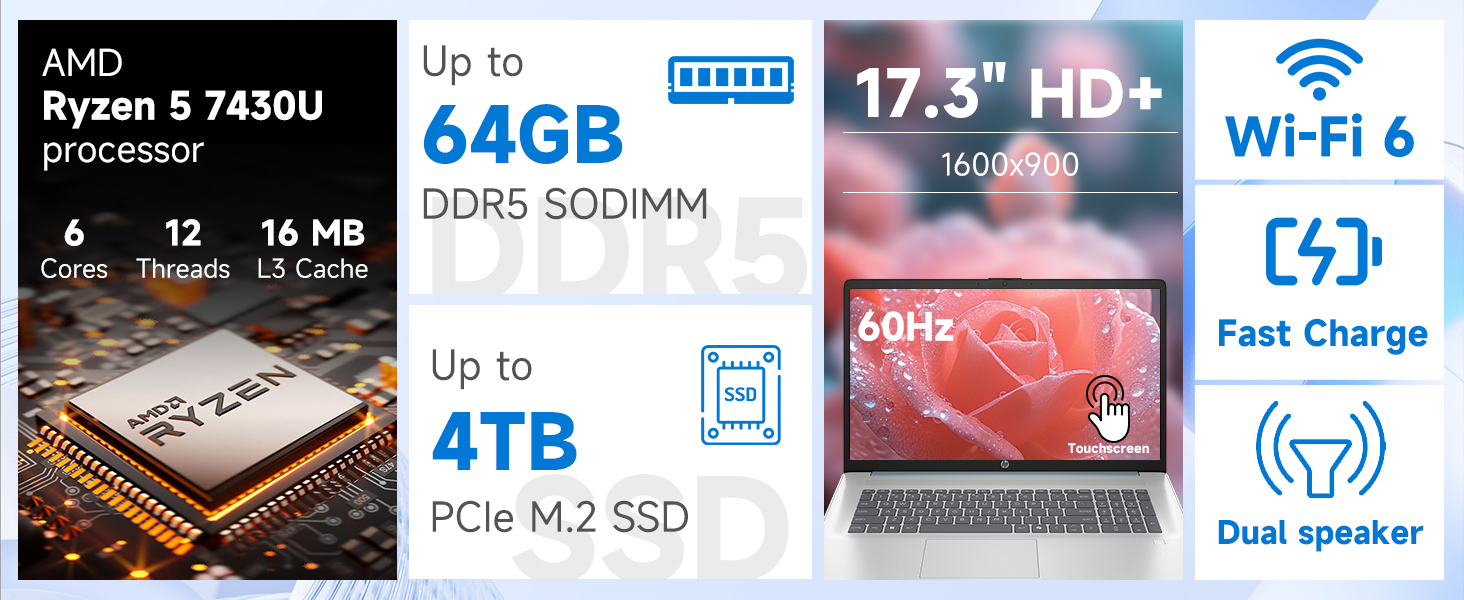
Изображение: подробное view of the AMD Ryzen 5 7430U processor specifications.
7. Гарантия и поддержка
Your HP laptop comes with a standard manufacturer's warranty. For specific warranty terms and conditions, please refer to the documentation included with your product or visit the official HP support webДля получения технической помощи, загрузки драйверов и дальнейшей поддержки, пожалуйста, посетите сайт. support.hp.com.