1. Введение
This manual provides detailed instructions for the setup, operation, maintenance, and troubleshooting of your Tabwee T90 Android 16 Tablet. Please read this manual thoroughly before using your device to ensure proper functionality and to maximize your user experience.

Image: The Tabwee T90 tablet shown with its full suite of accessories, including a detachable keyboard, wireless mouse, stylus, protective case, charging adapter, and USB cable. This illustrates the complete package contents.
2. Содержимое упаковки
Проверьте наличие всех предметов в упаковке:
- Tabwee T90 Tablet
- Bluetooth-клавиатура
- Беспроводная мышь
- Стилус-ручка
- Защитный чехол
- Защитная фильм
- Адаптер питания (Type-C)
- USB-кабель для передачи данных (Type-C)
- Руководство пользователя

Image: A visual representation of the Tabwee T90 tablet's dimensions and all components included in the retail package, such as the tablet, keyboard, mouse, stylus, and various cables and covers.
3. Начальная настройка
3.1 Зарядка планшета
Before first use, fully charge the tablet using the provided Type-C power adapter and USB cable. The charging port is located on the side of the tablet.

Image: The Tabwee T90 tablet being charged via its Type-C port, highlighting its 8000mAh battery and estimated usage times for various activities like web Просмотр веб-страниц, воспроизведение видео, игры и музыка.
3.2 Включение/выключение питания
- Для включения: Нажмите и удерживайте кнопку питания, пока не загорится экран.
- Чтобы выключить: Нажмите и удерживайте кнопку питания, затем выберите «Выключить» в списке доступных опций.
3.3 Начальная конфигурация
Следуйте инструкциям на экране, чтобы завершить первоначальную настройку, включая:
- Выбор языка
- Wi-Fi подключение к сети
- Вход в аккаунт Google
- Настройки даты и времени
- Security settings (PIN, pattern, password, or face recognition)

Image: A collage of screenshots demonstrating key Android 16 features such as real-time notifications, robust security measures, access to the Google Play Store for app downloads, and options for regional language optimization.
3.4 Подключение аксессуаров
The Tabwee T90 comes with a Bluetooth keyboard and mouse. To connect them:
- Включите Bluetooth на планшете через Настройки > Подключенные устройства > Bluetooth.
- Put the keyboard/mouse into pairing mode (refer to their individual manuals if needed).
- Выберите аксессуар из списка доступных устройств на вашем планшете для сопряжения.
The stylus pen does not require pairing.
4. Использование планшета
4.1 Интерфейс Android 16
The Tabwee T90 runs on Android 16, offering an intuitive and enhanced user experience with improved security and performance. Features include real-time notifications, efficient multitasking, and smart operational capabilities.
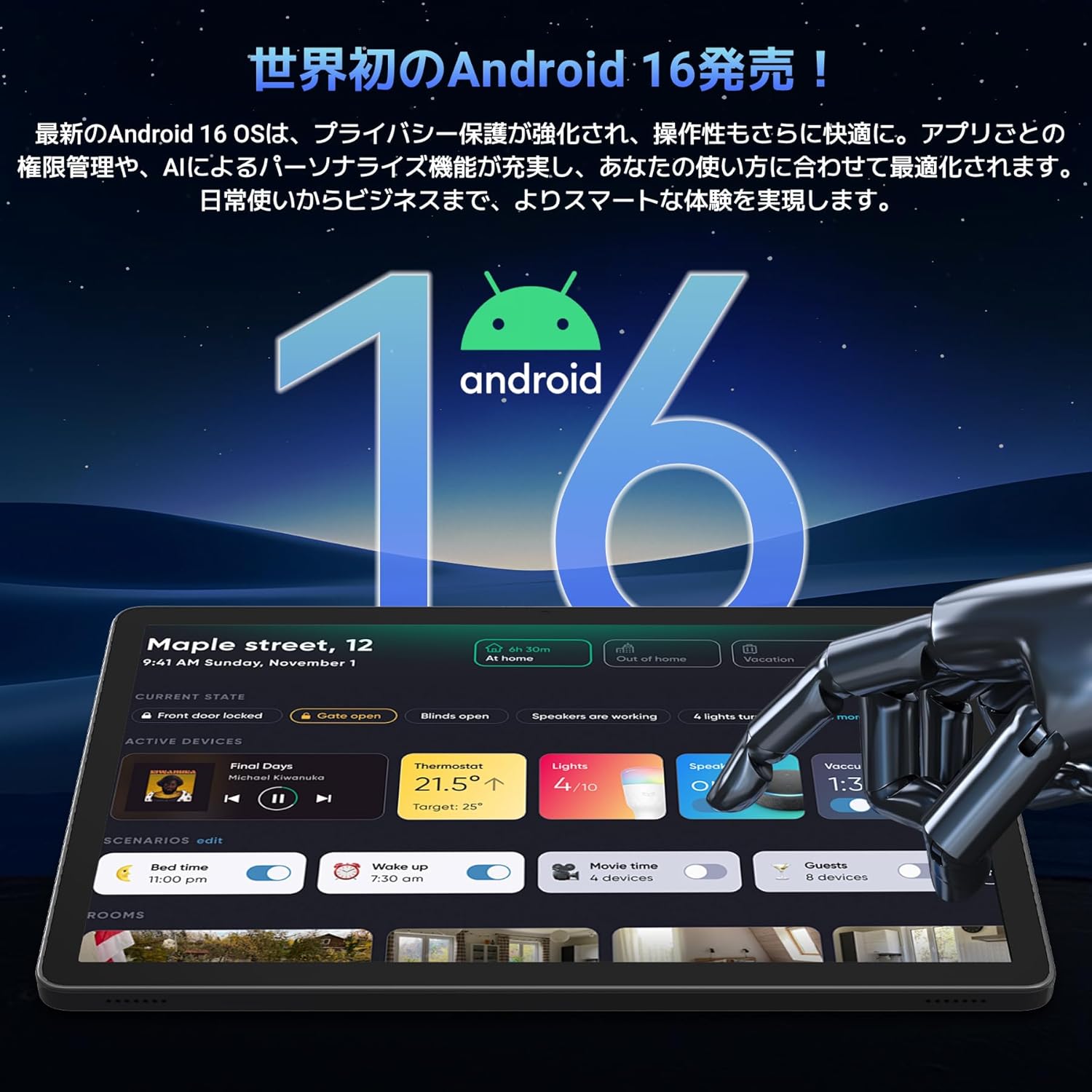
Image: A visual representation of the Android 16 operating system logo and its modern interface displayed on the Tabwee T90 tablet, emphasizing its new features and design.
4.2 Display and Media Playback
The 11-inch FHD IPS display (1920x1200 resolution) provides clear and vibrant visuals. With Widevine L1 support, you can stream high-definition content (1080p and above) from services like Netflix and Amazon Prime Video.

Image: The Tabwee T90 tablet showcasing a high-definition video of a baseball game, demonstrating its 11-inch FHD display and compatibility with streaming platforms like Netflix, YouTube, HBO, and Prime Video via Widevine L1.
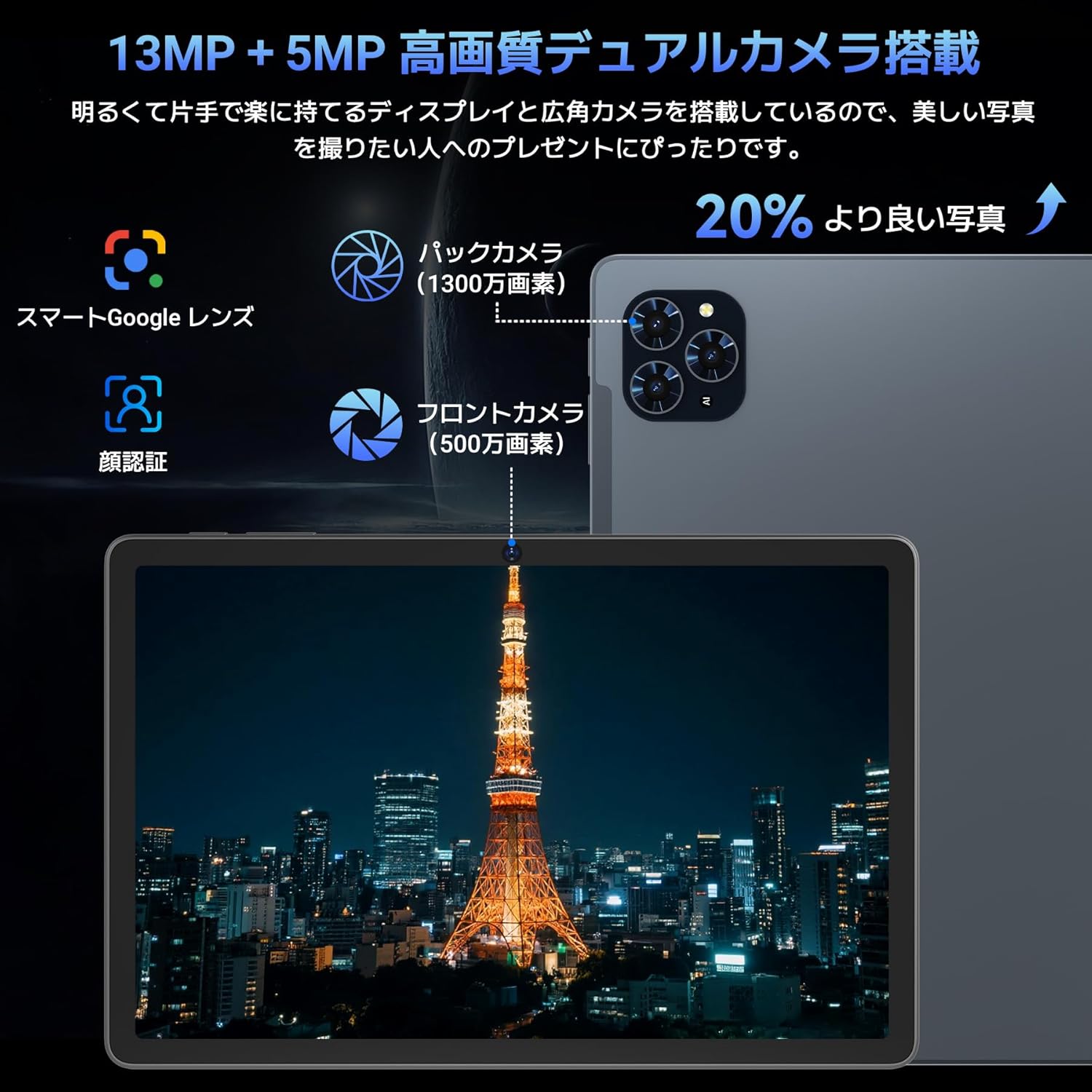
4.3 Camera and Imaging
The tablet features a 5MP front camera for video calls and selfies, and a 13MP rear camera for capturing photos. Android 16's AI image processing enhances photo quality, and HEVC video encoding ensures stable editing and improved video quality. Google Lens integration allows for smart recognition, scanning, translation, and search functions.
Изображение: Подробный view of the Tabwee T90 tablet's camera system, indicating a 13MP rear camera and a 5MP front camera. An example photo of Tokyo Tower is displayed on the screen, illustrating image capture capabilities.
4.4 Распознавание лиц
Utilize the face recognition feature for quick and secure unlocking of your tablet. Set it up in Settings > Security & privacy > Face unlock.
4.5 Интеграция Gemini AI
The tablet integrates with Gemini AI, optimizing performance across various scenarios. This AI assists with content recommendations, image processing, and semantic understanding, enhancing daily operations.

Image: A conceptual image depicting Gemini AI as a robotic figure interacting with multiple tablet screens, symbolizing its ability to support various tasks like email composition, schedule management, and information retrieval, enhancing user productivity.
4.6 Custom Keyboard Shortcuts
After connecting a Bluetooth keyboard, you can set custom shortcut keys to launch frequently used applications with a single press. Navigate to Settings > System > Keyboard > Keyboard shortcuts to configure.
5. Техническое обслуживание
5.1 Очистка
- Для очистки экрана и корпуса планшета используйте мягкую безворсовую ткань.
- Избегайте использования едких химикатов и абразивных материалов.
- Для стойких пятен слегка разотритеampСмочите ткань водой или средством для чистки экранов, предназначенным для электронных устройств.
5.2 Уход за аккумулятором
- Избегайте воздействия на планшет экстремальных температур.
- Не допускайте частой полной разрядки аккумулятора.
- Используйте только предоставленное зарядное устройство или сертифицированное совместимое зарядное устройство.
5.3 Обновления программного обеспечения
Регулярно проверяйте наличие и устанавливайте обновления системы для обеспечения оптимальной производительности и безопасности. Перейдите в раздел «Настройки» > «Система» > «Обновление системы».
6. Поиск Неисправностей
6.1 Планшет не включается
- Убедитесь, что планшет достаточно заряжен. Подключите его к зарядному устройству как минимум на 30 минут.
- Нажмите и удерживайте кнопку питания в течение 10–15 секунд, чтобы выполнить принудительную перезагрузку.
6.2 Проблемы с подключением Wi-Fi
- Перезагрузите Wi-Fi-роутер и планшет.
- Забудьте сеть в настройках планшета и подключитесь заново.
- Убедитесь, что вы находитесь в зоне действия сигнала Wi-Fi.
6.3 Accessories Not Connecting
- Ensure Bluetooth is enabled on the tablet.
- Check that the accessory is in pairing mode and has sufficient battery.
- Try restarting both the tablet and the accessory.
6.4 Низкая производительность
- Закройте ненужные фоновые приложения.
- Очистите кэш часто используемых приложений (Настройки > Приложения > [Название приложения] > Хранилище и кэш > Очистить кэш).
- Обеспечьте наличие достаточного места для хранения.
- Периодически перезагружайте планшет.
7. Технические характеристики
| Особенность | Деталь |
|---|---|
| Бренд | ТАБВИ |
| Название модели | Т90 |
| Операционная система | Андроид 16 |
| Процессор | Unisoc T615 Octa-core (2x Cortex-A75 @ 2.0GHz, 6x Cortex-A55 @ 1.8GHz) |
| ГПУ | Мали-G57 |
| БАРАН | 8 ГБ (с возможностью расширения до 24 ГБ за счет виртуальной оперативной памяти) |
| Внутреннее хранилище | 128 ГБ |
| Расширяемое хранилище | Up to 2TB via microSD card (not included) |
| Размер экрана | 11 дюймов |
| Тип дисплея | IPS FHD |
| Разрешение | 1920 x 1200 пикселей |
| Передняя камера | 5МП |
| Задняя камера | 13МП |
| Емкость аккумулятора | 8000мАч |
| Порт зарядки | Тип-С |
| Связность | Wi-Fi (2.4G/5G, 802.11ac), Bluetooth 5.0 |
| Масса | 1.37 кг (прибл. 3.02 фунта) |
| Размеры | 29.1 x 20 x 5.7 см (упаковка) |
| Сертификаты | PSE, GITEKI, GMS |

Image: A detailed diagram illustrating the Unisoc T615 Octa-core CPU, highlighting its architecture with Cortex-A75 and Cortex-A55 cores, Mali-G52 MP1 GPU, and 12nm low power consumption, indicating its high performance.

Image: The Tabwee T90 tablet's screen showing multiple applications, emphasizing its 128GB internal storage and support for up to 2TB external storage, with examples of how many photos, songs, and videos can be stored.
8. Гарантия и поддержка
The Tabwee T90 Tablet comes with a Гарантия 2 годДанная гарантия распространяется на производственные дефекты и обеспечивает качество продукции.
8.1 Обращение в службу поддержки
If you encounter any issues or have questions, please contact customer support through your Amazon account:
- Go to your Amazon account > Order History > Select the relevant order.
- Click on the seller's name (TABWEE Official Store).
- Use the "Ask a question" option to send an email.
Support is available from 9:00 AM to 6:00 PM (excluding holidays). Inquiries will be responded to as quickly as possible.

Image: An illustration representing customer support, featuring a person wearing a headset and working on a laptop, symbolizing assistance for product inquiries and warranty claims.


