Введение
This manual provides essential information for setting up, operating, maintaining, and troubleshooting your TECNO Spark GO 2 smartphone. Please read this guide carefully to ensure optimal performance and longevity of your device.
Настраивать
1. Распаковка и первоначальный осмотр
Аккуратно извлеките все предметы из упаковки. Убедитесь, что все компоненты, перечисленные в разделе «Что в коробке», присутствуют и не повреждены.
2. Установка SIM-карты и карты памяти
- Найдите лоток для SIM-карты на боковой панели устройства.
- Вставьте прилагаемый инструмент для извлечения лотка для SIM-карты в небольшое отверстие рядом с лотком и слегка нажмите, пока лоток не выдвинется.
- Вставьте вашу карту Nano-SIM и/или карту microSD (если применимо) в соответствующие слоты на лотке, убедившись в правильной ориентации.
- Осторожно задвиньте лоток обратно в устройство до щелчка.
3. Зарядка устройства
Before first use, fully charge your TECNO Spark GO 2. Connect the provided USB cable to the phone's charging port and the power adapter. Plug the adapter into a wall outlet. The device supports 15W fast charging.

Надview of TECNO Spark GO 2 features, including AI, durability, display, and battery.
4. Включение и начальная настройка
Press and hold the Power button until the TECNO logo appears. Follow the on-screen instructions to select your language, connect to Wi-Fi, and set up your Google account.
Эксплуатация устройства
1. Основная навигация
The TECNO Spark GO 2 features a responsive touchscreen. Use gestures such as tap, swipe, pinch-to-zoom, and long-press to navigate the interface, open apps, and interact with content.
2. Функции дисплея
Experience smooth visuals on the 6.67-inch Punch-Hole Display with a 120Hz refresh rate. This high refresh rate provides a fluid scrolling and viewопыт.

The 120Hz Dynamic Punch-hole Display offers smooth visuals.
3. Ella AI with Indian Language Support
Your device includes Ella, an AI assistant that supports voice commands in various Indian regional languages. Utilize Ella for productivity tasks and smart interactions.

Ella AI provides support for multiple Indian languages.
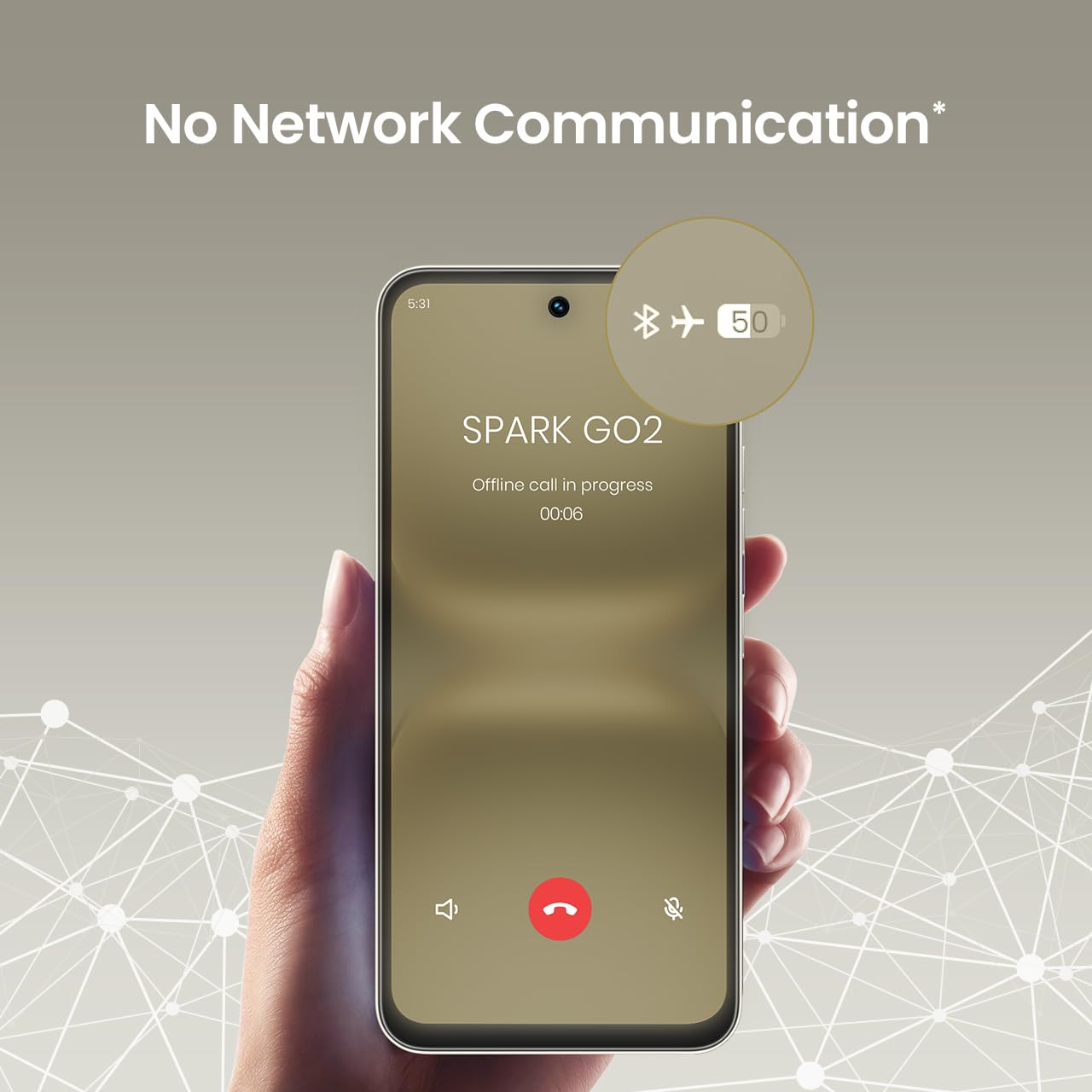
4. No Network Communication Feature
The TECNO Spark GO 2 features a unique 'No Network Communication' capability, allowing certain functions even in areas without cellular signal. Refer to the device's settings for details on how to utilize this feature.

The 'No Network Communication' feature allows limited functionality without cellular service.
5. Использование камеры
Your device is equipped with a 13MP main camera and an 8MP front camera. Open the Camera application to capture photos and videos. Explore various modes and settings for different photographic effects.
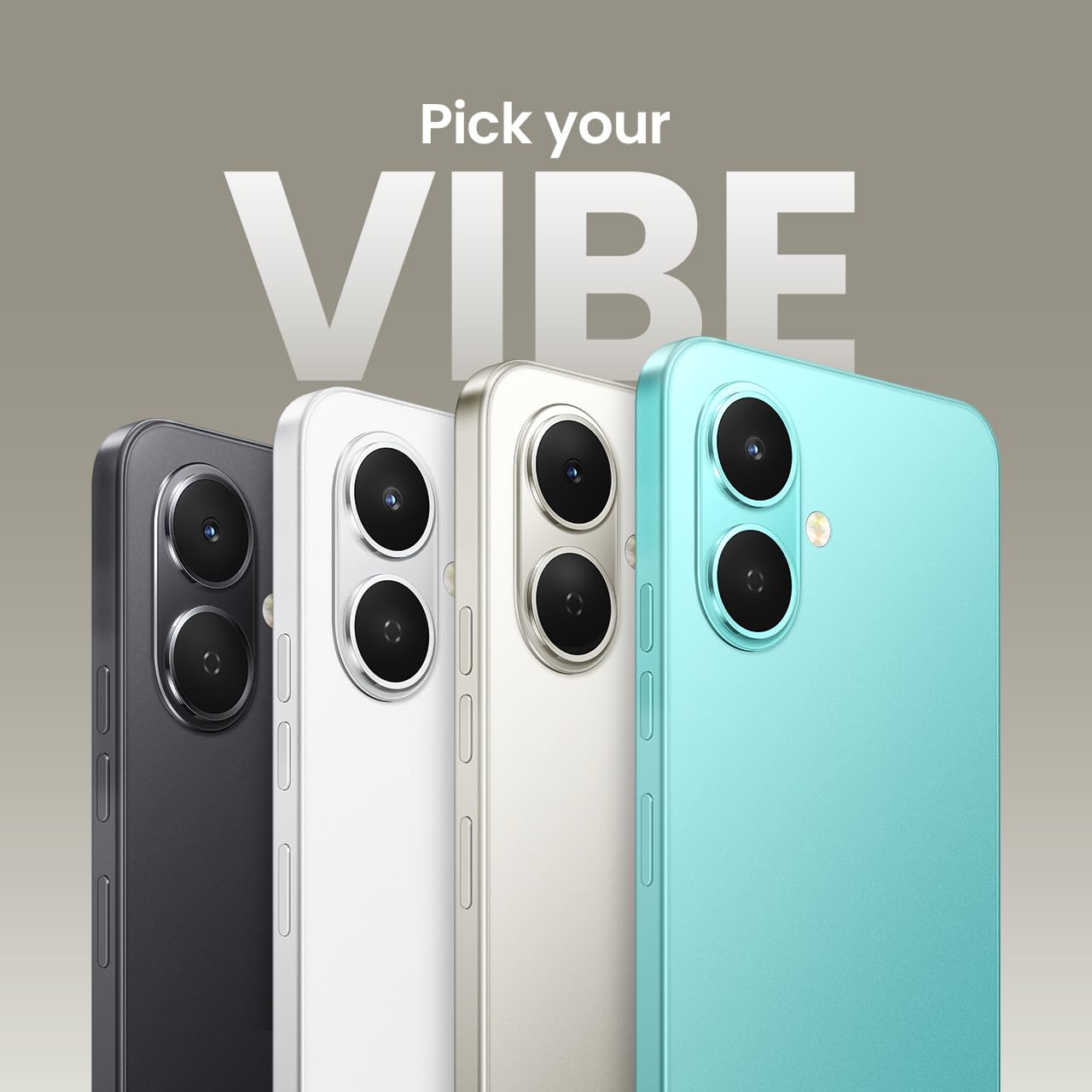
The TECNO Spark GO 2 features a 13MP main camera and an 8MP front camera.
6. AI Active Noise Cancellation
Benefit from AI Active Noise Cancellation during calls to ensure clearer audio by reducing background noise.

AI Active Noise Cancellation enhances call clarity.
Обслуживание
1 Долговечность и защита
The TECNO Spark GO 2 is IP64 rated and SGS certified, offering protection against dust and splashes. While durable, avoid submerging the device in water or exposing it to excessive dust.

The TECNO Spark GO 2 is IP64 rated for dust and splash resistance.
2. Уход за аккумулятором
To maximize battery life, avoid extreme temperatures. Use only the provided charger and cable. For optimal performance, keep the battery charge between 20% and 80% when possible.
Аккумулятор емкостью 11 000 мАч поддерживает быструю зарядку мощностью 15 Вт.
3. Обновления программного обеспечения
Regularly check for and install software updates to ensure your device has the latest features, security patches, and performance enhancements. This contributes to the promised 4 years of lag-free performance.
4. Уборка
Для чистки экрана и корпуса телефона используйте мягкую безворсовую ткань. Избегайте использования едких химикатов или абразивных материалов.
Поиск неисправностей
1. Устройство не отвечает
Если ваше устройство перестало реагировать, нажмите и удерживайте кнопку питания примерно 10-15 секунд, чтобы принудительно перезагрузить его.
2. Аккумулятор быстро разряжается
Check for background apps consuming power. Adjust screen brightness, disable unnecessary features like GPS or Bluetooth when not in use, and ensure your software is up to date.
3 Проблемы с сетевым подключением
If you experience issues with cellular or Wi-Fi connectivity, try restarting your device. Verify that your SIM card is correctly inserted and that you are within network coverage. For Wi-Fi, ensure the router is functioning correctly.
4. Отставание производительности
Close unused applications, clear cache, and ensure sufficient storage space. The device is designed for lag-free performance for up to 4 years, supported by its UNISOC T7250 processor and up to 8GB RAM (including virtual RAM).

The TECNO Spark GO 2 is engineered for 4 years of lag-free performance.

The device offers up to 8GB RAM for smooth multitasking.
Технические характеристики
| Особенность | Деталь |
|---|---|
| Операционная система | Андроид 15 |
| БАРАН | 4 ГБ (до 8 ГБ с виртуальной оперативной памятью) |
| Внутреннее хранилище | 64 ГБ |
| Номер модели | КМ4 |
| Размеры продукта | 16.6 х 7.7 х 0.8 см |
| Вес товара | 186 г |
| Номинальная мощность аккумулятора | 5000 мАч |
| Поддержка зарядки | Быстрая зарядка 15 Вт |
| Отображать | 6.67" Punch-Hole Display, 120Hz Refresh Rate, 720 x 1600 Resolution |
| Основная камера | 13 МП |
| Передняя камера | 8 МП |
| Связность | Bluetooth, инфракрасный порт, USB, Wi-Fi, агрегация несущих 4G 2.0 |
| Аудиоразъем | 3.5 мм |
| Особые возможности | Ella AI with Indian Language Support, IP64 SGS Certified, No Network Communications, AI Active Noise Cancellation |
| Цвет | Титаново-серый |
Что в коробке?
The TECNO Spark GO 2 package typically includes the following items:
- Смартфон TECNO Spark GO 2
- Чехол для телефона
- Адаптер питания
- Выталкиватель лотка SIM-карты
- USB-кабель
Гарантия и поддержка
For warranty information and customer support, please refer to the warranty card included with your product or visit the official TECNO Mobile India website. The manufacturer is G Mobiles India.
For technical assistance or service inquiries, please contact TECNO customer service through their official channels.