Введение
Welcome to your Bose QuietComfort Wireless Noise Cancelling Headphones. These headphones are designed to provide high-fidelity audio and legendary noise cancellation, allowing you to immerse yourself in your audio experience or stay aware of your surroundings. This manual will guide you through the setup, operation, and maintenance of your new headphones.
Что в коробке?
- Bose QuietComfort Bluetooth Headphones
- Green Extreme 20W 2-Port USB-C/USB-A Wall Charger, White
- Audio cable with in-line microphone
- Кабель для зарядки USB-A — USB-C
- Чехол для переноски

Image: Bose QuietComfort Wireless Noise Cancelling Headphones in black.
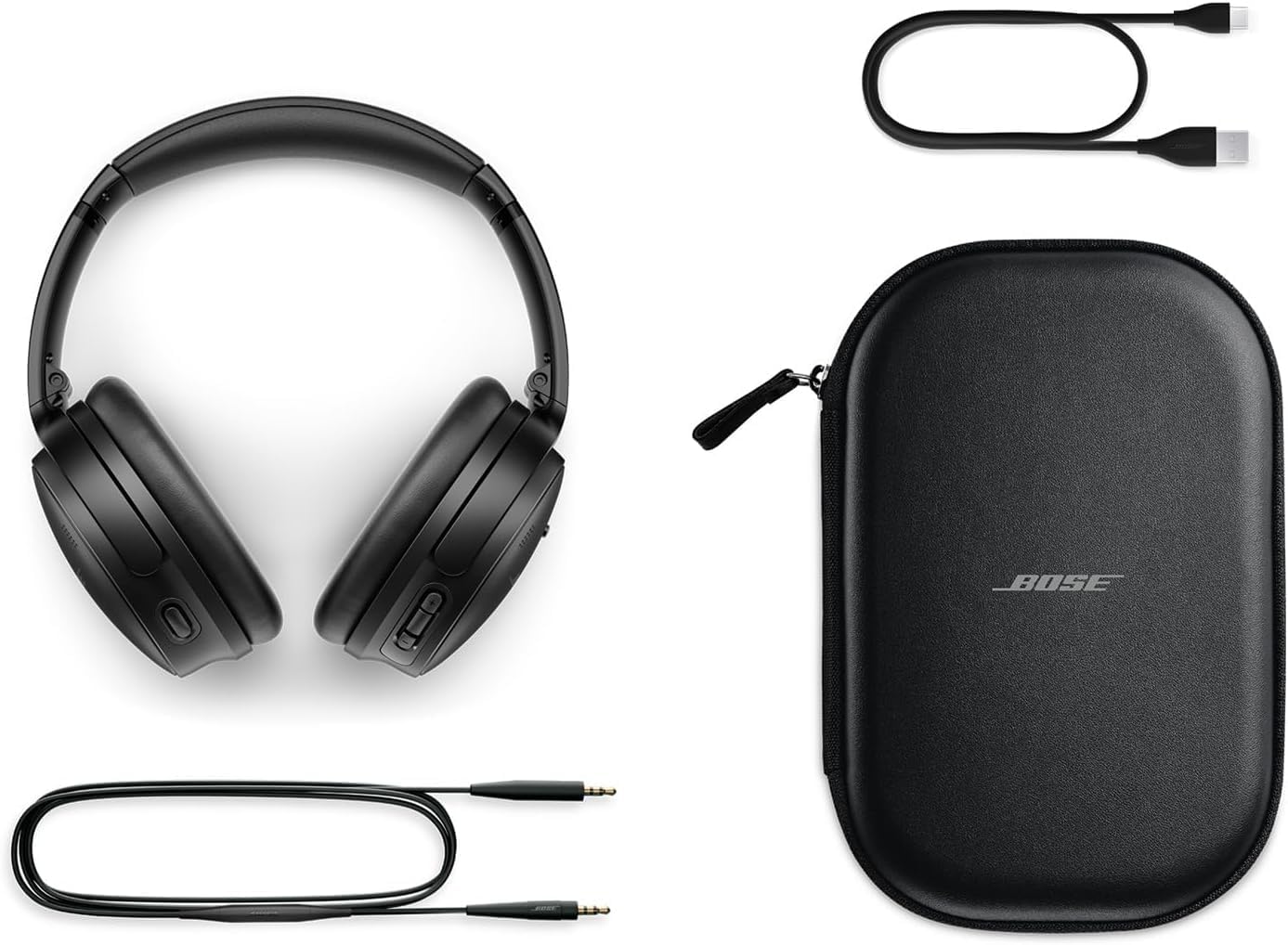
Image: Bose QuietComfort headphones with included accessories: USB-C charging cable, 3.5mm audio cable, and carrying case.
Настраивать
Зарядка наушников
Before first use, fully charge your Bose QuietComfort headphones. Connect the included USB-A to USB-C charging cable to the headphones and the Green Extreme 20W 2-Port USB-C/USB-A Wall Charger. A 15-minute charge provides up to 2.5 hours of additional play time. A full charge offers up to 24 hours of battery life.
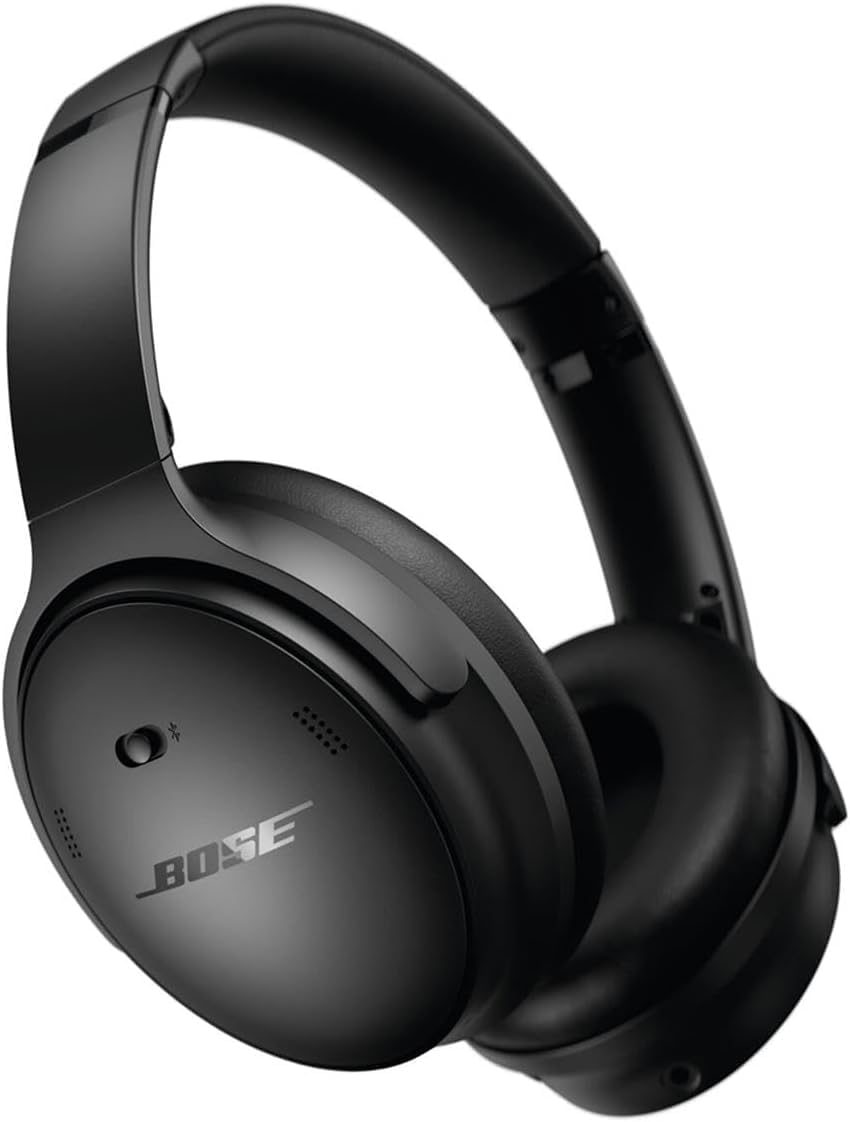
Image: Close-up of the right earcup of the Bose QuietComfort headphones, showing the USB-C charging port and control buttons.
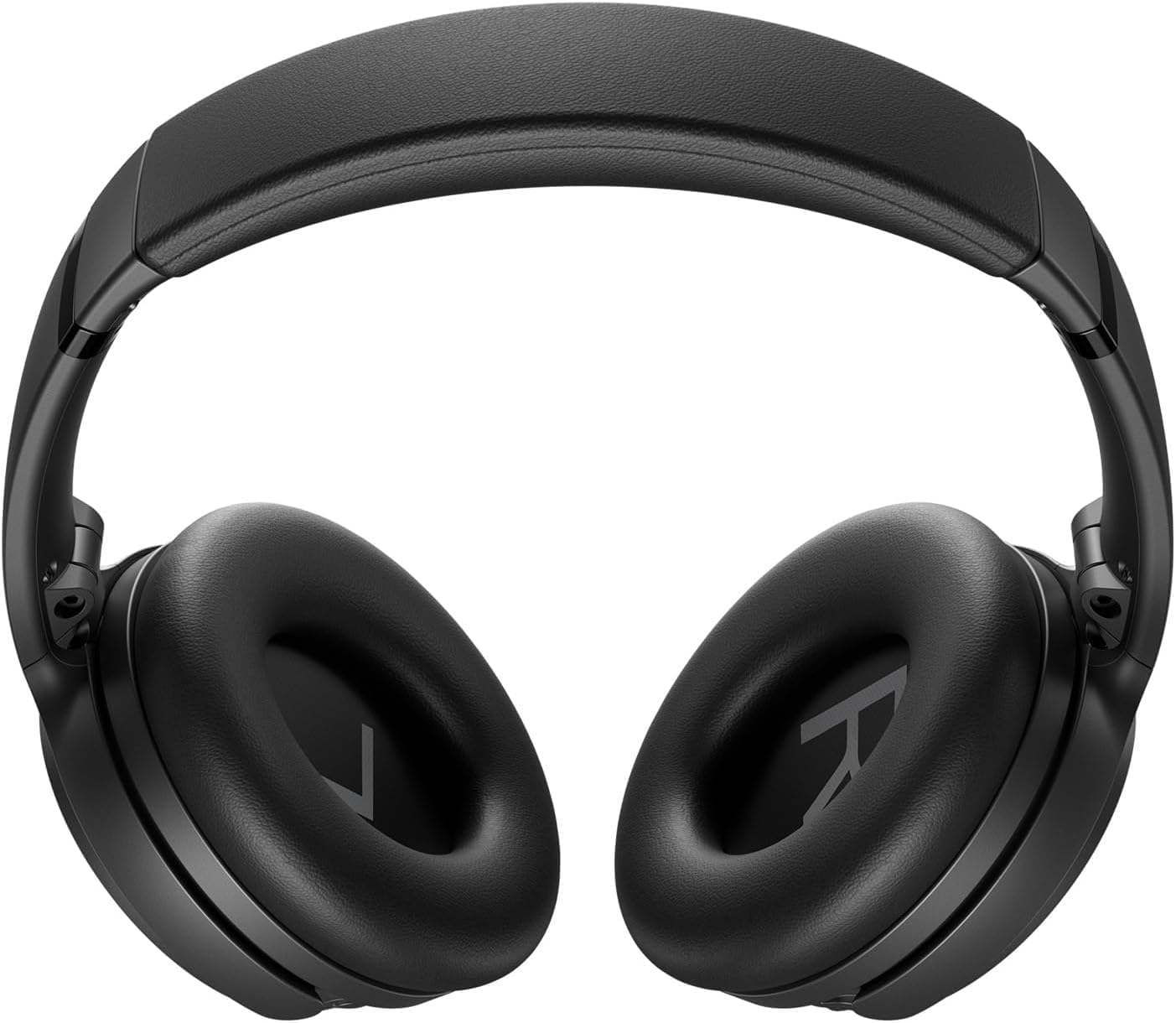
Image: Green Extreme 20W 2-Port USB-C/USB-A Wall Charger, White, being held in a hand.
Bluetooth-сопряжение
Чтобы подключить наушники к устройству:
- Slide the Power/Bluetooth switch to the Bluetooth symbol and hold until the indicator light blinks blue.
- On your device, open Bluetooth settings and select "Bose QuietComfort" from the list of available devices.
- Once connected, the indicator light will glow solid blue.
Инструкция по эксплуатации
Режимы шумоподавления
Your Bose QuietComfort headphones feature two primary listening modes:
- Тихий режим: Provides full noise cancellation, ideal for eliminating distractions and focusing on your audio.
- Информативный режим: Позволяет слышать окружающую обстановку, не прерывая прослушивание музыки, что повышает ситуационную осведомленность.
Воспроизведение аудио и звонки
Use the media control buttons on the earcup to manage playback (play/pause, skip tracks) and handle calls. The integrated microphone ensures clear communication. An included audio cable with an in-line microphone allows for wired connection, even when the battery is depleted.
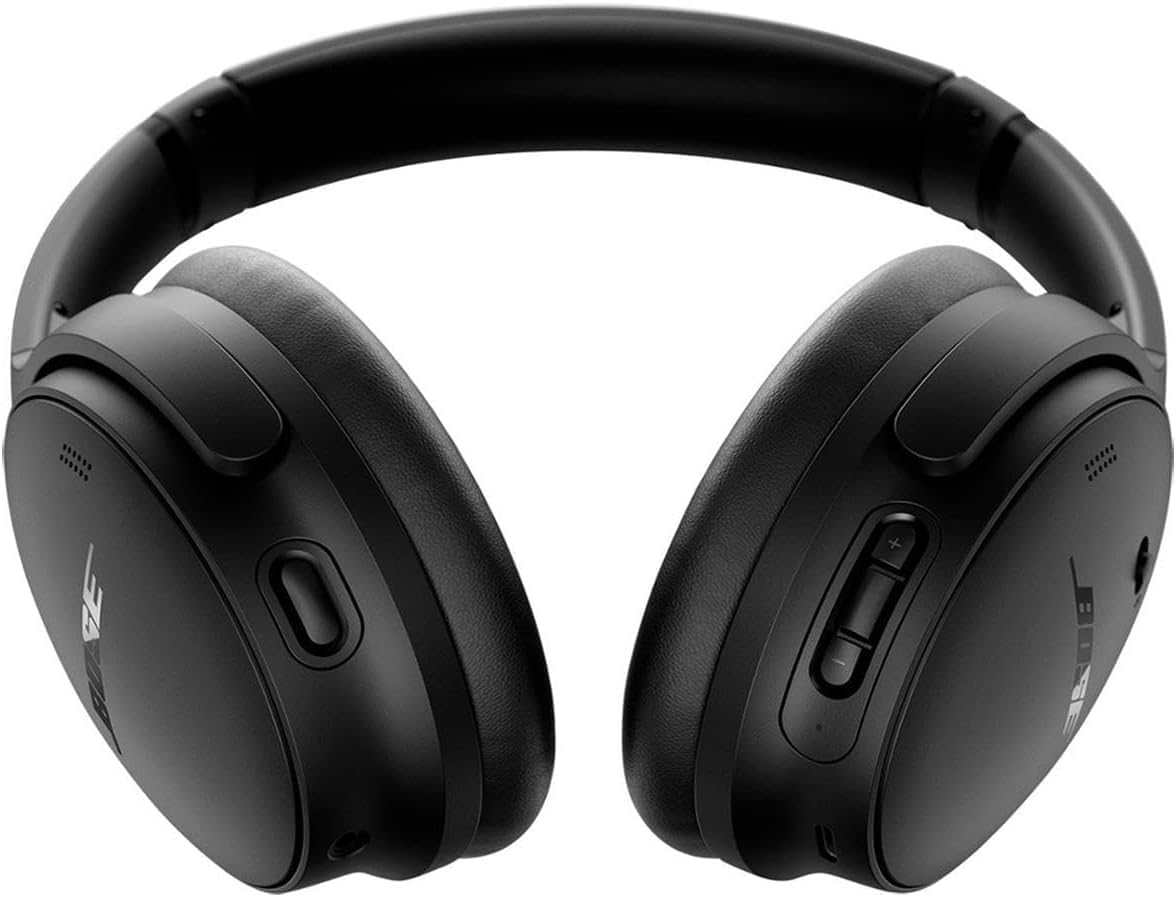
Изображение: Спереди view of the Bose QuietComfort headphones, showing the control buttons on the right earcup.
Обслуживание
Уборка
Wipe the headphones with a soft, dry cloth. Do not use abrasive cleaners or solvents. Ensure charging ports are free of debris.
Хранилище
Когда наушники не используются, храните их в прилагаемом чехле, чтобы защитить от пыли и повреждений.