Введение
The LeapFrog Preschool Game and Go is a handheld video game toy designed to introduce young children to fundamental concepts such as numbers, letters, and shapes through engaging mini-games and music. This device offers a portable and interactive learning experience for children aged 2 years and older.
Что в коробке?
- LeapFrog Preschool Game and Go Handheld Toy
- Краткое руководство пользователя
Note: 3 AAA batteries are included for demo purposes only. New batteries are recommended for regular use.
Настраивать
Установка аккумулятора
- Найдите батарейный отсек на задней панели устройства.
- С помощью отвертки откройте крышку батарейного отсека.
- Вставьте 3 новые батарейки типа ААА, соблюдая правильную полярность (+/-).
- Установите на место крышку батарейного отсека и закрепите ее винтом.
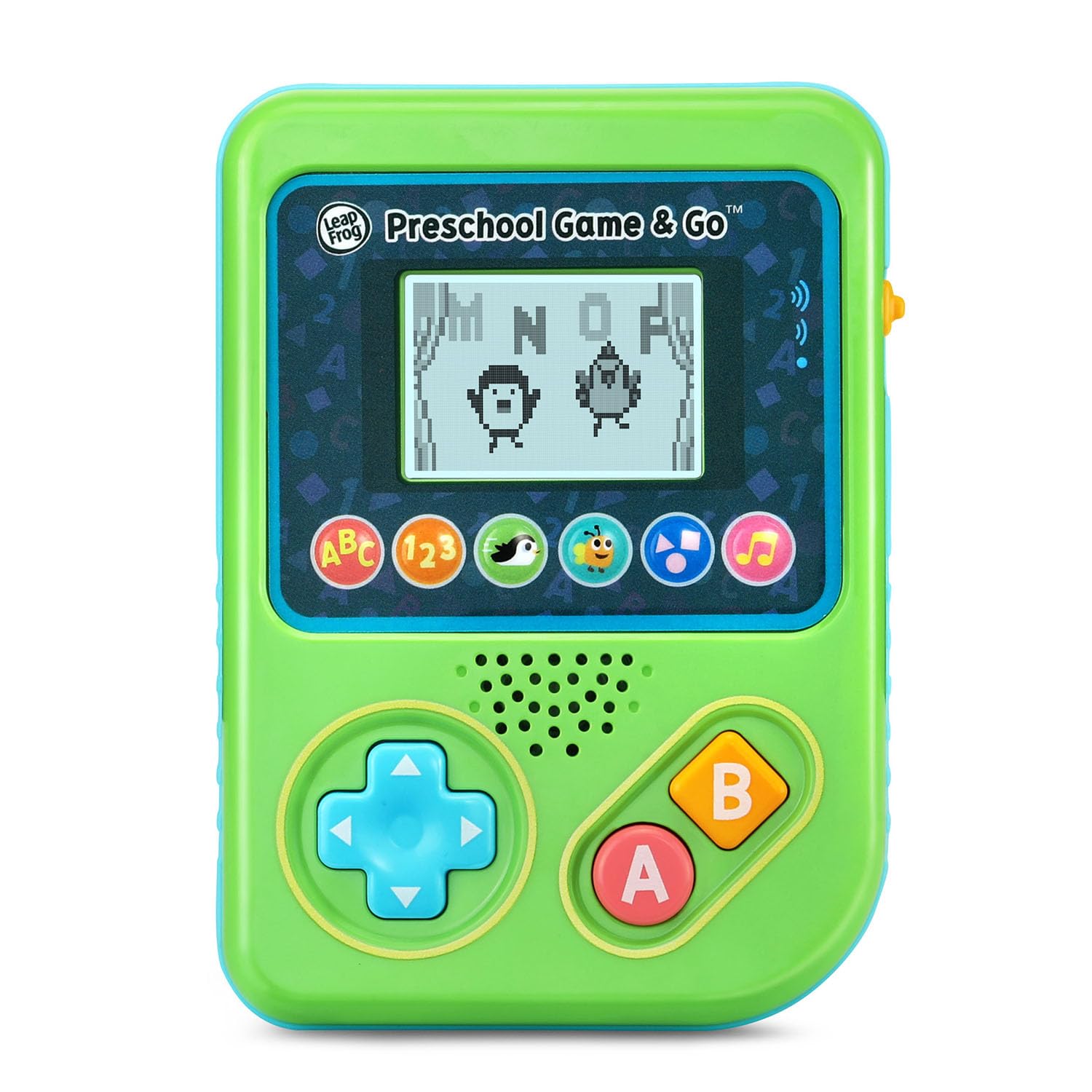
Рисунок 1: Передняя часть view of the LeapFrog Preschool Game and Go.
Включение/выключение питания
- To power on the device, slide the orange power switch located on the right side of the unit upwards.
- To power off the device, slide the orange power switch downwards.
Регулятор громкости
- The device features two volume settings.
- Adjust the volume using the dedicated switch or button, typically located near the power switch, to select between a lower or higher sound output.
Инструкция по эксплуатации
Управление
- Кнопки управления (D-Pad): Located on the left side, use this to navigate menus and control characters within games.
- Кнопка: Typically used for selection or action within games.
- Кнопка B: Typically used for secondary actions or going back in menus.
Выбор игры
The device features six distinct game icons below the screen. Press the corresponding icon to select a game:
- ABC Icon: Activates the ABC Swim game.
- 123 Icon: Activates the 123 Treasure game.
- Penguin Icon: Activates the Letter Slide game.
- Bug Icon: Activates the Snack Track game.
- Shapes Icon: Activates the Shape Ape game.
- Music Note Icon: Activates the Song Shuffle feature.
Personalizing Game Play
You can personalize the experience by adding a child's name (up to 10 characters). The child's name will appear in certain games, such as the Letter Slide game, where they collect letters to spell their name.
Обучающие игры
The LeapFrog Preschool Game and Go includes six exciting learning games:
- ABC Swim: Pop bubbles to explore letter sounds.
- 123 Treasure: Collect coins and count hearts to introduce numbers.
- Letter Slide: Help a penguin slide and jump to collect letters, including those in the child's personalized name.
- Snack Track: Feed a hungry bug by eating and counting snacks.
- Shape Ape: Catch various shapes as they fall from trees.
- Song Shuffle: Dance along to three engaging learning songs.
Видео 1: Официальная видеопрезентация продуктаasing the LeapFrog Preschool Game & Go features and gameplay.
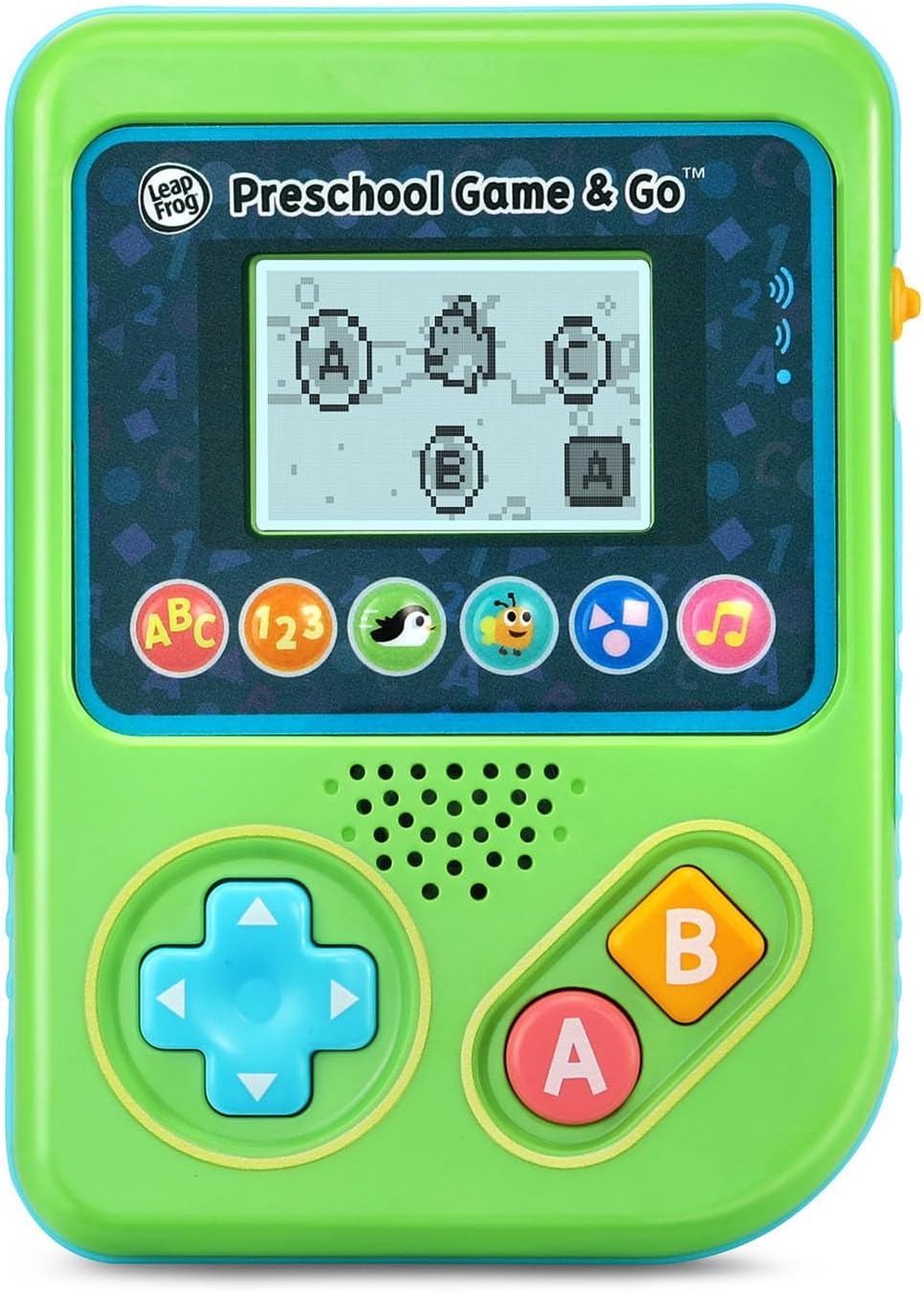
Figure 2: The ABC Swim game interface on the device screen.
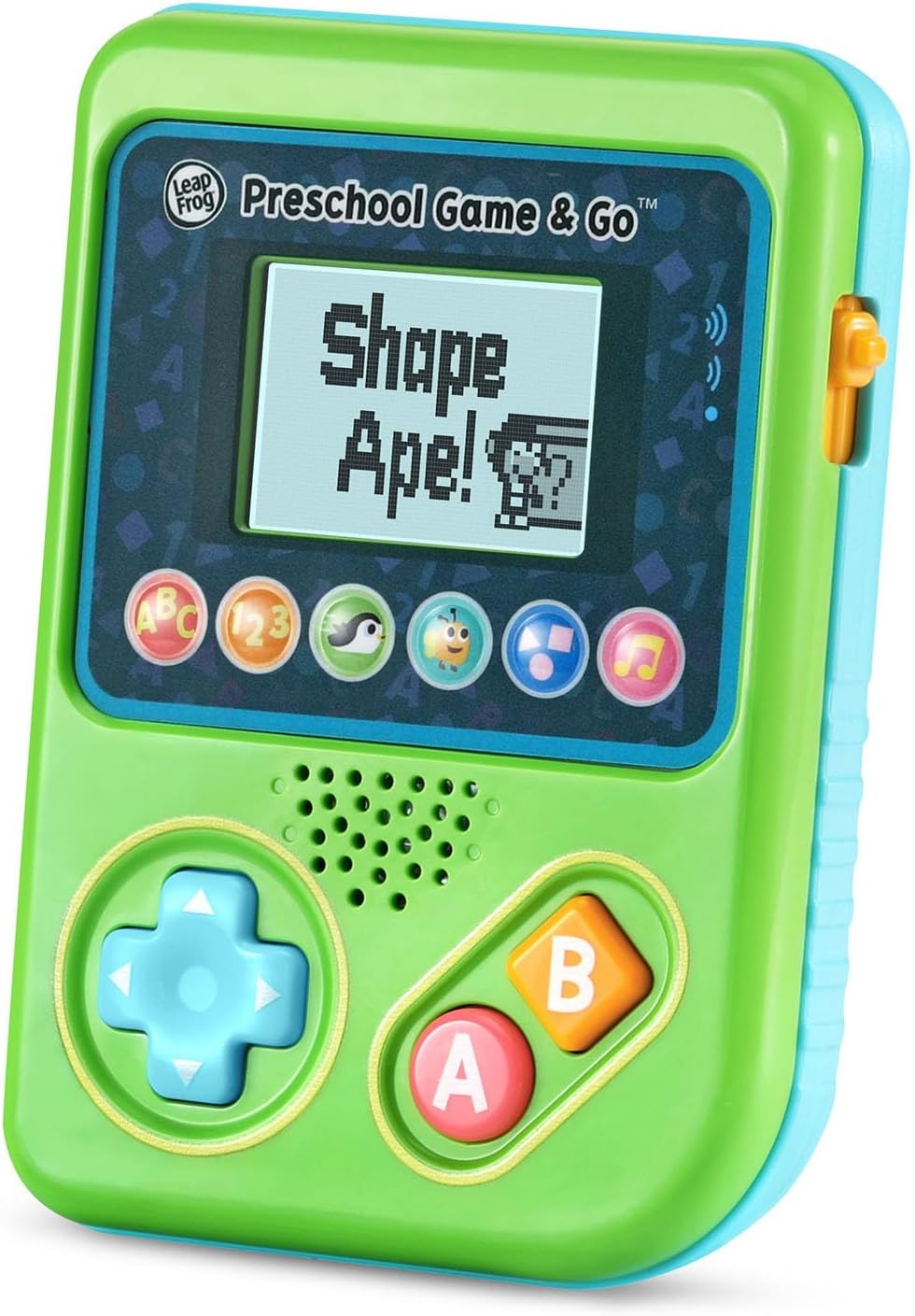
Figure 3: The Shape Ape game interface on the device screen.
Обслуживание
- Для очистки устройства протрите его слегка влажной тряпкой.amp ткань. Не погружать в воду.
- Не подвергайте устройство воздействию экстремальных температур или прямых солнечных лучей.
- Если устройство не будет использоваться в течение длительного времени, извлеките из него батарейки, чтобы предотвратить утечку.
Поиск неисправностей
- Устройство не включается: Ensure fresh batteries are correctly installed. Check the power switch position.
- Нет звука или тихий звук: Adjust the volume switch. Replace batteries if sound is distorted or very low.
- Проблемы с экраном: If the screen is blank or flickering, try turning the device off and on again. Replace batteries if the issue persists.
- Неотвечающие кнопки: Ensure the device is powered on. If a specific button is unresponsive, try cleaning around it. If the issue continues, replace batteries.
Технические характеристики
| Особенность | Деталь |
|---|---|
| Номер модели | 80-621200 |
| Возрастной диапазон | 2+ года |
| Источник питания | Питание от батареи |
| Требуются батареи | 3 AAA batteries (included for demo) |
| Тип контроллера | Кнопка управления |
| Тип дисплея | Цифровой |
| Материал | Пластик |
| Размеры продукта | 1.3 x 4.1 x 5.6 дюйма |
| Вес товара | 6.4 унции |
Гарантия и поддержка
For warranty information, product registration, or additional support, please refer to the contact information provided in the Quick Start Guide included with your product or visit the official LeapFrog webсайт. Сохраните чек о покупке на случай гарантийных претензий.


