1. Информация по технике безопасности
Внимательно прочтите все инструкции по технике безопасности перед использованием данного изделия. Сохраните это руководство для дальнейшего использования.
- Не подвергайте звуковую панель воздействию дождя, влаги или экстремальных температур.
- Не закрывайте вентиляционные отверстия.
- Используйте только те насадки/аксессуары, которые указаны производителем.
- Отключайте звуковую панель от сети во время грозы или при длительном бездействии.
- По всем вопросам обслуживания обращайтесь к квалифицированному персоналу.
2. Содержимое упаковки
Проверьте наличие всех предметов в упаковке:
- THOMSON B210 Bluetooth Soundbar
- Дистанционное управление
- Адаптер питания
- Руководство пользователя
- Аудиокабели (например, оптические, AUX — конкретные модели могут отличаться)
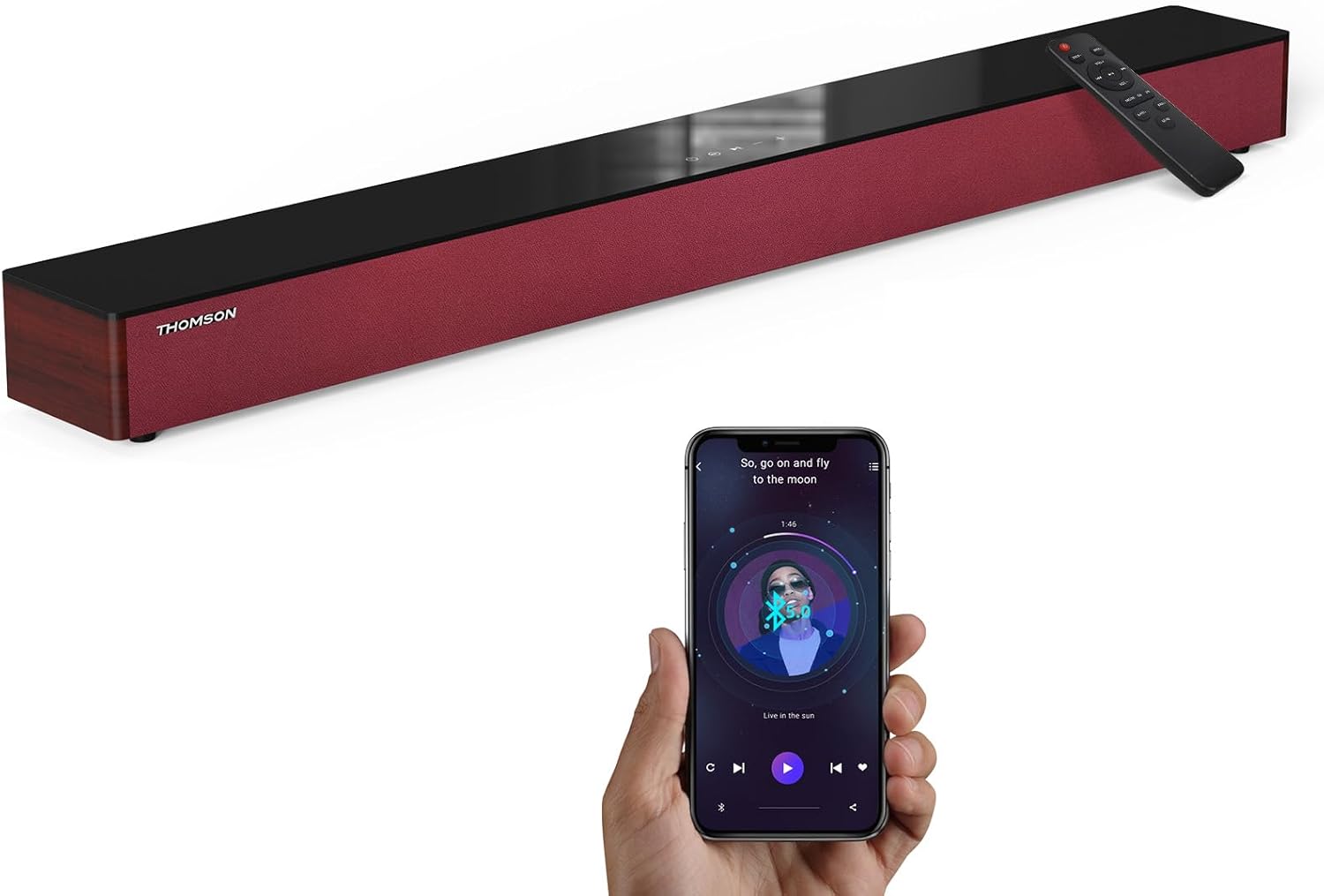
Image: The THOMSON B210 Soundbar, its remote control, and a smartphone demonstrating Bluetooth connectivity.
3. Продукт закончилсяview
3.1 Передняя и верхняя панели
The soundbar features intuitive controls on its top panel for easy access.
3.2 Соединения на задней панели
The rear panel provides various input ports for connecting to different audio sources.

Изображение: подробное view of the soundbar's rear connection ports, including AUX IN, COAXIAL, OPTICAL, HDMI ARC, USB, and DC IN.
Пульт дистанционного управления 3.3
The included remote control allows for convenient operation of all soundbar functions.

Image: A hand operating the soundbar with its remote control, demonstrating wireless command over the device.
4. Настройка
4.1 Размещение
Place the soundbar on a stable, flat surface directly in front of your television for optimal sound dispersion. Ensure there is adequate space around the soundbar for ventilation.
4.2 Подключение питания
- Подключите адаптер питания к разъему DC IN на задней панели саундбара.
- Вставьте другой конец адаптера питания в настенную розетку.
5. Инструкция по эксплуатации
5.1 Включение/выключение питания
Press the Power button on the soundbar's top panel or the remote control to turn the unit on or off.
5.2 Регулятор громкости
Для регулировки уровня звука используйте кнопки увеличения громкости (+) и уменьшения громкости (-) на саундбаре или пульте дистанционного управления.
5.3 Выбор входа
Press the 'MODE' button on the soundbar or remote control to cycle through available input sources: ARC, Optical, AUX, USB, and Bluetooth.
5.4 Режимы эквалайзера
The soundbar offers three distinct equalizer modes to optimize audio for different content types:
- Музыкальный режим: Улучшает четкость звучания музыки и басы.
- Режим кино: Provides a more immersive cinematic experience.
- Режим новостей: Optimizes dialogue for clear speech.
Press the corresponding EQ button on the remote control to select your desired mode.

Image: Visual representation of the soundbar's optimized audio modes for Music, Movie, and News content.
6. Связи
The THOMSON B210 Soundbar supports multiple connection types for versatility.

Image: The soundbar demonstrating its compatibility with multiple devices such as projectors, PCs, game consoles, and smartphones.
6.1 Подключение HDMI ARC
For the best audio quality and control, connect your TV to the soundbar using an HDMI cable via the ARC port.
- Connect one end of an HDMI cable to the HDMI ARC port on your TV.
- Connect the other end to the HDMI ARC port on the soundbar.
- Select 'ARC' as the input source on the soundbar.
6.2 Оптическое соединение
Используйте оптический кабель для высококачественного цифрового аудиоподключения.
- Connect one end of an optical cable to the Optical OUT port on your TV or audio device.
- Connect the other end to the OPTICAL port on the soundbar.
- Select 'Optical' as the input source on the soundbar.
6.3 Подключение AUX
For analog audio devices, use an AUX cable.
- Connect one end of a 3.5mm audio cable to the headphone jack or AUX OUT port on your device.
- Другой конец подключите к порту AUX IN на звуковой панели.
- Select 'AUX' as the input source on the soundbar.
6.4 USB-подключение
Воспроизвести аудио files прямо с USB-накопителя.
- Вставьте USB-накопитель в USB-порт на саундбаре.
- Select 'USB' as the input source on the soundbar.
- Саундбар автоматически начнет воспроизведение совместимого аудио. files.
6.5 Сопряжение по Bluetooth
Подключайте свой смартфон, планшет или другое устройство с поддержкой Bluetooth по беспроводной связи.
- Turn on the soundbar and select 'Bluetooth' mode using the 'MODE' button. The Bluetooth indicator will flash.
- Включите Bluetooth на вашем устройстве и выполните поиск доступных устройств.
- Select 'THOMSON B210' from the list.
- После сопряжения индикатор Bluetooth перестанет мигать и будет гореть постоянно.

Image: A family enjoying entertainment with the soundbar, illustrating seamless Bluetooth connectivity from a smartphone.
7. Техническое обслуживание
Чтобы обеспечить долговечность и оптимальную работу вашей звуковой панели, следуйте следующим рекомендациям по обслуживанию:
- Уборка: Для очистки поверхности звуковой панели используйте мягкую сухую ткань. Не используйте жидкие чистящие средства или абразивные материалы.
- Хранилище: Если вы храните саундбар в течение длительного времени, отключите его от розетки и храните в прохладном, сухом месте.
- Вентиляция: Во избежание перегрева убедитесь, что вентиляционные отверстия не закрыты.
8. Поиск Неисправностей
If you encounter issues with your THOMSON B210 Soundbar, refer to the following common problems and solutions:
| Проблема | Возможная причина | Решение |
|---|---|---|
| Нет электричества | Кабель питания не подключен; Розетка питания неактивна. | Убедитесь, что кабель питания надежно подключен; попробуйте использовать другую розетку. |
| Нет звука | Неправильный источник входного сигнала; Слишком низкая громкость; Включен режим отключения звука; Проблема с кабельным подключением. | Select correct input source; Increase volume; Deactivate mute; Check audio cable connections |
| Сбой сопряжения Bluetooth | Soundbar not in pairing mode; Device Bluetooth off; Device too far | Ensure soundbar is in Bluetooth mode (flashing indicator); Enable Bluetooth on device; Move device closer to soundbar |
| Пульт дистанционного управления не работает | Батареи разряжены; Зазор между пультом дистанционного управления и саундбаром. | Replace remote control batteries; Remove any obstructions; Ensure remote is pointed at the soundbar's sensor |
9. Технические характеристики
Detailed technical specifications for the THOMSON B210 Soundbar:
- Модель: Б210
- Бренд: ТОМСОН
- Размеры продукта: 36.5"Г x 4.7"Ш x 2.9"В (92.7 см x 11.8 см x 7.3 см)
- Вес товара: 11 фунта (примерно 5 кг)
- Максимальная выходная мощность динамика: 50 Вт
- Тип крепления: Настольное крепление
- Версия Bluetooth: 5.3
- Сигнал-шум: 70дБ
- Спикеры: 4 Full Range Speakers, 2 Woofers (Advanced Bass Diaphragms)
- Входные соединения: ARC (HDMI), Optical, AUX, USB, Bluetooth

Image: Physical dimensions of the soundbar, showing length, width, and height in centimeters, along with a view of the rear ports.

Image: Internal component diagram of the soundbar, detailing its 4 high-performance drivers and 2 advanced bass diaphragms for enhanced audio.
10. Гарантия и поддержка
THOMSON products are manufactured to high-quality standards. For warranty information and technical support, please refer to the warranty card included with your product or visit the official THOMSON support webсайт.
For further assistance, please contact THOMSON customer service.


