1. Введение
This manual provides essential information for the safe and efficient operation of your Next YE-65GFSG8-QLED 65-inch UHD 4K Google QLED TV. Please read this manual thoroughly before using the television and retain it for future reference. Your new television combines QLED display technology with the Google TV operating system, offering a high-quality viewing experience and smart features.
2 Важная информация по безопасности
Always follow these basic safety precautions when operating your television:
- Источник питания: Убедитесь, что телевизор подключен к источнику питания с указанным напряжением.tagе диапазон.
- Вентиляция: Не закрывайте вентиляционные отверстия. Оставьте вокруг телевизора достаточно места для свободной циркуляции воздуха.
- Вода и влага: Не подвергайте телевизор воздействию дождя или влаги. Не ставьте на телевизор предметы, наполненные жидкостью, например, вазы.
- Уборка: Перед чисткой отключите телевизор от сети. Используйте мягкую сухую ткань. Не используйте жидкие или аэрозольные чистящие средства.
- Размещение: Установите телевизор на устойчивую ровную поверхность. Не подвергайте его воздействию прямых солнечных лучей и не размещайте вблизи источников тепла.
- Молния: During lightning storms or when unused for long periods, unplug the TV from the power outlet and disconnect the antenna.
- Обслуживание: Не пытайтесь ремонтировать этот продукт самостоятельно. Поручите все обслуживание квалифицированному обслуживающему персоналу.
3. Содержимое упаковки
Verify that all items are present in your TV package:
- Next YE-65GFSG8-QLED 65-inch UHD 4K Google QLED TV
- Дистанционное управление
- Силовой кабель
- Подставка под телевизор (2 шт.) и винты
- Руководство пользователя (этот документ)
- Краткое руководство пользователя
4. Настройка
4.1 Физическая установка
You can install your TV on a stand or mount it on a wall. Ensure the TV is placed on a stable surface or securely mounted.

Изображение: TV Dimensions. This image illustrates the physical dimensions of the 65-inch television, including its width, height, and diagonal screen size of 164 cm (65 inches).
Установка стенда:
- Осторожно положите телевизор экраном вниз на мягкую ровную поверхность, чтобы не повредить экран.
- Прикрепите две части подставки к соответствующим пазам на нижней части телевизора.
- Закрепите стойки прилагаемыми винтами.
- Осторожно поднимите телевизор в вертикальное положение на устойчивой поверхности.
Настенный монтаж:
For wall mounting, use a VESA-compatible wall mount kit (sold separately) that matches the TV's VESA pattern. Follow the instructions provided with your wall mount kit. It is recommended to have professional assistance for wall mounting.
4.2 Подключение периферийных устройств
Подключите внешние устройства к соответствующим портам на задней панели телевизора.
Изображение: Rear Panel Connections. This image displays the various input and output ports located on the back of the television, including HDMI, USB, DVB-S, DVB-T, CI Module, Mini AV-IN, Optical Out, and Ethernet.
- HDMI (АРК): Connect Blu-ray players, game consoles, or other HDMI devices. HDMI 1 supports Audio Return Channel (ARC).
- USB (2x): Подключите USB-накопители для воспроизведения мультимедиа.
- DVB-S / DVB-T: Connect satellite (DVB-S) or terrestrial (DVB-T) antenna cables.
- CI Module: Insert a Common Interface (CI) module for encrypted digital channels.
- Мини AV-вход: Connect older devices using an AV adapter cable.
- Оптический выход: Подключитесь к внешней аудиосистеме для вывода цифрового звука.
- Ethernet: Подключите кабель Ethernet для проводного подключения к Интернету.
- Власть: Подключите кабель питания к телевизору, а затем к розетке.
4.3 Первоначальное включение и первоначальная настройка
- После подключения всех кабелей вставьте шнур питания в электрическую розетку.
- Нажмите кнопку питания на пульте дистанционного управления или на телевизоре.
- The TV will guide you through the initial setup process, which includes:
- Выбор языка
- Подключение к Wi-Fi или Ethernet
- Signing in with your Google Account (required for Google TV features)
- Принятие условий и положений
- Channel scanning (for DVB-S/T)
- Для завершения настройки следуйте инструкциям на экране.
5. Управление телевизором
5.1 Функции дистанционного управления
The remote control allows you to navigate the TV's features. Familiarize yourself with its buttons:
- Власть: Включает и выключает телевизор.
- Google Ассистент: Активирует голосовые команды.
- Навигационная панель (вверх/вниз/влево/вправо/OK): Позволяет перемещаться по меню и выбирать опции.
- Назад: Возврат к предыдущему экрану.
- Дом: Доступ к главному экрану Google TV.
- Объем +/-: Регулирует уровень громкости.
- Канал +/-: Переключает каналы ТВ.
- Вход: Выбор источников входного сигнала (HDMI, AV и т. д.).
- Кнопки приложения: Прямой доступ к популярным потоковым приложениям.
5.2 Навигация по интерфейсу Google TV
Google TV organizes your entertainment with a personalized home screen. Content from your apps is brought together and organized for easy discovery.

Изображение: Google TV Interface. This image shows the main Google TV home screen with various streaming app icons and content recommendations, demonstrating the user interface.
- Главный экран: Отображает персонализированные рекомендации, установленные приложения и быстрый доступ к контенту.
- For You Tab: Provides tailored content suggestions based on your viewпривычки.
- Вкладка «В прямом эфире»: Accesses live TV channels from integrated services.
- Apps Tab: Shows all installed applications. You can download more from the Google Play Store.
- Library Tab: Accesses your purchased or rented content from Google Play.
5.3 Настройки изображения и звука
Чтобы настроить параметры изображения и звука:
- Нажмите Настройки button (usually a gear icon) on your remote.
- Перейти к Дисплей и звук.
- Настройки изображения: Adjust brightness, contrast, color, sharpness, and select picture modes (e.g., Standard, Vivid, Movie, Game). Your QLED TV offers enhanced color saturation.
- Настройки звука: Adjust bass, treble, balance, and select sound modes (e.g., Standard, Music, Movie, Speech).

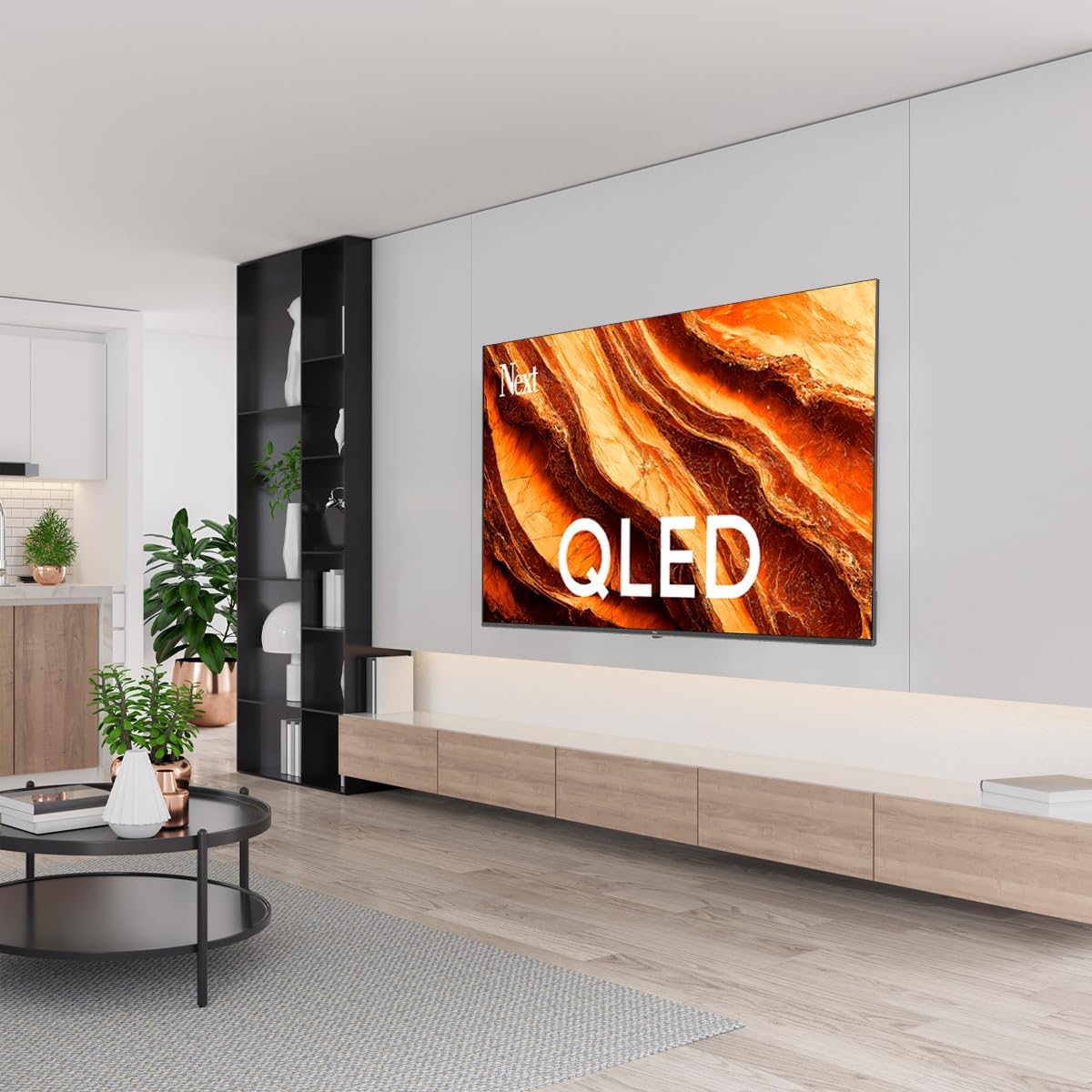
Изображение: QLED Color Saturation. This image visually demonstrates the high color saturation achieved with QLED technology, showing a vibrant and rich color display.

Изображение: HDR (High Dynamic Range). This image illustrates the visual impact of HDR, showcasing improved contrast and color detail in a scene when HDR is enabled versus when it is off.
5.4 Настройки сети
To connect your TV to the internet:
- Нажмите Настройки кнопку на пульте дистанционного управления.
- Перейти к Сеть и Интернет.
- Выбирать Wi-Fi to connect to a wireless network or ensure Ethernet is connected for a wired connection.
- Для подключения к Wi-Fi выберите свою сеть из списка и введите пароль.
6. Техническое обслуживание
6.1 Чистка телевизора
- Перед чисткой всегда отключайте телевизор от сети.
- Аккуратно протрите экран и корпус телевизора мягкой, сухой и безворсовой тканью.
- Для удаления стойких пятен слегка потритеampen the cloth with water or a specialized screen cleaner (ensure it's safe for TV screens). Never spray cleaner directly onto the screen.
- Избегайте использования абразивных чистящих средств, восков или растворителей.
6.2 Обновления программного обеспечения
Your TV may receive software updates to improve performance and add new features. It is recommended to keep your TV's software updated.
- Убедитесь, что ваш телевизор подключен к Интернету.
- Нажмите Настройки кнопку на пульте дистанционного управления.
- Перейти к Система > О > Обновление системы.
- Выбирать Проверить наличие обновлений.
- Следуйте инструкциям на экране, чтобы загрузить и установить все доступные обновления.
7. Поиск Неисправностей
Если у вас возникли проблемы с телевизором, ознакомьтесь со следующими распространенными проблемами и решениями:
| Проблема | Возможная причина/решение |
|---|---|
| Нет электричества | Проверьте, надежно ли подключен шнур питания к телевизору и розетке. Убедитесь, что розетка исправна. |
| Нет изображения, но есть звук | Проверьте источник входного сигнала. Убедитесь, что подключенное устройство включено и работает правильно. |
| Нет звука, но есть изображение | Check the volume level and mute status. Verify audio cable connections for external devices. Check TV sound settings. |
| Пульт дистанционного управления не работает | Замените батарейки. Убедитесь, что между пультом ДУ и ИК-датчиком телевизора нет препятствий. |
| Невозможно подключиться к Wi-Fi | Ensure your Wi-Fi router is on and within range. Re-enter the Wi-Fi password carefully. Try restarting the TV and router. |
| Приложения работают медленно или зависают | Close unused apps. Clear app cache (Settings > Apps > See all apps > [App Name] > Clear cache). Ensure a stable internet connection. |
Если проблема сохраняется после применения этих решений, обратитесь в службу поддержки клиентов.
8. Технические характеристики
Technical specifications for the Next YE-65GFSG8-QLED 65-inch UHD 4K Google QLED TV:
- Бренд: Следующий
- Модельный год: 2025
- Разрешение: 4K (3840x2160)
- Технология отображения: QLED
- Размер экрана: 65 дюйма (165 см)
- Соотношение сторон: 16:9
- Частота обновления: 60 Гц
- Основные характеристики: Бескаркасный дизайн
- Связь: Bluetooth, Ethernet, HDMI (ARC), USB (2x), Wi-Fi
- Размеры продукта: 27.8 см x 144.6 см x 88.9 см
- Масса: 16.3 Килограмма
- Операционная система: Гугл ТВ
- Включенные компоненты: Дистанционное управление
- Страна происхождения: Турция
9. Гарантия и поддержка
Your Next YE-65GFSG8-QLED TV comes with a manufacturer's warranty. Please refer to the warranty card included in your package for specific terms and conditions, including the warranty period and coverage details.
For technical support, service requests, or further assistance, please contact Next customer service. Contact information can typically be found on the manufacturer's webсайте или в гарантийной документации.
- Онлайн поддержка: Visit the official Next website for FAQs, troubleshooting guides, and support contact details.
- Сервисные центры: For hardware issues, locate an authorized service center near you.


