1. Введение
The NEDIS SmartLife Outdoor Pan-Tilt Spotlight Camera (WIFICO22CWT) is designed to enhance your home security with advanced features and seamless integration. This manual provides essential information for the proper installation, operation, and maintenance of your camera.
Key features include a 3MP (1296p) sensor for clear images, remote pan and tilt control, automatic tracking, color and infrared night vision, two-way audio, motion and sound detection with instant notifications, and an IP65 weatherproof rating for outdoor reliability.
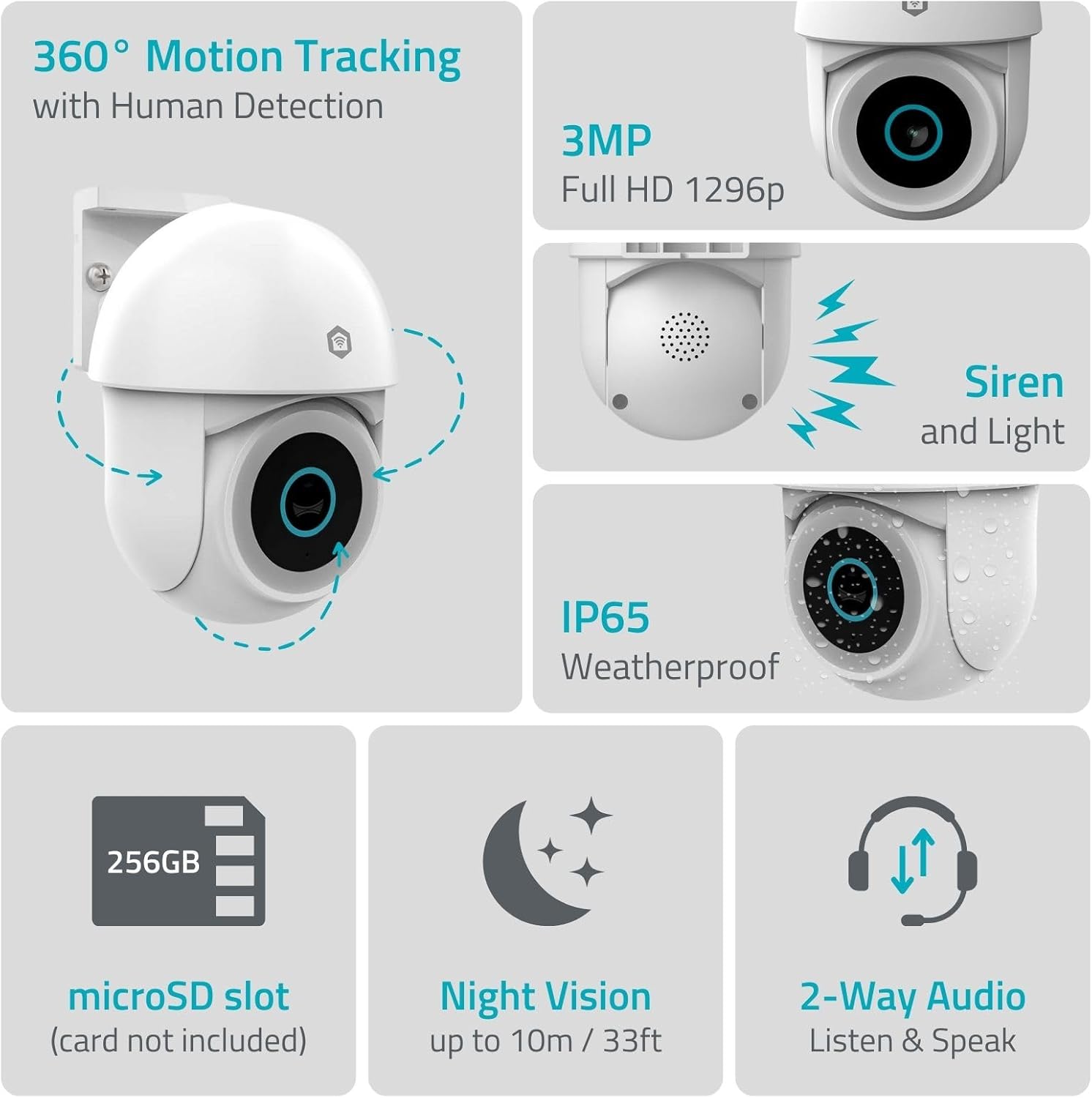
Изображение 1.1: оконченоview of NEDIS SmartLife Outdoor Camera features, including 360-degree motion tracking, 3MP resolution, siren and light, IP65 weatherproofing, microSD slot, night vision, and two-way audio.
2. Содержимое упаковки
Проверьте комплектацию на наличие следующих предметов:
- NEDIS SmartLife Outdoor Pan-Tilt Spotlight Camera (WIFICO22CWT)
- Адаптер питания (5 В постоянного тока)
- Монтажный кронштейн и винты
- Краткое руководство (настоящее руководство)
3. Настройка
3.1. Установка приложения
- Загрузить Недис СмартЛайф приложение из App Store (iOS) или Google Play Store (Android).
- Зарегистрируйте новую учетную запись или войдите в систему, если она у вас уже есть.
3.2. Включение и первоначальное подключение
- Подключите камеру к адаптеру питания и вставьте ее в электрическую розетку.
- Wait for the camera's indicator light to flash, indicating it is ready for pairing.
- Open the Nedis SmartLife app, tap '+' to add a new device, and follow the on-screen instructions to connect the camera to your 2.4 GHz Wi-Fi network.
3.3. Установка карты MicroSD (необязательно)
For local storage of recordings, install a microSD card (up to 256GB, not included).
- Locate the microSD card slot on the camera (refer to the camera diagram in the quick start guide).
- Аккуратно вставьте карту microSD в слот до щелчка.
- Format the microSD card via the camera settings in the Nedis SmartLife app.
3.4. Установка камеры
The camera comes with a wall/ceiling mount. Choose a suitable location with a clear view и в пределах зоны действия Wi-Fi.

Image 3.1: Camera dimensions for mounting reference.
- Отметьте места для сверления, используя монтажный кронштейн в качестве шаблона.
- При необходимости просверлите отверстия и вставьте дюбели.
- Secure the mounting bracket to the wall or ceiling with screws.
- Attach the camera to the mounting bracket and adjust its initial angle.
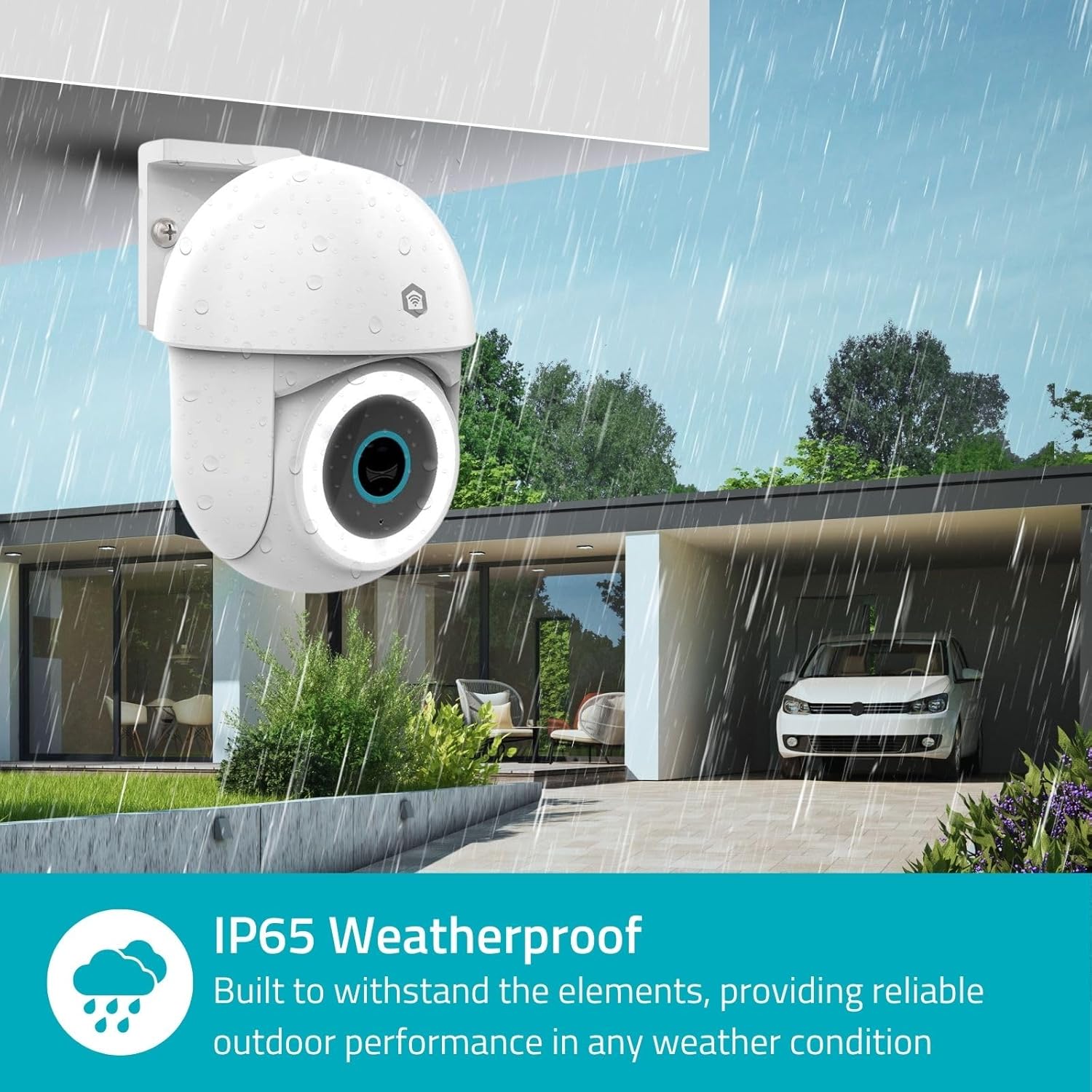
Image 3.2: The IP65 weatherproof design ensures reliable outdoor performance in various weather conditions.
4. Инструкция по эксплуатации
4.1. Жить View и управление панорамированием/наклоном
Access the live feed from your camera through the Nedis SmartLife app. Use the on-screen controls to remotely pan (horizontal) and tilt (vertical) the camera to monitor a wide area.
4.2. Обнаружение и отслеживание движения
The camera features advanced motion detection, including human detection, to minimize false alarms. You can customize detection zones within the app.
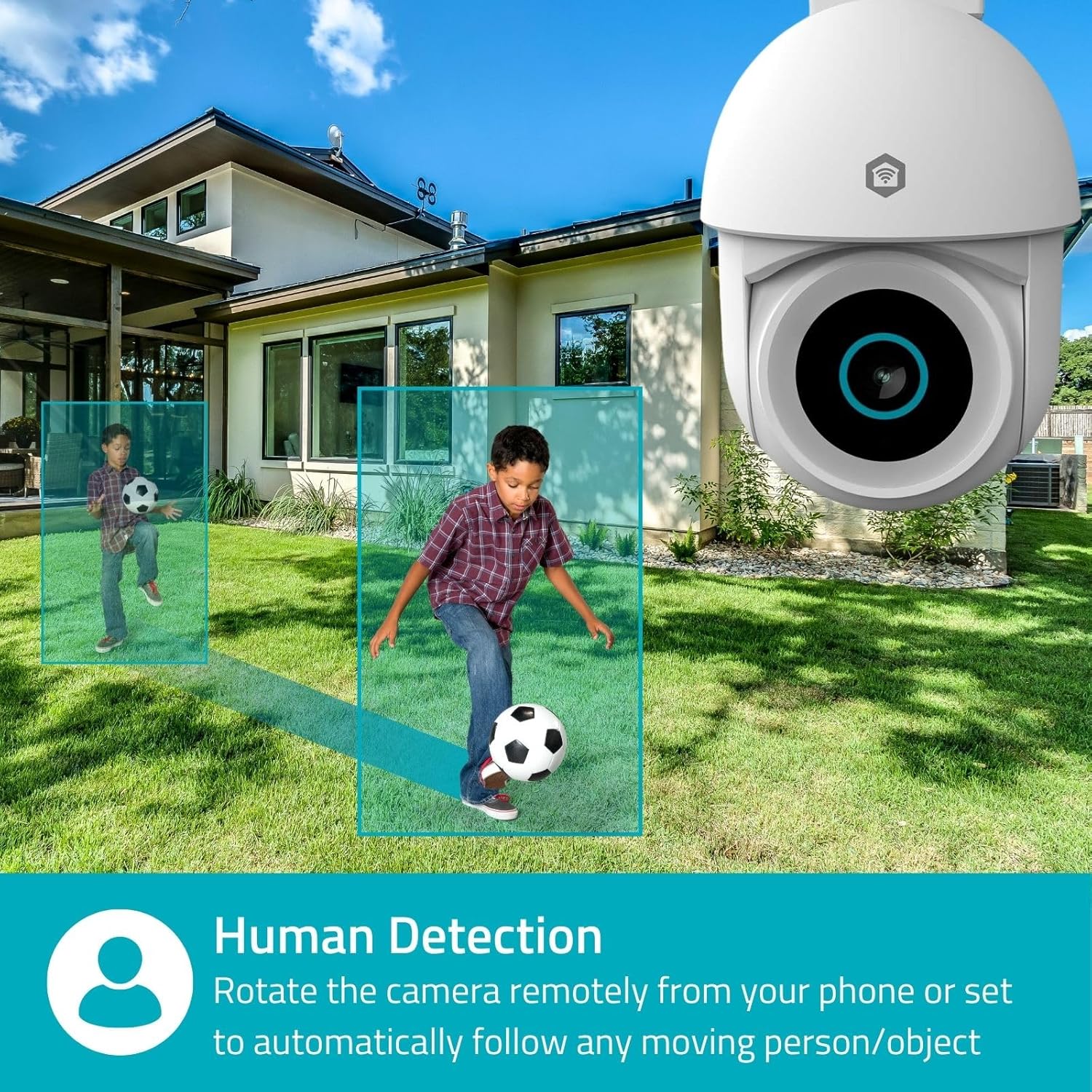
Image 4.1: Human Detection allows the camera to automatically follow moving persons or objects.
Давать возможность Автоматическое отслеживание in the app settings to have the camera automatically follow detected movement.
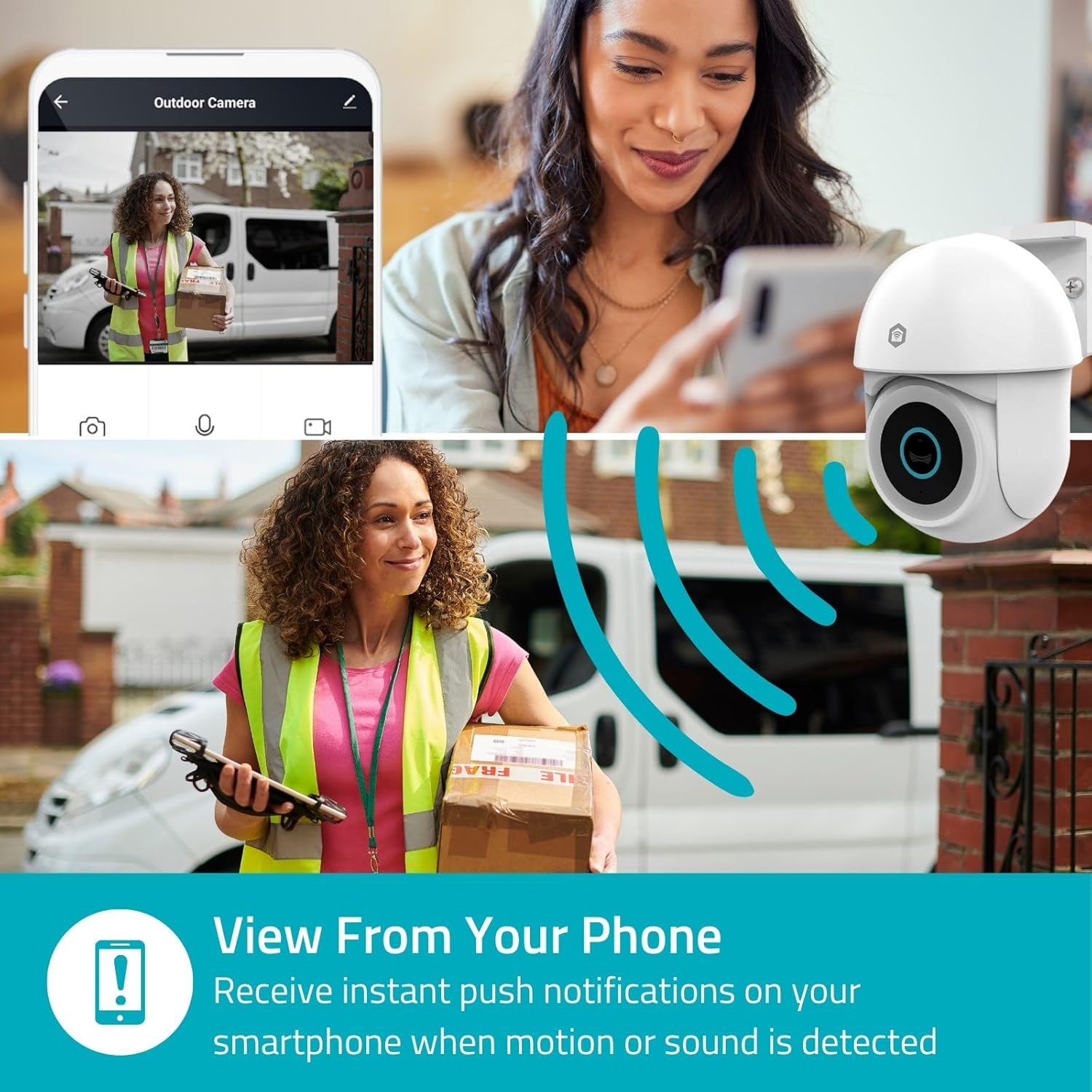
Image 4.2: Receive instant push notifications on your smartphone when motion or sound is detected.
4.3. Двусторонняя аудиосвязь
Utilize the built-in microphone and speaker for two-way communication. You can listen to the environment and speak through the camera via the app.
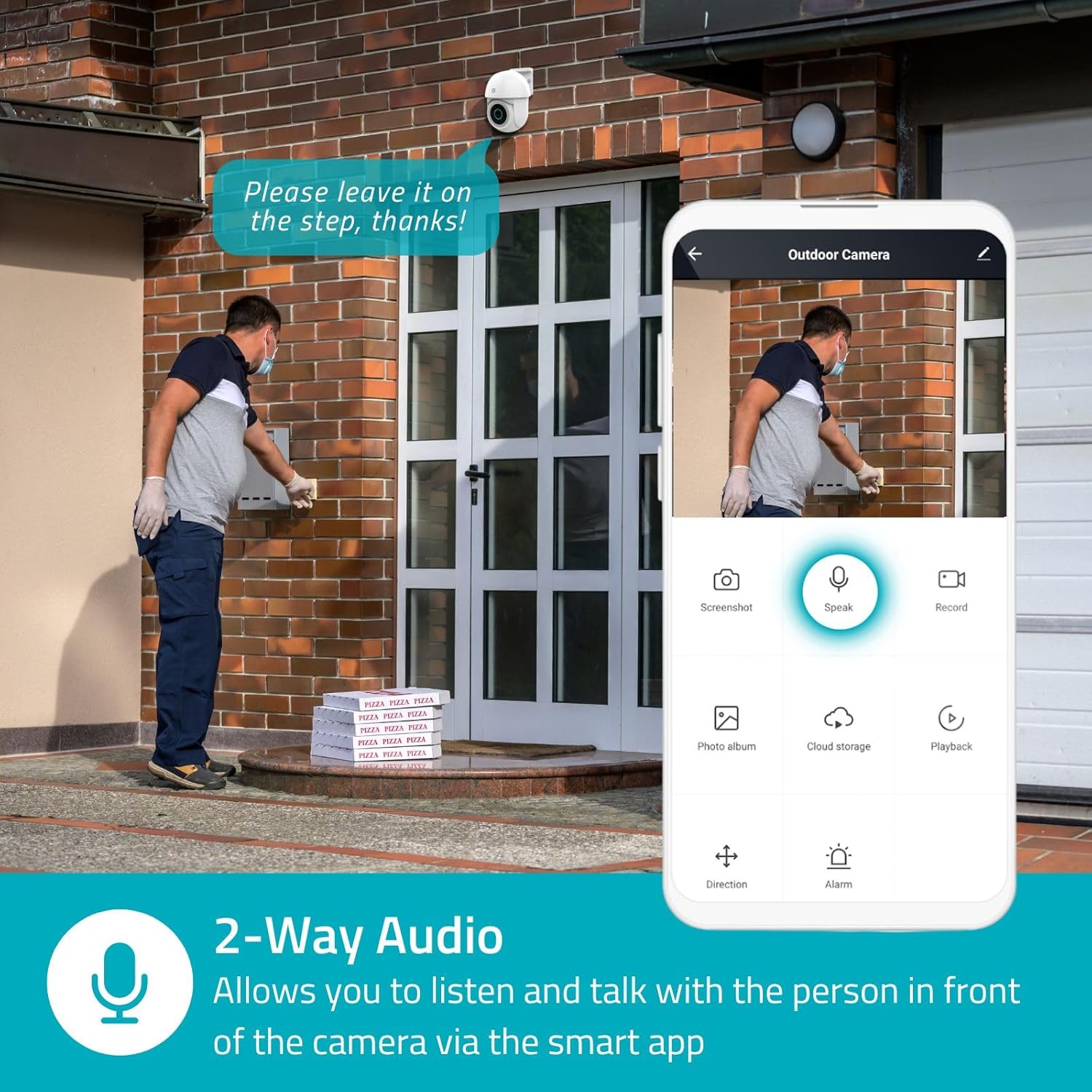
Image 4.3: Two-Way Audio allows you to listen and talk with individuals in front of the camera.
4.4. Ночное видение
Камера поддерживает два режима ночного видения:
- Цветное ночное видение: Achieved using dimmable white LEDs, providing full-color images in low light.
- Инфракрасное ночное видение: Standard black and white night vision using infrared LEDs, effective up to 10 meters (33 feet).

Image 4.4: Comparison of Day Mode and Night Mode, illustrating the camera's 3MP resolution and 10m night vision capability.
4.5. Spotlight and Siren
When motion is detected, you can configure the camera to activate its white LEDs (spotlight) and/or a siren. This can deter intruders or provide illumination.

Image 4.5: The camera's light and siren can be activated upon motion detection to deter unwanted visitors.
4.6. Запись и воспроизведение
Recordings can be stored on a microSD card (up to 256GB) or via optional cloud storage. Access and playback recorded footage through the Nedis SmartLife app.
4.7. Режим конфиденциальности
Activate Privacy Mode in the app to temporarily disable recording and live view when you are home, ensuring your privacy.
4.8. Интеграция с умным домом
The camera is compatible with Google Home and Amazon Alexa, allowing for voice control and integration into your smart home ecosystem.
5. Техническое обслуживание
- Уборка: Аккуратно протрите объектив и корпус камеры мягкой тряпкой.amp ткань. Не используйте агрессивные химикаты или абразивные чистящие средства.
- Обновления прошивки: Regularly check the Nedis SmartLife app for available firmware updates to ensure optimal performance and security.
- Источник питания: Убедитесь, что адаптер питания и кабель не имеют повреждений.
6. Поиск Неисправностей
6.1. Камера не подключается к Wi-Fi
- Убедитесь, что ваша сеть Wi-Fi работает на частоте 2.4 ГГц. Камера не поддерживает Wi-Fi на частоте 5 ГГц.
- Убедитесь, что пароль от Wi-Fi введен правильно.
- Во время настройки расположите камеру ближе к Wi-Fi-роутеру.
- Перезагрузите маршрутизатор и камеру.
6.2. Низкое качество видео
- Проверьте уровень сигнала Wi-Fi. Слабый сигнал может повлиять на качество видео.
- Убедитесь, что объектив камеры чистый и на нем нет препятствий.
- Adjust the video resolution settings in the app if your network bandwidth is limited.
6.3. Функция обнаружения движения не работает.
- Убедитесь, что функция обнаружения движения включена в настройках приложения.
- Check the sensitivity settings and detection zones.
- Убедитесь, что никакие физические препятствия не блокируют камеру. view.
6.4. No Audio or Two-Way Audio Issues
- Check the microphone and speaker volume settings in the app.
- Ensure your smartphone's microphone is not muted when speaking through the app.
- Проверьте сетевое соединение для передачи звука в реальном времени.
7. Технические характеристики
| Особенность | Спецификация |
|---|---|
| Номер модели | ВИФИКО22CWT |
| Разрешение | 3 MP (1296p) |
| Связность | Wi-Fi (2.4 ГГц) |
| Pan/Tilt Function | Да |
| Всепогодный рейтинг | IP65 |
| Ночное Видение | Color (white LEDs) & IR (up to 10m) |
| Двусторонняя аудиосвязь | Да |
| Варианты хранения | MicroSD (up to 256GB, not included), Cloud Storage (optional) |
| Входная мощность | 5 В постоянного тока |
| Размеры (Д x Ш x В) | 10 х 8.3 х 11 см |
| Масса | 292 грамм |
| Особые возможности | Human Detection, Auto-Tracking, Spotlight, Siren, Privacy Mode, Onvif support |
| Совместимость | Google Home, Amazon Alexa |
8. Гарантия и поддержка
This product comes with a standard manufacturer's warranty. For detailed warranty information, please refer to the warranty card included in your package or visit the official NEDIS webсайт.
For technical support, troubleshooting assistance, or further inquiries, please contact NEDIS customer service through their official webсайт или контактную информацию, указанную на упаковке продукта.
Интернет-ресурсы:
- Посетите NEDIS webсайт для получения обновлений продукта и технической поддержки.
- Check the Nedis SmartLife app for FAQs and in-app support options.