Введение
Thank you for choosing the TECKNET Wireless Mouse. This manual provides detailed instructions for setting up, operating, and maintaining your mouse to ensure optimal performance. This mouse offers versatile connectivity options, precise control, and a comfortable, silent user experience.
Продукт болееview
Familiarize yourself with the components of your TECKNET Wireless Mouse.

Изображение: спереди и снизу view of the TECKNET Wireless Mouse, highlighting the scroll wheel, left/right buttons, forward/backward buttons, DPI switch, Bluetooth pairing button, USB receiver storage, and battery compartment.
- Левая/правая кнопки: Стандартные функции щелчка мыши.
- Колесо прокрутки: Для вертикальной прокрутки и работы функции щелчка средней кнопкой мыши.
- Кнопки «Вперед/Назад»: Навигация web pages or documents. (Note: Side buttons are not compatible with macOS).
- Кнопка переключения DPI: Adjusts mouse sensitivity (4800/3200/2400/1600/1200/800 DPI).
- Кнопка сопряжения Bluetooth: Запускает режим сопряжения Bluetooth.
- 2.4G/Off/BT Switch: Выбирает режим подключения или отключает мышь.
- USB-приемник: Stores securely within the mouse for 2.4G wireless connection.
- Отсек для батареи: Holds 2 AAA batteries (not included).
- Светодиодный индикатор: Displays connection status and low battery warning.
Настраивать
1. Установка батарей
- Откройте крышку батарейного отсека на нижней стороне мыши.
- Вставьте 2 батарейки AAA (не входят в комплект), соблюдая полярность (+/-).
- Закройте крышку батарейного отсека.

Image: The underside of the mouse with the battery cover removed, showing two AAA batteries correctly inserted.
2. Подключение мыши
The TECKNET Wireless Mouse supports two connection modes: 2.4G Wireless (via USB receiver) and Bluetooth.
2.1. Беспроводное соединение 2.4G (USB-приемник)
- Найдите USB-приемник, хранящийся в батарейном отсеке мыши.
- Подключите USB-приемник к свободному порту USB-A на вашем компьютере.
- Передвиньте переключатель на нижней части мыши в положение «2.4G».
- Мышь должна автоматически подключиться к вашему компьютеру.

Image: A green TECKNET Wireless Mouse positioned between a laptop with a USB-A receiver plugged in and a tablet, illustrating dual connectivity options.
Text Description for Video: This video demonstrates the process of installing AAA batteries into the TECKNET Wireless Mouse and connecting it via the 2.4G USB receiver. It shows the location of the battery compartment and the USB receiver, as well as the power/mode switch on the underside of the mouse. The video also highlights the forward/backward buttons and DPI switch on the top of the mouse.
2.2. Подключение по Bluetooth.
- Передвиньте переключатель на нижней части мыши в положение «BT».
- Press and hold the Bluetooth pairing button (usually located near the mode switch) for 3-5 seconds until the LED indicator starts blinking blue, indicating pairing mode.
- На компьютере или устройстве перейдите в настройки Bluetooth и выполните поиск новых устройств.
- Выберите "TECKNET Mouse" (или аналогичное название) из списка доступных устройств для сопряжения.
- The LED indicator will stop blinking and remain solid blue once connected.
Text Description for Video: This video provides a detailed demonstration of how to set up and pair the TECKNET Wireless Mouse using its Bluetooth functionality. It shows the user switching the mouse to Bluetooth mode, pressing the pairing button, and then connecting it to a computer. The video also briefly showcases the silent click feature and the ergonomic design of the mouse.
Text Description for Video: This video highlights the silent click feature of the TECKNET Wireless Mouse and demonstrates its easy pairing process via Bluetooth. The user shows the mouse's underside, including the battery compartment and the mode switch, and then performs a silent click to emphasize the quiet operation. The video also briefly mentions the convenience of using AAA batteries.
Инструкция по эксплуатации
Регулировка DPI
Press the DPI switch button located on the top of the mouse to cycle through 6 adjustable DPI settings: 800, 1200, 1600, 2400, 3200, and 4800. This allows you to customize cursor speed and precision to your preference.

Image: The TECKNET Wireless Mouse with an overlay showing the 6 adjustable DPI settings, emphasizing precise control.
Функция бесшумного щелчка
The mouse is designed for silent operation, providing whisper-quiet clicks. This feature is ideal for environments where noise reduction is important, such as libraries, offices, or late-night use.

Image: A person using the TECKNET Wireless Mouse in a quiet environment, with text indicating "Silent Click" and "Inaudible click sound, quiet and focused, without disturbing others."
Автоматический спящий режим
To conserve battery life, the mouse will automatically enter sleep mode after approximately 5 minutes of inactivity. To wake the mouse, simply click any button.
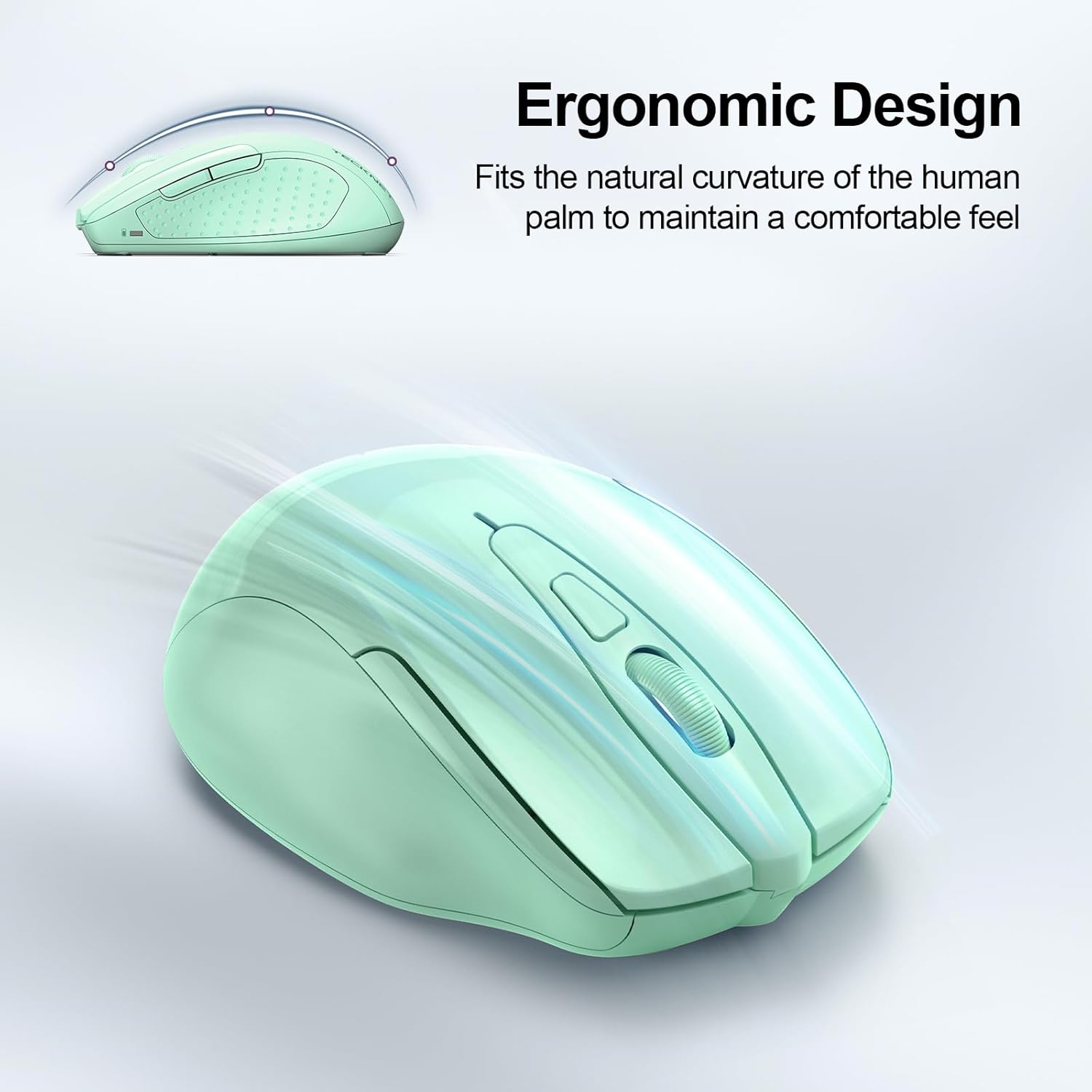
Image: A visual representation of the mouse's power states: Working, Stand-by, Auto-sleep, and how to activate it by pressing a button.
Обслуживание
- Уборка: Для чистки мыши используйте мягкую сухую ткань. Избегайте использования едких химикатов и абразивных материалов.
- Замена батареи: Replace batteries when the LED indicator shows a low battery warning (red light).
- Хранилище: When not in use for extended periods, turn off the mouse using the switch on the bottom to further conserve battery life.
Поиск неисправностей
| Проблема | Решение |
|---|---|
| Мышь не отвечает. |
|
| Движение курсора хаотичное или медленное. |
|
| Соединение Bluetooth часто обрывается. |
|
| Side buttons not working on macOS. | Side buttons are not compatible with macOS. This is a known limitation. |
Технические характеристики
| Особенность | Деталь |
|---|---|
| Модель | БМ307 |
| Связность | 2.4G Wireless (USB-A receiver), Bluetooth 5.0/3.0 |
| Уровни DPI | 800, 1200, 1600, 2400, 3200, 4800 (регулируемые) |
| Кнопки | 6 Buttons (Left/Right, Scroll Wheel, Forward/Backward, DPI Switch, Bluetooth Pairing) |
| Источник питания | Батареи 2 x AAA (не входят в комплект) |
| Особые возможности | Silent Click, Ergonomic Design, Automatic Sleep Mode |
| Совместимость | Windows, macOS (side buttons not compatible), Chrome OS, Linux |
| Размеры | 4.53 x 3.15 x 1.85 дюйма |
| Масса | 3.52 унции |
Гарантия и поддержка
TECKNET предлагает Гарантия 36 месяцев (Registered Only) for this product. If you encounter any problems or have questions regarding the use of your TECKNET Wireless Mouse, please contact our professional customer service team for assistance.
Контактную информацию обычно можно найти на официальном сайте TECKNET. webсайт или через вашу платформу покупок.


