
Введение
This manual provides essential information for the proper setup, operation, and maintenance of your OUKITEL BT20 Smartwatch. Please read this guide thoroughly before using the device to ensure optimal performance and longevity. The OUKITEL BT20 is a military-grade rugged smartwatch designed for durability and comprehensive health and fitness tracking.

The OUKITEL BT20 Smartwatch, built for rugged environments.
Содержимое упаковки
Upon unboxing your OUKITEL BT20 Smartwatch, please verify that all items listed below are present:
- Умные часы OUKITEL BT20
- Зарядный кабель
- Руководство пользователя (этот документ)
Unboxing and initial setup of a similar smartwatch, demonstrating typical package contents and first steps.
Продукт болееview
The OUKITEL BT20 features a robust design with a 1.96-inch AMOLED display. It includes physical buttons for power and navigation, along with sensors on the rear for health monitoring.
Физические характеристики
- Отображать: 1.96-inch AMOLED screen with 410x502 resolution.
- Кнопки: Dedicated buttons for power, sport mode, and menu navigation.
- Датчики: Optical sensors for heart rate, blood oxygen, and blood pressure monitoring.
- Прочность: Military-grade construction, 5ATM waterproof rating, dustproof, and drop-resistant.

The 1.96-inch AMOLED display of the OUKITEL BT20 Smartwatch.
Настраивать
1. Зарядка умных часов
Before initial use, fully charge your smartwatch. Connect the magnetic charging cable to the charging points on the back of the watch and plug the USB end into a power adapter (not included).
- Время зарядки: Полная зарядка занимает примерно 2.5 часа.
- Срок службы батареи: Up to 15 days in standby, 10 days with daily use, and 7 days with heavy use.
The OUKITEL BT20 Smartwatch displaying its battery capacity and usage estimates.
2. Установка приложения и сопряжение
To unlock the full potential of your OUKITEL BT20 Smartwatch, you need to install the companion app on your smartphone.
- Загрузите приложение: Scan the QR code displayed on the smartwatch screen or in the manual to download the 'FitCloudPro' app from your smartphone's app store (iOS/Android). You can also visit http://fitcloud.hetangsmart.com/qrcode/.
- Включить Bluetooth: Убедитесь, что Bluetooth включен на вашем смартфоне.
- Сочетание: Open the 'FitCloudPro' app, navigate to the device section, and search for 'BT20' to pair. Follow the on-screen prompts to complete the connection.

Steps for installing the companion app and pairing your smartwatch.
Инструкция по эксплуатации
Базовая навигация
- Проведите пальцем вверх/вниз: Scroll through notifications and quick settings.
- Проведите пальцем влево/вправо: Access different widgets and main functions (e.g., activity, heart rate, weather).
- Нажмите кнопку питания: Экран включения/выключения, возврат на главный экран.
- Press Sport Button: Quickly access sport modes.
Вызов Bluetooth
The OUKITEL BT20 supports Bluetooth 5.2 for stable call functionality.
- Делая звонки: Use the dial pad on the watch or access synced contacts to make calls directly from your wrist.
- Прием звонков: Answer or reject incoming calls directly on the smartwatch.
- Уведомления: Receive instant messages from various apps (SMS, WhatsApp, Facebook, Instagбаран и т. д.).

Bluetooth calling feature on the OUKITEL BT20 Smartwatch.
Мониторинг здоровья
The smartwatch continuously monitors key health metrics.
- Частота сердечных сокращений: Круглосуточное непрерывное отслеживание частоты сердечных сокращений.
- Кислород в крови (SpO2): Следите за уровнем кислорода в крови.
- Артериальное давление: Следите за своим артериальным давлением.
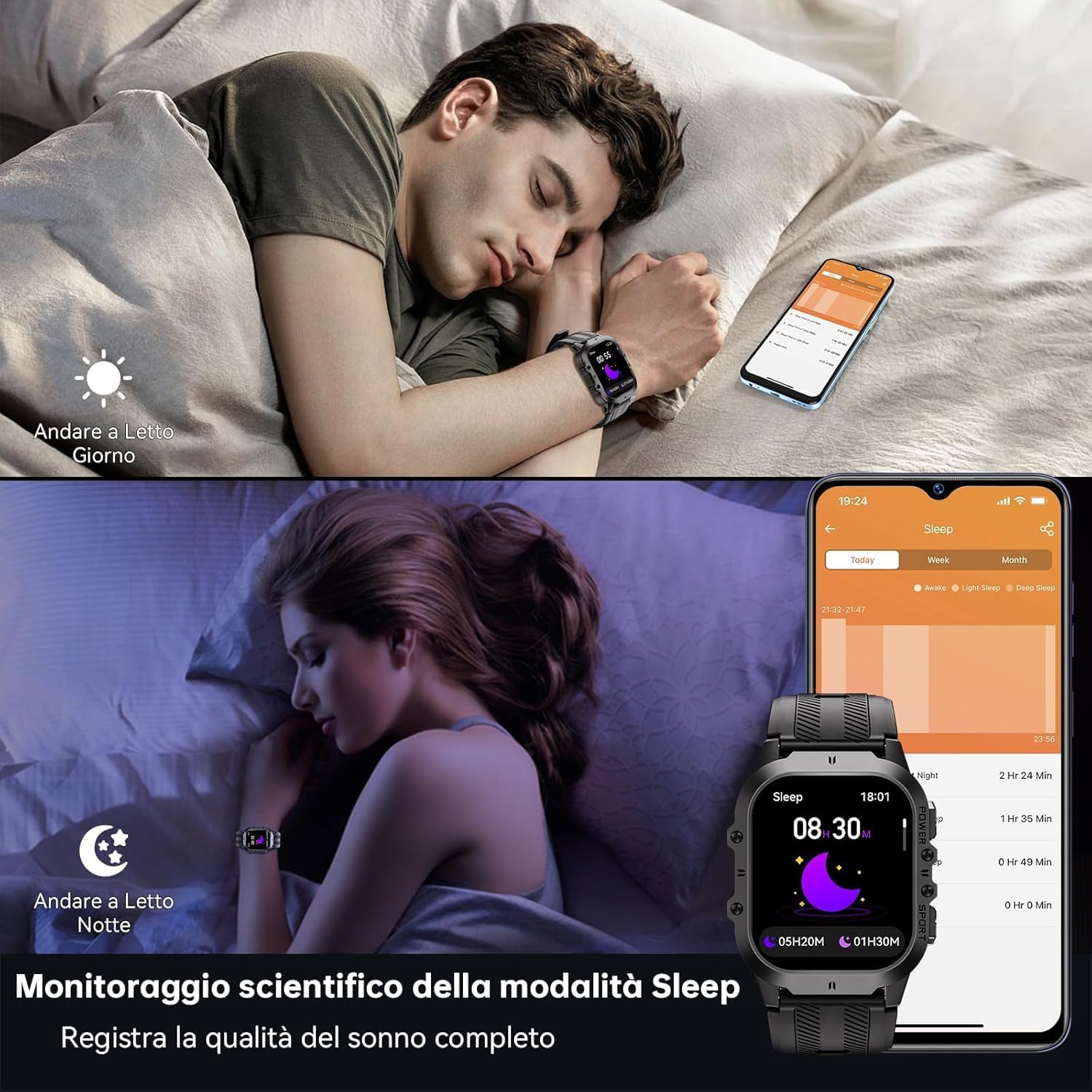
- Отслеживание сна: Records sleep status and quality during the night.
Функции мониторинга состояния здоровья включают измерение частоты сердечных сокращений, артериального давления и уровня кислорода в крови.
Спортивные режимы
With over 120 sports modes, the BT20 is suitable for a wide range of activities.
- Отслеживание активности: Automatically records daily activity data including steps, calories, and distance.
- Отслеживание GPS: Utilizes your mobile phone's GPS for specific movement tracks, viewможно в приложении.
- Поддерживаемые режимы: Includes mountaineering, skiing, running, hiking, cycling, and more.
The OUKITEL BT20 Smartwatch tracking a cycling activity.
Другие функции
Умные часы обладают рядом удобных функций:
- Удаленная камера: Управляйте камерой вашего смартфона удаленно.
- Обновления погоды: Получайте информацию о погоде в режиме реального времени.
- Функция будильника: Устанавливайте будильники прямо с запястья.
- Напоминание о гидратации: Получайте напоминания о необходимости пить воду.
- Напоминание о сидячем образе жизни: Получайте уведомления, если вы слишком долго оставались неактивными.
- Фонарик: Встроенный фонарик для удобства.
Demonstration of various smartwatch features including flashlight, battery life, sports modes, and Bluetooth calling.
Техническое обслуживание и уход
To ensure the longevity and optimal performance of your OUKITEL BT20 Smartwatch, follow these care guidelines:
- Уборка: Регулярно протирайте часы и ремешок мягкой сухой тканью. Для удаления стойких загрязнений используйте слегка грубую ткань.amp тканью и тщательно высушите.
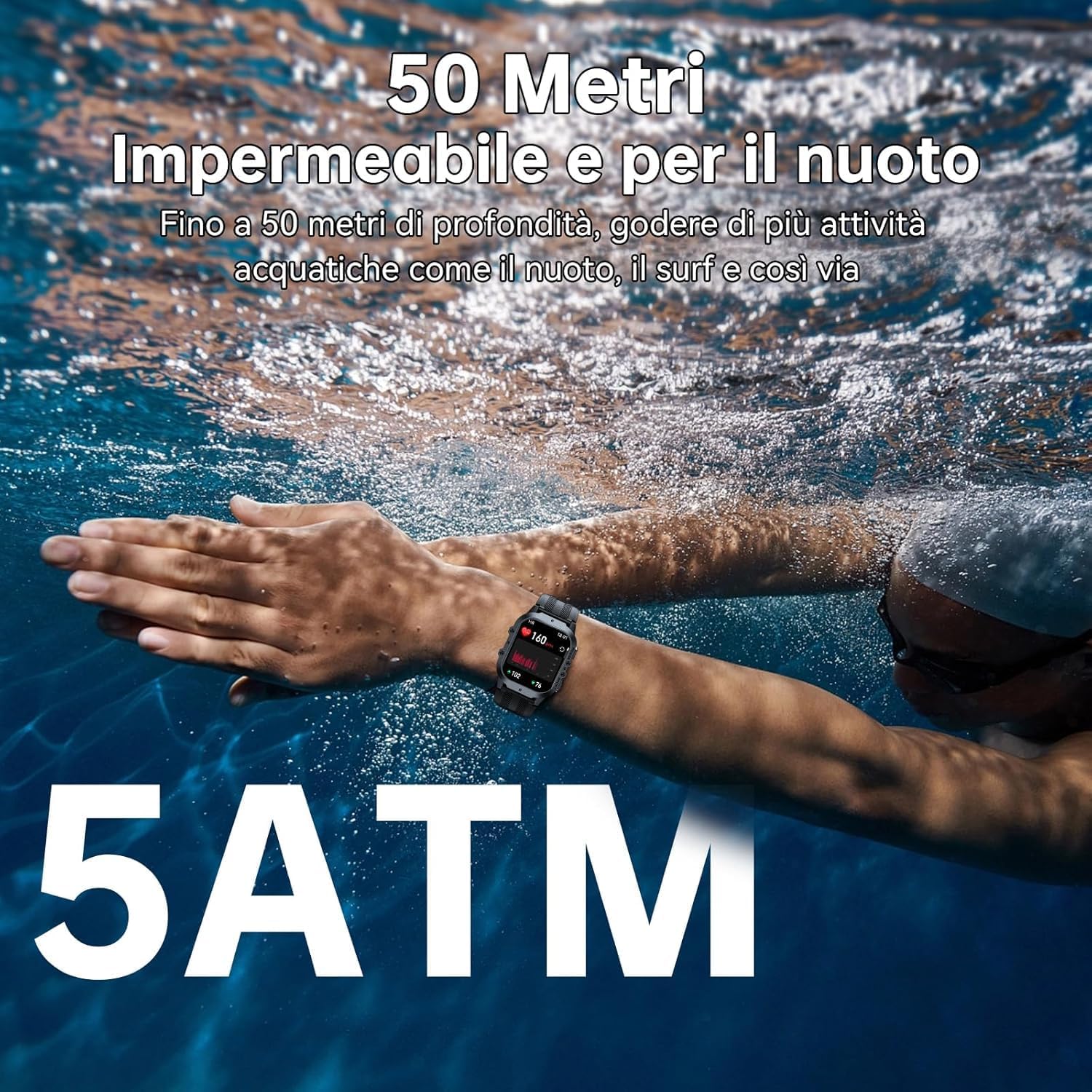
- Водостойкость: The watch is 5ATM waterproof, suitable for swimming and shallow water activities. Do not use for deep diving or hot baths.
- Температура: Avoid exposing the watch to extreme temperatures (below -40°C or very high heat) for prolonged periods.
- Влияние: While rugged, avoid unnecessary drops or impacts to prevent damage.
- Зарядка: Используйте только прилагаемый зарядный кабель. Перед зарядкой убедитесь, что контакты зарядки чистые и сухие.

The OUKITEL BT20 Smartwatch is 5ATM waterproof, suitable for swimming.
Поиск неисправностей
Если у вас возникли проблемы с умными часами, воспользуйтесь следующими распространенными решениями:
| Проблема | Возможное решение |
|---|---|
| Часы не включаются | Убедитесь, что часы полностью заряжены. Нажмите и удерживайте кнопку питания несколько секунд. |
| Невозможно подключиться к телефону | Ensure Bluetooth is enabled on your phone. Restart both the watch and phone. Make sure the 'FitCloudPro' app is updated. |
| Неточные данные о состоянии здоровья | Убедитесь, что часы плотно прилегают к запястью. Очистите датчик на задней крышке часов. Избегайте чрезмерных движений во время измерений. |
| Уведомления не получены | Check app settings to ensure notifications are enabled for desired apps. Verify Bluetooth connection is stable. |
| Короткое время работы батареи | Reduce screen brightness, disable continuous heart rate monitoring, or limit frequent notifications. |
Технические характеристики
| Особенность | Деталь |
|---|---|
| Модель | БТ20 |
| Отображать | 1.96-дюймовый AMOLED-дисплей, разрешение 410 x 502 |
| Емкость аккумулятора | Литий-металлический аккумулятор емкостью 350 мАч |
| Время зарядки | Приблизительно 2.5 часов |
| Срок службы батареи (типичный) | До 10 дней |
| Связность | Блютус 5.2 |
| Водостойкость | 5ATM |
| Память | 128 МБ |
| Операционная система | Android Wear 2.9 (compatible with iOS/Android) |
| Масса | 140 г |
Гарантия и поддержка
OUKITEL products are designed for durability and performance. For warranty information and customer support, please refer to the official OUKITEL webна сайте или обратитесь к продавцу. Сохраните чек о покупке в качестве подтверждения покупки для предъявления гарантийных претензий.
- Гарантия: Typically includes a manufacturer's warranty against defects.
- Поддерживать: Online resources, FAQs, and customer service contact information are usually available on the brand's official channels.


