1. Введение
This manual provides essential instructions for the safe and effective use of your Nova NHT 1102 Trimmer. Please read it thoroughly before first use and retain it for future reference. This cordless trimmer is designed for personal grooming, offering precision trimming with multiple length settings and a long-lasting rechargeable battery.
2. Важные инструкции по технике безопасности
- Do not immerse the trimmer in water or use it near water (e.g., bathtub, shower, sink).
- Держите прибор в недоступном для детей месте.
- Always check the trimmer for damage before use. Do not use if the blades or housing are damaged.
- Используйте только зарядный кабель, входящий в комплект триммера.
- Не пытайтесь разбирать или ремонтировать триммер самостоятельно. Обратитесь за помощью к квалифицированным специалистам сервисной службы.
- Ensure your hands are dry when plugging or unplugging the charging cable.
- Храните триммер в сухом месте, когда он не используется.
3. Содержимое упаковки
Проверьте наличие всех предметов в упаковке:
- Nova NHT 1102 Trimmer
- 3 направляющие гребенки (1 мм, 2 мм, 3 мм)
- Зарядный кабель USB Type-C
- Щетка для чистки
- Lubricating Oil (may be included)

Image 3.1: Nova NHT 1102 Trimmer with included accessories and packaging.
4. Продукт закончилсяview
Familiarize yourself with the components of your Nova NHT 1102 Trimmer:
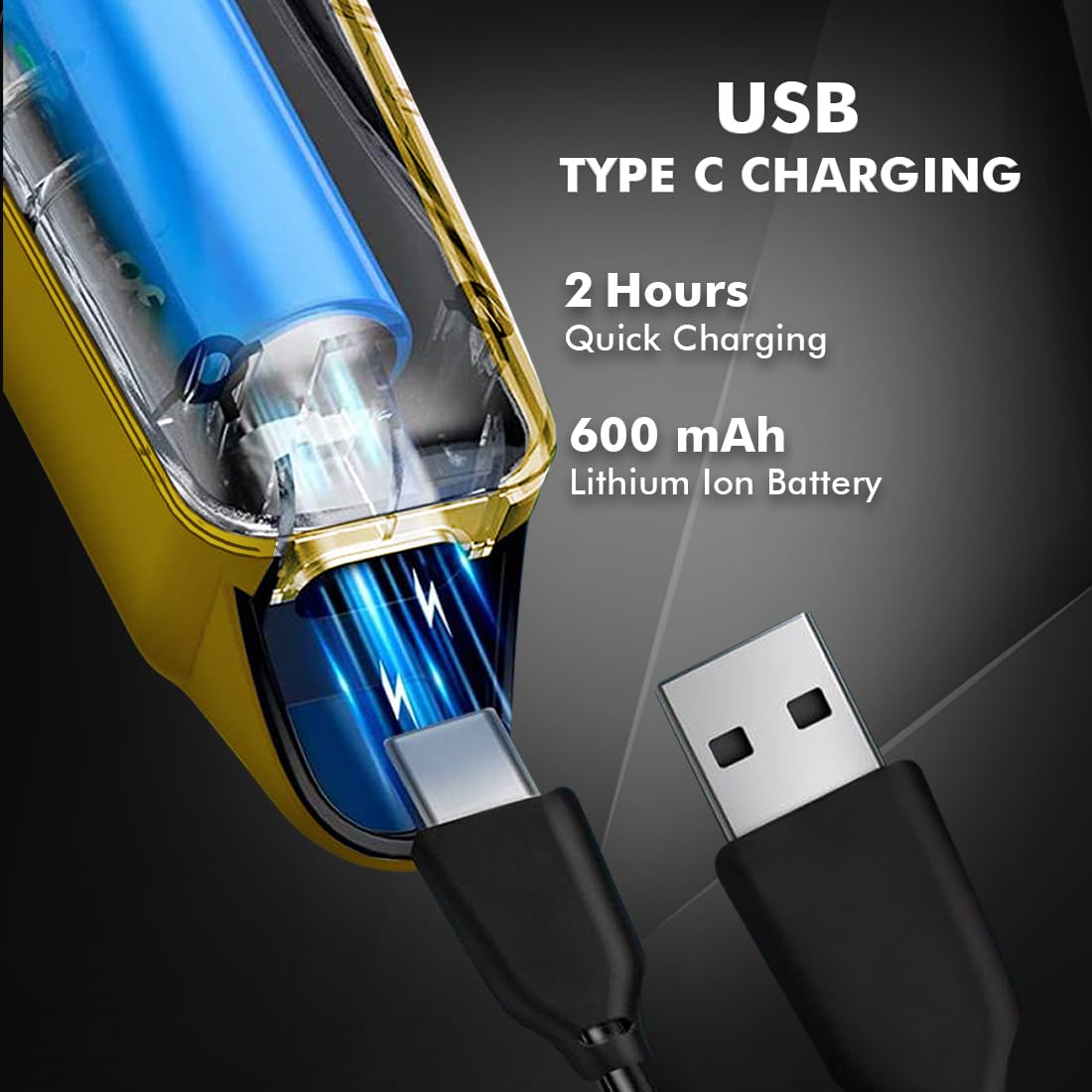
Image 4.1: Key features and components of the Nova NHT 1102 Trimmer.
- Лезвия из нержавеющей стали: Durable and self-sharpening blades for precise cutting.
- Кнопка питания: Управляет включением/выключением питания и настройками скорости.
- Световой индикатор: Displays charging status and operational mode.
- USB-порт зарядки: For convenient charging via USB Type-C cable.
- Крючок для подвешивания: Для удобства хранения.
- Направляющие расчески: Detachable combs for various trimming lengths (1mm, 2mm, 3mm).
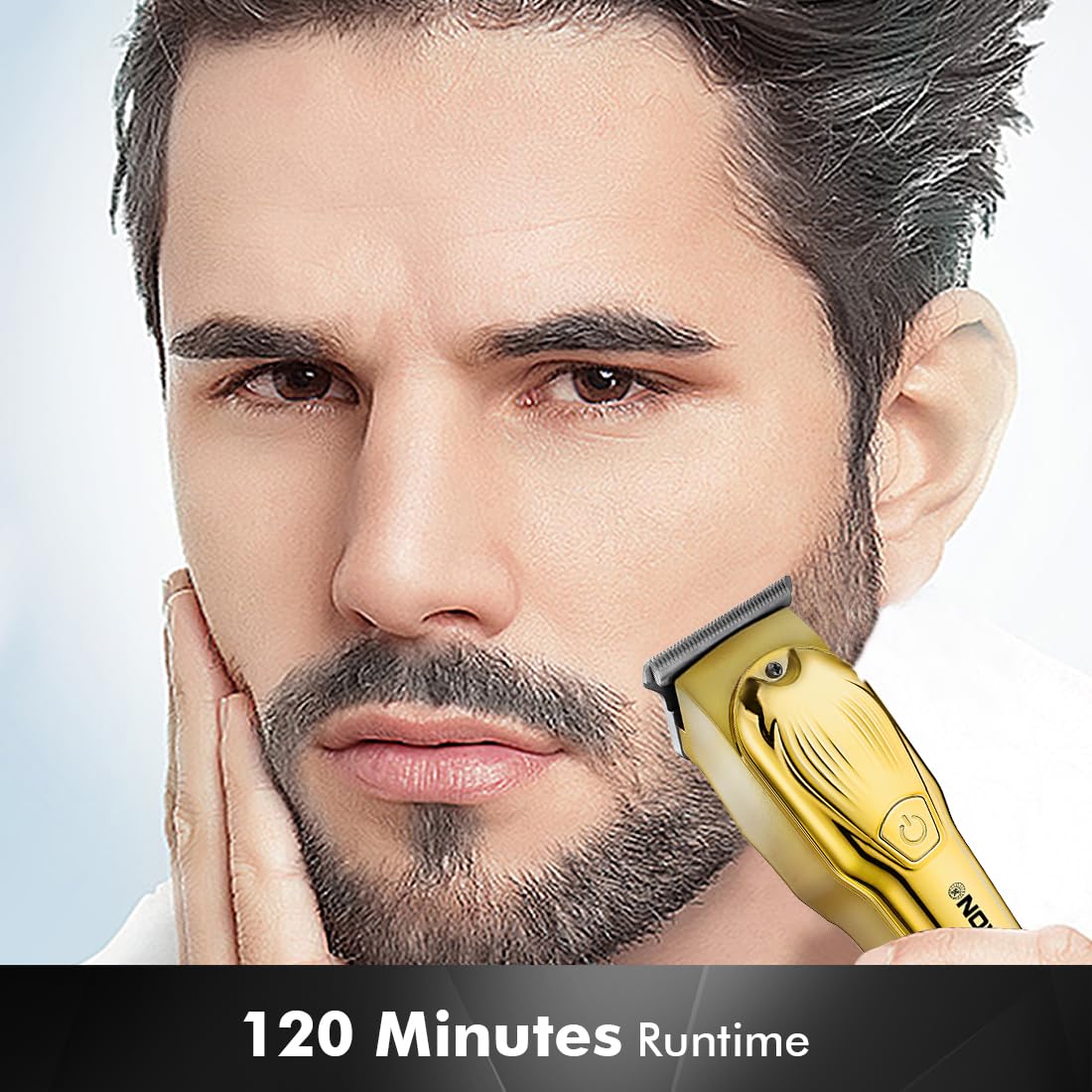
Image 4.2: Detail of the self-sharpening stainless steel blades.
5. Настройка
5.1 Первоначальная зарядка
Before first use, fully charge the trimmer. The Nova NHT 1102 Trimmer features a 600 mAh Lithium-Ion battery.
- Подключите зарядный кабель USB Type-C к зарядному порту триммера.
- Подключите другой конец USB-кабеля к совместимому USB-адаптеру питания (не входит в комплект) или к USB-порту компьютера.
- The indicator light will illuminate to show charging is in progress.
- A full charge takes approximately 2 hours, providing up to 120 minutes of cordless runtime.
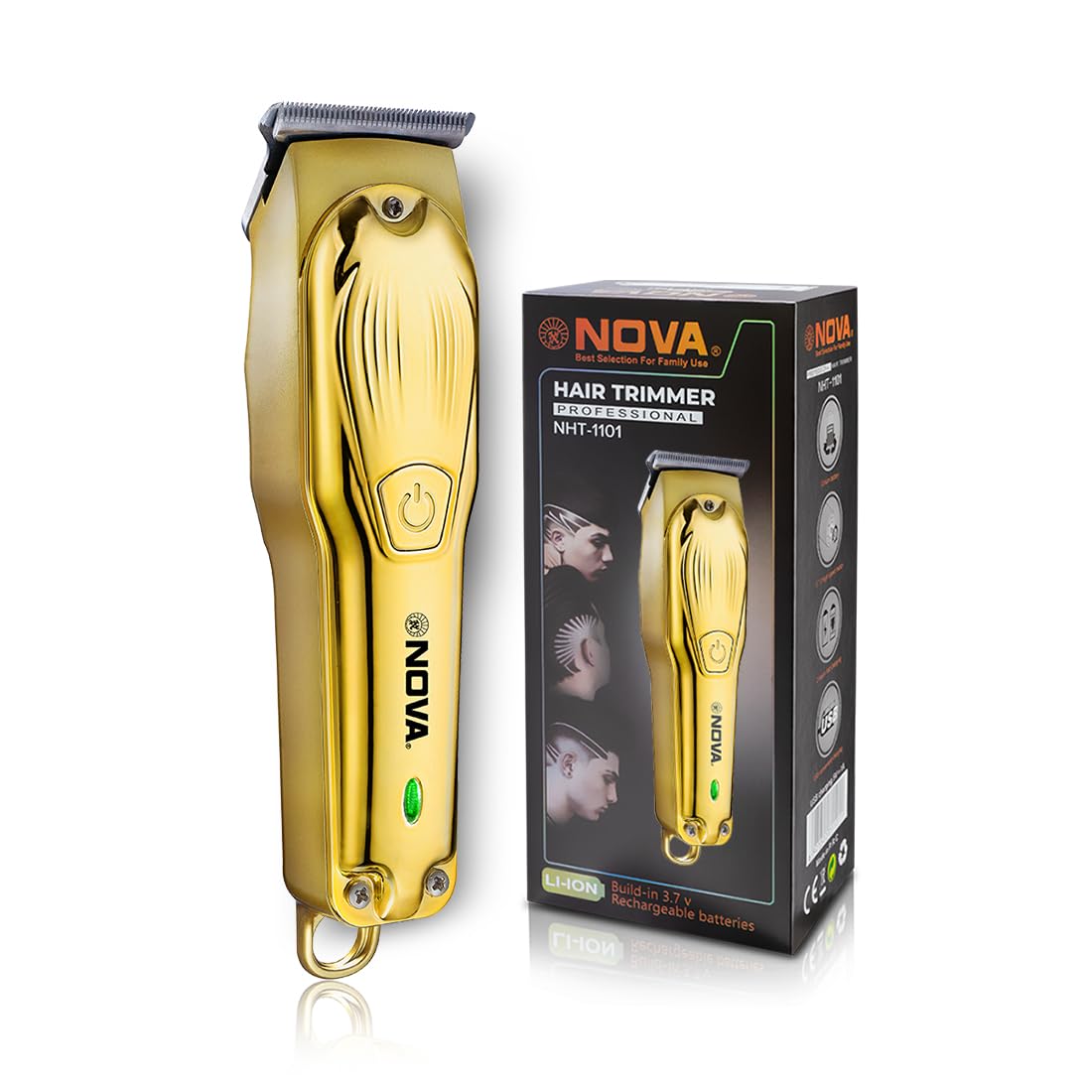
Image 5.1: USB Type-C charging mechanism.
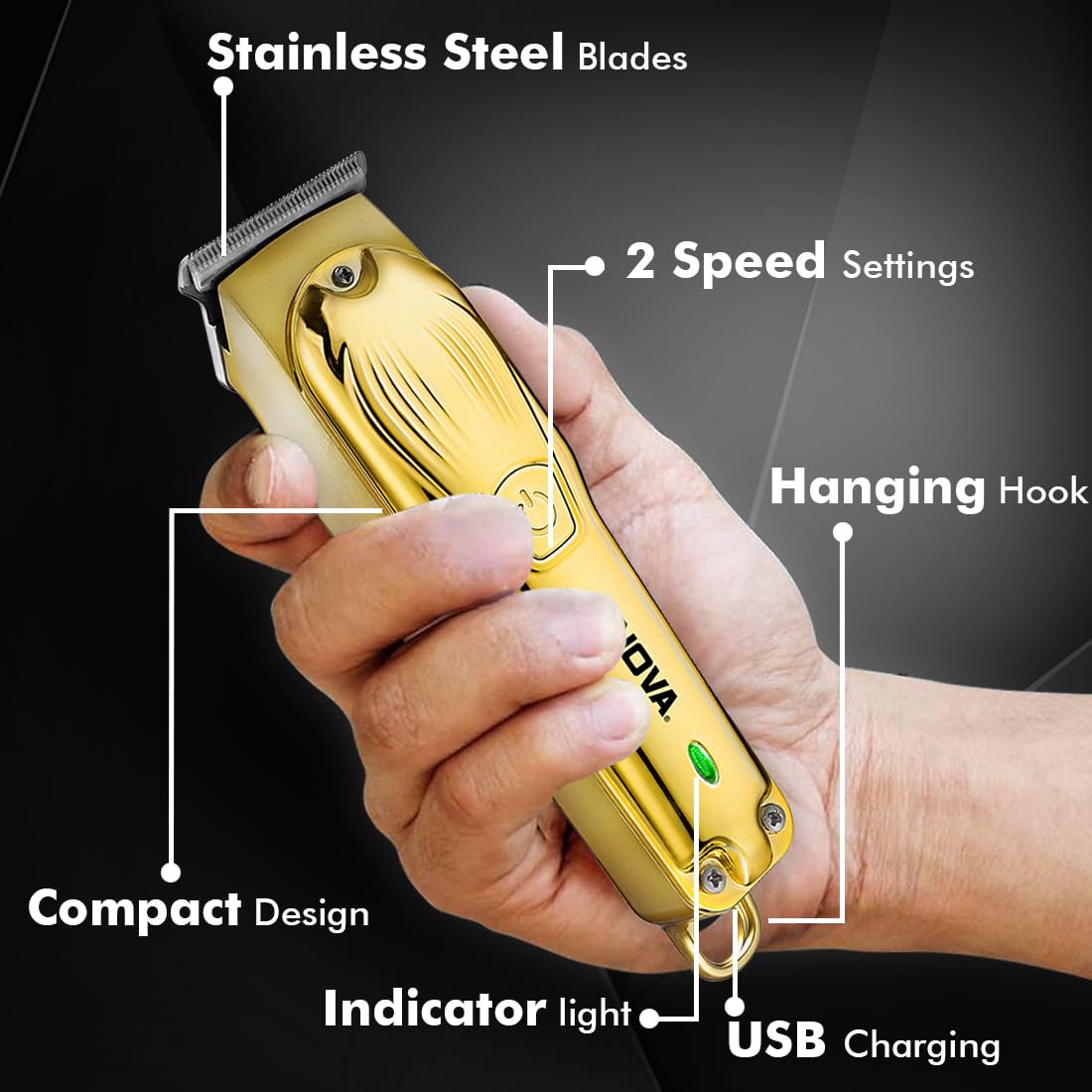
Image 5.2: Trimmer charging via USB Type-C.
5.2 Крепление направляющих гребней
The trimmer comes with 3 guide combs for different hair lengths:
- 1mm comb
- 2mm comb
- 3mm comb
To attach a guide comb, align the comb with the trimmer head and push it firmly until it clicks into place. To remove, gently pull the comb away from the trimmer head.
6. Инструкция по эксплуатации
6.1 Turning On/Off and Speed Settings
- To turn the trimmer on, press the power button once. The trimmer will start at the default speed setting.
- To switch between the 2 available speed settings, press the power button again while the trimmer is running.
- To turn the trimmer off, press the power button until it stops.
6.2 Функция Турбо
For increased power, activate the Turbo Function:
- While the trimmer is running, double-press the power button to engage the turbo mode.
- Double-press again to return to normal speed.
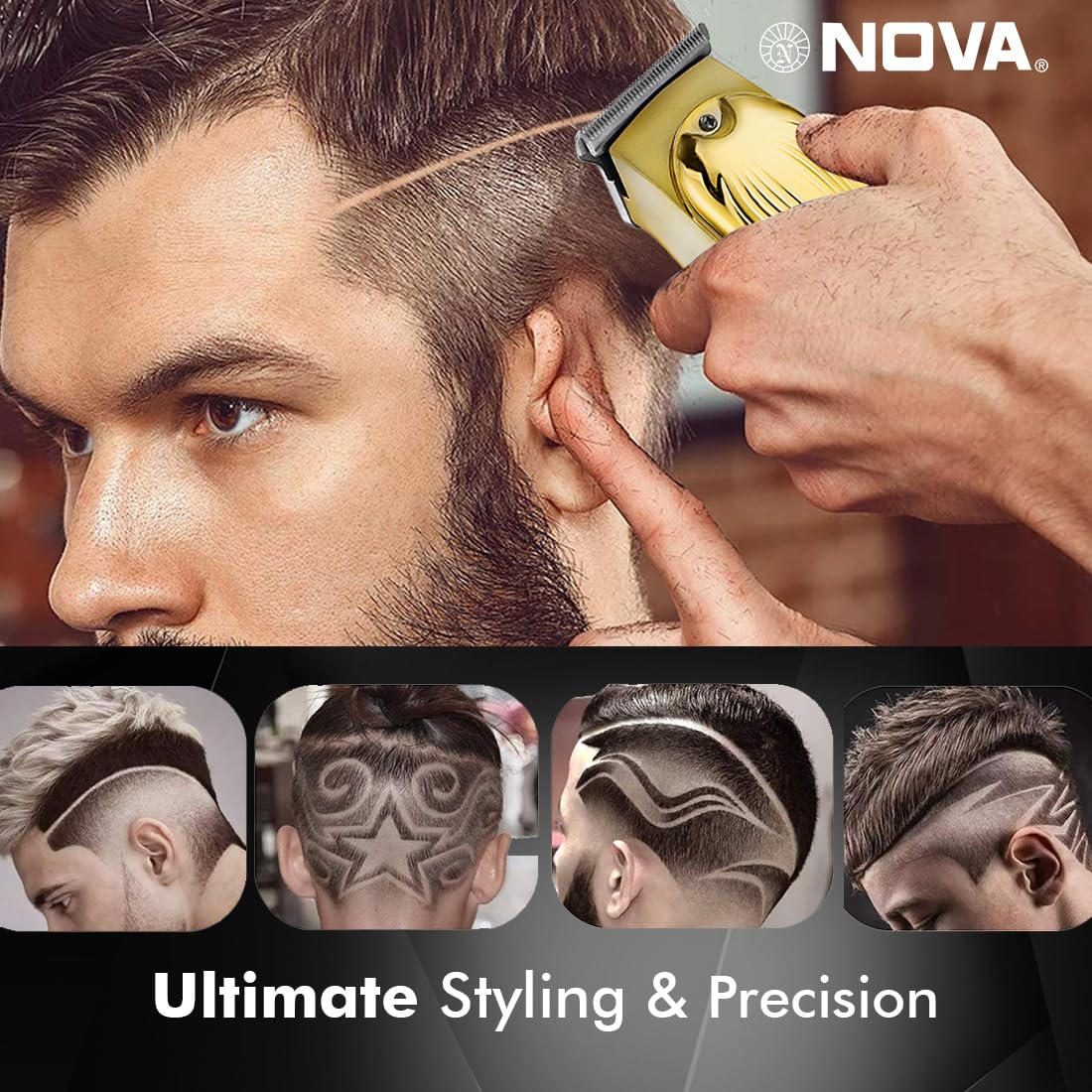
Image 6.1: Illustration of the Turbo Function.
6.3 Обрезка
Ensure hair is clean and dry before trimming for optimal results.
- Without Guide Comb: For precision trimming and close cuts (0.5mm), use the trimmer without any guide comb attached.
- With Guide Comb: Выберите необходимую направляющую гребенку (1 мм, 2 мм или 3 мм) и надежно закрепите ее.
- Hold the trimmer with the blades flat against the skin and move it slowly against the direction of hair growth.
- Для достижения наилучших результатов натяните кожу свободной рукой.
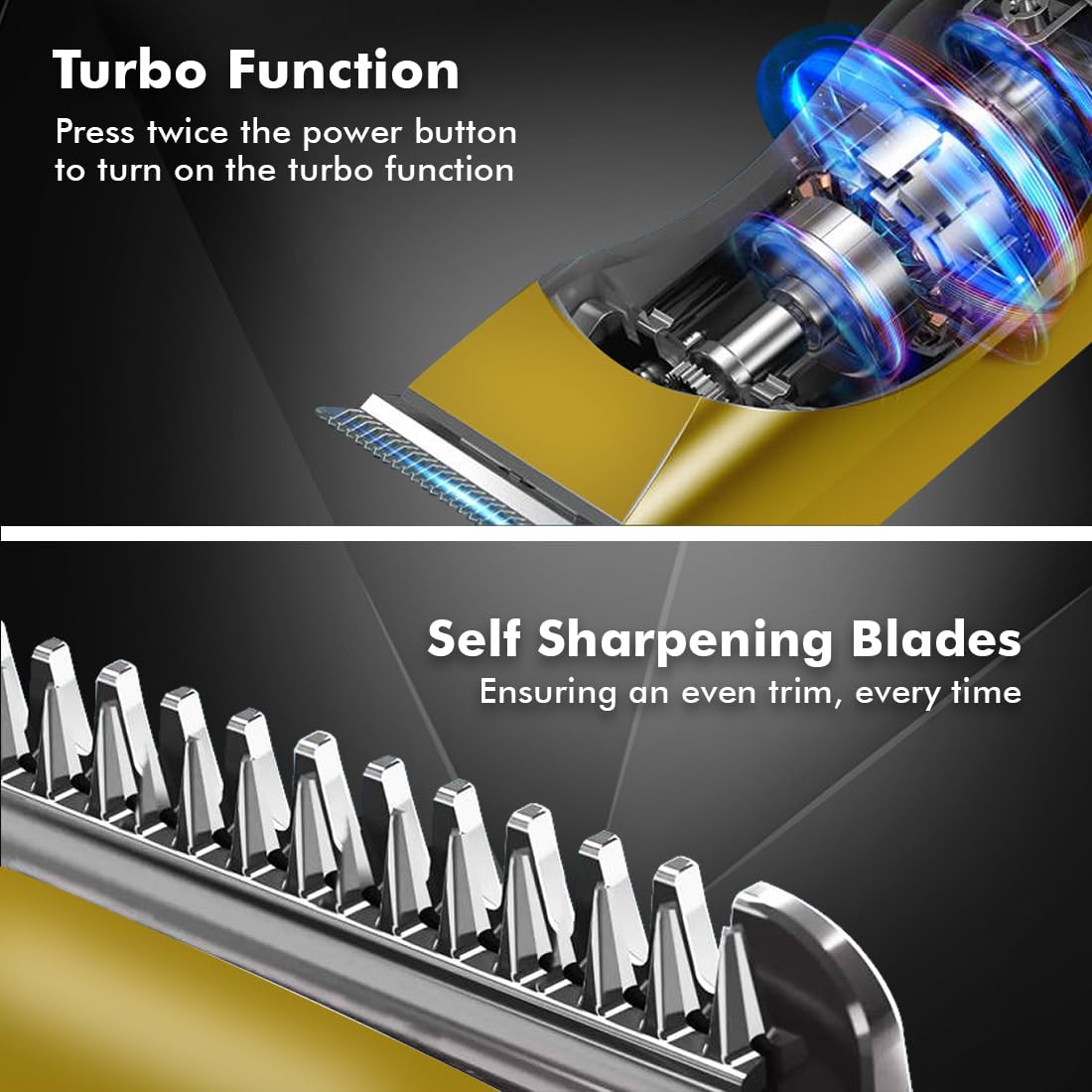
Image 6.2: Demonstrating hair trimming with the device.
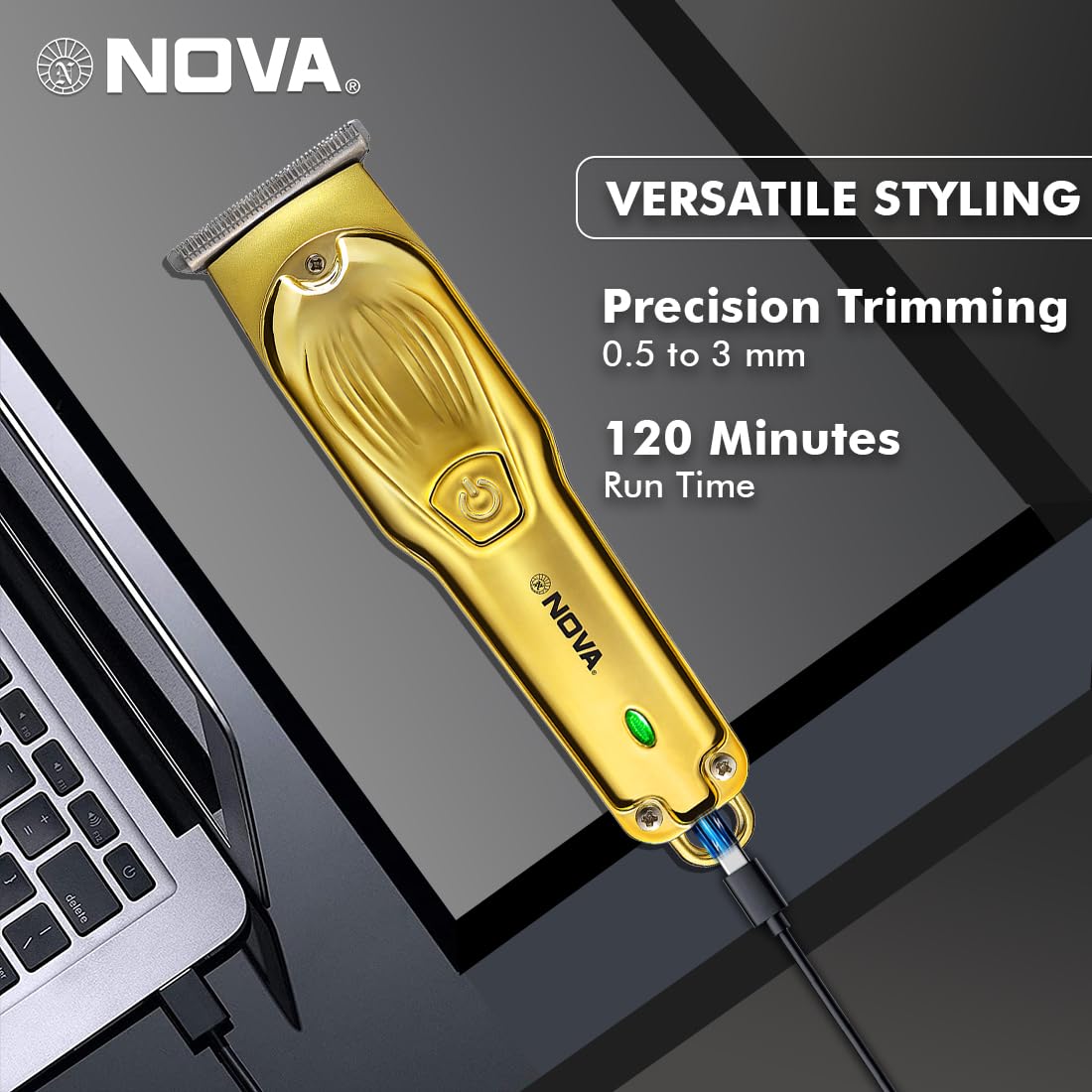
Image 6.3: Demonstrating beard trimming with the device.
7. Техническое обслуживание
7.1 Чистка лезвий
Регулярная очистка обеспечивает оптимальную производительность и гигиену.
- Выключите триммер и отсоедините его от источника питания.
- Carefully remove any attached guide comb.
- Используйте прилагаемую чистящую щеточку для удаления обрезков волос с лезвий и головки триммера.
- The blades are self-sharpening, reducing the need for manual sharpening.
7.2 Смазка
To maintain blade performance, apply a small drop of lubricating oil (if included) to the blades after every few uses. Turn the trimmer on for a few seconds to distribute the oil evenly.
7.3 Хранение
Store the trimmer in a cool, dry place, away from direct sunlight and moisture. Ensure the trimmer is clean and dry before storage.
8. Поиск Неисправностей
| Проблема | Возможная причина | Решение |
|---|---|---|
| Триммер не включается. | Аккумулятор разряжен. | Заряжайте триммер не менее 2 часов. |
| Кнопка питания нажата неправильно. | Убедитесь, что кнопка питания нажата плотно. | |
| Плохая производительность обрезки. | Лезвия забиты волосами. | Очистите лезвия с помощью чистящей щетки. |
| Лопасти нуждаются в смазке. | Нанесите каплю смазочного масла на лезвия. | |
| Аккумулятор не заряжается. | Зарядный кабель или адаптер неисправны. | Попробуйте использовать другой кабель USB Type-C или адаптер питания. |
| Разъем для зарядки поврежден. | Обратитесь в службу поддержки клиентов. |
9. Технические характеристики
| Особенность | Деталь |
|---|---|
| Модель | NHT 1102 |
| Материал лезвия | Нержавеющая сталь |
| Длина резки | 0.5 мм (без гребенки), 1 мм, 2 мм, 3 мм (с направляющими гребенками) |
| Тип батареи | Литий-ионный (600 мАч) |
| Время зарядки | Приблизительно 2 часов |
| Время выполнения | До 120 минут |
| Интерфейс зарядки | USB-порт типа C |
| Настройки скорости | 2 |
| Особые возможности | Turbo Function, Self-Sharpening Blades, Cordless Operation, Hanging Hook |
| Размеры (Д x Ш x В) | 9 х 11 х 14 см |
| Вес товара | 480 г |
| Производитель | Nova Manufacturing Hong Kong |
| Страна происхождения | Китай |
10. Гарантия и поддержка
For detailed warranty information, please refer to the warranty card included with your product or the official Nova website. For technical support, service, or replacement parts, please contact Nova customer service through the contact information provided on your product packaging or the official brand channels.


