Введение
Welcome to the user manual for your Zeblaze Btalk 2 Lite Smartwatch. This guide provides comprehensive instructions to help you set up, operate, and maintain your device, ensuring you get the most out of its features. The Btalk 2 Lite is designed to enhance your daily life with advanced health monitoring, fitness tracking, and convenient communication capabilities.
Продукт болееview
The Zeblaze Btalk 2 Lite smartwatch combines style with functionality, offering a range of features to support your health and connectivity needs.
- Отображать: Large 1.39-inch HD IPS Color Display
- Связь: Bluetooth V5.2 for phone calls
- Мониторинг здоровья: 24/7 Heart Rate, SpO2 (Blood Oxygen), Sleep Tracking, Women's Health
- Фитнес: Over 100 workout modes
- Настройка: Over 300 professional watch faces, custom photo watch faces
- Срок службы батареи: Up to 14 days (220 mAh battery)
- Интеллектуальные функции: Offline Voice Assistant, Call, SMS, Gmail, and App Notifications
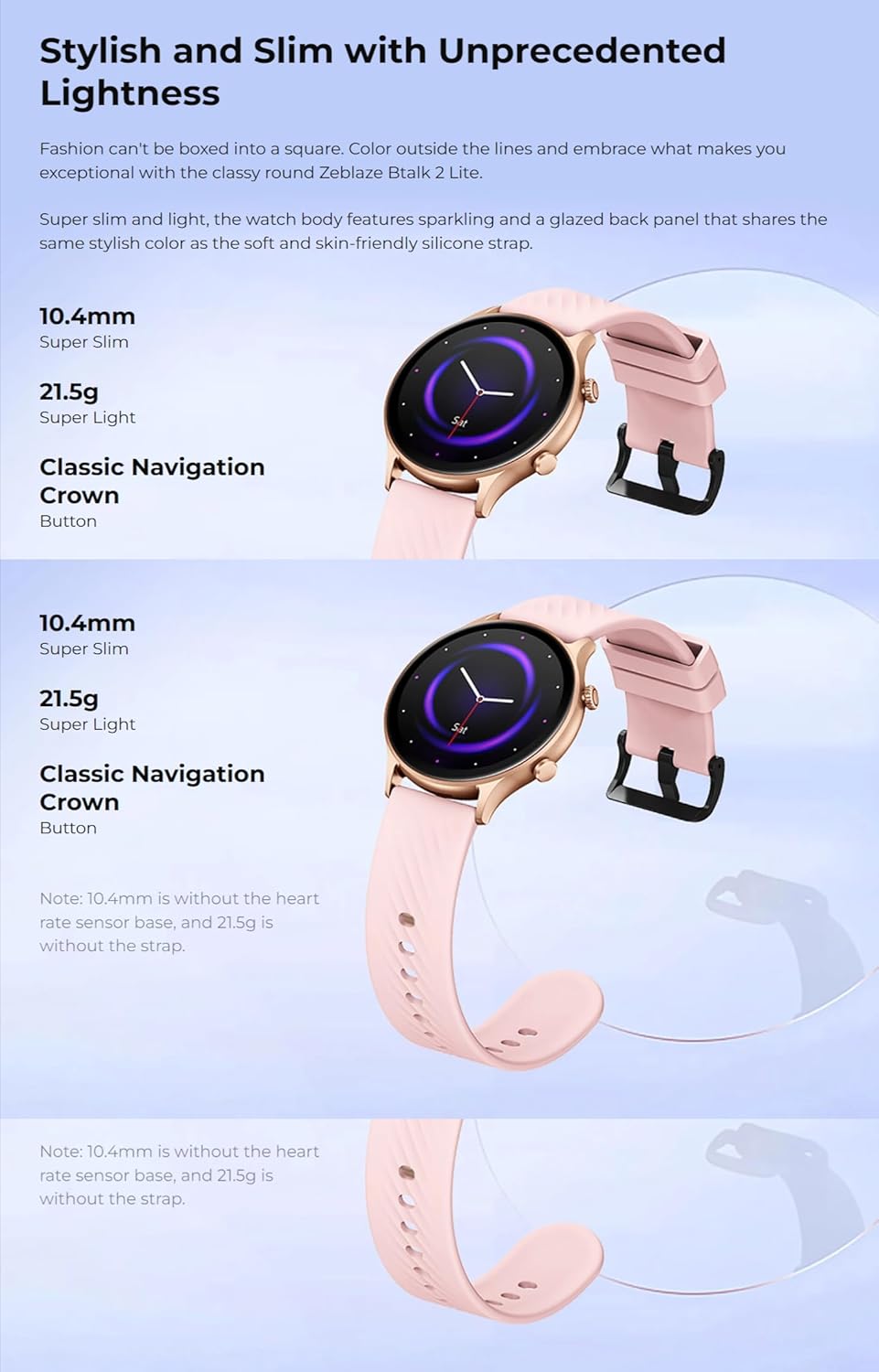
- Дизайн: Super slim and light, curved glass with anti-fingerprint coating
- Совместимость: Android 4.4 или iOS 8.0 и выше
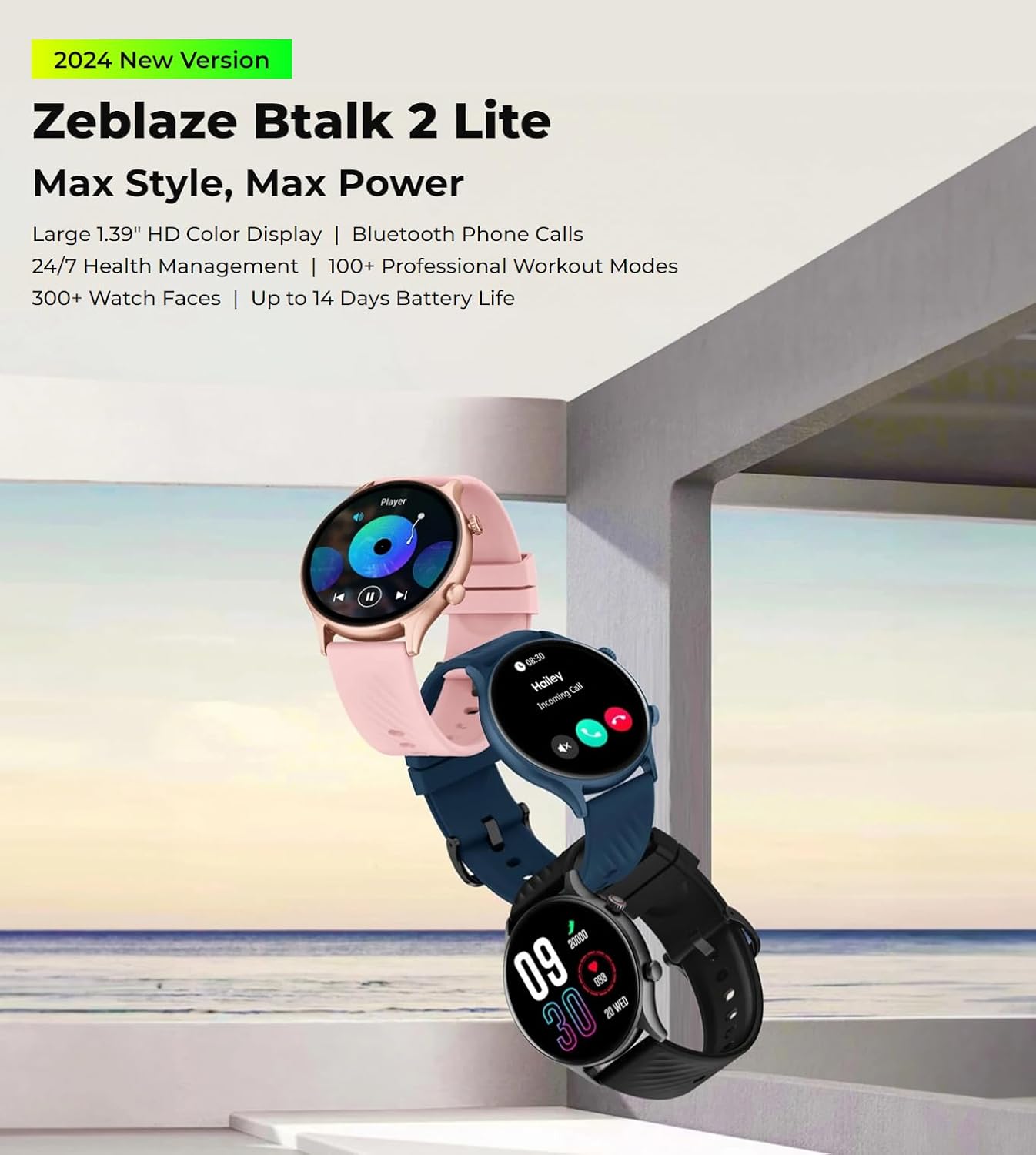
The Zeblaze Btalk 2 Lite smartwatch, available in various colors, featuring a large 1.39-inch HD display and comprehensive health and fitness tracking.
Настраивать
1. Зарядка устройства
Before initial use, fully charge your Zeblaze Btalk 2 Lite smartwatch. Connect the magnetic charging cable to the charging contacts on the back of the watch and plug the USB end into a power adapter (not included) or a computer's USB port. A full charge typically takes approximately 2 hours.

Illustration of the Zeblaze Btalk 2 Lite's battery performance, showing up to 14 days in typical usage, 7 days in heavy usage, 20 days in battery saver mode, and 325 minutes of continuous voice calling.
2. Сопряжение со смартфоном
- Загрузите приложение: Scan the QR code in the watch's settings or search for the 'Da Fit' app in your smartphone's app store (Google Play Store for Android, Apple App Store for iOS).
- Включить Bluetooth: Убедитесь, что Bluetooth включен на вашем смартфоне.
- Откройте приложение и подключите: Open the 'Da Fit' app, navigate to the device section, and follow the on-screen instructions to search for and connect to your Zeblaze Btalk 2 Lite. Confirm the pairing request on both your phone and watch.
Инструкция по эксплуатации
1. Основная навигация
- Сенсорный экран: Swipe left/right to access different features, swipe up/down to view notifications or quick settings. Tap to select.
- Боковая кнопка/корона: Press to wake the screen, return to the home screen, or access the app menu. Rotate the crown (if applicable) to scroll through menus.

A close-up of the Zeblaze Btalk 2 Lite smartwatch display, highlighting the 1.39-inch screen and the classic navigation crown on the side.
2. Телефонные звонки по Bluetooth
Once paired with your phone, the Btalk 2 Lite allows you to make and receive calls directly from your wrist.
- Делая звонки: Чтобы совершить вызов, воспользуйтесь клавиатурой набора номера или списком контактов на часах.
- Прием звонков: При поступлении входящего вызова вы можете ответить или отклонить его прямо с экрана часов.

A user interacting with the Zeblaze Btalk 2 Lite smartwatch to manage phone calls, demonstrating its Bluetooth calling capability.
3. Offline Voice Assistant
The watch features an offline voice assistant. Activate it through the watch menu and use voice commands for various functions without needing an internet connection.
4. Уведомления
Receive alerts for incoming calls, SMS messages, Gmail, and other app notifications directly on your watch. Configure which app notifications you wish to receive via the 'Da Fit' app on your smartphone.
5. Мониторинг здоровья
The Btalk 2 Lite provides comprehensive health tracking features.
- Частота сердечных сокращений: Отслеживает ваш пульс круглосуточно. View данные в реальном времени на часах или подробные тенденции в приложении.
- SpO2 (кислород крови): Измеряйте уровень насыщения крови кислородом по мере необходимости.
- Отслеживание сна: Автоматически отслеживает фазы вашего сна, включая глубокий сон, легкий сон и время пробуждения.
- Женское здоровье: Provides tracking and reminders for menstrual cycles (configure in the app).

Visual representation of the Zeblaze Btalk 2 Lite's health monitoring features, including wrist-based heart rate, SpO2 (blood oxygen) level measurement, breathing training, and blood pressure monitoring.
6. Режимы тренировки
Choose from over 100 professional workout modes to track your physical activity. Select your desired activity from the watch's menu to start tracking metrics like duration, calories burned, and heart rate.

A cyclist wearing the Zeblaze Btalk 2 Lite smartwatch, illustrating its support for over 100 workout modes for various fitness activities.
7. Настройка циферблатов
Персонализируйте свои часы, выбрав из широкого ассортимента циферблатов.
- Предустановленные лица: Browse and select from over 300 professional watch faces directly on the watch or through the 'Da Fit' app.
- Пользовательские лица: Upload your favorite photos via the 'Da Fit' app to create unique watch faces.

A collection of diverse watch faces available for the Zeblaze Btalk 2 Lite, showcasing параметры настройки.
Обслуживание
1. Уборка
Регулярно чистите часы и ремешок, чтобы предотвратить раздражение кожи и сохранить их функциональность. Используйте мягкую, мягкую чистящую салфетку.amp Для протирки экрана и ремешка используйте тряпку. Избегайте агрессивных химикатов и абразивных материалов.
2. Водостойкость
The Zeblaze Btalk 2 Lite features IP68 water resistance. This means it is protected against dust and can withstand immersion in water up to 1.5 meters for up to 30 minutes. It is suitable for daily use, such as hand washing or light rain, but not recommended for swimming, diving, or hot showers.
3. Уход за аккумулятором
To prolong battery life, avoid exposing the watch to extreme temperatures. Charge the device fully before long periods of inactivity. If the watch will not be used for an extended time, charge it to about 50% before storing.
Поиск неисправностей
- Часы не включаются: Убедитесь, что часы полностью заряжены. Подключите их к зарядному устройству как минимум на 30 минут.
- Невозможно подключиться к телефону: Убедитесь, что Bluetooth включен на вашем телефоне и часы находятся в зоне действия. Перезагрузите часы и телефон, затем попробуйте выполнить сопряжение еще раз через приложение «Da Fit».
- Неточные данные о состоянии здоровья: Убедитесь, что часы плотно прилегают к запястью, не слишком туго и не слишком свободно. Очистите датчик на задней стороне часов.
- Уведомления не получены: Check app settings on your phone to ensure notifications are enabled for the 'Da Fit' app and for individual apps you wish to receive alerts from. Ensure the watch is connected via Bluetooth.
- Короткое время автономной работы: Уменьшите яркость экрана, отключите ненужные функции и убедитесь, что часы полностью заряжены.
Технические характеристики
| Особенность | Деталь |
|---|---|
| Название модели | Btalk 2 Lite |
| Бренд | Зеблэйз |
| Размер экрана | 1.39 дюймов |
| Форма | Круглый |
| GPS | Нет GPS |
| Стандарт беспроводной связи | Bluetooth |
| Технология связи | Cellular (Bluetooth calls) |
| Емкость аккумулятора | 220 мАч |
| Особые возможности | Трекер активности, монитор сердечного ритма |
| Операционные системы | Android 4.4 или iOS 8.0 и выше |
| Номер модели товара | Btalk 2 lite |
| Размеры продукта | 17.2 x 8.7 x 2.2 см; 90 грамм |
крупный план view of the back of the Zeblaze Btalk 2 Lite smartwatch, showing the advanced PPG biometric sensor for accurate health data collection.
Гарантия и поддержка
For warranty information, please refer to the documentation included with your purchase or visit the official Zeblaze website. For technical support or further assistance, please contact Zeblaze customer service through their official channels.