1. Введение
Thank you for choosing the KIDYWOLF KIDYMICPARENT Bluetooth Microphone. This all-in-one microphone features a built-in speaker, light effects, and Bluetooth connectivity, designed to provide an engaging music experience. This manual provides essential information for the safe and effective use of your device. Please read it thoroughly before use and retain it for future reference.
2. Информация по технике безопасности
- Keep the microphone away from water and moisture.
- Не подвергайте устройство воздействию экстремальных температур или прямых солнечных лучей.
- Избегайте падений и сильных ударов, которым подвергается микрофон.
- Не пытайтесь разбирать или ремонтировать устройство самостоятельно. Обратитесь к квалифицированному специалисту.
- Используйте только прилагаемый зарядный кабель USB-C или сертифицированный аналог.
- This product contains a rechargeable battery. Do not dispose of it in fire.
- Ensure children use the microphone under adult supervision.
3. Содержимое упаковки
Проверьте комплектацию на наличие следующих предметов:
- 1 x KIDYWOLF KIDYMICPARENT Bluetooth Microphone
- Зарядный кабель 1 x USB-C
4. Продукт закончилсяview
The KIDYWOLF KIDYMICPARENT is a versatile microphone designed for entertainment. It integrates a 5W speaker, dynamic light effects, and various voice modulation features.
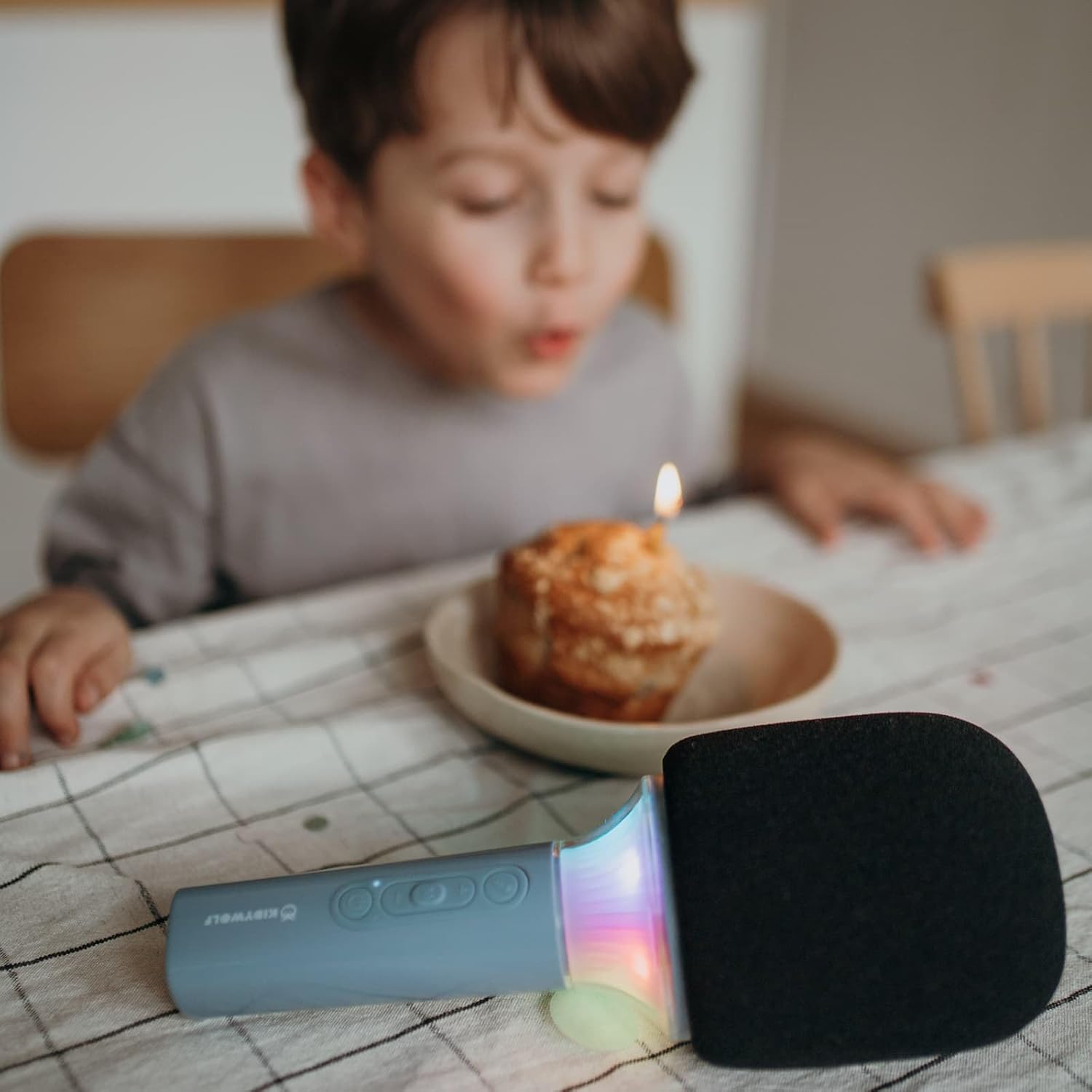
Рисунок 4.1: Передний view of the KIDYWOLF KIDYMICPARENT Bluetooth Microphone. This image shows the microphone head with its foam cover and the main body with control buttons.
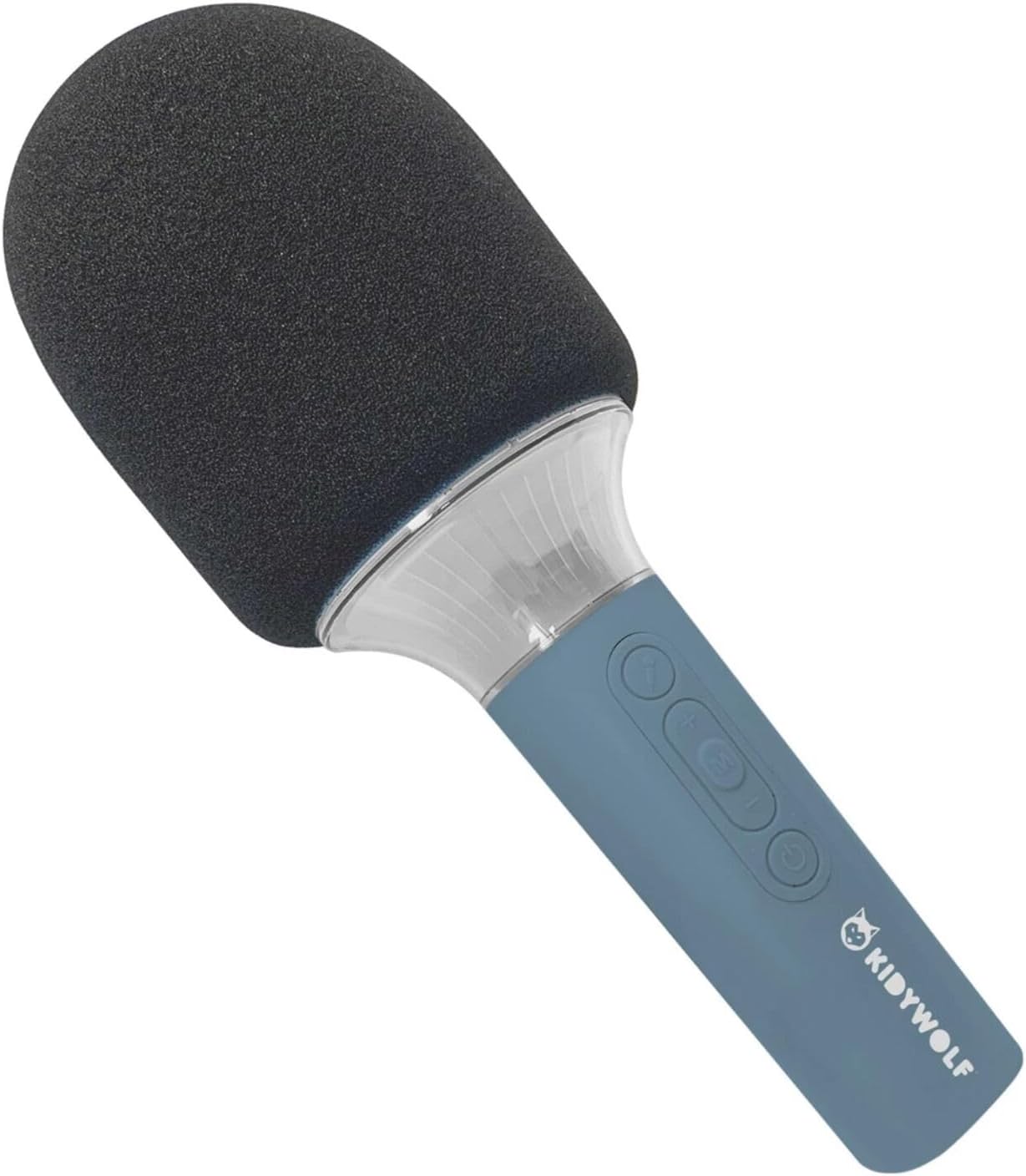
Рисунок 4.2: Угловой view of the KIDYWOLF KIDYMICPARENT Bluetooth Microphone. This perspective highlights the ergonomic design of the handle and the placement of the control buttons.

Рисунок 4.3: The KIDYWOLF KIDYMICPARENT Bluetooth Microphone with its integrated light effects active, showcasing the illuminated section below the microphone head.
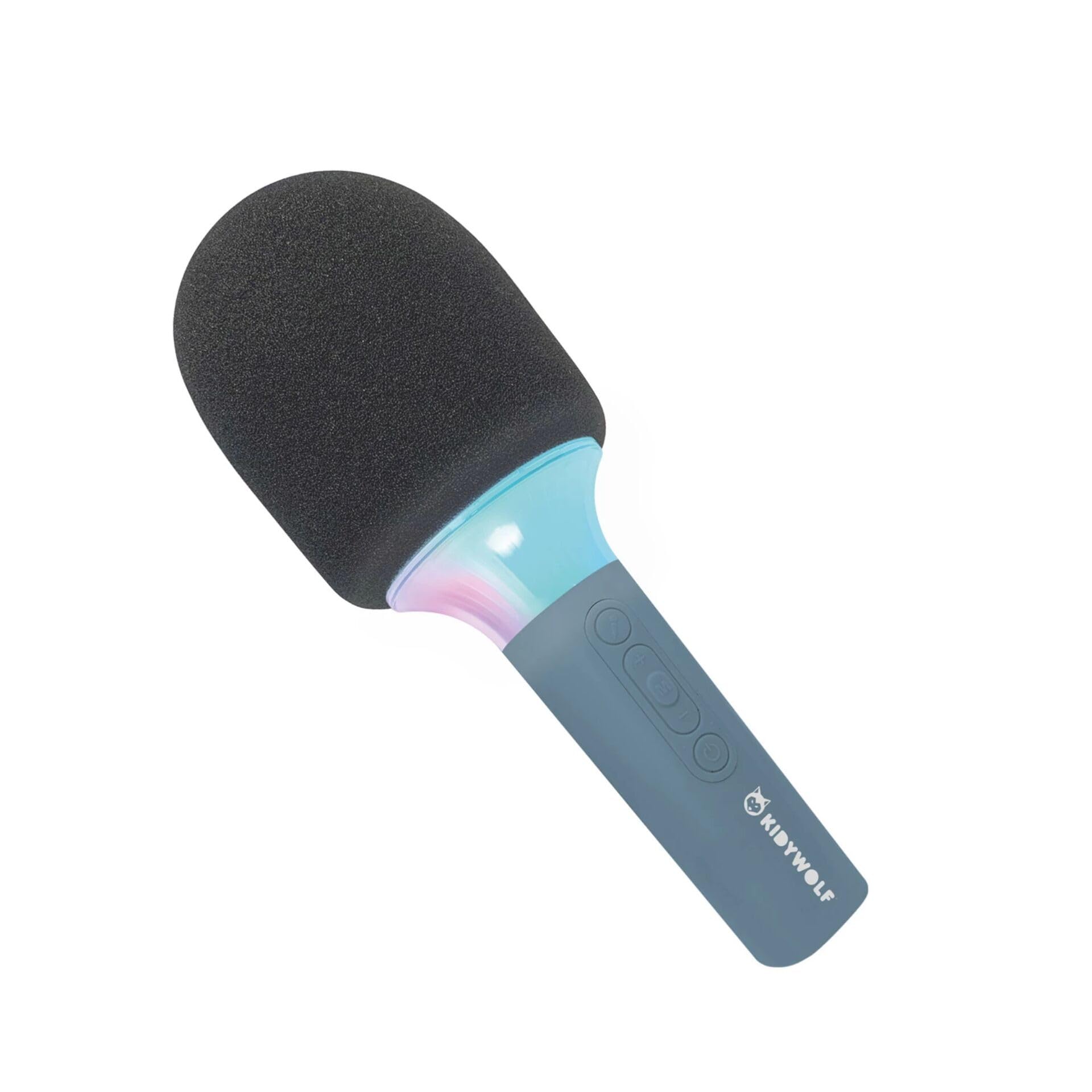
Рисунок 4.4: A child using the KIDYWOLF KIDYMICPARENT Bluetooth Microphone, demonstrating its intended use for entertainment.
5. Настройка
5.1 Зарядка микрофона
- Locate the USB-C charging port on the microphone.
- Connect the provided USB-C cable to the microphone's charging port.
- Подключите другой конец кабеля USB-C к совместимому USB-адаптеру питания (не входит в комплект) или к USB-порту компьютера.
- Индикатор зарядки будет гореть во время зарядки и погаснет или изменит цвет, когда зарядка будет завершена.
- Полная зарядка обычно занимает около 2–3 часов.
5.2 Сопряжение по Bluetooth
- Включение питания: Press and hold the Power button (usually marked with a power symbol) on the microphone until the indicator light turns on and you hear an audible prompt.
- Активируйте Bluetooth: The microphone will automatically enter Bluetooth pairing mode, indicated by a flashing light or an audible prompt.
- Включите Bluetooth на вашем устройстве: На смартфоне, планшете или другом устройстве с поддержкой Bluetooth перейдите в настройки Bluetooth и убедитесь, что Bluetooth включен.
- Выберите устройство: Look for "KIDYMICPARENT" or a similar name in the list of available Bluetooth devices and select it to pair.
- Подтверждение: Once successfully paired, you will hear a confirmation sound from the microphone, and the indicator light will stop flashing and remain solid.
Примечание: If pairing fails, turn off the microphone and your device's Bluetooth, then repeat the steps. The microphone will automatically attempt to reconnect to the last paired device when powered on.
6. Инструкция по эксплуатации
6.1 Включение/выключение питания
- Для включения: Нажмите и удерживайте кнопку питания примерно 3 секунды.
- Чтобы выключить: Нажмите и удерживайте кнопку питания примерно 3 секунды.
6.2 Регулятор громкости
- Используйте '+' button to increase the microphone and speaker volume.
- Используйте '-' button to decrease the microphone and speaker volume.
6.3 Воспроизведение музыки
Once paired via Bluetooth, you can play music from your connected device. The microphone's built-in speaker will output the audio. Use your connected device to control music playback (play, pause, skip tracks).
6.4 Световые эффекты
The microphone features integrated light effects. Refer to the specific button (if available, often marked with a light bulb symbol or integrated with another function) to cycle through different light modes or turn them on/off. If no dedicated button is present, the lights may activate automatically with sound or be controlled via a multi-function button.
7. Голосовые эффекты
The KIDYWOLF KIDYMICPARENT microphone offers 6 different voice settings to enhance your singing experience. To change voice effects:
- Locate the dedicated voice effect button (often marked with a microphone icon or "FX").
- Press the button repeatedly to cycle through the available voice effects.
- Listen to the audio output to select your desired voice effect.
8. Техническое обслуживание
8.1 Очистка
- Wipe the microphone's exterior with a soft, dry, or slightly damp ткань.
- Не используйте едкие химикаты, абразивные чистящие средства или растворители.
- Ensure no liquid enters the microphone's openings.
8.2 Хранение
- Храните микрофон в прохладном, сухом месте, вдали от прямых солнечных лучей.
- Keep it away from dust and extreme temperatures.
9. Поиск Неисправностей
| Проблема | Возможная причина | Решение |
|---|---|---|
| Микрофон не включается. | Батарея разряжена. | Зарядите микрофон с помощью кабеля USB-C. |
| Невозможно подключиться через Bluetooth. | Bluetooth is off on the device; microphone is not in pairing mode; device is too far. | Ensure Bluetooth is enabled on your device. Put the microphone into pairing mode. Move the device closer to the microphone (within 10 meters). |
| Нет звука из динамика. | Volume is too low; microphone is muted; device is not playing audio. | Increase volume using the '+' button. Check if the microphone is muted. Ensure audio is playing on the connected device. |
| Voice effects are not changing. | Incorrect button pressed; feature not active. | Ensure you are pressing the correct voice effect button. |
10. Технические характеристики
| Название модели | KIDYMICPARENT |
| Бренд | КИДИВОЛК |
| Форм-фактор | Ручной |
| Размеры (ДxШxВ) | 24 х 9 х 9 см |
| Масса | 414 г |
| Источник питания | Аккумуляторная батарея |
| Материал | Пластик |
| Количество каналов | 1 |
| Технология связи | Bluetooth |
| Тип соединения | USB-порт типа C |
| Особые возможности | Volume Control, Light Effects, Voice Modulation (6 settings) |
| Включенные компоненты | Microphone, USB-C Charging Cable |
| Рекомендуемое использование | Караоке |
11. Гарантия и поддержка
For warranty information and customer support, please refer to the documentation provided at the time of purchase or contact your retailer. You may also visit the official KIDYWOLF webСайт с актуальной информацией о ресурсах поддержки и контактными данными.


