Введение
This manual provides essential instructions for the setup, operation, and maintenance of your iRobot Roomba i5+ Combo Robot Vacuum and Mop. This device is designed to automate floor cleaning by vacuuming and mopping hard surfaces. Please read this manual thoroughly before using the product to ensure proper function and safety.
Что в коробке?
При распаковке убедитесь, что все компоненты присутствуют:
- iRobot Roomba i5+ Combo Robot Vacuum and Mop
- Clean Base Automatic Dirt Disposal (Docking Station)
- Коврик для швабры
- Шнур питания
- Руководство пользователя (этот документ)

Image: The iRobot Roomba i5+ Combo robot vacuum and mop, shown with its Clean Base automatic dirt disposal station.
Настраивать
- Unpack the Robot and Clean Base: Remove all packaging materials from the robot and the Clean Base.
- Place the Clean Base: Position the Clean Base against a wall in an open, uncluttered area. Ensure there is at least 0.5 meters (1.5 feet) of clear space on either side and 1.2 meters (4 feet) in front of the base.
- Подключите питание: Plug the Clean Base power cord into a wall outlet.
- Зарядите робота: Place the Roomba robot onto the Clean Base. The robot will automatically begin charging. Allow at least 3 hours for the initial charge.
- Загрузите приложение iRobot Home: For full functionality, download the iRobot Home app from your device's app store. Follow the in-app instructions to connect your robot to your Wi-Fi network and complete the setup.
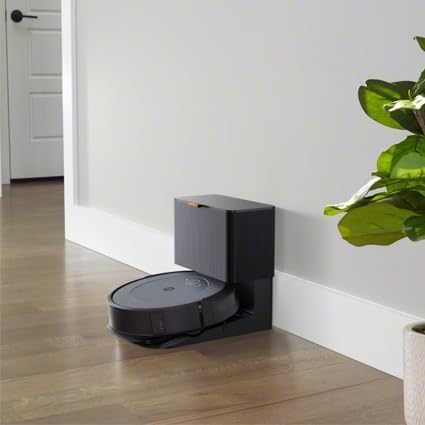
Image: The iRobot Roomba i5+ Combo robot vacuum docked on its Clean Base for charging.
Инструкция по эксплуатации
Режим вакуумирования
To initiate a cleaning cycle in vacuuming mode, ensure the dustbin is properly installed. Press the CLEAN button on the robot or use the iRobot Home app to start, pause, or stop cleaning. The robot will automatically return to its Clean Base when the battery is low or when cleaning is complete.

Image: The iRobot Roomba i5+ Combo robot vacuum cleaning debris from a hard floor.

Изображение: вид сверху view of the iRobot Roomba i5+ Combo robot vacuum demonstrating its systematic cleaning path on a floor.
Режим мытья полов
To use the mopping function, remove the vacuuming dustbin and install the mopping attachment with a clean mop pad. Fill the mopping reservoir with water or a compatible cleaning solution. The robot will then be ready to mop hard floors. Do not use the mopping attachment on carpets or rugs.

Image: The iRobot Roomba i5+ Combo robot vacuum shown with its interchangeable vacuum dustbin and mopping attachment.
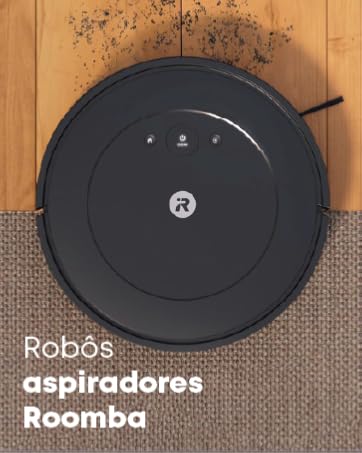
Image: A person filling the mopping reservoir of the iRobot Roomba i5+ Combo with water at a sink.
Smart Mapping and Scheduling
The iRobot Home app allows you to create Smart Maps of your home, define cleaning zones, and set schedules for automated cleaning. You can also direct the robot to clean specific rooms or areas.
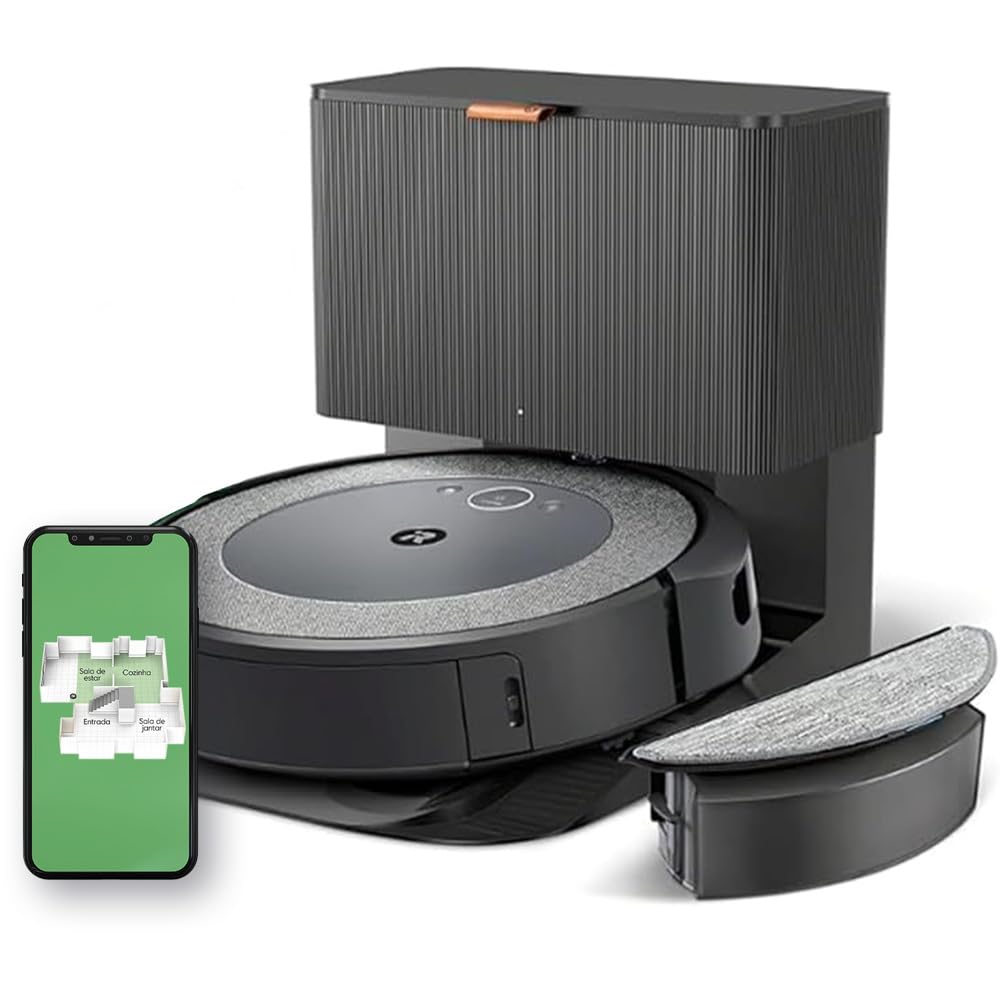
Image: A diagram illustrating the iRobot Roomba i5+ Combo's 4-stage cleaning system, including edge-sweeping brush, dual multi-surface rubber brushes, power-lifting suction, and mop pad.
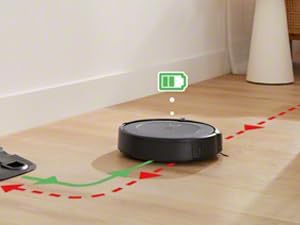
Image: The iRobot Roomba i5+ Combo robot vacuum shown mapping the layout of a house, indicating different rooms like living room, kitchen, entryway, and dining room.
Video: This video demonstrates the iRobot Roomba i5+ Combo's powerful suction and mopping capabilities, highlighting its 4-stage cleaning system and automatic dirt disposal. It also shows how to select specific rooms for cleaning using the iRobot OS app.
Обслуживание
Regular maintenance ensures optimal performance of your Roomba i5+ Combo.
- Очистите мусорную корзину: The Clean Base automatically empties the robot's dustbin. However, manually check and empty the dustbin if the Clean Base is not used or if the robot indicates it's full.
- Clean the Mop Pad: After each mopping cycle, remove and clean the mop pad. It can be hand-washed or machine-washed according to care instructions.
- Чистка кистей: Regularly remove hair and debris from the edge-sweeping brush and the dual multi-surface rubber brushes. Use the cleaning tool provided.
- Чистые фильтры: Tap the filter clean to remove debris. Replace the filter every 2-3 months, or as needed.
- Clean Sensors and Charging Contacts: Wipe the robot's sensors and charging contacts, as well as the Clean Base charging contacts, with a clean, dry cloth.
Поиск неисправностей
| Проблема | Решение |
|---|---|
| Робот не заряжается | Ensure the Clean Base is plugged in and the robot is properly aligned with the charging contacts. Clean the charging contacts on both the robot and the base. |
| Робот часто застревает | Clear obstacles from the cleaning area. Ensure virtual walls or keep-out zones are set up in the app for problem areas. Clean the robot's sensors. |
| Плохая производительность очистки | Empty the dustbin, clean the brushes, and replace the filter if necessary. Ensure the mop pad is clean and wet for mopping. |
| Робот не подключается к Wi-Fi | Ensure your Wi-Fi network is 2.4 GHz. Restart your router and the robot. Follow the in-app instructions for Wi-Fi setup carefully. |
Технические характеристики
| Особенность | Деталь |
|---|---|
| Бренд | iRobot |
| Модель | Roomba i5+ Combo |
| Цвет | White (Note: Product images often show a dark grey/black unit) |
| Совместимые устройства | Alexa or Google Assistant compatible devices |
| Особые возможности | Scheduling, Anti-fall, Self-emptying, Pet hair capture, Automatic dust collection |
| Источник питания | Электрический со шнуром |
| Тип батареи | Литий-ионный |
| Форм-фактор | Круглый |
| Размеры продукта | 12.7Д x 41.9Ш x 45В см |
| Рекомендация по поверхности | Multiple surfaces |
Гарантия и поддержка
For warranty information and technical support, please refer to the official iRobot website or contact iRobot customer service. Keep your purchase receipt as proof of purchase.
Official iRobot Webсайт: www.irobot.com


