Введение
This manual provides detailed instructions for the safe and efficient use of your LG SQC2 2.1 Channel Soundbar with Wireless Subwoofer. Please read this manual thoroughly before operating the unit and retain it for future reference. The LG SQC2 system is designed to enhance your home entertainment experience with clear audio and powerful bass, featuring 2.1 channel sound and a wireless subwoofer for flexible placement.
Ключевые особенности включают в себя:
- 2.1 Channel Audio: Delivers a balanced sound experience.
- Wireless Subwoofer: Provides deep bass without the need for audio cables to the soundbar.
- Bluetooth Connectivity: Allows wireless streaming from compatible devices.
- Adaptive Sound Control (ASC): Optimizes sound settings based on content.
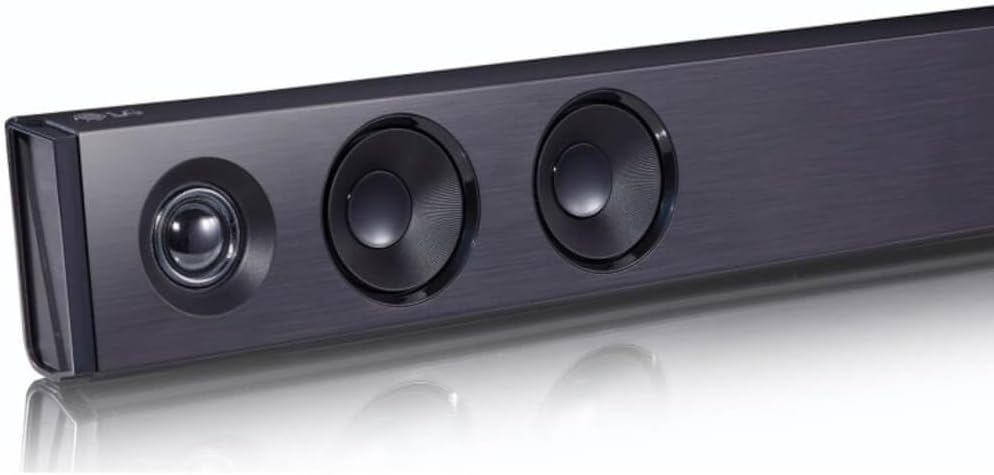
Изображение: под углом view of the LG SQC2 Soundbar, showcasing its front speakers and sleek profile.
Что в коробке?
Carefully unpack all items and ensure you have the following components:
- Саундбар LG SQC2
- Беспроводной сабвуфер
- Expected Accessories: Remote Control, Power Cords (for Soundbar and Subwoofer)

Изображение: Спереди view of the LG SQC2 Soundbar, showcasing его элегантный дизайн и защитные решетки динамиков.

Image: The LG SQC2 Wireless Subwoofer, a compact black unit designed to deliver deep bass.
Настраивать
1. Размещение
Саундбар: Place the soundbar on a flat, stable surface directly in front of your television. Ensure there are no obstructions blocking the front speakers. The soundbar is designed for tabletop mounting.
Беспроводной сабвуфер: Position the wireless subwoofer anywhere in the room where it can receive power and is within range of the soundbar. For optimal bass performance, avoid placing it directly in a corner or enclosed space.
2. Подключение питания
Connect the power cord to the soundbar's power input and then to a wall outlet. Do the same for the wireless subwoofer. The subwoofer will automatically attempt to pair with the soundbar once both are powered on.
3. Audio Connection to TV
Choose one of the following methods to connect the soundbar to your television:
- Optical Digital Audio Cable: Connect an optical cable from the ОПТИЧЕСКИЙ ВХОД port on the soundbar to the Optical Digital Output port on your TV. This is the recommended connection for high-quality digital audio.
- Bluetooth: For wireless audio from your TV (if supported) or other devices, refer to the "Bluetooth Pairing" section under Operating.
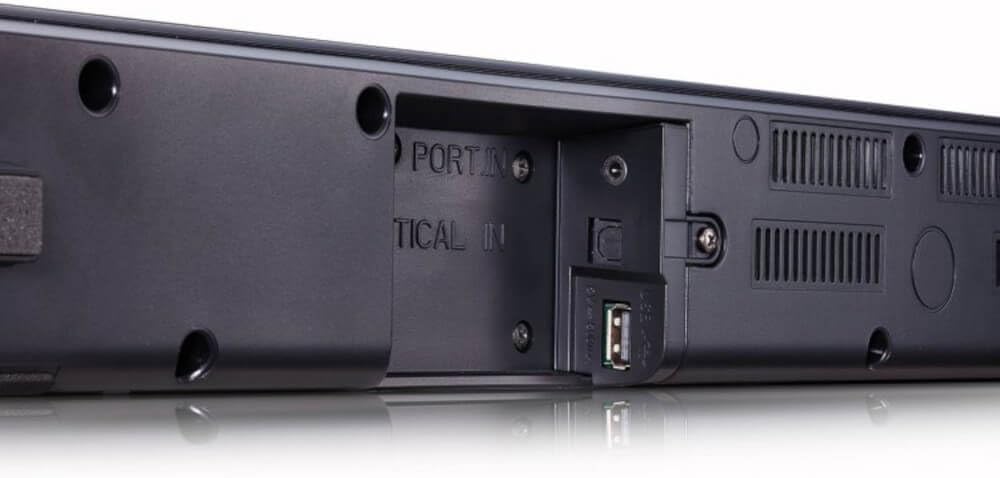
Изображение: сзади view of the LG SQC2 Soundbar, highlighting the "OPTICAL IN" port and other connection options.
Инструкция по эксплуатации
1. Включение/выключение питания
Нажмите Власть Кнопка на пульте дистанционного управления или на звуковой панели для включения и выключения устройства.
2. Выбор входа
Нажмите Функция button on the remote control or the soundbar repeatedly to cycle through available input sources (e.g., OPTICAL, BLUETOOTH).

Изображение: сверху view of the LG SQC2 Soundbar, showing the integrated control buttons for power, volume, and function selection.
3. Регулятор громкости
Используйте Увеличение громкости (+) и Звук тише (-) buttons on the remote control or the soundbar to adjust the master volume. The subwoofer volume can often be adjusted independently via the remote control.
4. Сопряжение по Bluetooth
Для подключения устройства Bluetooth (например, смартфона, планшета):
- Нажмите Функция button on the soundbar or remote until "BT" (Bluetooth) is displayed.
- На вашем устройстве Bluetooth включите Bluetooth и выполните поиск доступных устройств.
- Select "LG SQC2" from the list of devices. Once paired, the soundbar will indicate a successful connection.
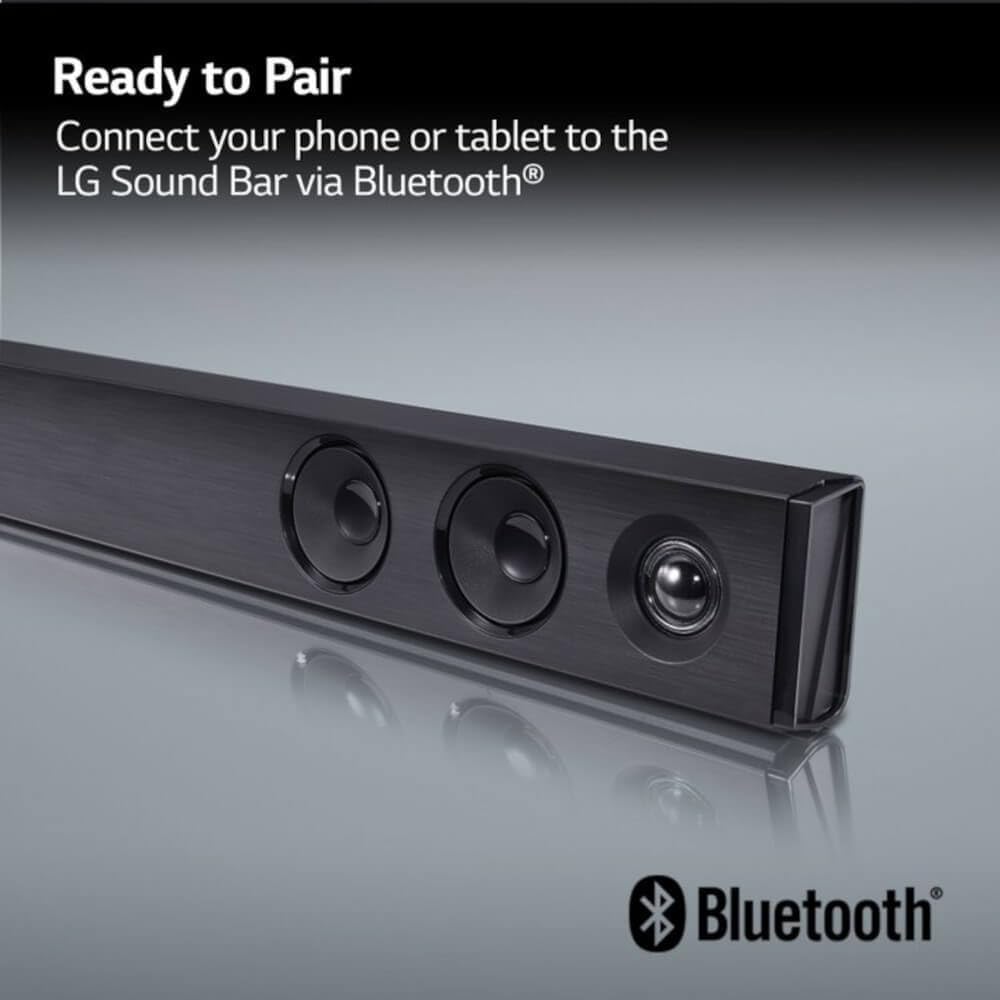
Image: The LG Soundbar displaying "Ready to Pair" with the Bluetooth logo, indicating it is in pairing mode.
5. Режимы звука
The LG SQC2 features Adaptive Sound Control (ASC), which automatically analyzes content and optimizes sound settings. Other sound modes may be available via the remote control to suit different audio types (e.g., Movie, Music, Standard).
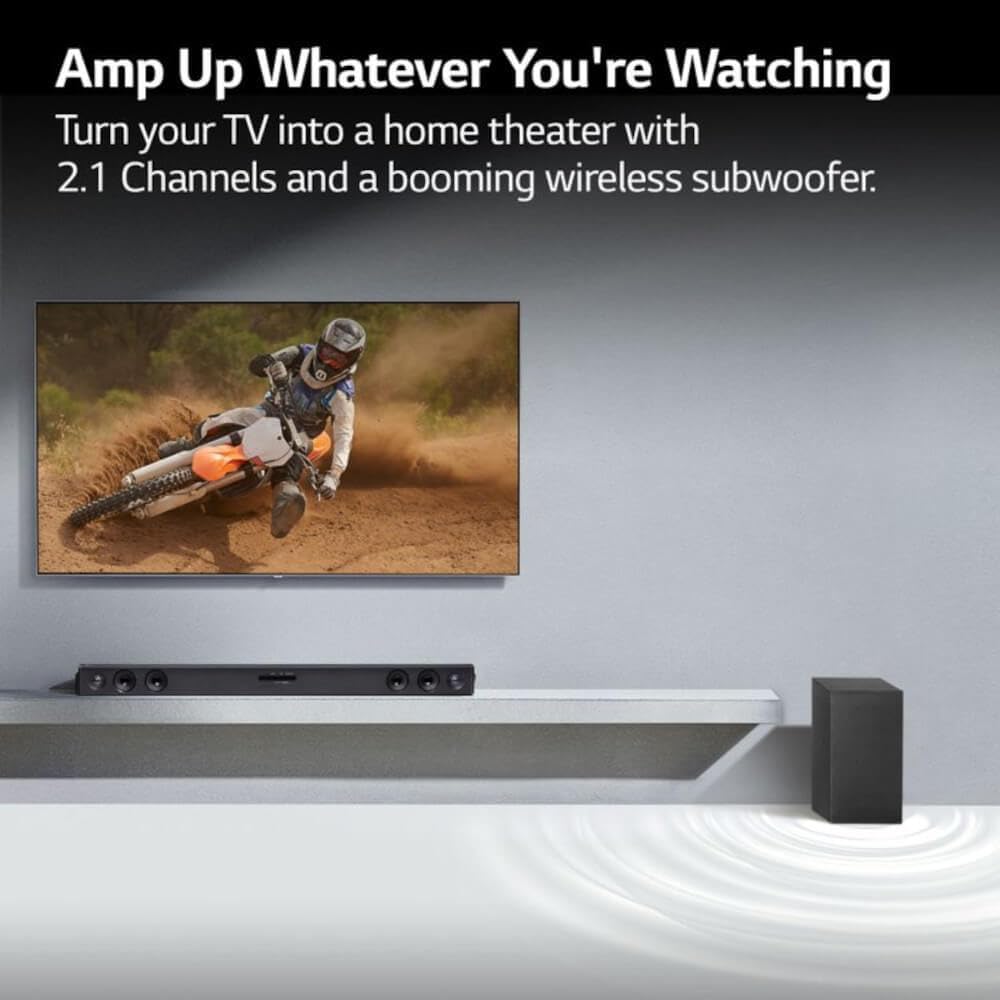
Image: An LG Soundbar and wireless subwoofer positioned below a television, illustrating their role in enhancing the audio experience for various content.
Обслуживание
Уборка
To clean the soundbar and subwoofer, use a soft, dry cloth. Do not use liquid cleaners, abrasive cleaners, or sprays, as these can damage the finish or internal components. Ensure the units are unplugged before cleaning.
Хранилище
При длительном хранении отключите устройство от розетки и храните его в прохладном, сухом месте, вдали от прямых солнечных лучей и экстремальных температур.
Поиск неисправностей
If you experience issues with your LG SQC2 soundbar system, refer to the following common problems and solutions:
- Нет питания:
- Check if the power cords for both the soundbar and subwoofer are securely plugged into the wall outlets and the units.
- Проверьте работоспособность розетки, подключив к ней другое устройство.
- Нет звука:
- Ensure the soundbar is powered on and the correct input source (e.g., OPTICAL, BLUETOOTH) is selected.
- Check the volume level on both the soundbar and your TV/connected device.
- If using an optical cable, ensure it is securely connected at both ends and that your TV's audio output is set to "Optical" or "External Speaker."
- При использовании Bluetooth убедитесь, что устройство правильно сопряжено и подключено.
- Сабвуфер не сопряжен:
- Убедитесь, что саундбар и сабвуфер включены.
- The subwoofer should automatically pair. If not, check the subwoofer's indicator light. If it's blinking, it's searching for a connection. If it's solid, it's connected.
- Refer to the specific pairing instructions in your full LG manual if automatic pairing fails. Sometimes a manual pairing button is available on the subwoofer.
- Try restarting both the soundbar and subwoofer by unplugging them for a minute and then plugging them back in.
- Проблемы с подключением Bluetooth:
- Убедитесь, что саундбар находится в режиме Bluetooth.
- Make sure your Bluetooth device is within range (typically 10 meters or 33 feet) and there are no significant obstructions.
- Попробуйте разорвать и заново подключить устройство.
- Clear the Bluetooth memory on your device and the soundbar (if applicable) and try again.
Технические характеристики
| Особенность | Деталь |
|---|---|
| Название модели | LG SQC2 |
| Тип динамика | Саундбар, беспроводной сабвуфер |
| Конфигурация каналов объемного звука | 2.1 |
| Максимальная выходная мощность динамика | 300 Вт |
| Технология связи | Bluetooth, Optical |
| Технология беспроводной связи | Bluetooth |
| Технология подключения сабвуфера | Беспроводной |
| Метод контроля | Удаленный |
| Совместимые устройства | Телевидение |
| Рекомендуемое использование | Home Entertainment, Watching TV, Listening to Music |
| Специальная характеристика | Bass Boost, Adaptive Sound Control (ASC) |
| Материал | Пластик |
| Product Dimensions (Overall System) | 41.1 x 16.4 x 8.5 дюйма |
| Item Weight (Overall System) | 18.39 фунта |
| Тип крепления | Настольное крепление |
| Производитель | LG |
| СКП | 796575215764 |
Гарантия и поддержка
The LG SQC2 2.1 Channel Soundbar with Wireless Subwoofer comes with a Limited Warranty. For specific details regarding warranty coverage, duration, and terms, please refer to the warranty card included with your product or visit the official LG webсайт.
For technical support, service, or further assistance, please contact LG Customer Service. Contact information can typically be found on the LG official webсайте или в упаковке продукта.
When contacting support, please have your product model number (SQC2) and serial number ready.