Введение
Thank you for choosing the Philips Smart Pedestal Fan Series 3000. This fan is designed to provide powerful and quiet cooling for your home. This manual provides essential information for the safe and efficient use of your appliance. Please read it thoroughly before first use and keep it for future reference.

The Philips Smart Pedestal Fan Series 3000 (CX3550/01) in black, designed for powerful yet quiet cooling.
Продукт болееview
The Philips Smart Pedestal Fan Series 3000 combines maximum cooling power with minimal noise. It features SilentWings technology for quiet operation, adjustable height for versatile use as a pedestal or table fan, and smart control via the Philips Air+ app.

This image illustrates the adjustable height of the fan, showing its dimensions as a pedestal fan (125 cm height, 40 cm width, 37.2 cm depth) and a table fan (82 cm height).
Настройка и сборка
The fan is designed for easy assembly. Follow these general steps for initial setup:
- Распакуйте все компоненты из коробки.
- Assemble the base and attach the main pole.
- Attach the fan motor unit to the pole.
- Secure the front and rear grilles, ensuring the fan blades are correctly positioned.
- Подключите шнур питания.
Refer to the detailed assembly instructions provided in the product packaging for specific steps and diagrams.

All components of the fan laid out, demonstrating its modular design for straightforward assembly and cleaning.
Инструкция по эксплуатации
Your Philips Smart Pedestal Fan offers multiple ways to control its functions for personalized comfort.
Панель управления
The fan features an intuitive control panel located on the motor unit.

The fan's control panel features buttons for power, speed adjustment, mode selection, oscillation, and timer settings.
- Кнопка питания: Нажмите, чтобы включить или выключить вентилятор.
- Настройки скорости: Select from 3 available speeds to adjust airflow intensity.
- Выбор режима: Choose between different modes such as Natural Breeze and Silent Sleep.
- колебание: Activate or deactivate the automatic 90-degree horizontal oscillation.
- Таймер: Set the fan to operate for a specific duration (1-12 hours).
Управление через приложение Philips Air+
For enhanced control and smart features, download the Philips Air+ app on your smartphone.
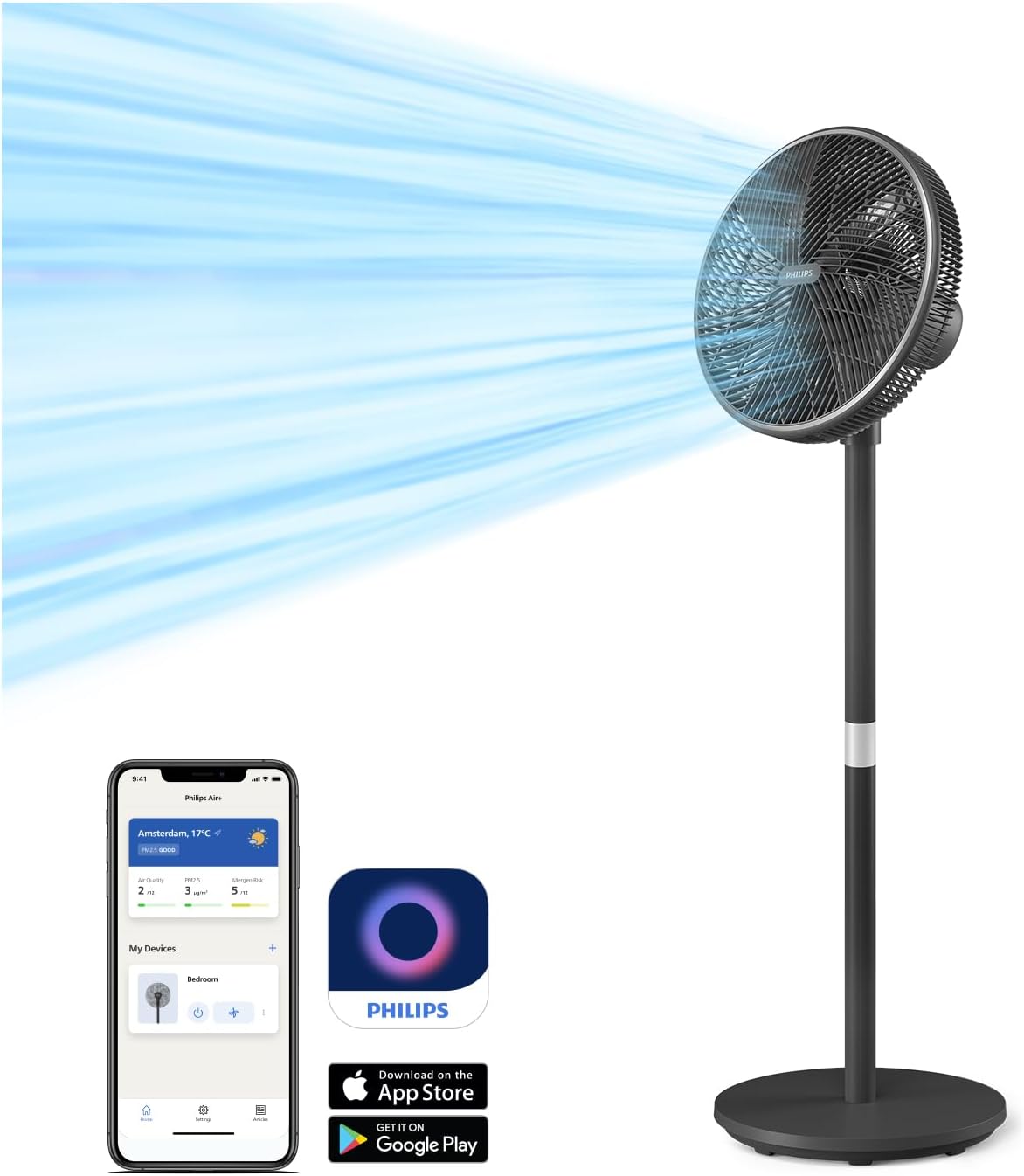
The Philips Air+ app allows remote control of fan settings, including speed, modes, and scheduling.
- Download the Philips Air+ app from the App Store or Google Play.
- Follow the in-app instructions to pair your fan with your device.
- Control all fan functions remotely, set schedules, and monitor room conditions.
Режимы работы
- Режим естественного бриза: This mode simulates a gentle, refreshing outdoor breeze, providing a comfortable indoor experience throughout the year.

The Natural Breeze mode simulates a gentle, refreshing outdoor breeze, providing year-round comfort.
- Бесшумный спящий режим: Designed for peaceful nights, this mode gradually reduces the fan speed over a 30-minute period, promoting restful sleep and energy saving.

The Silent Sleep Mode gradually reduces fan speed over 30 minutes, promoting restful sleep and energy saving.
Регулируемые функции
- колебание: The fan features automatic horizontal oscillation up to 90 degrees to distribute air evenly across the room.
- Вертикальный наклон: The fan head can be manually tilted vertically up to 30 degrees to direct airflow as needed.
- Регулируемая высота: The fan can be easily converted from a pedestal fan to a table fan to suit your environment and cooling needs.
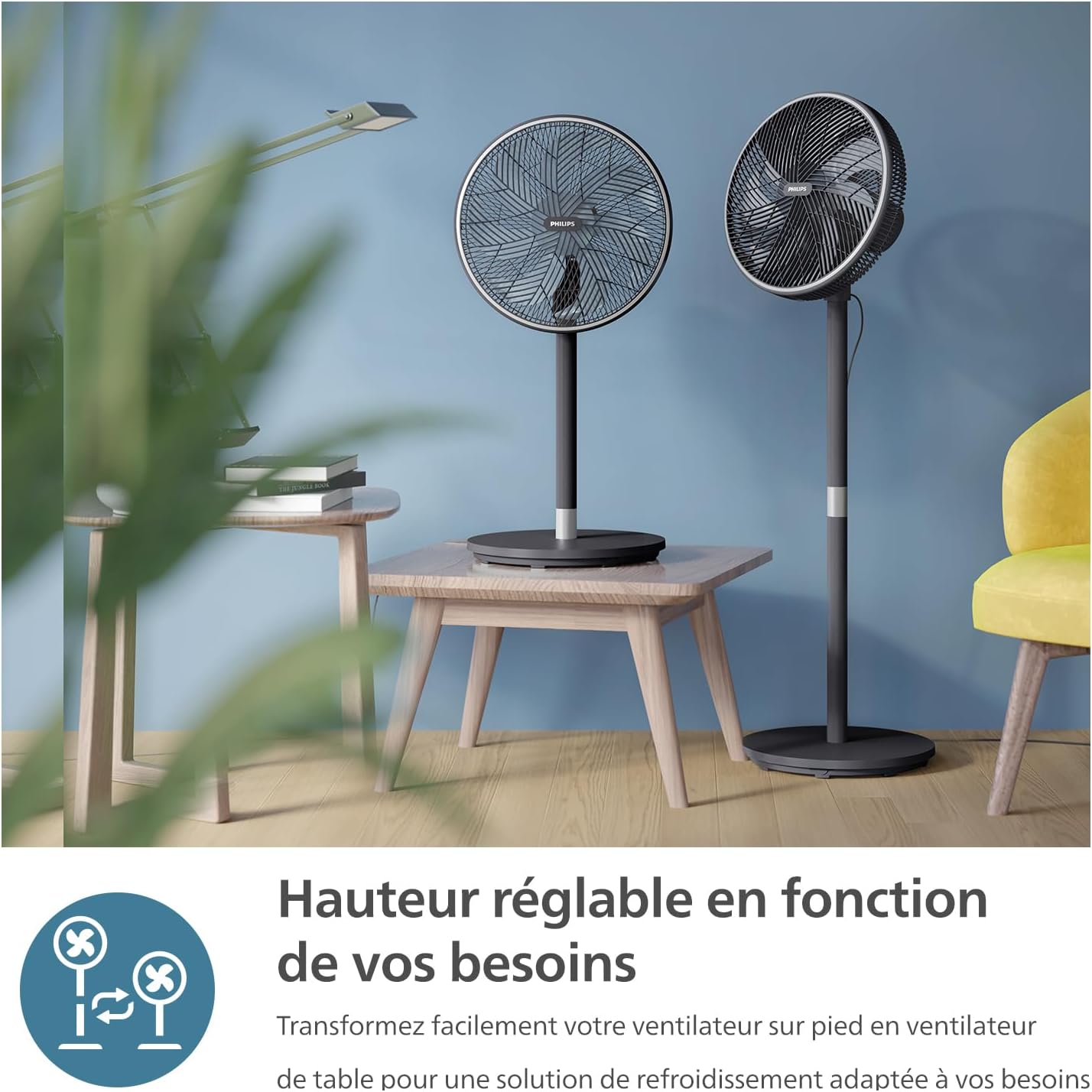
The fan's versatile design allows it to be easily converted from a pedestal fan to a table fan to suit various environments.
- Функция таймера: Personalize your cooling experience with the timer function, allowing you to set the fan to turn off automatically after 1 to 12 hours.

The fan includes a timer function, allowing users to set operation for 1 to 12 hours for personalized comfort.
Техническое обслуживание и очистка
Регулярная чистка помогает поддерживать работоспособность вентилятора и продлевает срок его службы. Всегда отключайте вентилятор от сети перед чисткой.
- Внешняя очистка: Протрите внешние поверхности мягкой, damp Ткань. Не используйте абразивные чистящие средства или растворители.
- Решетка и лезвия: The fan's intuitive design allows for easy disassembly of the grilles and blades for thorough cleaning. Remove dust and debris using a soft brush or vacuum cleaner. Ensure all parts are dry before reassembly.
Поиск неисправностей
Если у вас возникли проблемы с вентилятором, воспользуйтесь следующими распространенными решениями:
- Вентилятор не включается: Убедитесь, что шнур питания надежно вставлен в исправную электрическую розетку. Проверьте, нажата ли кнопка питания.
- Слабый воздушный поток: Verify that the fan speed is set to a higher level. Clean the fan blades and grilles to remove any obstructions.
- Необычный шум: Ensure all parts are correctly assembled and tightened. Check for any foreign objects caught in the fan blades.
- Проблемы с подключением приложения: Ensure your smartphone's Bluetooth or Wi-Fi is enabled and the fan is within range. Restart the app and the fan if necessary.
В случае постоянных проблем обращайтесь в службу поддержки клиентов Philips.
Технические характеристики
| Особенность | Спецификация |
|---|---|
| Бренд | ФИЛИПС |
| Номер модели | CX3550/01 |
| Цвет | Черный |
| Размеры продукта (Д x Ш x В) | 40 х 37.2 х 125 см |
| Власть | 48 Вт |
| Томtage | 220 Вольт, 240 Вольт |
| Материал | Пластик или металл |
| Количество скоростей | 3 |
| Уровень шума | 19 децибел (дБ(А)) |
| Особые возможности | SilentWings Technology, App Control |
| Вес товара | 6.03 Килограмма |
| Конструкция электрического вентилятора | Напольный вентилятор |
| Источник питания | Проводной электрический |
| Стиль | Пьедестал Вентилятор |
| Тип комнаты | Гостиная |
| Рекомендуемое использование | Air Circulation, Cooling, Ventilation |
| Тип крепления | Напольное покрытие |
Гарантия и поддержка
For warranty information, technical support, or service inquiries, please refer to the warranty card included with your product or visit the official Philips website. You can also contact Philips customer service directly for assistance.
Онлайн поддержка: www.philips.com/support


