Введение
The Fenix HM65R-T V2.0 is a high-performance running headlamp designed for trail running and outdoor activities. It features a powerful 1600-lumen white light and a warm white dual beam, offering versatile illumination for various conditions. Built with a lightweight magnesium alloy body, it is durable, USB-C rechargeable, and includes a comfortable, adjustable headband.

Image: The Fenix HM65R-T V2.0 Running Headlamp in Dark Purple, showcasing благодаря компактному дизайну и двум источникам света.
Настраивать
Что в коробке?
- Fenix HM65R-T V2.0 Headlamp
- Повязка на голову
- Зарядный кабель USB-C
- Запасное уплотнительное кольцо
Установка аккумулятора
- Открутите крышку хвостовой части головки.amp.
- Insert the included Fenix ARB-L18-3400 battery with the anode (+) side facing the headlamp голова.
- Надежно закрутите хвостовую крышку.
Головаamp is also compatible with two CR123A batteries for alternative power.
Зарядка
- Найдите зарядный порт USB-C на головном устройстве.amp body, usually protected by a rubber boot.
- Open the rubber boot and connect the USB-C charging cable to the port.
- Подключите другой конец кабеля к источнику питания USB.
- The battery level indicators will illuminate to show charging status. Charging typically takes approximately 3 hours.
- Once fully charged, disconnect the cable and securely close the rubber boot to maintain water resistance.

Image: The Fenix HM65R-T V2.0 headlamp connected to a USB-C charging cable, illustrating the charging process.
Регулировка оголовья
Головаamp features a two-way SPORT fit system fastener for easy adjustment. Simply rotate the dial clockwise to tighten the headband or counter-clockwise to loosen it, ensuring a steady and comfortable fit during use.

Image: A person adjusting the headband of the Fenix HM65R-T V2.0, demonstrating the two-way SPORT fit system.
Инструкция по эксплуатации
The Fenix HM65R-T V2.0 features dual top switches for simple and accurate operation, with separate controls for the white light and warm white light.
Изображение: Подробный view of the Fenix HM65R-T V2.0 headlamp, highlighting its dual top switches for independent control of light modes.
Включение/выключение питания
- Включить: Press and hold either of the switches for 0.5 seconds.
- Выключить: Press and hold either of the switches for 0.5 seconds.
Mode Switching (White Light)
With the white light on, single-click the white light switch to cycle through Low, Medium, and High modes.
Mode Switching (Warm White Light)
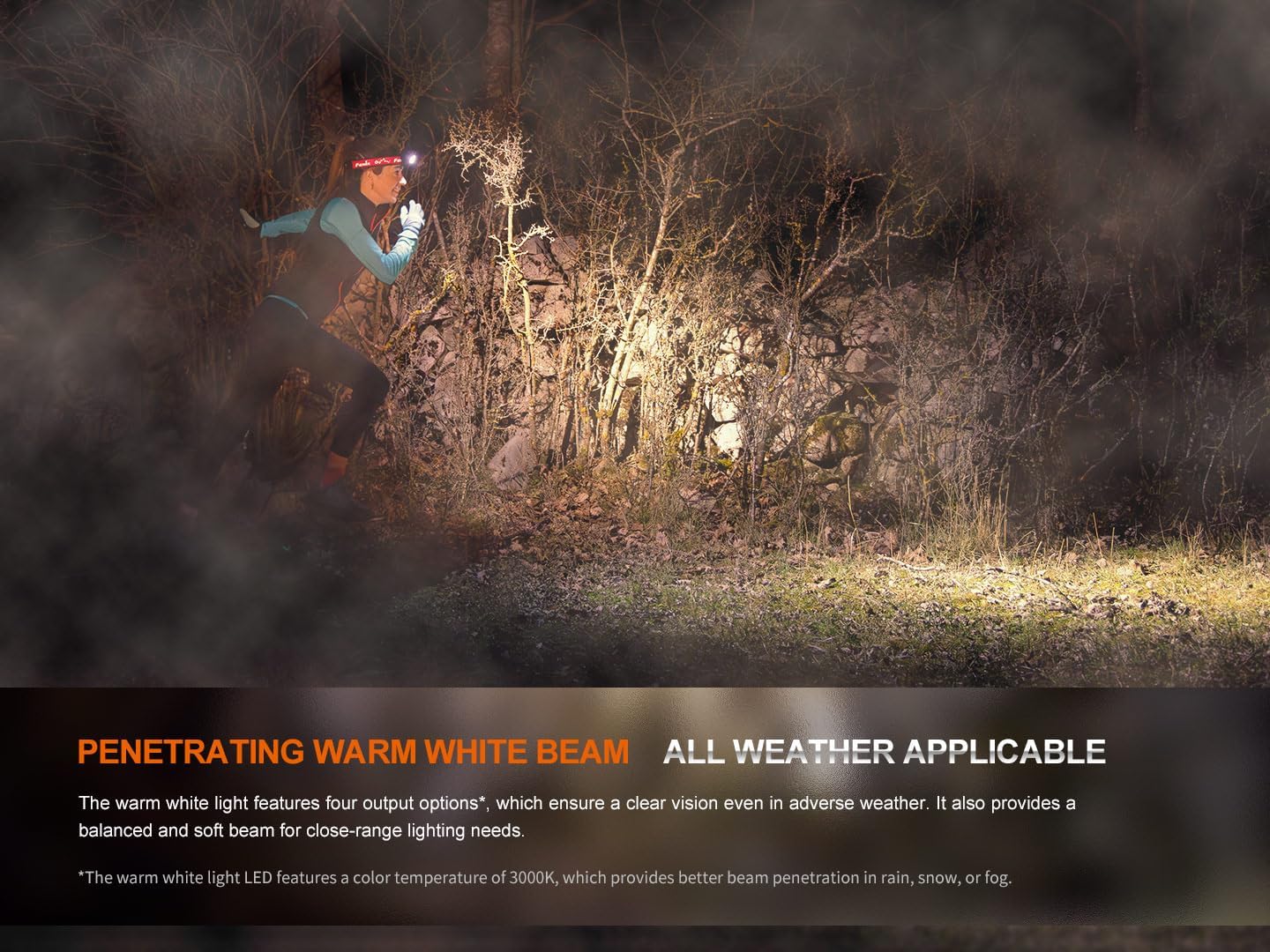
With the warm white light on, single-click the warm white light switch to cycle through Eco, Low, Medium, and High modes.
Режим SOS
To activate SOS mode, press and hold the warm white light switch for 1.2 seconds. The headlamp will emit a flashing SOS signal at 5 lumens.
Electronic Lockout Function
- Запереть: С головойamp off, press and hold both switches simultaneously for 3 seconds. The headlamp will flash 4 times in Eco mode to indicate it is locked.
- Чтобы разблокировать: Press and hold both switches simultaneously for 3 seconds. The headlamp will flash 4 times in Eco mode and then turn on in Eco mode to indicate it is unlocked.
Индикация уровня заряда батареи
Когда головаamp is off, single-click either switch to activate the battery level indicators located in the middle of the switches. The indicators will show the remaining battery percentage:
- Горят 4 лампочки: 100% - 80%
- Горят 3 лампочки: 80% - 60%
- Горят 2 лампочки: 60% - 40%
- Горит 1 лампочка: 40% - 20%
- 1 light flashes: 20% - 1%
Official Product Video: HM65R-T V2 Full Review
Видео: Комплексное исследованиеview of the Fenix HM65R-T V2.0 headlamp, detailing its features, operation, and comparison with previous models. This video provides visual demonstrations of setup, light modes, and adjustment mechanisms.
Обслуживание
Уборка
Регулярно очищайте головкуamp корпус и линза с мягким, damp Используйте чистящую ткань. Избегайте использования абразивных чистящих средств или растворителей, которые могут повредить покрытие или оптические компоненты.
Уход за аккумулятором
To ensure optimal performance and longevity, store the battery in a cool, dry place. Recharge the battery regularly, even if not in frequent use, to prevent deep discharge. If using CR123A batteries, ensure they are of high quality and from a reputable brand.
Замена уплотнительного кольца
Periodically inspect the O-ring for wear and tear. If damaged, replace it with the provided spare O-ring to maintain the headlamp's IP68 waterproof rating.
Поиск неисправностей
Хедлamp Не включается
- Check if the battery is correctly installed with the correct polarity.
- Ensure the battery is charged. Refer to the Battery Level Indication section.
- Убедитесь, что головной уборamp is not in Electronic Lockout mode. Follow the unlocking procedure.
- Clean the battery contacts and the contact points inside the headlamp чистой тканью.
Тусклый или мерцающий свет
- Возможно, батарея разряжена. Зарядите или замените батарею.
- Убедитесь, что контакты батареи чистые и свободны от мусора.
- Check for any loose connections or damage to the headlamp.
Проблемы с зарядкой
- Убедитесь, что кабель USB-C правильно подключен к обоим головным устройствам.amp и источник питания.
- Попробуйте использовать другой кабель USB-C или адаптер питания.
- Verify that the charging port is clean and free from obstructions.
Технические характеристики
| Особенность | Ценить |
|---|---|
| Модель | HM65R-T V2.0 |
| Бренд | Феникс |
| Яркость белого (макс.) | 1600 люмен |
| Warm White Brightness (Max) | 800 люмен |
| Источник питания | Battery Powered (1 Lithium Ion battery included, compatible with 2 CR123A) |
| Материал | Магниевый сплав |
| Уровень водонепроницаемости | Водонепроницаемый (IP68) |
| Ударопрочность | 2 метров |
| Вес товара | 5 унции (0.31 фунта) |
| Размеры продукта | 1.37"Д x 1.84"Ш x 3.15"В |
| Особые возможности | Adjustable Light Modes, Adjustable Strap, Durable, High Lumens, Rechargeable |
| Включенные компоненты | Charging Cable, Head Band, Headlamp |
Гарантия и поддержка
Информация о гарантии
The Fenix HM65R-T V2.0 comes with a Limited Warranty. For specific details regarding the warranty period and coverage, please refer to the warranty card included in your product packaging or visit the official Fenix webсайт.
Поддержка клиентов
For any questions, technical assistance, or warranty claims, please contact Fenix customer support through their official webсайт или контактную информацию, указанную в документации к вашему продукту.