1. Введение
Thank you for choosing the Vandlion V22-64GB Voice Recorder. This manual provides detailed instructions on how to set up, operate, and maintain your device to ensure optimal performance. Please read this manual thoroughly before using the product.
The Vandlion V22-64GB is a compact and powerful digital voice recorder designed for clear audio capture in various environments. Key features include:
- Емкость хранилища: 64GB of internal storage for extended recording sessions.
- Трехуровневое шумоподавление: Улучшает четкость звука за счет минимизации фонового шума.
- Голосовая активация записи (VAR): Automatically starts recording when sound is detected, conserving memory and battery.
- Управление одним нажатием: Simple and quick recording activation.
- Времяamped Recordings: Easy organization and retrieval of audio files.
2. Содержимое упаковки
Проверьте комплектацию на наличие следующих предметов:
- Vandlion V22-64GB Voice Recorder
- Кабель передачи данных
- Наушники
- OTG adapters
- Руководство пользователя (этот документ)
3. Продукт закончилсяview
The Vandlion V22-64GB Voice Recorder is designed for portability and ease of use. Its compact metal casing ensures durability while providing a sleek appearance.

Image 3.1: Vandlion V22-64GB Voice Recorder in use. This image shows the compact size of the recorder, suitable for various recording environments like meetings or lectures.
The device features a simple ON/OFF/SAVE toggle switch for intuitive operation and a built-in microphone for 360-degree panoramic sound capture.

Image 3.2: The ON/REC and OFF/SAVE switch on the Vandlion V22-64GB Voice Recorder. This switch allows for quick initiation and saving of recordings.
4. Настройка
4.1 Зарядка устройства
Before first use, fully charge the voice recorder. Connect the device to a computer's USB port or a USB wall adapter (not included) using the provided data cable. The indicator light will show charging status and turn off when fully charged.
- Connect the small end of the data cable to the recorder's charging port.
- Подключите стандартный USB-разъем к источнику питания.
- Зарядка обычно занимает около 2–3 часов.
4.2 Первоначальное включение питания
To power on the device, slide the ON/REC switch to the 'ON' position. The device will vibrate briefly or an indicator light will illuminate, indicating it is ready for operation.
5. Инструкция по эксплуатации
5.1 Базовая запись
The Vandlion V22-64GB features a simple one-key recording function:
- To start recording, slide the switch to the 'ON/REC' position. The device will begin recording within approximately 5 seconds.
- Чтобы остановить запись и сохранить её, fileсдвиньте переключатель в положение 'OFF/SAVE' position. The recording will be saved automatically.
Каждый аудио file is automatically timestamped for easy organization and retrieval when connected to a computer.
5.2 Голосовая активация записи (VAR)
The voice-activated recording feature helps conserve battery life and memory by only recording when sound is detected. To enable and adjust VAR:
- Подключите диктофон к компьютеру.
- Access the device's settings file (usually a configuration file or through dedicated software, refer to device's internal documentation if available).
- Adjust the sensitivity level for voice activation (typically 7 levels available). A higher sensitivity will trigger recording with softer sounds, while lower sensitivity requires louder sounds.
- Save the settings and disconnect the device. The VAR function will now be active.
5.3 Шумоподавление
The recorder features 7-level noise reduction to improve audio clarity. This function is typically automatic, but its effectiveness can be influenced by recording environment and microphone placement.

Image 5.1: Illustration of the noise reduction capability of the Vandlion V22-64GB Voice Recorder. The image depicts how unwanted noise (red waves) is reduced, resulting in clearer audio (blue waves).
5.4 Воспроизведение
You can play back recordings directly from the device using the included headphones:
- Убедитесь, что устройство включено.
- Connect the included headphones to the recorder's headphone jack.
- Use the controls on the headphone cable (if available) or the device's internal controls (if applicable, refer to specific model's internal documentation) to navigate and play audio files.

Image 5.2: The Vandlion V22-64GB Voice Recorder connected to earphones for direct audio playback. This feature allows listening to recordings without needing a computer.
Alternatively, connect the recorder to a computer to play back fileиспользуйте встроенный в ваш компьютер медиаплеер.
5.5 File Управление
Для управления вашими записями files:
- Connect the voice recorder to your computer using the provided data cable.
- Устройство отобразится как съемный диск.
- Откройте диск, чтобы получить доступ к записанному аудио. files (typically in a folder like 'RECORD' or 'VOICE').
- You can copy, move, delete, or rename fileкак и с любым другим fileна вашем компьютере.
- Перед отключением устройства всегда безопасно извлекайте его из компьютера.
The included OTG adapters allow you to connect the recorder to compatible Android smartphones for file управление.
6. Техническое обслуживание
- Уборка: Для очистки устройства используйте мягкую сухую ткань. Не используйте жидкие чистящие средства или растворители.
- Хранилище: Храните диктофон в прохладном, сухом месте, вдали от прямых солнечных лучей, экстремальных температур и влажности.
- Уход батареи: Чтобы продлить срок службы аккумулятора, избегайте его частой полной разрядки. Регулярно заряжайте устройство, даже если оно не используется в течение длительного времени.
- Резервное копирование данных: Регулярно создавайте резервные копии важных записей на свой компьютер, чтобы предотвратить потерю данных.
7. Поиск Неисправностей
| Проблема | Возможная причина | Решение |
|---|---|---|
| Устройство не включается. | Низкий заряд батареи или устройство выключено. | Charge the device fully. Ensure the ON/REC switch is in the 'ON' position. |
| Невозможно записать. | Insufficient storage space or device not in recording mode. | Check available memory and delete unnecessary files. Ensure the switch is in the 'ON/REC' position. |
| Низкое качество звука во время записи. | Microphone obstructed, noisy environment, or incorrect VAR sensitivity. | Ensure the microphone is clear. Record in a quieter environment. Adjust VAR sensitivity if enabled. |
| Устройство не распознано компьютером. | Неисправный USB-кабель, неправильный порт или проблемы с драйверами. | Try a different USB cable or port. Restart your computer. Ensure the device is powered on when connecting. |
| Cannot hear playback through headphones. | Headphones not properly connected, volume too low, or corrupted file. | Ensure headphones are fully plugged in. Adjust volume. Try playing the file на компьютере. |
8. Технические характеристики
| Бренд | Вандлион |
| Модель | В22-64ГБ |
| Емкость памяти | 64 ГБ |
| Размеры продукта | 0.76 x 2.21 x 7.37 cm; 150 g (or 8 x 22 x 74 Millimeters) |
| аппаратный интерфейс | USB 2.0 |
| Совместимые устройства | Наушники |
| Форм-фактор микрофона | Встроенный |
| Разъем для наушников | 3.5 миллиметров |
| Батарейки в комплекте | Да (литий-полимерный) |
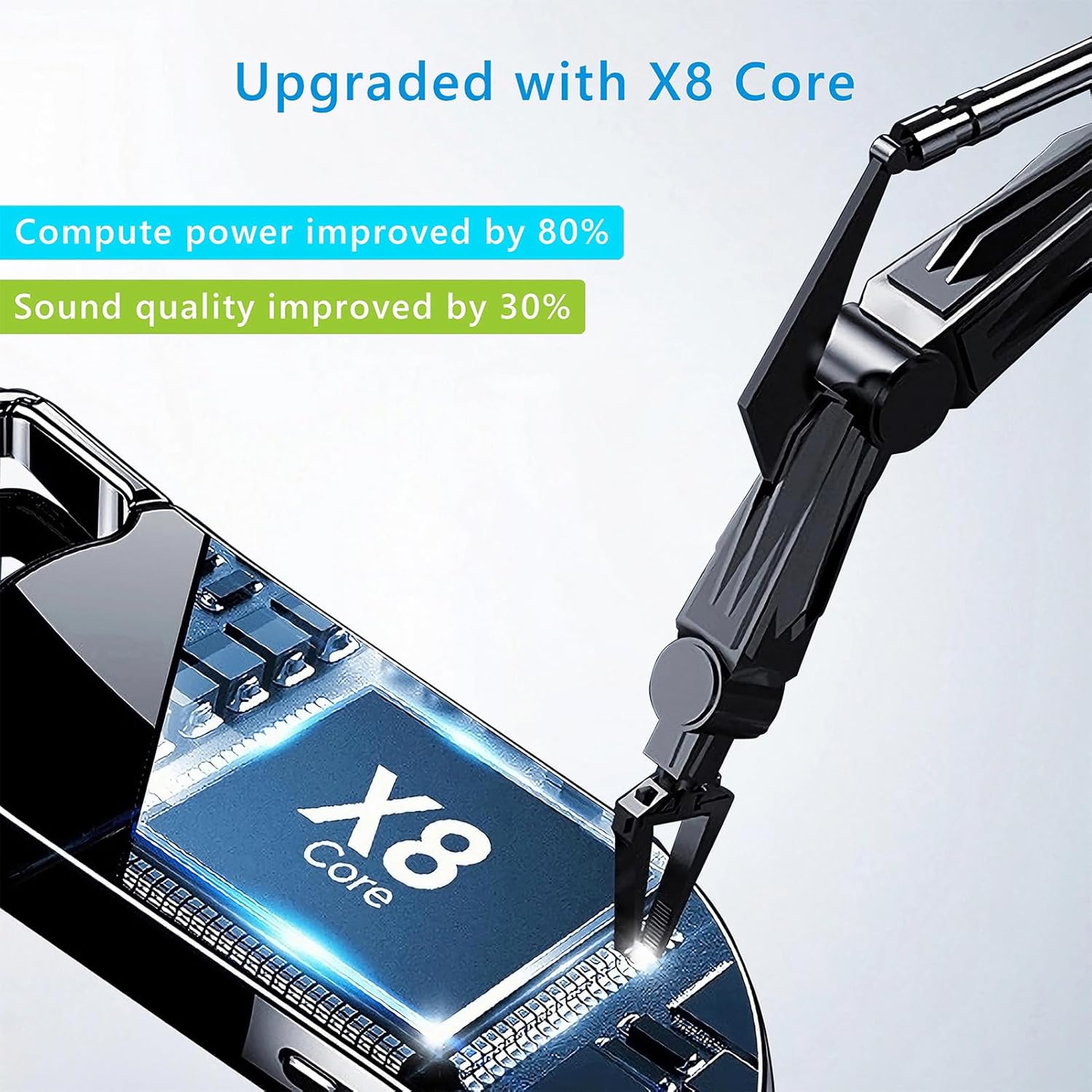
Image 8.1: Internal component view of the Vandlion V22-64GB Voice Recorder, showcasing the X8 Core. This illustrates the advanced processing unit within the device.
9. Гарантия и поддержка
For warranty information and technical support, please refer to the documentation provided with your purchase or contact Vandlion customer service through their official webсайт или у розничного продавца, где вы приобрели товар.
Сохраните чек о покупке в качестве подтверждения покупки для предъявления гарантийных претензий.


