Введение
Welcome to the user manual for your Baseus Bowie EZ10 Wireless Bluetooth Earbuds. This guide provides detailed instructions on how to set up, operate, and maintain your earbuds to ensure optimal performance and a seamless audio experience. Please read this manual carefully before using your device.
Продукт болееview
Содержимое упаковки

Image: The package contents for the Baseus Bowie EZ10, including the two earbuds, the charging case, a USB charging cable, and multiple pairs of silicone ear tips in various sizes.
- Baseus Bowie EZ10 Wireless Earbuds (Left and Right)
- Зарядный футляр
- USB-кабель для зарядки
- Несколько пар ушных вкладышей (разных размеров)
- Руководство пользователя (этот документ)
Основные характеристики
- Adaptive Noise Cancellation (ANC) up to -42dB: Experience high-quality, immersive audio regardless of your environment.
- ENC Noise Cancellation with 4 Microphones: Ensures clear and high-quality calls even in noisy surroundings.
- Ultra-Low Latency (0.038s): Guarantees audio and video synchronization for an immersive experience, especially for gaming and video playback.
- Увеличенный срок службы батареи: Up to 30 hours of total playback with the charging case, and 5 hours on a single charge.
- Одновременное подключение устройств: Connect to two devices at the same time for seamless switching.
- Customizable App Support: Personalize your audio experience and controls via the dedicated Baseus application.
Диаграмма продукта
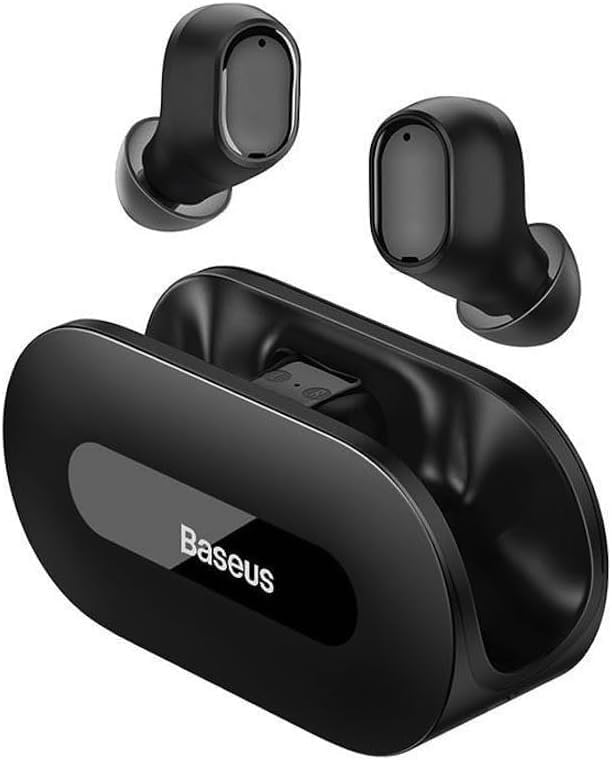
Изображение: прозрачное view of the Baseus Bowie EZ10 wireless earbuds and their sleek black charging case, showcasinг их компактный дизайн.
The Baseus Bowie EZ10 earbuds feature a compact in-ear design for a comfortable and secure fit. The charging case is designed for easy portability and secure storage, with magnetic slots to hold the earbuds in place.
Настраивать
Зарядка наушников и футляра

Image: A graphic illustrating the long battery life of the Baseus Bowie EZ10 earbuds, indicating extended listening time with the charging case and quick charging capabilities.
- Первоначальный сбор: Before first use, fully charge both the earbuds and the charging case. Place the earbuds into the charging case.
- Подключите зарядное устройство: Подключите USB-кабель для зарядки к зарядному порту на корпусе, а другой конец подключите к совместимому источнику питания USB (например, сетевому адаптеру, USB-порту компьютера).
- Индикаторы зарядки: The LED indicators on the charging case will show the charging status. Refer to the specific light patterns in your quick start guide for detailed information.
- Быстрая зарядка: The earbuds support fast charging, providing significant playback time with a short charge.
Сопряжение с вашим устройством
Image: A visual representation of Bluetooth 5.3 technology, highlighting its role in providing a fast and stable wireless connection for the Baseus Bowie EZ10 earbuds.
- Включение питания: Откройте зарядный кейс. Наушники автоматически включатся и перейдут в режим сопряжения.
- Активируйте Bluetooth: Включите Bluetooth на вашем устройстве (смартфоне, планшете, компьютере).
- Искать Устройства: В настройках Bluetooth вашего устройства найдите доступные устройства.
- Select 'Baseus Bowie EZ10': From the list of found devices, select 'Baseus Bowie EZ10' to connect.
- Подтверждение: Once connected, you will hear an audio prompt from the earbuds, and the device's Bluetooth settings will show them as connected.
- Подключение нескольких устройств: The earbuds can connect to two devices simultaneously. After pairing with the first device, disable Bluetooth on it, then pair with the second device. Re-enable Bluetooth on the first device, and the earbuds should connect to both.
Инструкция по эксплуатации
Ношение наушников
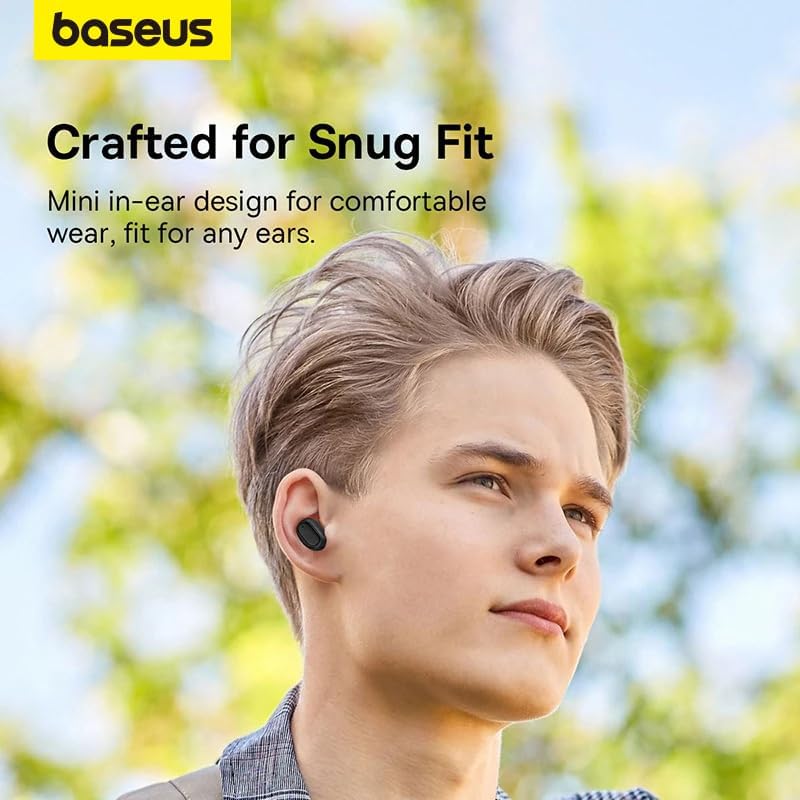
Image: A person wearing a Baseus Bowie EZ10 earbud, illustrating the comfortable and snug fit of the mini in-ear design.
- Choose Right Ear Tips: Выберите амбушюры, которые обеспечат наилучшую герметизацию и комфорт для ваших ушей.
- Вставьте наушники: Аккуратно вставьте каждый наушник в ушной канал.
- Отрегулируйте для соответствия: Rotate the earbuds slightly until they feel secure and comfortable, ensuring a good seal for optimal sound quality and noise cancellation.
Сенсорное управление
The Baseus Bowie EZ10 earbuds feature intuitive touch controls on each earbud. Specific functions may vary or be customizable via the Baseus app.
- Воспроизведение/Пауза: Нажмите один раз на любой наушник.
- Следующий трек: Дважды нажмите на правый наушник.
- Предыдущий трек: Дважды нажмите на левый наушник.
- Ответить/завершить вызов: Нажмите один раз на любой наушник.
- Отклонить вызов: Нажмите и удерживайте любой наушник.
- Активировать голосового помощника: Трижды нажмите на любой наушник.
- Регулятор громкости: Specific gestures for volume control can often be set up in the Baseus app.
Noise Cancellation (ANC/ENC)
The Baseus Bowie EZ10 earbuds offer advanced noise cancellation features:
- Адаптивное шумоподавление (ANC): Reduces ambient noise for an immersive listening experience. This mode can often be toggled on/off or adjusted via the touch controls or the Baseus app.
- ENC Noise Cancellation for Calls: The 4-microphone ENC system automatically works during calls to ensure your voice is clear and background noise is minimized for the person on the other end.
Режим низкой задержки
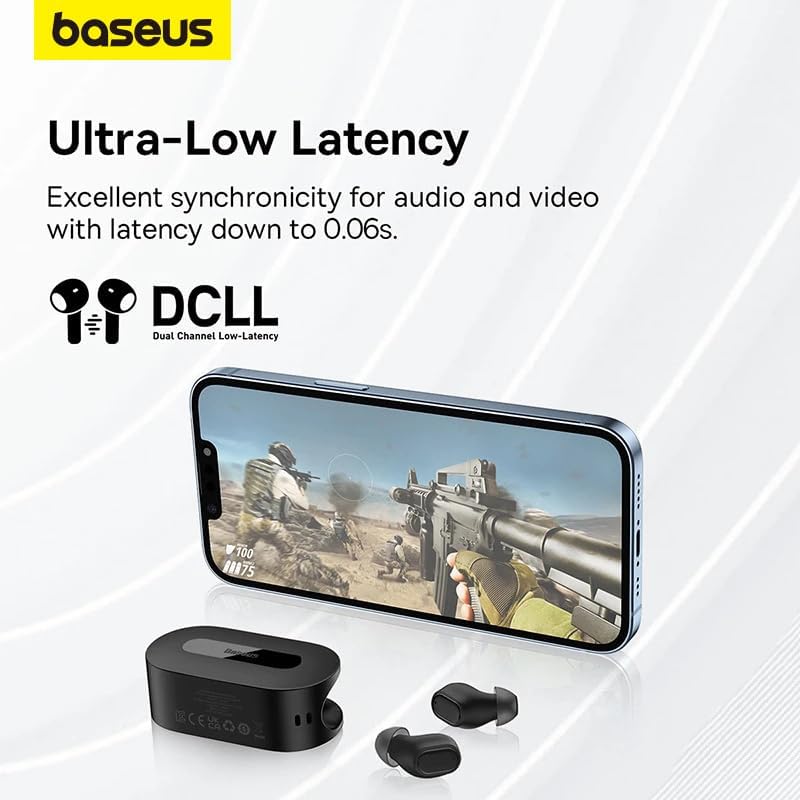
Image: The Baseus Bowie EZ10 earbuds and charging case positioned next to a smartphone displaying a gaming scene, emphasizing the ultra-low latency feature for synchronized audio and video.
For gaming or watching videos, activate the ultra-low latency mode to ensure perfect synchronization between audio and video. This mode can typically be activated via a specific touch gesture or through the Baseus app.
Using the Baseus App
Download the official Baseus app from your device's app store. The app allows you to:
- Настройте сенсорное управление.
- Настройте параметры эквалайзера.
- Toggle noise cancellation modes.
- Проверьте уровень заряда батареи.
- Обновите прошивку.
Обслуживание
Уборка
- Earbuds: Use a soft, dry, lint-free cloth to wipe the earbuds. For earwax or debris, gently clean with a small, soft brush or cotton swab. Do not use liquids or abrasive cleaners.
- Советы по уху: Remove the silicone ear tips and wash them with mild soap and water. Rinse thoroughly and allow them to dry completely before reattaching.
- Зарядный футляр: Wipe the case with a soft, dry cloth. Ensure the charging contacts inside the case are clean and free of debris.
Хранилище
- Всегда храните наушники в зарядном футляре, когда не используете их, чтобы защитить их и сохранить заряженными.
- Храните устройство в прохладном, сухом месте, вдали от экстремальных температур и прямых солнечных лучей.
Поиск неисправностей
| Проблема | Возможная причина | Решение |
|---|---|---|
| Наушники не сопрягаются | Наушники не находятся в режиме сопряжения; Bluetooth на устройстве выключен; ранее сопряженное устройство создает помехи. | Ensure earbuds are in pairing mode (open case); turn on Bluetooth on your device; forget previous connections on your device and try again. |
| Нет звука из одного наушника | Разряженная батарея; наушник неправильно подключен; наушник загрязнен. | Place both earbuds in the case to charge; ensure they are properly seated; clean earbud and charging contacts. |
| Проблемы с зарядкой | Cable or adapter faulty; charging contacts dirty; case battery empty. | Try a different USB cable and power adapter; clean charging contacts on earbuds and case; ensure charging case is charged. |
| Плохое качество звука | Неправильная посадка; загрязнение амбушюр; помехи. | Adjust earbud fit and try different ear tips; clean ear tips and earbuds; move closer to your device or away from sources of interference. |
Технические характеристики
| Особенность | Деталь |
|---|---|
| Название модели | Bowie EZ10 |
| Технология связи | Беспроводная связь (Bluetooth 5.3) |
| Расположение ушей | Внутриканальные наушники |
| Контроль шума | Adaptive Noise Cancellation, ENC for calls |
| Задержка | 0.038s (Ultra-Low Latency Mode) |
| Срок службы батареи (наушники) | До 5 часов (одна зарядка) |
| Срок службы батареи (с чехлом) | До 30 часов |
| Тип управления | Media Control, Volume Control (customizable) |
| Материал | Plastic, Silicone/Memory Foam (ear tips) |
| Цвет | Черный |
| Производитель | Baseus_Inc |
| Сертификация | CE |
Гарантия и поддержка
The Baseus Bowie EZ10 Wireless Bluetooth Earbuds come with a manufacturer's warranty. Please refer to the warranty card included in your package or visit the official Baseus webсайт для получения подробных условий гарантии.
For technical support, troubleshooting assistance, or any product-related inquiries, please contact Baseus customer service through their official webсайт или контактную информацию, указанную на упаковке вашего продукта.




