Введение
Thank you for choosing the Laser TWS Earbuds. These true wireless stereo earbuds are designed to provide a high-fidelity audio experience with convenient features such as an LED battery display, intuitive tap controls, and an ergonomic design for comfortable, extended use. The included rechargeable case ensures your earbuds are always ready for use. This manual will guide you through the setup, operation, and maintenance of your new earbuds.
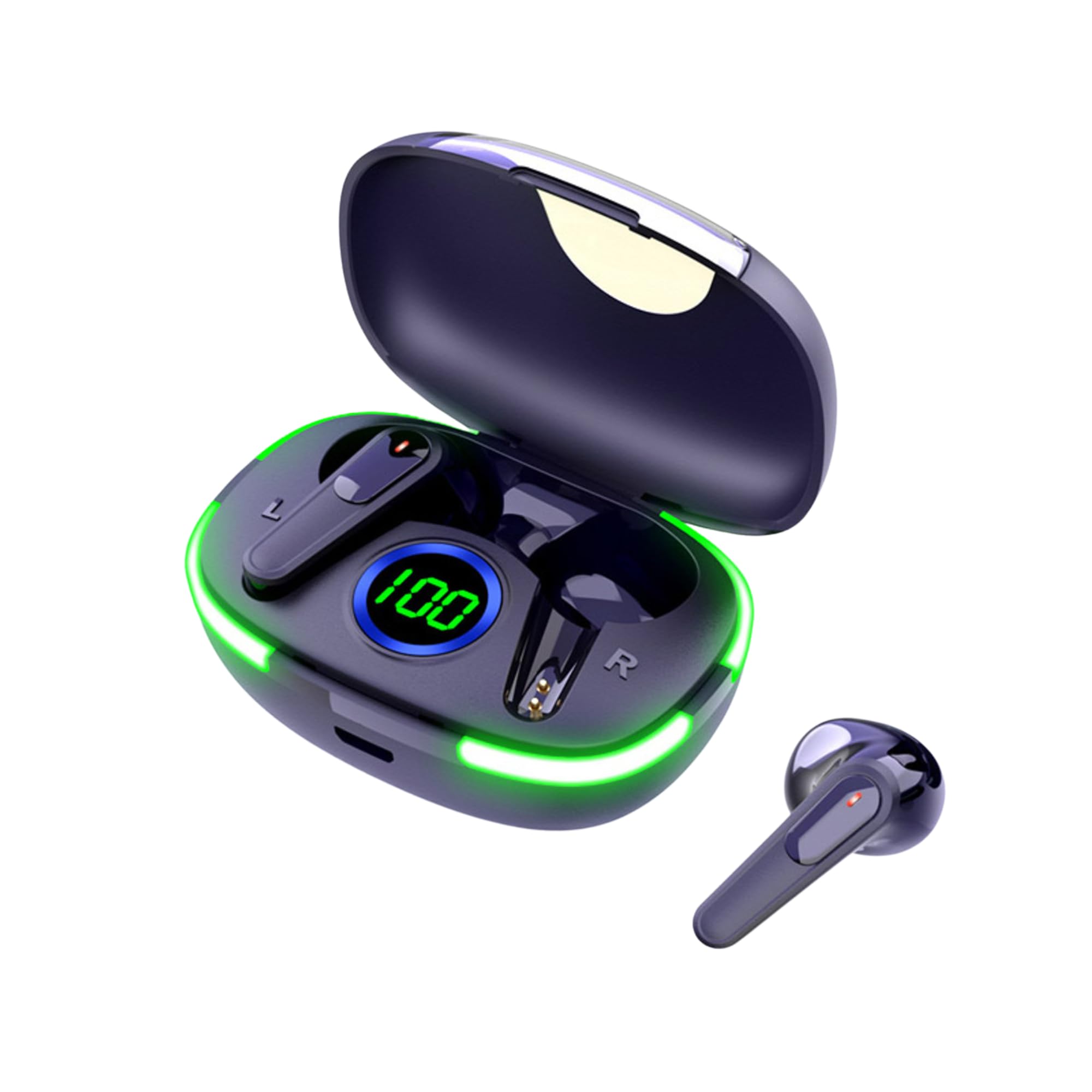
Image: The Laser TWS Earbuds, showcasing the charging case with its LED display and one earbud placed outside the case.
Содержимое упаковки
Убедитесь, что в упаковке присутствуют все предметы:
- 1 x Pair of Laser TWS Earbuds
- 1 x Charging Case with Battery Display
- 1 x зарядный кабель Type-C
- 1 х Руководство пользователя
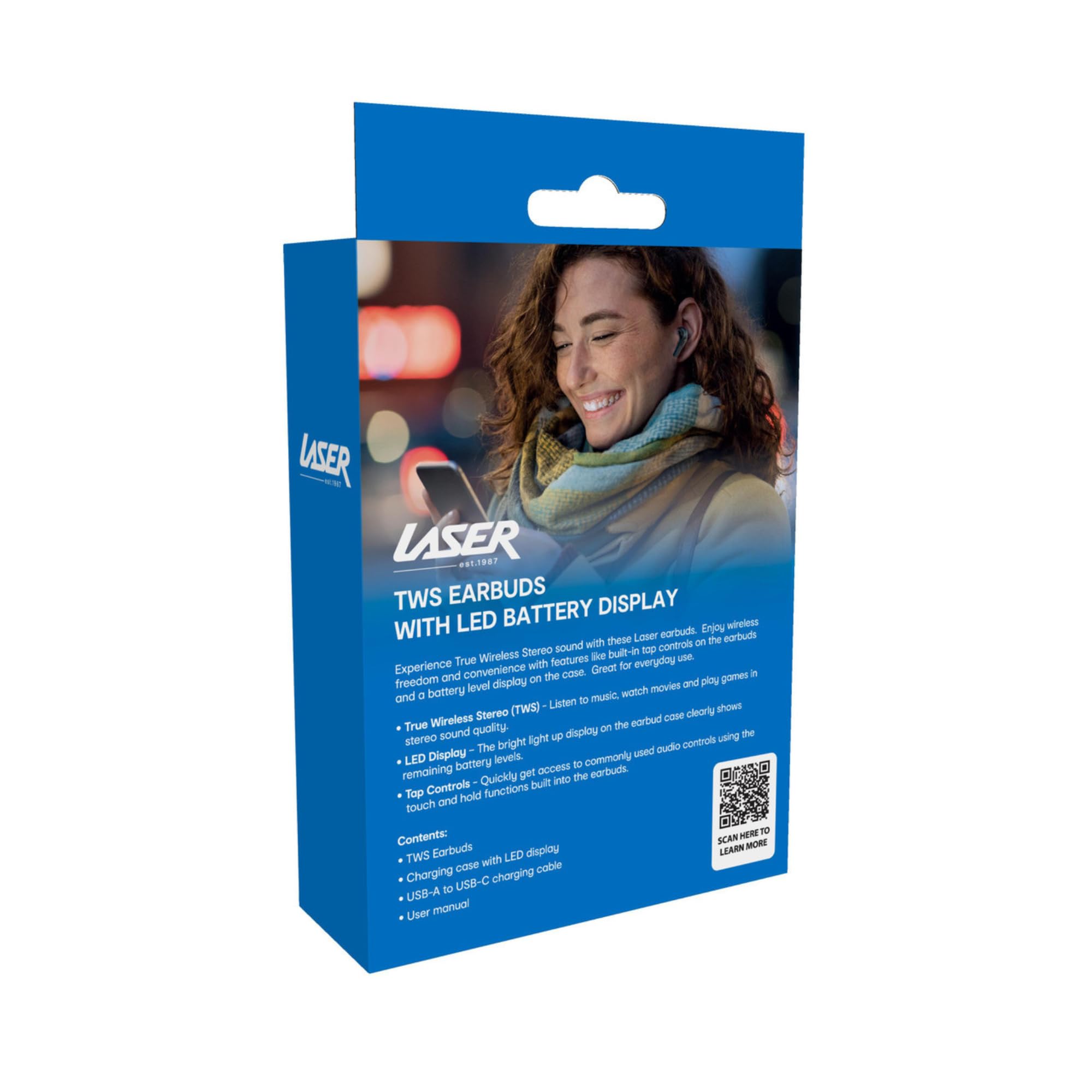
Image: The retail packaging for the Laser TWS Earbuds, indicating contents and features.
Настраивать
1. Зарядка наушников и кейса
Before first use, fully charge the earbuds and the charging case. The LED display on the case indicates the battery level.
- Подключите прилагаемый зарядный кабель Type-C к зарядному порту на чехле и источнику питания USB.
- The LED display will show the charging progress. A full charge takes approximately 1 hour.
- The earbuds charge automatically when placed inside the charging case. The case can recharge the earbuds up to 3 times on a single charge.

Изображение: крупный план view of the charging case's LED display, showing the battery percentage, indicating the charge level.
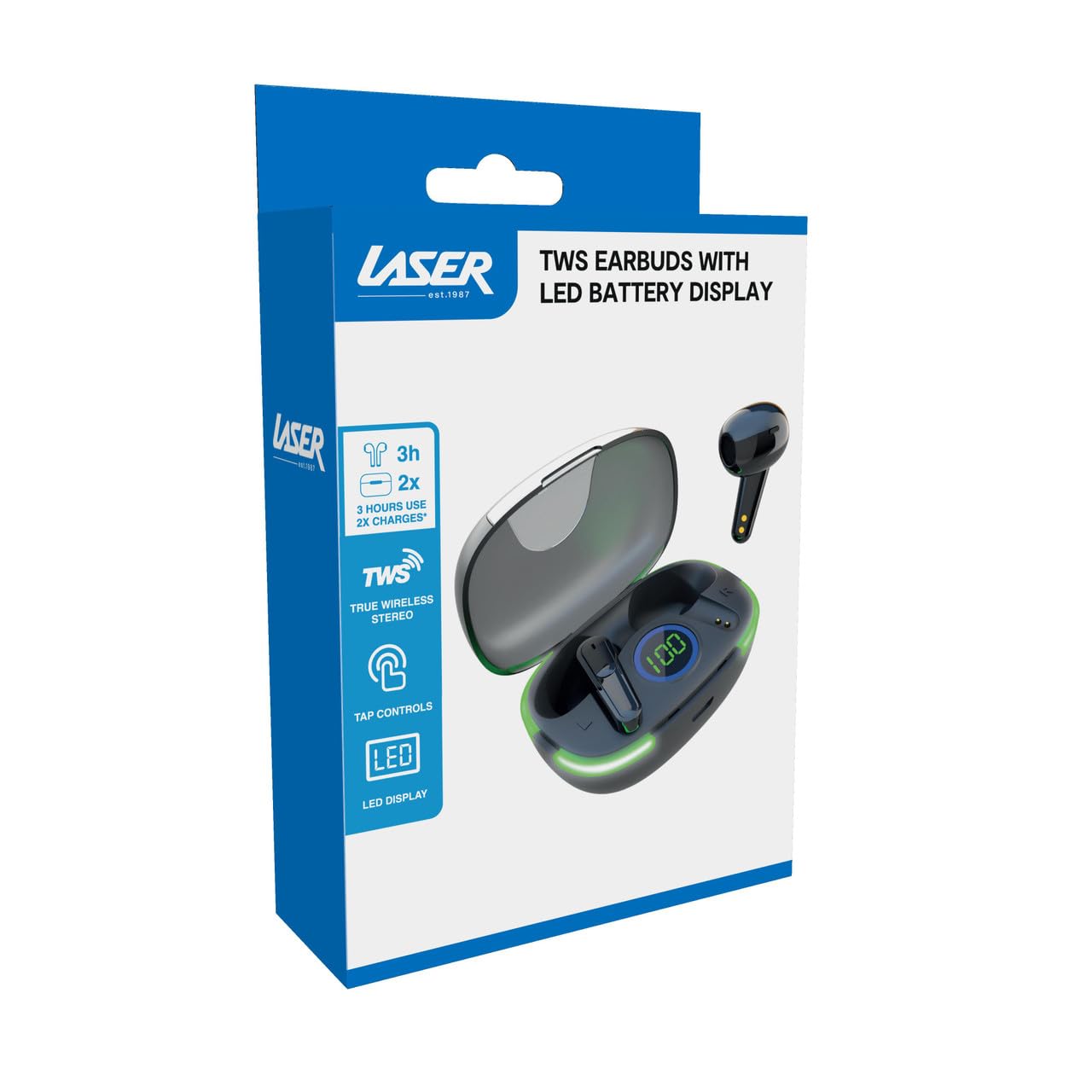
Image: Another close-up of the LED display on the charging case, highlighting the digital battery indicator.
2. Сопряжение с устройством
The earbuds use Bluetooth for wireless connectivity.
- Откройте зарядный кейс. Наушники автоматически перейдут в режим сопряжения.
- На вашем устройстве (смартфоне, планшете, ноутбуке) включите Bluetooth и выполните поиск новых устройств.
- Select "Laser TWS Earbuds" or "EPS-LT10B-128" from the list of available devices.
- После подключения вы услышите подтверждающий сигнал, и наушники будут готовы к использованию.
- The earbuds support multi-device compatibility, allowing pairing with various devices.
Инструкция по эксплуатации
Ношение наушников
The earbuds are designed for ergonomic comfort and a secure fit. Gently insert each earbud into your ear canal and twist slightly to ensure a snug and comfortable position. This helps optimize sound quality and stability.
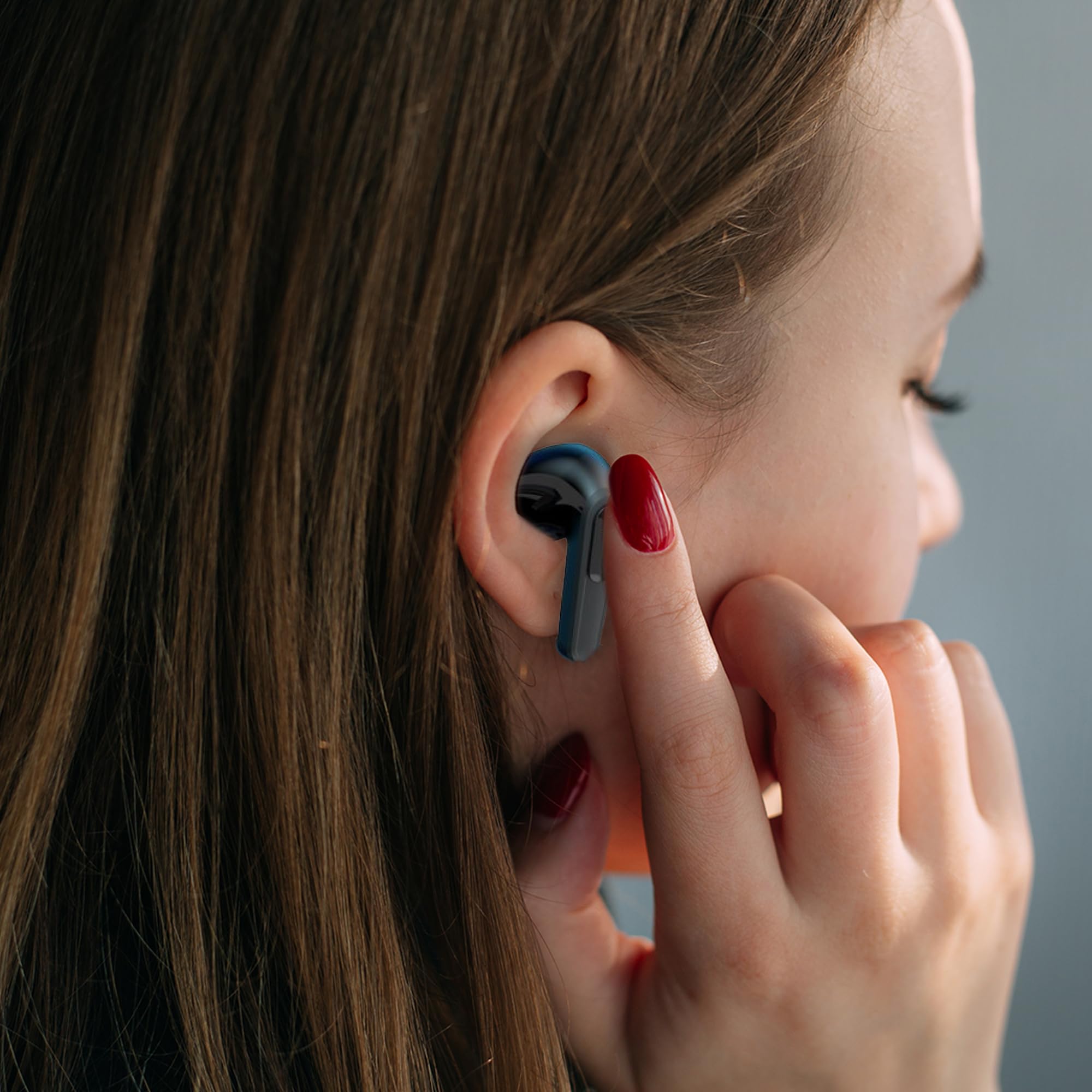
Image: A woman comfortably wearing one of the Laser TWS Earbuds while interacting with her smartphone.
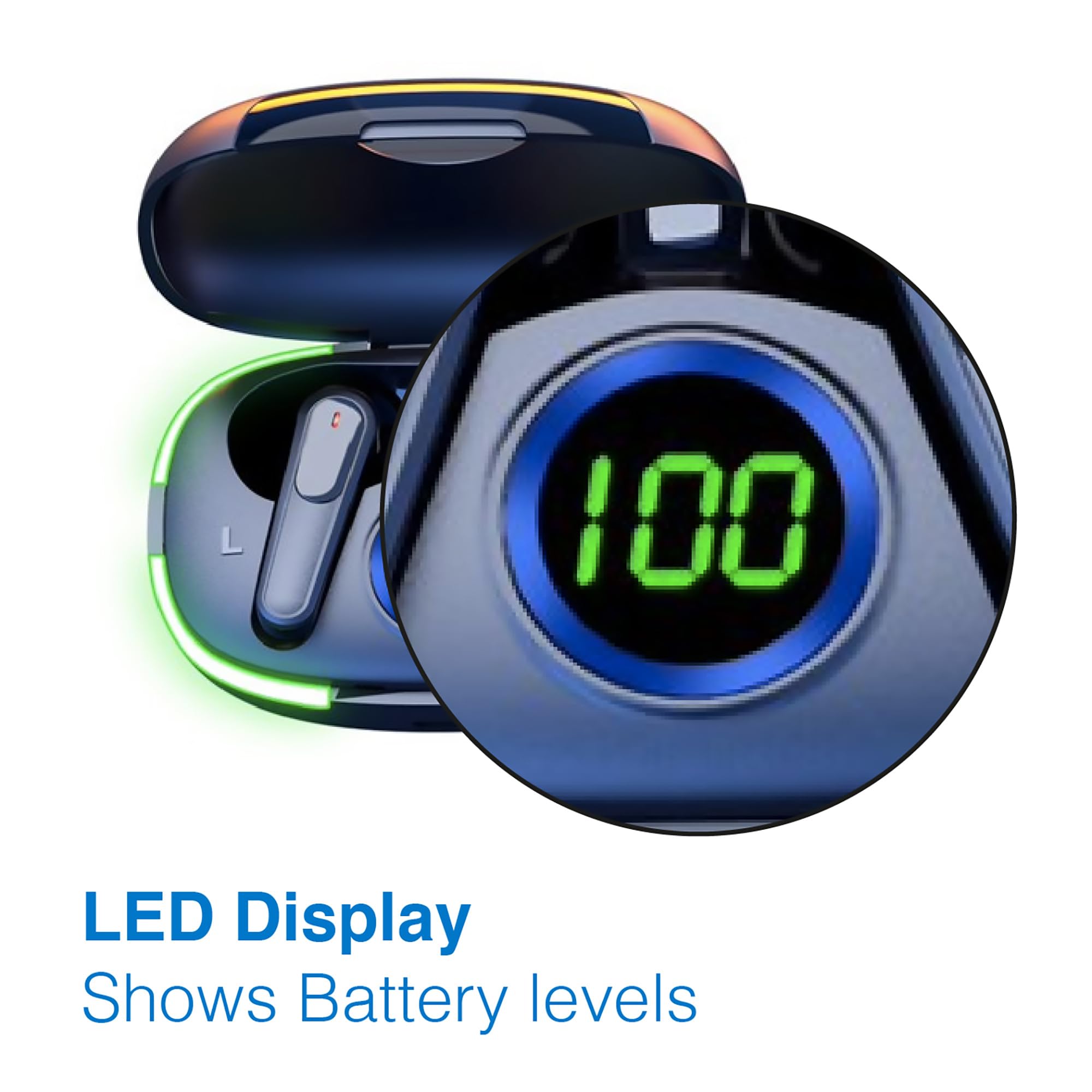
Image: A man walking outdoors, wearing a Laser TWS Earbud, demonstrating the ergonomic design for active use.
True Wireless Stereo Experience
These earbuds provide a true wireless stereo experience, delivering high-fidelity sound with clear channel separation for an immersive audio experience, whether for music, movies, or gaming.
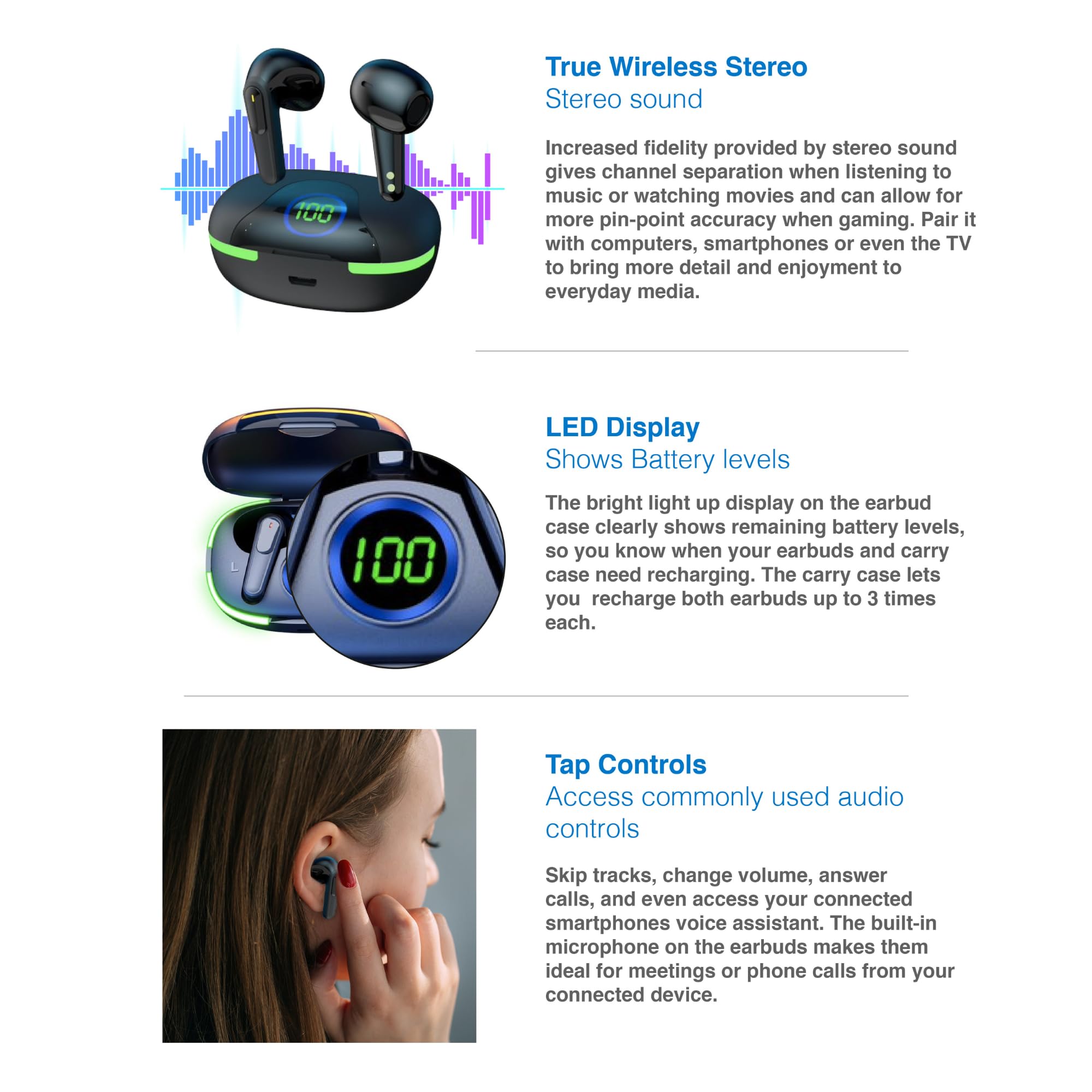
Image: A graphic representation of the True Wireless Stereo feature, showing the earbuds in their case with sound wave visualizations.
Коснитесь элементов управления
The earbuds feature intuitive tap controls for easy management of audio playback and calls without needing to access your connected device.
| Действие | Контроль |
|---|---|
| Воспроизведение/Пауза музыки | Одно касание любого наушника |
| Следующий трек | Дважды нажмите на правый наушник |
| Предыдущий трек | Дважды нажмите на левый наушник |
| Ответить/Завершить вызов | Одно касание любого наушника |
| Отклонить вызов | Длительное нажатие на любой наушник |
| Активировать голосового помощника (Siri, Google Assistant, Alexa) | Трижды нажмите на любой наушник |

Image: A person's hand touching an earbud, illustrating the tap control functionality.
Встроенный микрофон
Each earbud includes a built-in microphone, enabling hands-free calls and meetings without needing to switch to your device.
Обслуживание
- Уборка: Регулярно протирайте наушники и зарядный кейс мягкой, сухой тканью без ворса. Избегайте использования абразивных материалов и едких химикатов.
- Хранилище: Когда наушники не используются, храните их в зарядном футляре, чтобы защитить их и сохранить заряженными.
- Уход батареи: Чтобы продлить срок службы аккумулятора, избегайте частой полной разрядки наушников и кейса. Регулярно заряжайте их, даже если не используете постоянно.
- Водостойкость: Эти наушники не являются водостойкими. Избегайте контакта с водой, потом и высокой влажностью.
Поиск неисправностей
| Проблема | Решение |
|---|---|
| Наушники не сопрягаются | Ensure earbuds are charged. Turn off and on Bluetooth on your device. Forget the device in Bluetooth settings and re-pair. Place earbuds back in case and take them out again. |
| Нет звука из одного наушника | Check battery level of both earbuds. Re-pair the earbuds. Try resetting the earbuds (refer to manufacturer's webсайт для получения конкретных инструкций по сбросу настроек (при необходимости). |
| Зарядный кейс не заряжается | Ensure the charging cable is securely connected. Try a different USB power source or cable. |
| Tap controls not responding | Ensure earbuds are properly seated in your ears. Clean the touch sensitive area. Re-pair the earbuds. |
If you encounter persistent issues, please refer to the official Laser support webсайт для получения дальнейшей помощи.
Технические характеристики
| Особенность | Деталь |
|---|---|
| Модель | EPS-LT10B-128 |
| Технология связи | Беспроводной Bluetooth |
| Контроль шума | Звукоизоляция |
| Срок службы батареи (наушники) | Приблизительно 3 часа |
| Время зарядки | Приблизительно 1 час |
| Зарядка чехла | До 3 раз |
| Максимальное рабочее расстояние | 10 метра |
| Тип управления | Сенсорное управление, голосовое управление |
| Материал | Пластик |
| Вес товара | 30 грамм |
| Размеры | 62.2 x 42.5 x 32.6 см (изделие) |
| Уровень водонепроницаемости | Не водостойкий |
Гарантия и поддержка
The Laser TWS Earbuds come with a Гарантия 1 год С даты покупки. Сохраните чек на случай предъявления гарантийных претензий.
For further support, troubleshooting, or warranty information, please visit the official Laser webсайт:
You may also contact Laser customer service directly for assistance.


