Введение
This manual provides detailed instructions for the safe and efficient operation of your YABER E1 Mini Projector. Please read this manual thoroughly before using the product and retain it for future reference.
Важная информация по безопасности
- Не смотрите прямо в объектив проектора, когда он включен.amp включено.
- Обеспечьте надлежащую вентиляцию вокруг проектора во избежание перегрева.
- Используйте только тот адаптер питания, который входит в комплект поставки проектора.
- Держите проектор вдали от воды и других жидкостей.
- Не устанавливайте проектор на неустойчивые поверхности.
- Не пытайтесь разбирать или ремонтировать проектор самостоятельно. Обратитесь за помощью в службу поддержки клиентов.
Что в коробке?
При распаковке, пожалуйста, проверьте наличие всех следующих предметов:
- 1 E1 Projector
- Дистанционное управление
- Шнур питания
- HDMI-кабель
- Набор для чистки
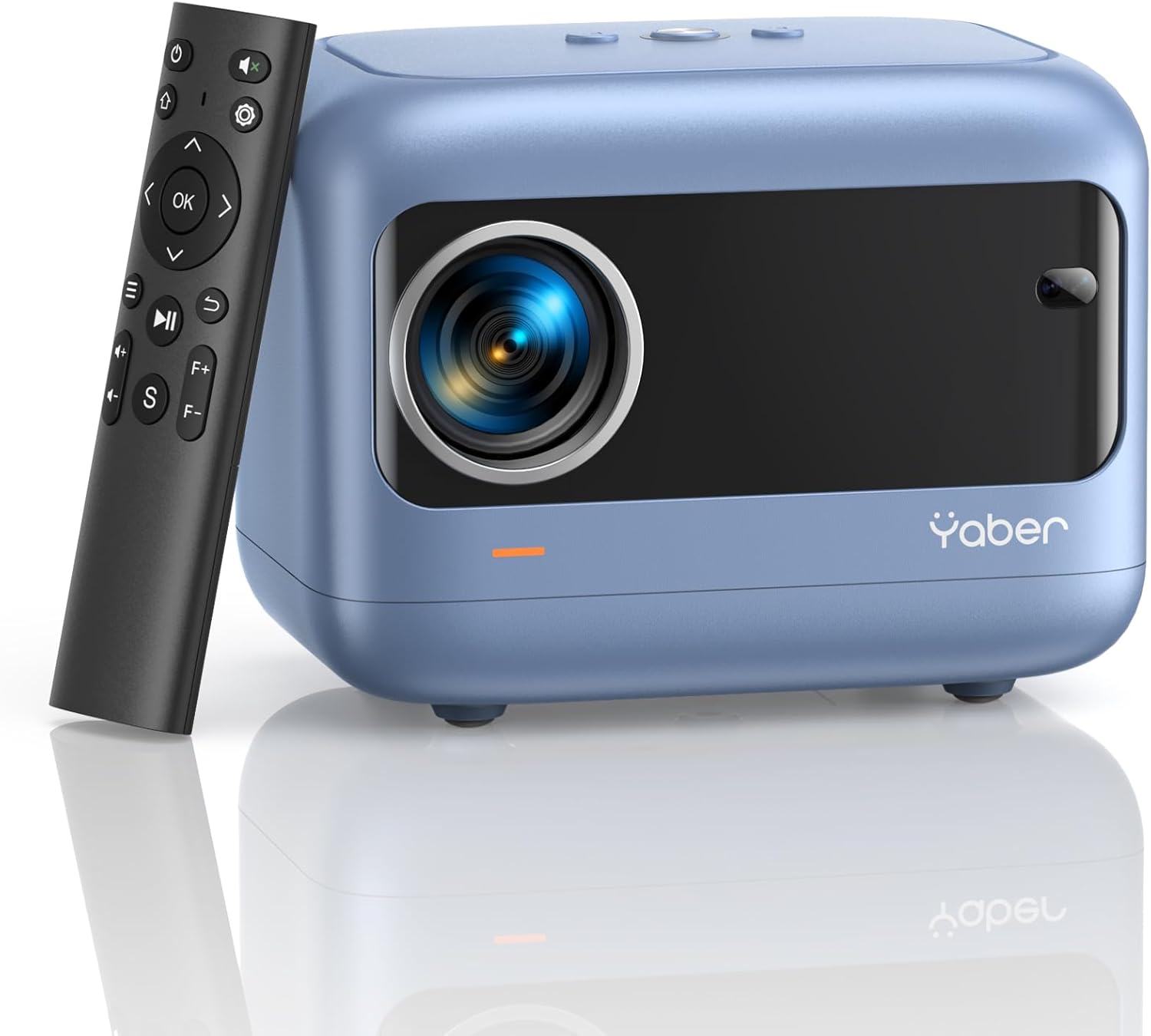
Image: YABER E1 Mini Projector with its remote control.
Руководство по настройке
1. Физическое размещение
Place the projector on a stable, flat surface. Ensure there is adequate space around the projector for ventilation. The optimal projection distance ranges from 2.6 feet to 16.4 feet, allowing for a screen size of 50 to 200 inches.
2. Подключение питания
Подключите прилагаемый сетевой кабель к разъему питания проектора, а затем к розетке.
3. Initial Adjustments: Electric Focus and Keystone Correction
The YABER E1 features advanced electric focus and keystone correction for optimal image clarity and shape. Use the remote control or the buttons on the projector panel to adjust these settings.
- Электрический фокус: Automatically adjusts the lens position for precise focus.
- Коррекция трапецеидальных искажений: Corrects image distortion (up to ±40° vertical) when the projector is not perfectly perpendicular to the screen.

Image: Adjusting electric focus using the remote control.

Image: Illustrating vertical keystone correction.
Инструкция по эксплуатации
1. Варианты подключения
The YABER E1 offers various connectivity methods to display your content.
- Wireless Connectivity (5GHz WiFi): Supports wireless screen mirroring for iOS, Android, and Windows devices. Navigate to the WiFi settings in the projector menu to connect to your home network and enable screen mirroring from your device.
- Bluetooth 5.2: Connect external Bluetooth speakers, headphones, or other audio equipment for an enhanced sound experience. Access Bluetooth settings in the menu to pair devices.
- Проводные соединения: Проектор оснащен несколькими портами для проводного подключения:
- 2 порта USB
- 1 порт HDMI
- 1 x 3.5mm audio port
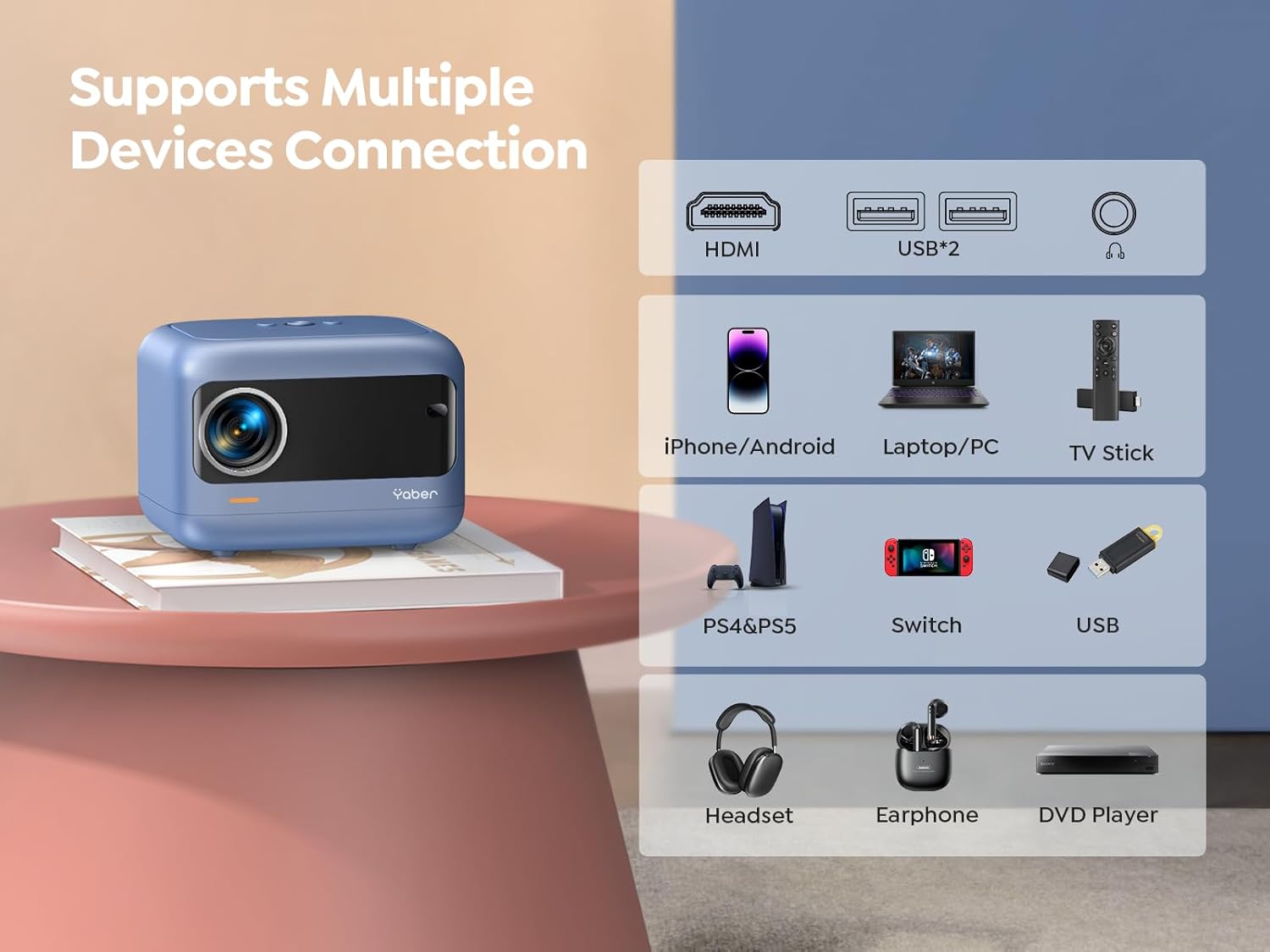
Изображение: Оверview of available ports and compatible devices.

Image: Demonstrating 5G and 2.4G WiFi connectivity for streaming.

Image: Connecting external audio devices via Bluetooth 5.2.
2. Screen Zoom Function
The zoom function allows you to adjust the screen size without moving the projector. This is useful for fine-tuning the image to fit your projection surface.
3. Аудио выход
The YABER E1 includes dual 6W built-in speakers. For a more immersive audio experience, connect external speakers or headphones via Bluetooth 5.2 or the 3.5mm audio jack.
Обслуживание
- Чистка линз: Use the provided cleaning kit or a soft, lint-free cloth to gently clean the projector lens. Avoid abrasive materials that could scratch the lens.
- Удаление пыли: Регулярно очищайте вентиляционные отверстия проектора, чтобы обеспечить надлежащий поток воздуха и предотвратить скопление пыли, которое может повлиять на производительность и срок службы.
- Хранилище: When not in use, store the projector in a cool, dry place, ideally with the lens cap on to protect it from dust and damage.
Поиск неисправностей
For common issues such as signal loss, sound problems, or connectivity difficulties, please refer to the detailed troubleshooting guide available on the product detail page or contact YABER customer support.
- Нет изображения/сигнала: Check all cable connections (HDMI, USB) and ensure the correct input source is selected on the projector. For wireless connections, verify WiFi settings and screen mirroring activation on your device.
- Размытое изображение: Use the electric focus function to sharpen the image. Ensure the projector is placed within the recommended projection distance.
- Искаженное изображение: Utilize the keystone correction feature to adjust the image shape.
- Нет звука: Проверьте настройки громкости как на проекторе, так и на подключенном устройстве. Если используются внешние колонки, убедитесь, что они правильно подключены и включены. Проверьте сопряжение по Bluetooth, если оно установлено.

Image: General troubleshooting tips for quick resolution.
Технические характеристики
| Особенность | Деталь |
|---|---|
| Размеры продукта | 6.26 x 4.92 x 4.61 дюйма |
| Вес товара | 2.11 фунта |
| Номер модели | YABER E1 |
| Разрешение дисплея | 1920 x 1080 (Full HD) |
| Технология связи | Wireless (5G WiFi), Bluetooth 5.2, HDMI, USB |
| Особые возможности | Electric Focus, ±40° Keystone Correction, Dual 6W Speakers, Wireless Screen Mirroring |
| Рекомендуемое использование | Домашний кинотеатр |
Гарантия и поддержка
YABER offers comprehensive customer support for your E1 Mini Projector.
- Услуга: 24/7 customer service team.
- Замена: 3-year free replacement policy.
- Поддерживать: Пожизненная техническая поддержка.
- Контакт: For any questions or assistance, please contact us via email at support03@yaberauto.com.

Изображение: Оверview of YABER's customer service commitments.


