Введение
This manual provides detailed instructions for the installation, operation, and maintenance of your Vortex Q21-5M Wi-Fi TV Light Strip. Please read this manual thoroughly before use to ensure proper functionality and safety.
The Vortex Q21-5M is a 5-meter USB-powered 5050RGBIC LED light strip designed for TV backlighting and ambient room lighting. It features multiple control options including a remote control, Tuya Wi-Fi APP, and voice control compatibility with Amazon Alexa, Google Assistant, and IFTTT. The light strip also includes music synchronization, a timer function, and dimming capabilities.
Что в коробке?
Убедитесь, что в упаковке присутствуют все компоненты:
- 1 x LED Light Strip (5 Meters)
- 1 х пульт дистанционного управления
- 1 х Адаптер питания

Image: The main product image showing the LED light strip coiled, the remote control, the USB controller, and the power adapter, along with the product packaging.
Инструкции по установке
- Подготовка поверхности: Ensure the installation surface (e.g., back of TV, wall, ceiling) is clean, dry, and smooth for optimal adhesive performance.
- Соедините компоненты:
- Connect the LED light strip to the USB controller. Ensure the arrows on both connectors align for proper connection.
- Connect the USB controller to the power adapter.
- Подключите адаптер питания к стандартной электрической розетке.
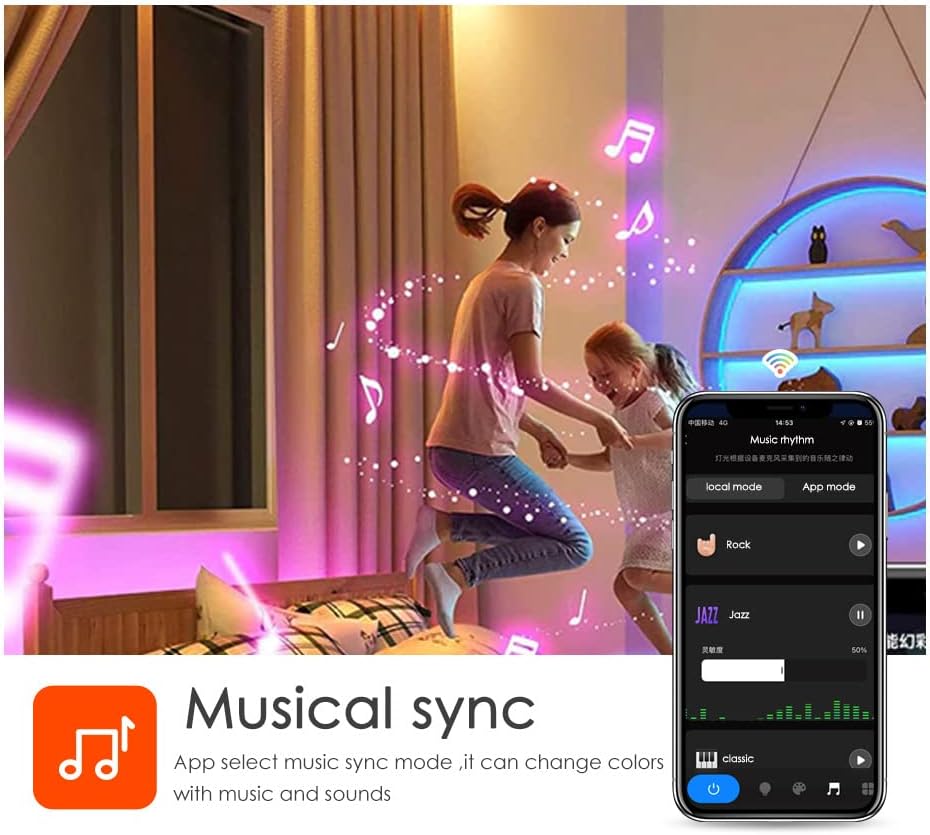
Image: A diagram illustrating the connection process between the LED strip and the USB controller, highlighting the importance of aligning the arrows on the connectors.
- Mount the Light Strip: Remove the adhesive backing from the LED strip and carefully press it onto the desired surface. Apply firm pressure for a few seconds to ensure a secure bond. The strip can be cut to length at designated marks if needed.

Изображение: подробное view of the LED strip highlighting its features: 5050 SMD LEDs for vibrant light, cuttable sections for length customization, a safe resistor for LED protection, an RGB 4PIN connector for the Tuya Wi-Fi controller, and super high adhesive backing.
- Включение питания: Once connected, the light strip should illuminate.
- Загрузите приложение Tuya Smart:
- Отсканируйте QR-код, находящийся на упаковке, или посетите сайт. https://smartapp.tuya.com/tuyasmart to download the Tuya Smart app.
- Зарегистрируйтесь или войдите в свою учетную запись Tuya Smart.
- Follow the in-app instructions to add your Vortex Q21-5M Wi-Fi TV Light Strip. Ensure your mobile device is connected to a 2.4GHz Wi-Fi network during the pairing process.
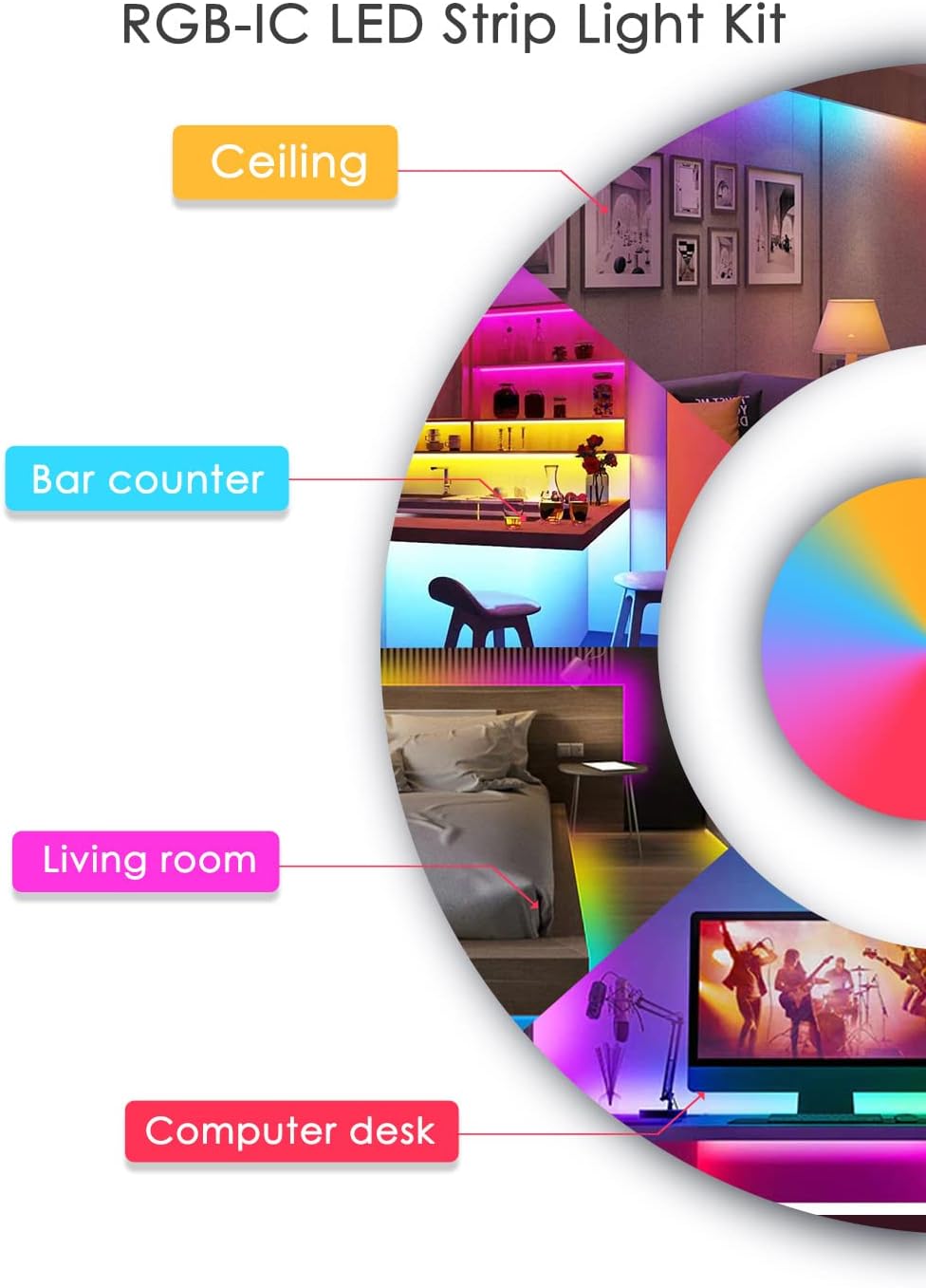
Image: Screenshots of the Tuya Smart app demonstrating various control modes: color adjustment, music synchronization, preset patterns, and timer settings.
Инструкция по эксплуатации
Методы контроля
- Дистанционное управление: Use the included remote control to power on/off, change colors, adjust brightness, and select preset modes. Refer to the remote's button layout for specific functions.
- Приложение Tuya Smart: The Tuya Smart app offers comprehensive control over your light strip.
- Настройка цвета: Select from a wide range of colors and adjust saturation.
- Режимы сцены: Choose from various pre-programmed scene modes for different ambiances.
- Функция затемнения: Отрегулируйте уровень яркости по своему усмотрению.
- Функция таймера: Установите расписание автоматического включения и выключения освещения.
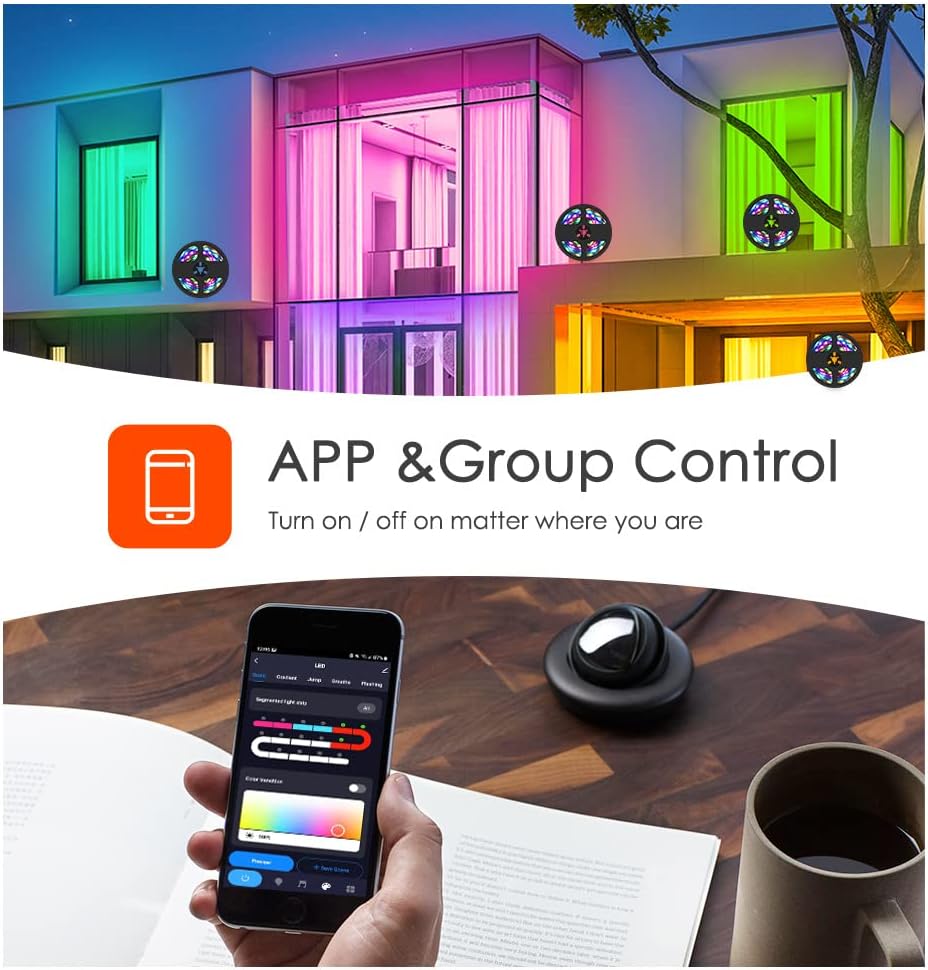
Image: A smartphone displaying the Tuya app, illustrating its capability for app and group control of lighting, allowing users to turn lights on/off remotely.
- Голосовое управление: Integrate your light strip with smart voice assistants.
- Амазон Алекса: Link your Tuya Smart account to Alexa via the Alexa app. Use commands like "Alexa, turn on the light."
- Google Ассистент: Link your Tuya Smart account to Google Assistant via the Google Home app.
- IFTTT: Create custom automations with IFTTT (If This Then That) for advanced control.

Image: A family interacting with an Amazon Alexa device to control the lights, showcasing smart voice control integration with Amazon Alexa, Google Assistant, and IFTTT.
- Синхронизация музыки: The built-in microphone allows the light strip to sync with music, creating dynamic light shows that react to audio. This feature can be activated via the Tuya Smart app.

Image: Individuals enjoying a room illuminated by LED strip lights that are synchronizing with music, controlled through a smartphone application.
Обслуживание
- Уборка: Аккуратно протрите светодиодную ленту сухой мягкой тканью, чтобы удалить пыль. Не используйте жидкие чистящие средства или абразивные материалы.
- Клей: If the adhesive weakens over time, use additional mounting clips or double-sided tape to secure the strip.
- Хранилище: If storing the light strip, ensure it is coiled loosely and kept in a dry, cool place away from direct sunlight.
Поиск неисправностей
| Проблема | Возможная причина | Решение |
|---|---|---|
| Светодиодная лента не включается. | Нет питания, ненадежное соединение, неисправный адаптер питания. | Check power source. Ensure all connections are secure, especially the arrow alignment between the strip and controller. Try a different USB power source. |
| Невозможно подключиться к Wi-Fi/приложению. | Incorrect Wi-Fi band (not 2.4GHz), incorrect password, device too far from router. | Ensure your phone is on a 2.4GHz Wi-Fi network. Verify Wi-Fi password. Move the light strip closer to the router. Reset the light strip and try pairing again. |
| Цвета неправильные или непоследовательные. | Loose connection, app settings. | Check the connection between the strip and controller for proper arrow alignment. Adjust color settings in the Tuya Smart app. |
| Пульт дистанционного управления не работает. | Battery depleted, obstruction, remote out of range. | Replace the remote control battery. Ensure no obstructions between the remote and the light strip's receiver. Move closer to the light strip. |
Технические характеристики
- Модель: В21
- Длина: 5 метра
- Тип светодиода: 5050РГБИК
- Источник питания: Питание от USB, 5 В
- Методы контроля: Tuya Wi-Fi APP, Remote Control, Voice Control (Amazon Alexa, Google Assistant, IFTTT)
- Особые характеристики: Music Sync, Timer Function, Dimming Function, Waterproof (strip only)
- Использование внутри и снаружи помещений: В помещении
- Материал: Пластик
- Вес товара: 6.3 унции
Официальные видеоролики о продуктах
Vortex RGB LED LIGHT STRIPS
Video: This video demonstrates the various color modes and effects of the Vortex RGB LED Light Strips, showcasing their dynamic lighting capabilities and how they can enhance different environments.
Vortex Color Light Strips (5m)
Video: A demonstration of the Vortex 5-meter Color Light Strips, highlighting their vibrant color output and ease of use in various settings.
Гарантия и поддержка
For warranty information and customer support, please refer to the contact details provided in your product packaging or visit the official Vortex webсайт. Сохраните чек о покупке на случай гарантийных претензий.
Политика возврата: Данный товар подлежит возврату или замене в течение 30 дней с момента покупки.
Планы защиты: Доступны для приобретения расширенные планы защиты:
- 3-Year Protection Plan: $5.99 (one-time)
- 4-Year Protection Plan: $7.99 (one-time)
- NEW Complete Protect: $16.99 (monthly, covers all eligible past and future purchases)


