Введение
This manual provides instructions for the Matias Wired USB-C Keyboard for Mac with Numeric Keypad, Model FK316CS. It covers setup, operation, maintenance, troubleshooting, and product specifications to ensure optimal use of your keyboard.
Содержимое упаковки
- Matias Wired USB-C Keyboard
Настраивать
The Matias Wired USB-C Keyboard is designed for simple plug-and-play functionality with compatible Mac devices. No additional drivers or software installation is required.
- Locate an available USB-C port on your Mac computer (e.g., MacBook Pro, MacBook Air, iMac).
- Insert the USB-C connector of the keyboard into the USB-C port on your Mac.
- Ваша операционная система должна автоматически распознать клавиатуру.
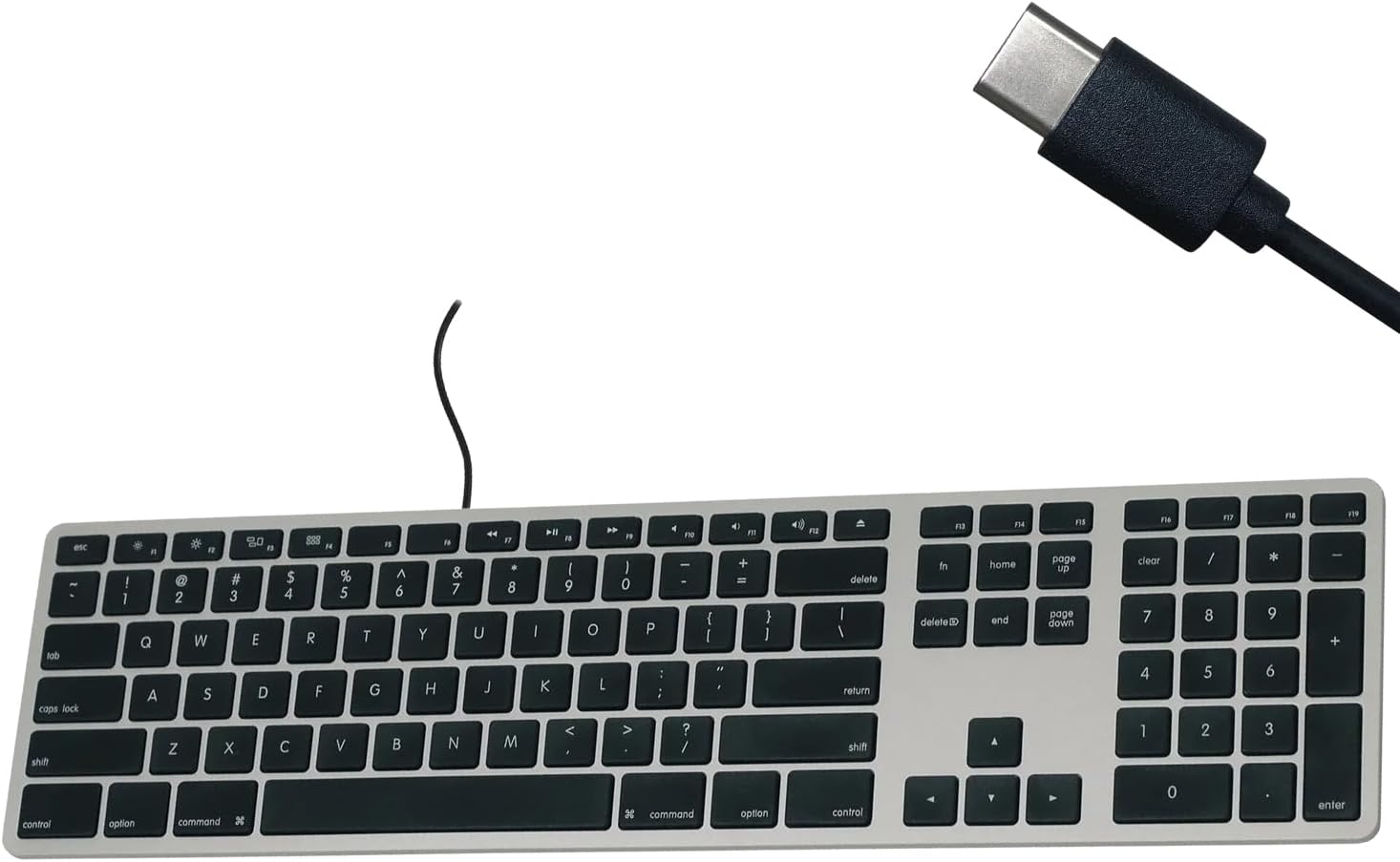
Figure 1: Matias USB-C Keyboard with its USB-C connector, ready for connection.

Figure 2: The keyboard connected to a Mac computer, demonstrating a typical setup.
Инструкция по эксплуатации
Базовая печать
The keyboard features a standard QWERTY layout with a full numeric keypad. Simply begin typing after connecting the keyboard to your Mac.
Цифровая клавиатура
The integrated numeric keypad allows for efficient data entry and calculations. Ensure the 'Num Lock' function is active if numbers are not registering (though typically not required on Mac keyboards for the numeric pad).
Функциональные клавиши Mac
The top row of keys (F1-F12) provides dedicated Mac-specific functions. These keys allow for quick access to controls such as screen brightness, volume adjustment, media playback, and Mission Control.

Рисунок 3: Крупный план view of the Mac-specific function keys (F1-F12) on the keyboard.
Обслуживание
To maintain the performance and appearance of your Matias keyboard, follow these guidelines:
- Уборка: Используйте мягкую, безворсовую ткань, слегкаampened with water or a mild, non-abrasive cleaner to wipe the surface of the keyboard. Avoid spraying liquids directly onto the keyboard.
- Удаление пыли: Удалите пыль и мусор из пространства между клавишами сжатым воздухом.
- Хранилище: Когда клавиатура не используется, храните её в чистом, сухом месте.
Поиск неисправностей
If you encounter issues with your Matias Wired USB-C Keyboard, consider the following steps:
- Клавиатура не отвечает:
- Ensure the USB-C cable is securely connected to both the keyboard and your Mac.
- Try connecting the keyboard to a different USB-C port on your Mac.
- Перезагрузите компьютер Mac.
- Test the keyboard on another compatible Mac computer, if available, to determine if the issue is with the keyboard or the computer.
- Клавиши работают неправильно:
- Проверьте, нет ли каких-либо препятствий или мусора под поврежденными клавишами.
- Ensure your Mac's operating system is up to date.
Если эти действия не помогут решить проблему, обратитесь за дополнительной помощью в раздел «Поддержка».
Технические характеристики
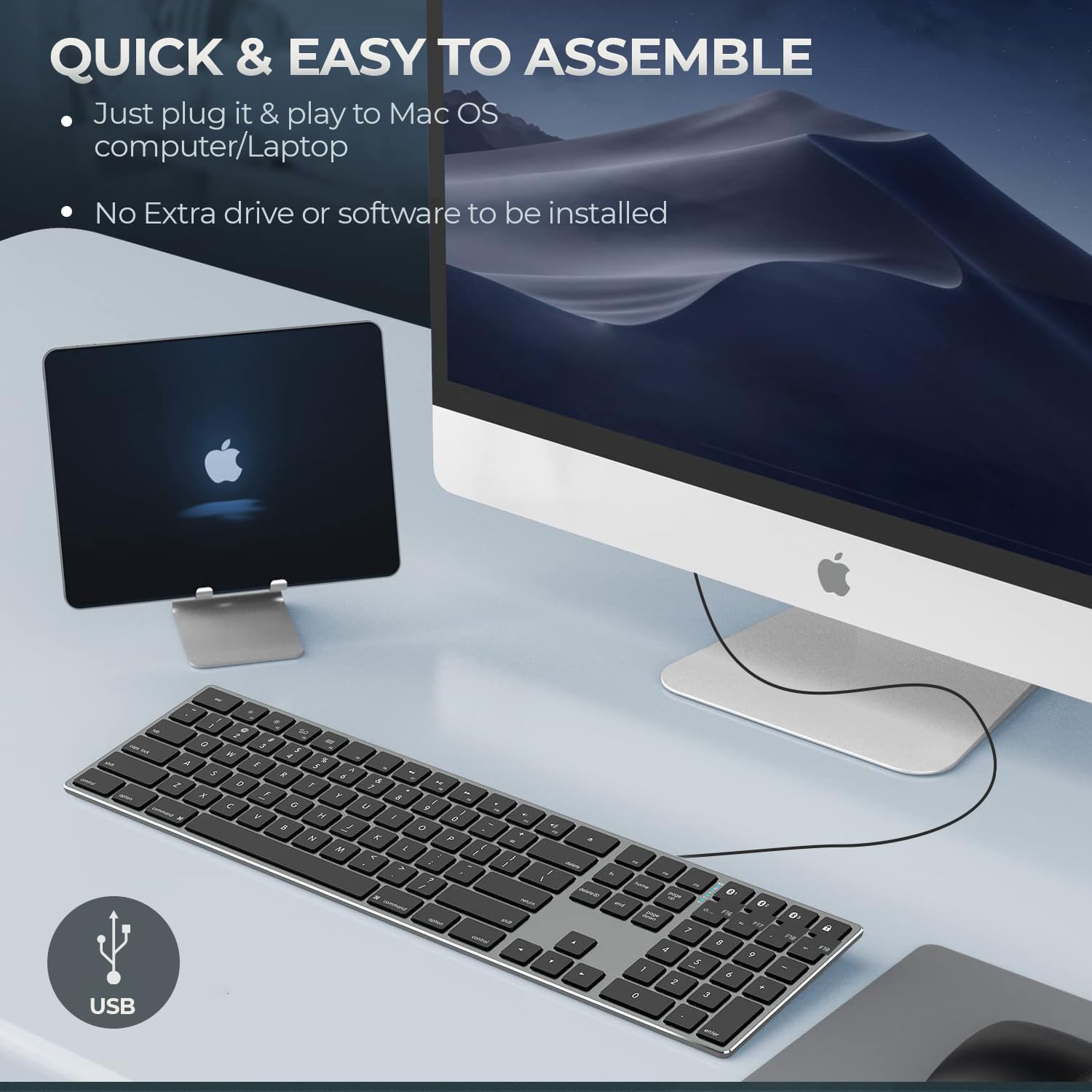
Figure 4: Key specifications of the Matias USB-C Keyboard.
| Особенность | Деталь |
|---|---|
| Номер модели | FK316CS |
| Технология связи | USB-C (проводной) |
| Совместимые устройства | MacBook Pro, MacBook Air, iMac, Mac OS X v.10.6.8 and later |
| Размеры продукта | 17.35 x 4.58 x 0.75 дюйма (44.07 x 11.63 x 1.91 см) |
| Вес товара | 1.35 фунта (612 граммов) |
| Длина кабеля | 5 футов (1.5 метров) |
| Материал | Plastic keyframe |
| Цвет | Космический серый |

Figure 5: Keyboard dimensions and ergonomic tilt angle.
Информация о гарантии
Matias products are covered by a manufacturer's warranty. For specific details regarding the warranty period and terms, please refer to the warranty card included with your product or visit the official Matias webсайт.
Поддерживать
For further assistance, technical support, or to inquire about replacement parts, please contact Matias customer service through their official webсайт:
- Matias Official Webсайт: www.matias.ca
Please have your product model number (FK316CS) and purchase information ready when contacting support.


