1. Введение
The Dzees D3K Solar Security Camera is an advanced wireless outdoor surveillance solution designed for comprehensive home security. It features 2K resolution for clear imaging, 360° pan and 90° tilt capabilities for wide coverage, and is powered by an efficient solar panel for continuous operation. Equipped with intelligent AI detection, color night vision, and an IP66 weather-resistant design, the D3K provides reliable monitoring in various environmental conditions.
Основные характеристики:
- 2K PTZ-камера: Supports 355° horizontal and 90° vertical rotation with 4X digital zoom for comprehensive coverage.
- На солнечных батареях: High-efficiency solar panel ensures continuous power supply, reducing the need for manual charging.
- Умное обнаружение ИИ: Accurately distinguishes between individuals, packages, vehicles, and animals, minimizing false alarms.
- Функции будильника: Features a loud siren, spotlight, and sound alerts to deter intruders.
- Цветное ночное видение: Provides clear, full-color video even in low-light conditions.
- Защита от атмосферных воздействий IP66: Designed to withstand various weather conditions, ensuring year-round protection.
- Гибкое хранилище: Supports up to 128GB memory card (not included) and offers 2 years of free 3-day loop cloud storage.
2. Содержимое упаковки
Пожалуйста, проверьте комплектность после распаковки, чтобы убедиться в наличии всех компонентов:
- Dzees Solar Security Camera
- Солнечная панель
- Монтажный кронштейн
- Монтажные винты и анкеры
- USB-кабель для зарядки
- Руководство пользователя (этот документ)
3. Продукт закончилсяview
Familiarize yourself with the main components of your Dzees Solar Security Camera:

Figure 3.1: Dzees Solar Security Camera D3K and accompanying solar panel.
- Объектив камеры: Записывает видео с разрешением 2K.
- В центре внимания: Provide illumination for color night vision and deterrence.
- ИК-датчик: Detects motion based on infrared heat signatures.
- Микрофон: Записывает звук для двусторонней связи.
- Спикер: Выводит звук для двусторонней связи и сирены.
- Solar Panel Port: Connects the solar panel for continuous charging.
- Кнопка сброса: Используется для сброса настроек камеры до заводских.
- Слот для карты Micro SD: Для локального хранения видео (поддерживает до 128 ГБ, карта не входит в комплект).
- Антенны: For stable Wi-Fi connectivity.
4. Руководство по установке
4.1 Первоначальная зарядка
Before initial use, fully charge the camera using the provided USB cable. Connect the USB cable to the camera's charging port and a standard 5V/2A USB power adapter (not included). A full charge typically takes several hours.
4.2 Установка приложения
Download and install the "Dzees Home" app on your smartphone or tablet. The app is available on both the Apple App Store and Google Play Store.

Figure 4.1: The Dzees Home app interface, displaying multiple camera feeds and control options.
- Искать "Dzees Home" in your device's app store.
- Загрузите и установите приложение.
- Зарегистрируйте новую учетную запись или войдите в систему, если она у вас уже есть.
4.3 Сопряжение камер
Follow these steps to connect your camera to your Wi-Fi network and the Dzees Home app:
- Open the Dzees Home app and tap the "+" icon to add a new device.
- Выберите модель вашей камеры из списка.
- Power on the camera. The camera will emit a voice prompt indicating it's ready for pairing.
- Следуйте инструкциям в приложении, чтобы подключить камеру к сети Wi-Fi 2.4 ГГц. Note: This camera only supports 2.4GHz Wi-Fi.
- Отсканируйте QR-код, отображаемый на экране вашего телефона, с помощью объектива камеры.
- После подключения камера подтвердит успешное сопряжение.

Figure 4.2: Illustration of the solar-powered, wire-free setup, emphasizing 2.4GHz WiFi connectivity and solar charging efficiency.
4.4 Установка камеры
Choose a suitable location for mounting your camera, ensuring it has a clear view of the area you wish to monitor and that the solar panel receives adequate direct sunlight throughout the day.
- Отметьте места для сверления, используя монтажный кронштейн в качестве шаблона.
- Drill holes and insert wall anchors if mounting on masonry or drywall.
- Закрепите монтажный кронштейн на стене с помощью прилагаемых винтов.
- Прикрепите камеру к монтажному кронштейну.
- Connect the solar panel cable to the camera's solar panel port. Position the solar panel to maximize sun exposure.
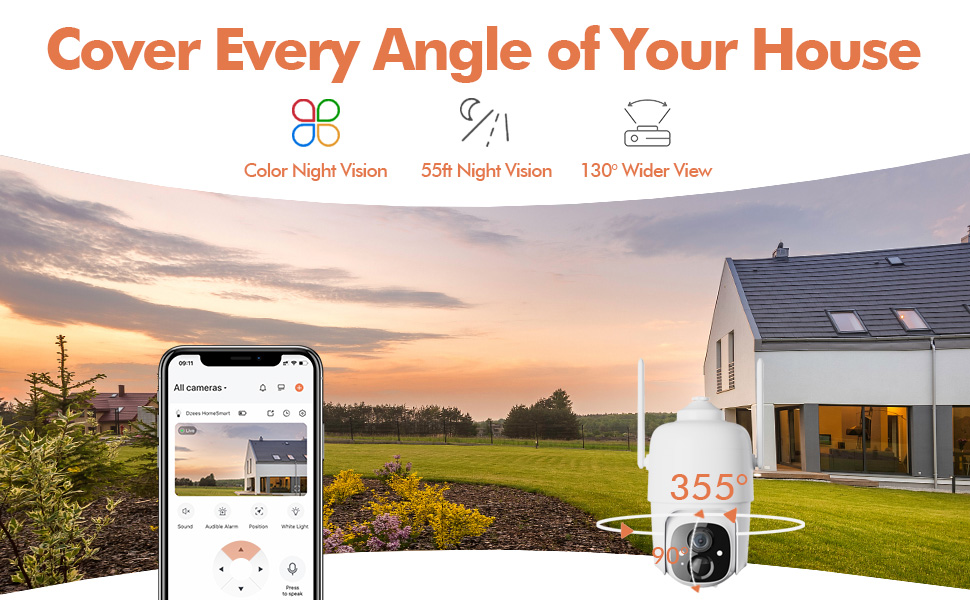
Figure 4.3: The Dzees camera mounted outdoors, showcasing its IP66 weather-resistant design, capable of operating in various weather conditions.

Figure 4.4: The camera's advanced PIR motion detection in action, highlighting its ability to detect movement within a specified zone.
5. Эксплуатация камеры
5.1 Прямой эфир View и воспроизведение
Получите доступ к прямой видеотрансляции и повторитеview recorded events through the Dzees Home app.
- From the app's home screen, tap on the camera's thumbnail to enter the live view интерфейс.
- Use the timeline or event list to navigate and play back recorded footage.

Figure 5.1: The Dzees Home app displaying live camera feed with controls for pan, tilt, digital zoom, and night vision settings.
5.2 Панорамирование, наклон и масштабирование (PTZ)
Управление камерой viewing angle directly from the app:
- В прямом эфире view, use the directional controls to pan (355° horizontal) and tilt (90° vertical) the camera.
- Pinch to zoom in or out for 4X digital zoom. Note: This is digital zoom, not optical zoom.
- Set up to 5 preset points for quick navigation to frequently monitored areas.

Figure 5.2: Illustration of setting up and utilizing up to 5 preset positions for rapid camera view корректирование.
5.3 Обнаружение движения и оповещения
Customize your detection settings to receive relevant alerts:
- Перейдите в настройки камеры в приложении.
- Enable AI detection to differentiate between people, packages, vehicles, and animals.
- Define custom activity zones to focus detection on specific areas and ignore others.
- Adjust detection sensitivity to reduce unwanted notifications.
- Receive instant push notifications on your phone when motion is detected.
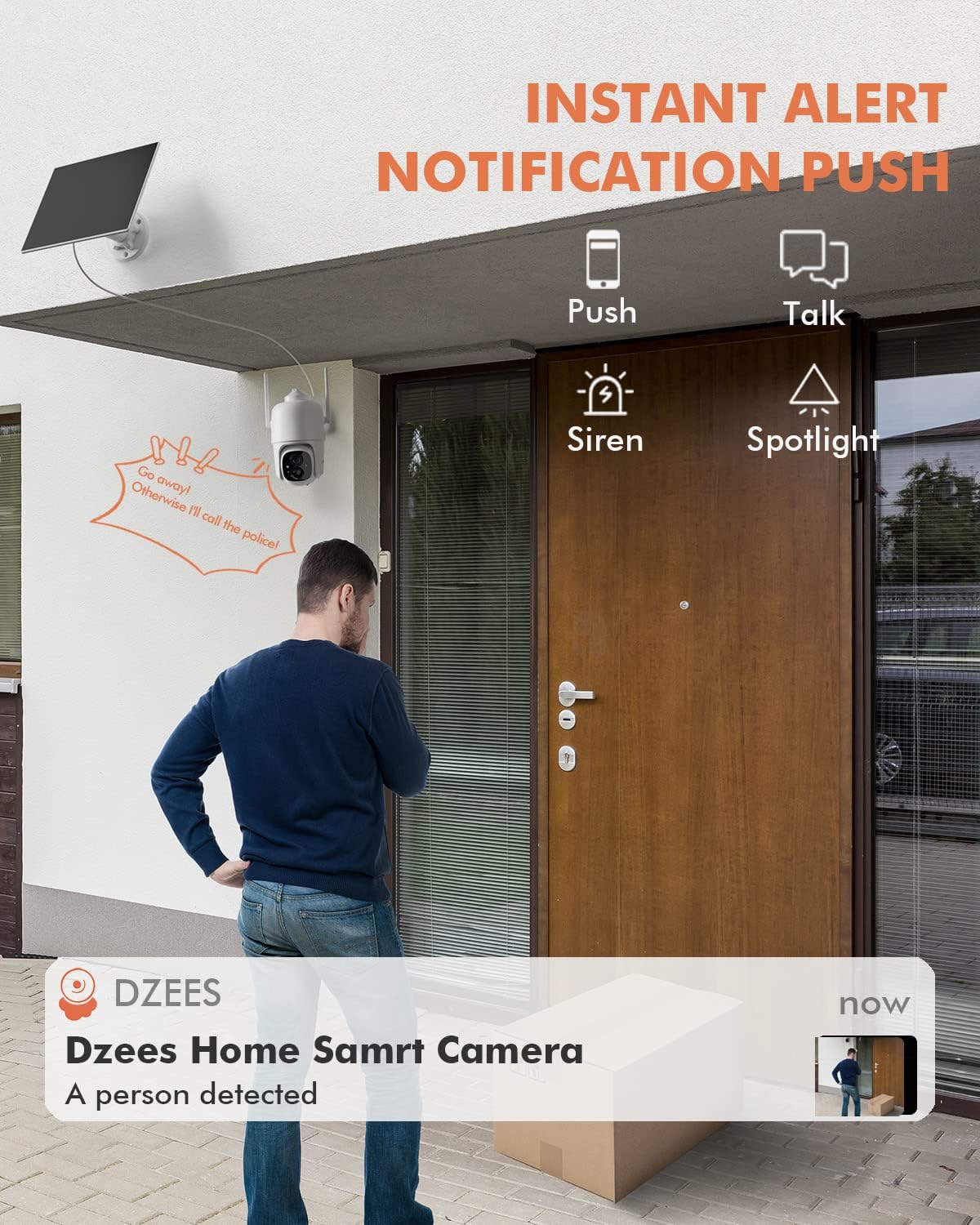
Рисунок 5.3: Example of an instant push notification received on a smartphone when the camera detects a person.
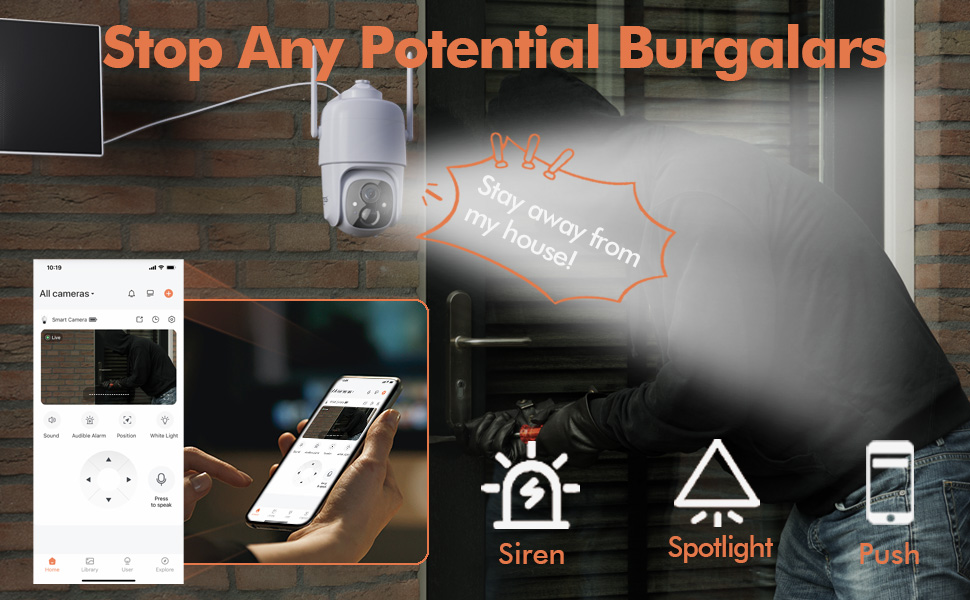
Figure 5.4: Detailed motion detection settings within the Dzees app, allowing for customization of detection zones and sensitivity.
5.4 Двусторонняя аудиосвязь
Communicate with visitors or deter intruders using the camera's built-in microphone and speaker:
- В прямом эфире viewНажмите на значок микрофона, чтобы говорить через камеру.
- Нажмите значок динамика, чтобы прослушать звук с места установки камеры.
5.5 Spotlight and Siren
Enhance security with active deterrence features:
- Manually activate the spotlight or siren from the live view interface in the app.
- Configure automatic activation of the spotlight or siren upon motion detection in the camera settings.
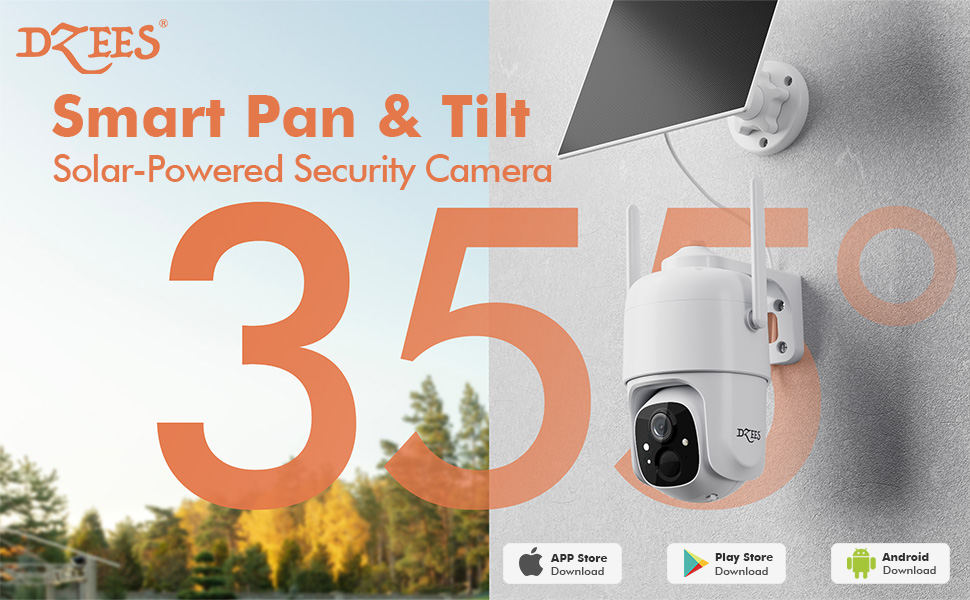
Figure 5.5: The camera's active deterrence features, including siren, spotlight, and instant push notifications, designed to deter potential intruders.
5.6 Варианты хранения
Your Dzees camera offers flexible storage solutions for your recordings:
- Локальное хранилище: Insert a Micro SD card (up to 128GB, not included) into the camera's SD card slot for continuous or event-based recording.
- Облачное хранилище: Enjoy 2 years of free 3-day loop cloud storage. A 30-day trial of the Plus Plan is available for new users, offering upgraded cloud storage and advanced AI features.

Figure 5.6: The camera's support for both local Micro SD card storage (up to 128GB) and free 3-day cloud storage.
6. Техническое обслуживание
Regular maintenance ensures the longevity and optimal performance of your Dzees Solar Security Camera:
- Cleaning the Lens and Solar Panel: Периодически протирайте объектив камеры и солнечную панель мягкой тряпкой.amp cloth to remove dust, dirt, or debris. This ensures clear video quality and efficient solar charging.
- Проверка состояния батареи: Monitor the battery level in the Dzees Home app. Ensure the solar panel is receiving sufficient direct sunlight to maintain charge.
- Обновления прошивки: The Dzees Home app will notify you of available firmware updates. It is recommended to update the camera's firmware to ensure you have the latest features and security enhancements. Follow the in-app instructions for updating.
7. Поиск Неисправностей
If you encounter issues with your Dzees Solar Security Camera, refer to the following common problems and solutions:
7.1 Камера не подключается к Wi-Fi
- Убедитесь, что ваша сеть Wi-Fi имеет частоту 2.4 ГГц. Камера не поддерживает Wi-Fi 5 ГГц.
- Проверьте уровень сигнала Wi-Fi в месте установки камеры. Если сигнал слабый, переместите камеру ближе к роутеру.
- Убедитесь, что вы ввели правильный пароль от Wi-Fi.
- Try resetting the camera by pressing and holding the reset button for 5 seconds until you hear a prompt. Then, attempt pairing again.
7.2 Аккумулятор не заряжается или быстро разряжается
- Ensure the solar panel is connected securely to the camera.
- Verify that the solar panel is positioned to receive direct sunlight for several hours daily, without any obstructions (e.g., trees, eaves).
- Clean the surface of the solar panel regularly to remove dirt or dust that may hinder charging efficiency.
- In prolonged cloudy or rainy weather, the battery may drain. Consider temporarily charging the camera via USB if needed.
7.3 Чрезмерное количество ложных срабатываний
- Adjust the motion detection sensitivity in the Dzees Home app to a lower setting.
- Utilize the activity zone feature to exclude areas with frequent irrelevant motion (e.g., busy streets, swaying trees).
- Enable AI detection to filter out non-human movements.
7.4 Плохое качество изображения
- Очищайте объектив камеры мягкой тканью без ворса.
- Ensure a strong Wi-Fi connection for optimal streaming quality.
- Проверьте наличие каких-либо физических препятствий перед объективом.
7.5 No Night Vision
- Verify that night vision mode is enabled in the Dzees Home app settings.
- Ensure the camera's spotlights are not obstructed.
If the issue persists after trying these solutions, please contact Dzees customer support for further assistance.
8. Технические характеристики
| Особенность | Спецификация |
|---|---|
| Номер модели | Д3К |
| Разрешение видео | 2K / 3MP |
| Пан Угол | 355° |
| Угол наклона | 90° |
| Цифровой зум | 4X |
| Диапазон ночного видения | Up to 55 feet (Color Night Vision supported) |
| Устойчивость к погодным условиям | IP66 |
| Источник питания | Работает от солнечной энергии (со встроенным перезаряжаемым аккумулятором). |
| Связность | Wi-Fi 2.4 ГГц, Bluetooth |
| Локальное хранилище | Карта Micro SD (до 128 ГБ, не входит в комплект) |
| Облачное хранилище | Free 3-day loop storage (2 years included) |
| Размеры (Д x Ш x В) | 5.8 x 7 x 8 дюйма |
| Масса | 1.06 фунта (480 грамм) |
| Материал | Акрилонитрилбутадиенстирол (АБС) |
9. Гарантия и поддержка
Dzees is committed to providing high-quality products and excellent customer service.
- Гарантия: Your Dzees Solar Security Camera comes with 2 years of after-sales support, ensuring peace of mind.
- Техническая поддержка: An experienced technical team is available for 24/7 lifetime support. For any inquiries or assistance, please contact Dzees customer service.
- Интернет-ресурсы: Visit the official Dzees Store for more product information, FAQs, and support resources: Dzees Store on Amazon.


