Введение
This manual provides detailed instructions for the Parsonver LW45 Smart Watch. Please read this guide thoroughly to understand the watch's functions, setup, and maintenance, ensuring optimal performance and longevity of your device.
Содержимое упаковки
Открыв упаковку, убедитесь в наличии всех предметов:
- Умные часы Parsonver LW45
- Зарядный кабель
- Руководство пользователя
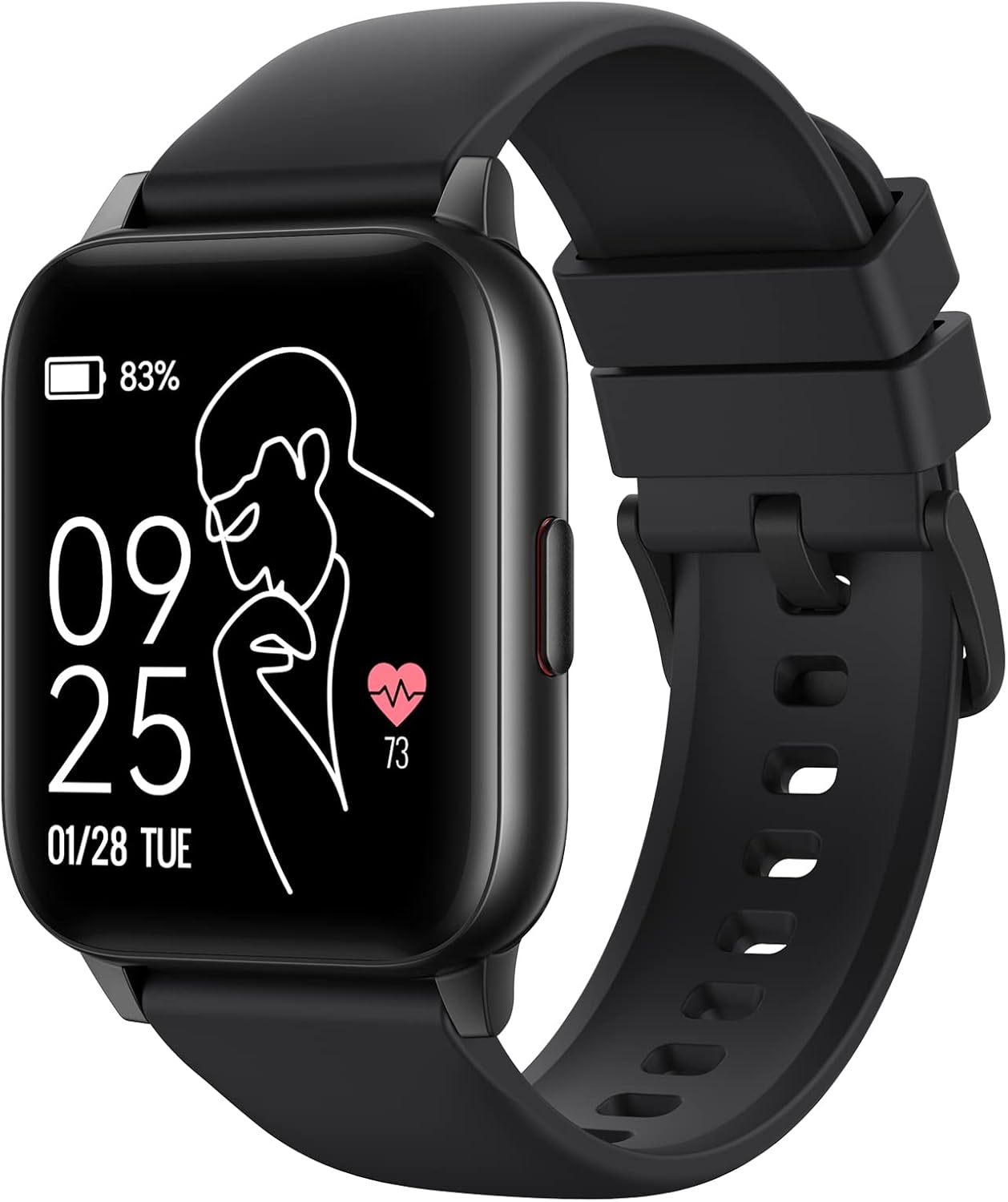
Image: The Parsonver LW45 Smart Watch, black model, displaying time and health metrics.
Руководство по настройке
1. Зарядка устройства
Before initial use, fully charge the smart watch. Connect the charging cable to the charging port on the back of the watch and to a USB power source. The watch display will indicate charging status.
2. Установка приложения и сопряжение
- Download the official Parsonver app from your smartphone's app store (compatible with iOS 10.0/Android 5.0 or above).
- Убедитесь, что Bluetooth включен на вашем смартфоне.
- Откройте приложение и следуйте инструкциям на экране, чтобы создать учетную запись или войти в систему.
- Select "Add Device" or similar option within the app to search for your LW45 Smart Watch.
- Подтвердите запрос на сопряжение на смартфоне и часах.
Примечание: The watch connects via Bluetooth 5.0. Maintain proximity between the watch and your smartphone for a stable connection.

Image: A smartphone displaying the Parsonver app, illustrating the device connection process.
Инструкция по эксплуатации
Базовая навигация
- Сенсорный экран: Проведите пальцем влево/вправо, вверх/вниз, чтобы перемещаться по меню и получать доступ к функциям. Коснитесь, чтобы выбрать.
- Боковая кнопка: Нажмите, чтобы вернуться на главный экран или вывести устройство из спящего режима.
Спортивные режимы
The LW45 Smart Watch features 16 default sports modes. Over 100 additional sports modes can be customized and added via the companion app. These include activities such as walking, running, cycling, swimming, yoga, and strength training.
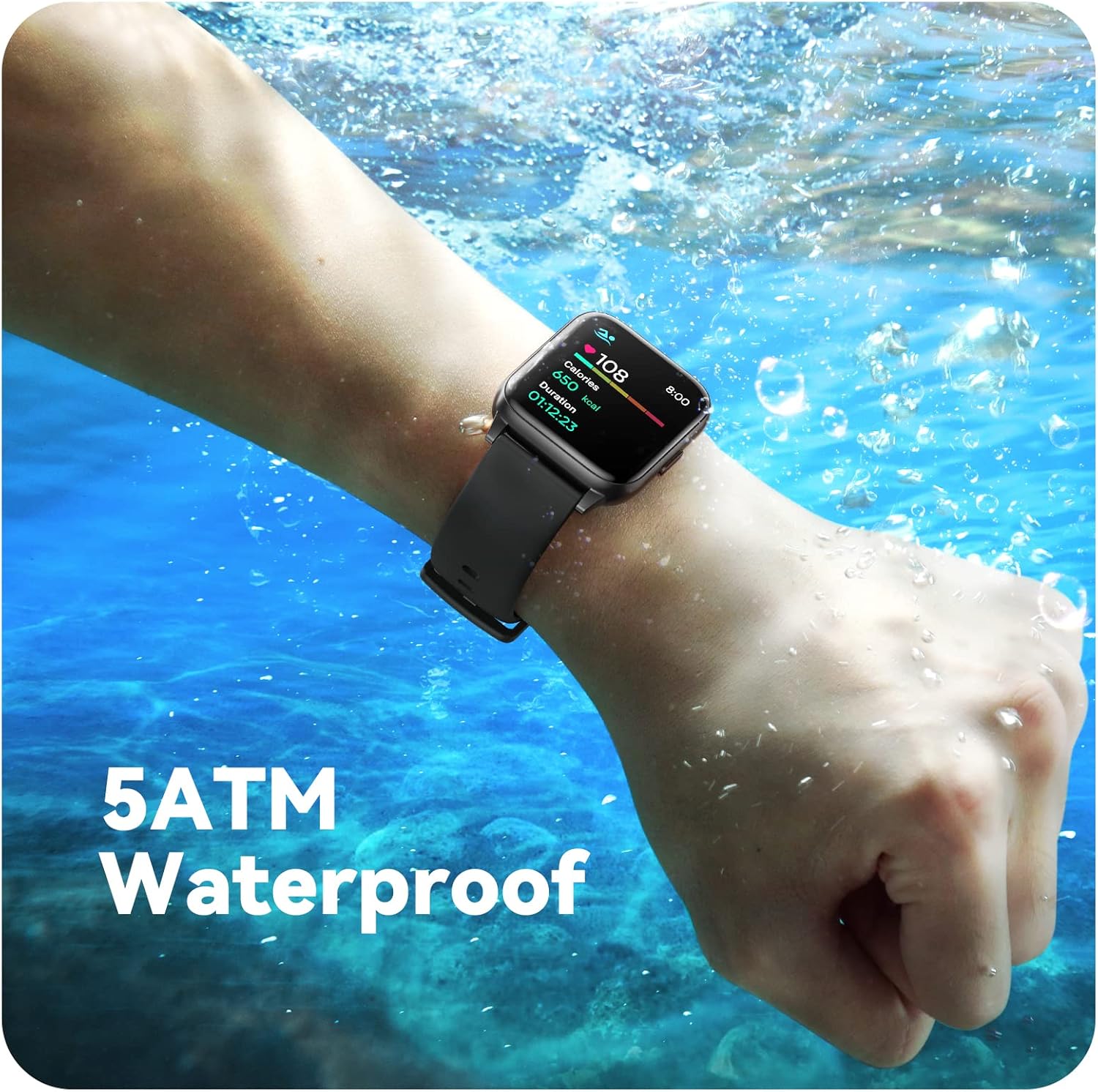
Image: A person engaged in soccer, wearing the smart watch, demonstrating its use during sports activities.

Image: A smartphone screen displaying a wide selection of sports modes within the Parsonver application.
Мониторинг здоровья
- Мониторинг сердечного ритма: Provides 24/7 real-time heart rate data.
- Мониторинг уровня кислорода в крови: Измеряет уровень кислорода в крови.
- Отслеживание сна: Automatically monitors sleep patterns, including deep sleep, light sleep, and awake times (from 9:00 PM to 12:00 PM the next day).
- Hydration and Sedentary Alerts: The watch can provide reminders for hydration and prolonged inactivity.
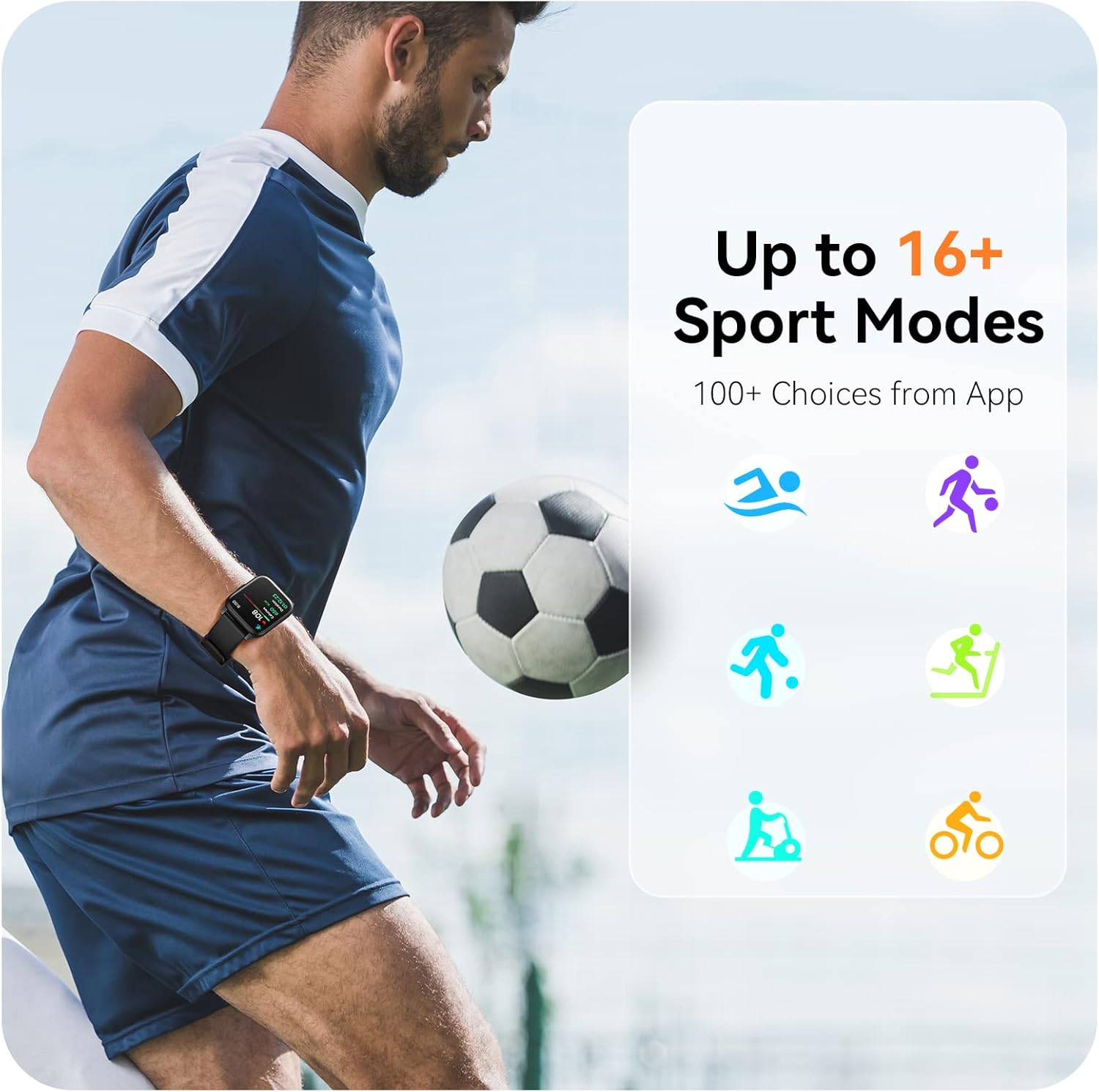
Image: A man running, with the smart watch on his wrist showing real-time fitness data.

Image: A person sleeping, with the smart watch tracking sleep and displaying data on a connected phone.
Уведомления
Receive notifications for incoming calls, SMS messages, emails, and alerts from social media applications (WhatsApp, LinkedIn, Instagram, Twitter) when connected to your smartphone. You can reject calls directly from the watch, but cannot answer or reply to messages.
Image: The smart watch screen showing icons for different types of notifications.
Дополнительные функции
The 1.69-inch high-definition touch screen provides access to various features:
- Прогнозы погоды
- Будильник
- Таймер и секундомер
- Удаленное управление камерой
- Управление воспроизведением музыки
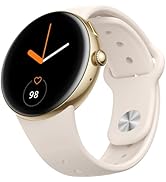
Image: The smart watch screen showing a weather forecast display.
Настройка
Персонализируйте свои часы:
- Циферблаты: Choose from a variety of pre-installed watch faces or download more via the app.
- Пользовательские фоны: Set your own photos as watch face backgrounds through the app.
- Time and Unit Formats: Adjust time display (12/24 hour) and measurement units (Metric/Imperial, Celsius/Fahrenheit) in the app settings.
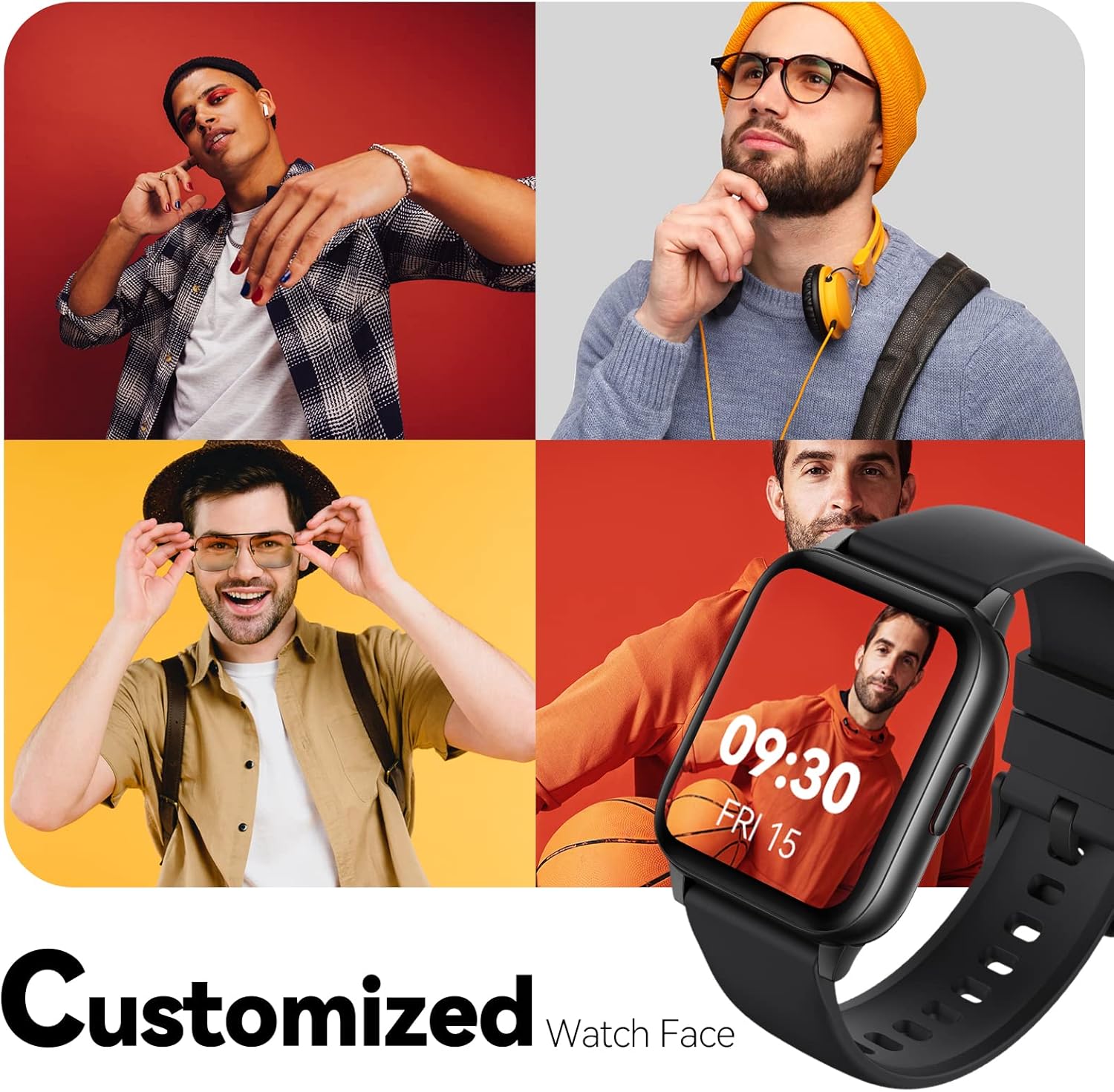
Image: Multiple watch face designs shown on the smart watch, highlighting customization.

Image: A visual guide demonstrating how to adjust time formats, units, and customize watch faces via the companion app.
Водостойкость
The Parsonver LW45 Smart Watch is rated 5ATM waterproof, meaning it is water-resistant up to 50 meters. This allows for use during swimming, showering, and in various weather conditions like rain or snow. Важно: не нажимайте никакие кнопки, когда часы погружены в воду.

Image: The smart watch submerged in water, illustrating its 5ATM waterproof capability.
Обслуживание
- Уборка: Regularly clean the watch and strap with a soft, dry cloth. For stubborn dirt, use a slightly damp тканью и мягким мылом, затем промойте и тщательно высушите.
- Зарядные контакты: Для обеспечения правильной зарядки поддерживайте чистоту контактов зарядки на задней панели часов и удаляйте с них мусор.
- Хранилище: Когда часы не используются, храните их в прохладном, сухом месте.
- Избегайте химических веществ: Не подвергайте часы воздействию агрессивных химикатов, растворителей или моющих средств, так как они могут повредить материалы.
Поиск неисправностей
| Проблема | Возможное решение |
|---|---|
| Часы не включаются и не заряжаются | Ensure the charging cable is securely connected to both the watch and a working USB power source. Clean the charging contacts. Try a different USB port or adapter. |
| Невозможно подключиться к смартфону | Ensure Bluetooth is enabled on your phone. Restart both the watch and phone. Make sure the watch is within Bluetooth range. Check if other Bluetooth devices are interfering. Uninstall previous watch apps if present. |
| Уведомления не получены | Verify that notification permissions are enabled for the Parsonver app in your phone's settings. Ensure the watch is connected via Bluetooth. Check app settings for specific notification toggles. |
| Inaccurate step count or sleep data | Ensure the watch is worn snugly on your wrist. Calibrate the watch through the app if available. Note that some activities (like driving) might register as steps. Sleep tracking is active from 9:00 PM to 12:00 PM the next day. |
Технические характеристики
| Особенность | Деталь |
|---|---|
| Название модели | ЛВ45 |
| Размер экрана | 1.69 дюйма |
| Водостойкость | 5 атмосфер (до 50 метров) |
| Масса | 40 грамм |
| Совместимость с операционными системами | iOS 10.0/Android 5.0 or above |
| Связность | Блютус 5.0 |
| Емкость аккумулятора | 300 миллиamp Часы |
| Емкость памяти | 128 МБ |
| GPS | Через смартфон |
| Включенные компоненты | Умные часы |
Поддержка и гарантия
For technical assistance or warranty inquiries, please contact Parsonver customer service. Refer to the product packaging or the official Parsonver webсайт для получения самой актуальной контактной информации.
Электронная почта службы поддержки клиентов: support@parsonver.com

Image: The official Parsonver brand logo.
Image: A graphic indicating 24/7 online customer support availability.
Важная информация по безопасности
- Не пытайтесь разбирать или модифицировать часы.
- Храните часы вдали от экстремальных температур.
- Consult a medical professional before starting any new exercise regimen, especially if you have pre-existing health conditions. The health monitoring features are for informational purposes and not for medical diagnosis.
- Утилизируйте устройство и его батарею в соответствии с местными правилами.


