
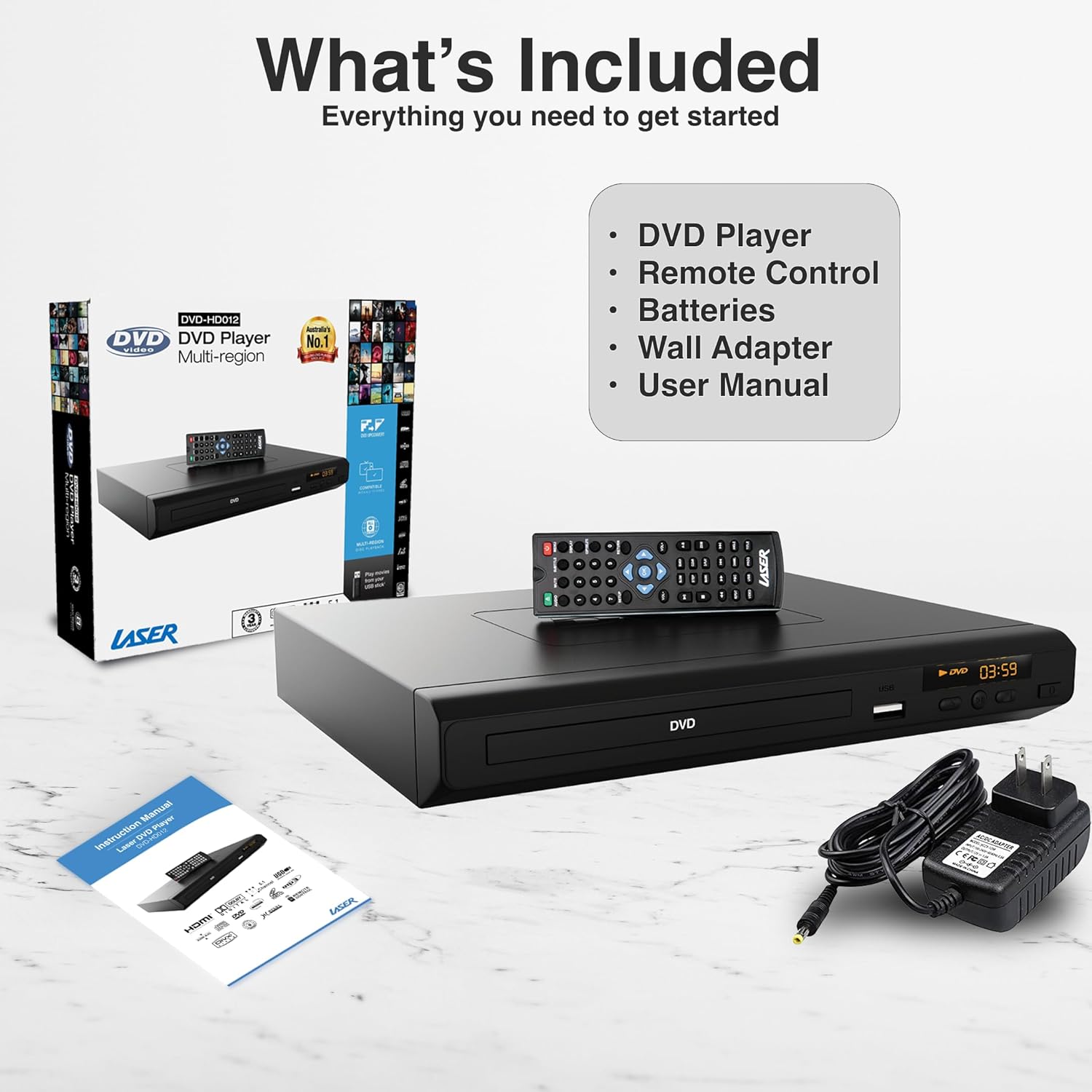
1. Connecting the Player to Your Television
The Laser DVD CD Player HD012 offers multiple connectivity options to suit your television setup:
- HDMI Connection (Recommended for High Definition): For the best audio and video quality, connect an HDMI cable (not included) from the HDMI OUT port on the DVD player to an available HDMI IN port on your television. This single cable transmits both digital video and audio signals.
- RCA Composite Connection (Standard Definition): If your television does not have an HDMI port, or if you prefer an analog connection, use an RCA composite cable (not included). Connect the yellow video cable to the VIDEO OUT port on the DVD player and the yellow VIDEO IN port on your TV. Connect the red and white audio cables to the AUDIO OUT (R/L) ports on the DVD player and the corresponding red and white AUDIO IN (R/L) ports on your TV.

Image: An illustration demonstrating the HDMI output capability of the DVD player, showing a television screen displaying content and the DVD player connected via an HDMI cable, emphasizing high-definition video from a single cable.


