Введение
Спасибо за покупкуasing the Deeyaple 3D LED Digital Wall Clock. This versatile clock offers a clear 3D LED display, multiple functions including time, date, and temperature display, alarm with snooze, and adjustable brightness. It is designed for both wall mounting and desk placement, making it a perfect addition to your home or office. Please read this manual carefully to ensure proper use and maintenance of your new clock.

Image: The Deeyaple 3D LED Digital Wall Clock, showcasing его элегантный дизайн и прилагаемый пульт дистанционного управления.
Основные характеристики
- Многофункциональный дисплей: Shows time (12/24 hour format), date, and temperature (Fahrenheit/Celsius).
- Будильник с функцией повтора: Set alarms with a convenient snooze function.
- Регулируемая яркость: Features 3 levels of brightness, with both automatic dimming based on ambient light and manual adjustment.
- Функция памяти при выключении питания: Retains settings for 4-8 hours after power loss, eliminating the need for re-setup.
- Двойное управление: Operate the clock using the included remote control or the buttons on the back of the unit.
- Универсальное размещение: Designed for both wall mounting (includes non-marking hooks and expansion screws) and desk placement (includes a detachable stand).

Изображение: Оверview diagram highlighting the clock's key features, including 24-hour system, date display, alarm, brightness control, night light, suspension display, time display, temperature display, remote setting, snooze, automatic dimming, and detachable stand.
Содержимое упаковки
Проверьте комплектацию на наличие следующих предметов:
- 1 x Deeyaple 3D LED Digital Wall Clock
- 1 х пульт дистанционного управления
- Кабель питания 1 x USB
- 1 x Съемная подставка
- 1 x Set of Wall Mounting Accessories (non-marking hooks, expansion screws)
- 1 х Руководство пользователя

Image: A visual representation of the package contents, including the clock, remote, USB cable, stand, and mounting hardware.
Настраивать
- Подключение питания: Connect the USB power cable to the clock's power connector (located on the back) and plug the other end into a standard USB power adapter (not included) or a USB port. The clock will power on and display the default time.
- Initial Setup (Time/Date/Temperature):
Use the remote control or the buttons on the back of the clock to set the current time, date, and preferred temperature unit (Fahrenheit or Celsius). Refer to the "Operating Instructions" section for detailed steps on setting these parameters.
- Размещение:
- Размещение на столе: Attach the detachable stand to the base of the clock. Place the clock on a flat, stable surface such as a desk, table, or nightstand.
- Настенный монтаж: Use the provided non-marking hooks and expansion screws. Identify the hook holes on the back of the clock. Mark the desired position on the wall, drill holes if necessary, insert expansion screws, and hang the clock securely.

Изображение: Подробный view of the clock's dimensions and the back panel, indicating the infrared receiver, power connector, hook holes for wall mounting, and control buttons.
Инструкция по эксплуатации
1. Отображение времени, даты и температуры.
The clock can cycle through time, date, and temperature displays. Use the "MODE" button on the remote or the back of the clock to switch between display modes.
- Отображение времени: Shows the current time in 12-hour or 24-hour format.
- Отображение даты: Shows the current date (Month/Day/Year).
- Отображение температуры: Отображает температуру окружающей среды в градусах Цельсия или Фаренгейта.
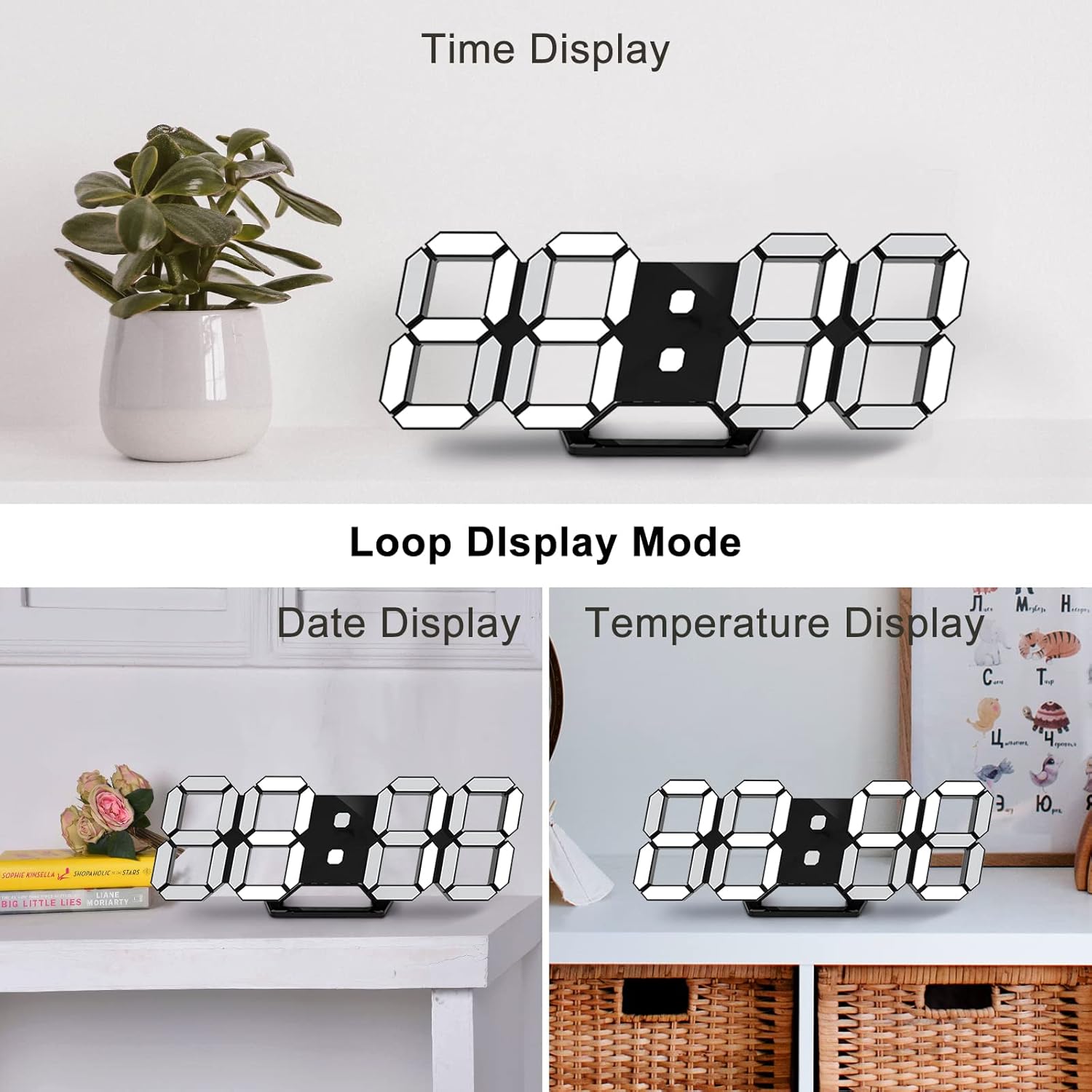
Image: The clock demonstrating its "Loop Display Mode," cycling between showing the time, date, and temperature.
2. Регулировка яркости.
The clock features both automatic and manual brightness control.
- Автоматическое затемнение: The built-in light sensor detects ambient light and automatically adjusts the display brightness for optimal visibility and energy saving.
- Ручная настройка: Use the "BRIGHT" button on the remote control to cycle through 3 levels of brightness (High, Medium, Low).

Image: A graphic illustrating the clock's brightness levels, from bright to dim, demonstrating its auto-dimming and manual adjustment capabilities.
3. Функция будильника
Чтобы установить будильник:
- Press the "ALARM" button on the remote control.
- Use the UP/DOWN arrows to set the desired alarm time.
- Нажмите кнопку «ТРЕВОГА» еще раз для подтверждения.
When the alarm sounds, press any button to activate the snooze function. The alarm will sound again after a set interval (default is 5 minutes). To turn off the alarm completely, press and hold the "ALARM" button.
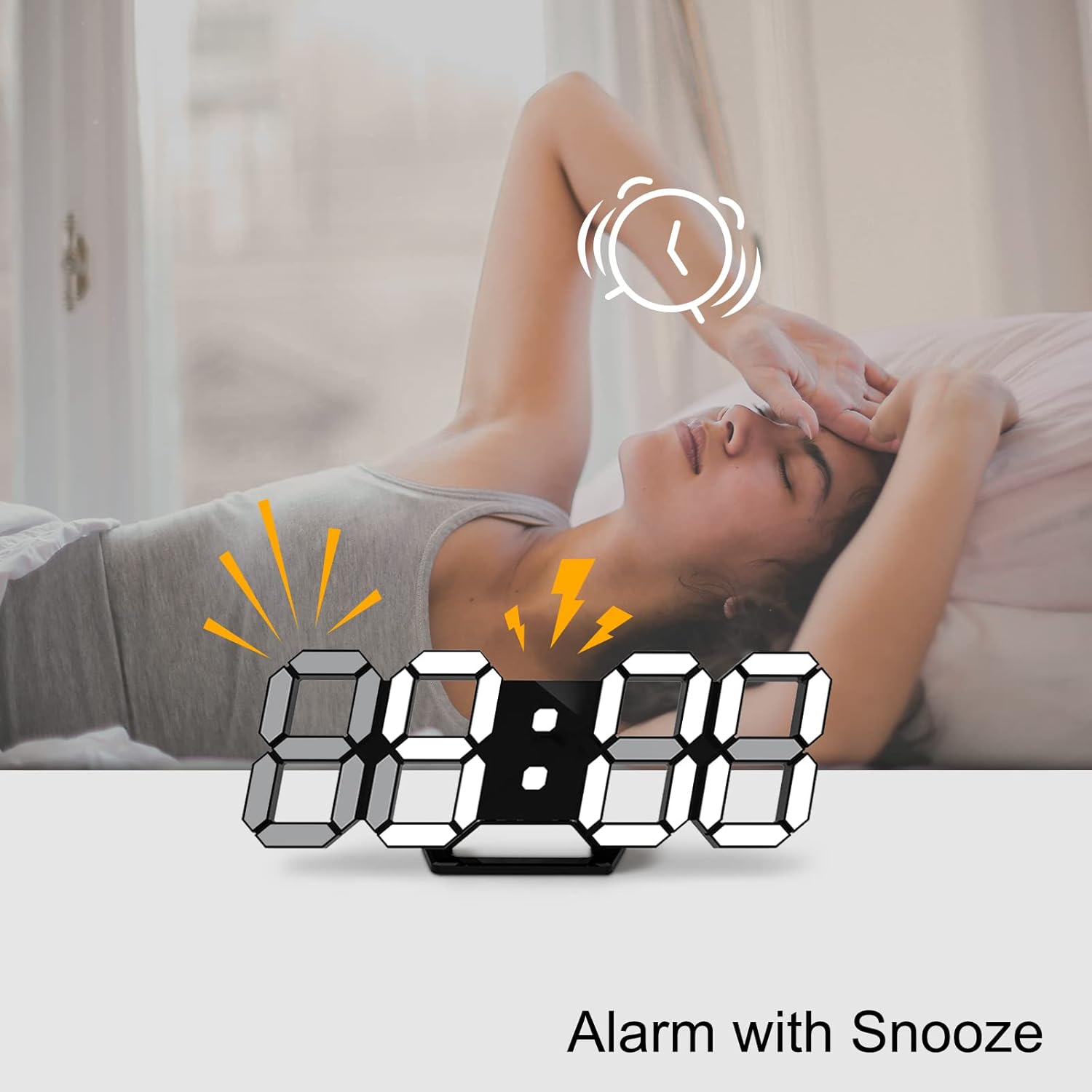
Image: A visual showing the clock with an alarm icon and lightning bolts, indicating the alarm function with snooze.
4. Функция запоминания состояния при выключении питания
The clock has a built-in memory function that retains your settings (time, date, alarm) for 4-8 hours in case of a power outage. This means you do not need to reset the clock after a brief power interruption.
Обслуживание
- Уборка: Use a soft, dry cloth to wipe the clock's surface. Do not use abrasive cleaners or solvents, as they may damage the finish.
- Размещение: Avoid placing the clock in direct sunlight or near heat sources, as this may affect the display and internal components.
- Власть: Always use the provided USB cable and a compatible power adapter.
Поиск неисправностей
| Проблема | Возможная причина | Решение |
|---|---|---|
| Часы не включаются. | Отсутствует питание; плохое кабельное соединение. | Убедитесь, что USB-кабель надежно подключен и адаптер питания работает. Попробуйте использовать другой USB-порт или адаптер. |
| Дисплей слишком тусклый или слишком яркий. | Automatic dimming active; manual brightness needs adjustment. | Press the "BRIGHT" button on the remote to cycle through brightness levels. Ensure the light sensor is not obstructed. |
| Пульт дистанционного управления не работает. | Battery low/dead; obstruction between remote and clock; remote not pointed at infrared receiver. | Replace the remote control battery. Ensure there are no obstructions. Point the remote directly at the infrared receiver on the clock. |
| Time/Date/Temperature is incorrect. | Settings not configured or reset after prolonged power loss. | Follow the "Operating Instructions" to re-set the time, date, and temperature. |
Технические характеристики
| Особенность | Деталь |
|---|---|
| Бренд | Deeyaple |
| Номер модели | LED1305 |
| Цвет | Черный |
| Размеры продукта (Д x Ш x В) | 24.99 x 3.81 x 8.99 см (прибл. 9.8 x 1.5 x 3.5 дюйма) |
| Материал | Пластик |
| Вес товара | 260 грамм |
| Тип дисплея | Цифровой (светодиодный) |
| Источник питания | Проводной электрический (USB) |
| Особые возможности | Large display, adjustable brightness, alarm, calendar display, temperature display, silent clock, remote control. |
Гарантия и поддержка
Deeyaple is committed to providing high-quality products and responsive customer service. This product comes with a standard manufacturer's warranty. For any questions, technical support, or warranty claims, please contact your retailer or visit the official Deeyaple brand store on Amazon:
Сохраните чек о покупке для гарантийных целей.

