1. Продукт закончилсяview
The Dzees 360° PTZ Security Camera is a versatile wireless outdoor WiFi camera designed to provide comprehensive surveillance for your home. Featuring 2K resolution, pan-tilt-zoom capabilities, color night vision, two-way audio, and AI motion detection, it offers robust security features. This manual provides detailed instructions for setting up, operating, and maintaining your camera.

Figure 1.1: Dzees 360° PTZ Security Camera (Front View)
1.1 Основные характеристики
- Видео 2K HD: Captures clear 2048 x 1536 resolution footage.
- Управление PTZ на 360°: 355° pan and 95° tilt for wide area monitoring.
- Цветное ночное видение: Provides full-color video even in low-light conditions up to 100ft.
- Двустороннее аудио: Встроенный микрофон и динамик для общения в реальном времени.
- Обнаружение движения с помощью ИИ: Reduces false alerts and identifies people, pets, and vehicles (paid feature for AI recognition and customizable motion area).
- Беспроводное и работающее от батареек устройство: 9000mAh rechargeable battery, compatible with USB-C solar panels.
- Защита от атмосферных воздействий IP66: Предназначен для использования на открытом воздухе в различных погодных условиях.
- Несколько вариантов хранения: Поддерживает карты памяти Micro SD (до 128 ГБ, не входят в комплект) и облачное хранилище.
1.2 Содержимое упаковки
Проверьте наличие всех предметов в упаковке:
- Dzees 360° PTZ Security Camera
- Монтажный кронштейн
- Зарядный кабель типа C
- Набор винтов
- Unlock Pin
- Руководство пользователя

Figure 1.2: Included Accessories and Camera Dimensions
2. Руководство по установке
2.1 Первоначальная зарядка
Before first use, fully charge the camera using the provided Type-C charging cable. A full charge typically takes approximately 8 hours. The camera's 9000mAh battery provides 3-8 months of use depending on activity.
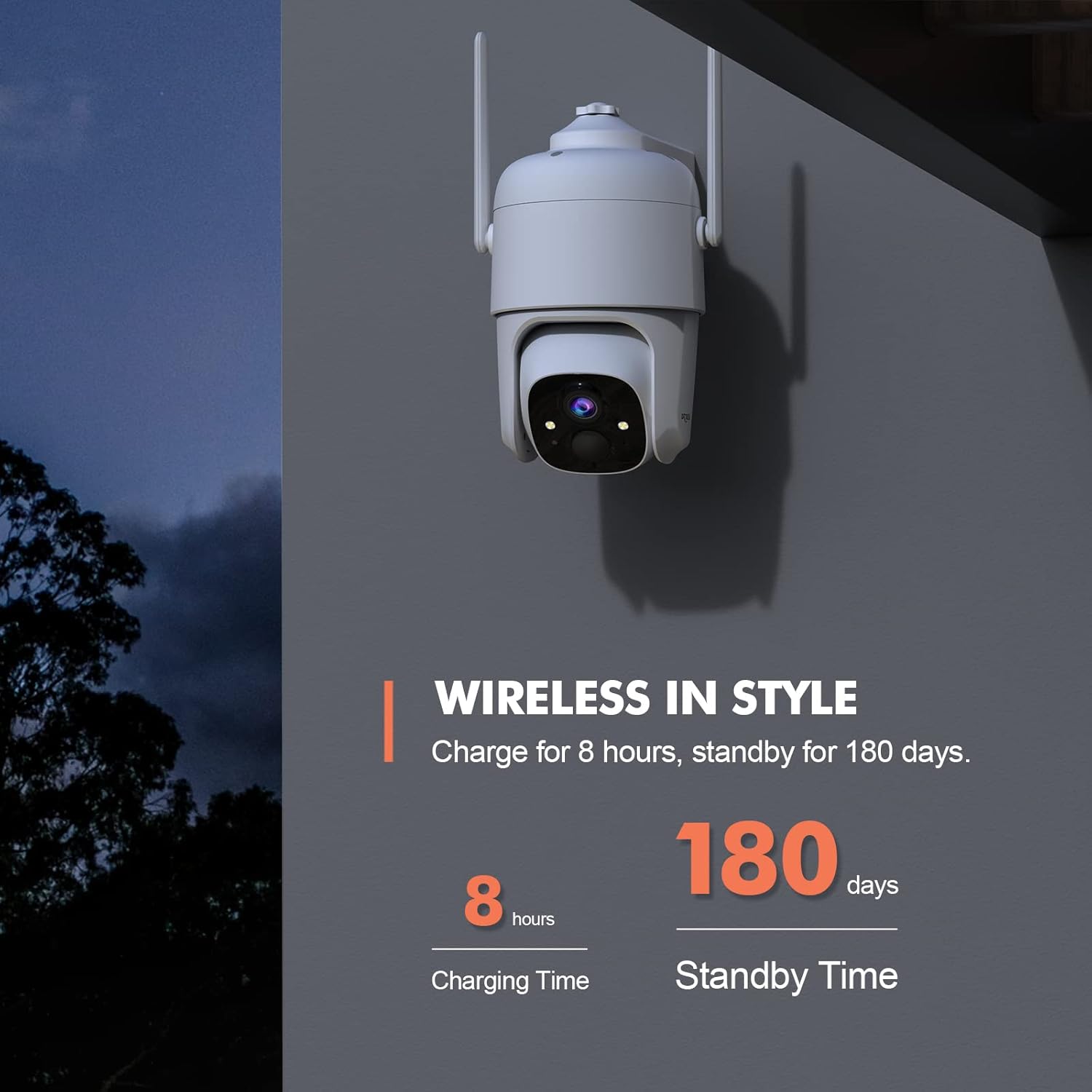
Figure 2.1: Charging and Standby Time Information
For continuous power, the camera is compatible with USB-C port solar panels (sold separately). Искать B0CT2LHQRD to purchase a compatible solar panel.

Figure 2.2: Solar Panel Charging Option
2.2 Установка приложения и настройка учетной записи
Download the "Dzees" or "Vicohome" app from your device's app store (iOS/Android). Follow the in-app instructions to create an account and add your camera. Ensure your mobile device is connected to a 2.4GHz Wi-Fi network during setup, as the camera does not support 5GHz Wi-Fi.

Figure 2.3: Camera Features and App Compatibility
2.3 Установка камеры
Select a suitable location for mounting the camera, ensuring it has a clear view of the area you wish to monitor and is within range of your 2.4GHz Wi-Fi network. Use the provided mounting bracket and screws to securely attach the camera to a wall or other stable surface. The camera is designed for both indoor and outdoor use.
3. Инструкция по эксплуатации
3.1 Управление панорамированием, наклоном и цифровым масштабированием
Utilize the Dzees or Vicohome app to remotely control the camera's pan (355°) and tilt (95°) movements, allowing you to monitor a wide area. The camera also supports 4x digital zoom to view details. You can set up to 5 preset points within the app for quick access to specific viewуглы.

Figure 3.1: Pan, Tilt, and Digital Zoom Capabilities

Figure 3.2: Setting Preset Viewпозиции
3.2 Ночное видение и качество изображения
The camera provides 2K HD (2048 x 1536) resolution for clear images. It features advanced color night vision, capturing full-color footage up to 100ft even in complete darkness, unlike traditional black and white night vision.

Figure 3.3: Color Night Vision Performance
3.3 Двусторонняя аудиосвязь
The integrated microphone and speaker enable two-way communication. You can listen to audio from the camera's location and speak through the camera using the app, allowing you to interact with visitors or deter intruders.

Рисунок 3.4: Функциональность двусторонней аудиосвязи
3.4 Обнаружение движения и оповещения
The camera features AI motion detection to identify people, pets, and vehicles, reducing false alarms. You can customize motion detection areas and adjust sensitivity settings within the app (AI recognition and customizable motion area are paid features). When motion is detected, the camera can trigger a siren, flashlight warning, and send real-time push notifications to your phone.

Figure 3.5: Multi-Alarm System for Property Protection

Figure 3.6: Instant Security Alerts via App

Figure 3.7: AI Motion Recording Capabilities
3.5 Хранение видео
Recordings can be stored locally on a Micro SD card (up to 128GB, not included) or via cloud storage. Cloud storage offers a 3-day loop and 0.5GB space for free, with subscription options for extended storage and features.
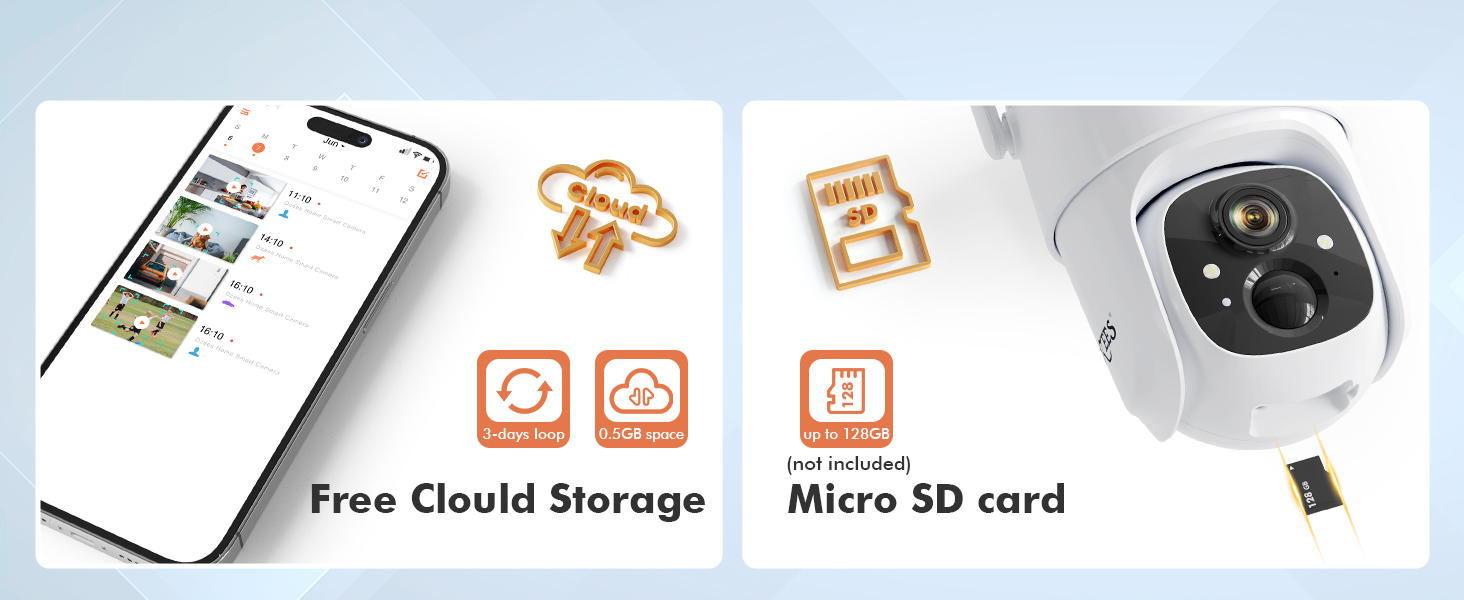
Рисунок 3.8: Варианты хранения
3.6 Семейный доступ
The Dzees app allows you to share camera access with up to 5 accounts, enabling multiple family members to live view, control, and receive alerts from the camera. You can manage limitless Dzees cameras within a single app.

Figure 3.9: All-in-one Dzees App Controls
4. Техническое обслуживание
4.1 Управление аккумулятором
The camera's 9000mAh rechargeable battery provides extended usage. Monitor the battery level through the Dzees app and recharge as needed. For optimal performance and longevity, consider connecting a compatible USB-C solar panel for continuous charging, especially for outdoor installations.
4.2 Устойчивость к атмосферным воздействиям
The Dzees camera is rated IP66 weatherproof, meaning it is protected against dust and powerful water jets. This makes it suitable for outdoor use in various weather conditions. Periodically inspect the camera and its mounting for any signs of wear or damage, and clean the lens gently with a soft cloth to ensure clear image quality.

Рисунок 4.1: Конструкция с защитой от атмосферных воздействий IP66.
5. Поиск Неисправностей
This section addresses common issues you might encounter with your Dzees security camera.
| Проблема | Возможная причина | Решение |
|---|---|---|
| Камера не подключается к Wi-Fi | Неверный пароль от Wi-Fi; Камера находится слишком далеко от роутера; Используется сеть Wi-Fi 5 ГГц. | Убедитесь в правильности пароля Wi-Fi 2.4 ГГц. Поднесите камеру ближе к роутеру. Убедитесь, что роутер транслирует сигнал 2.4 ГГц. |
| Частые ложные оповещения о движении | High sensitivity setting; Unwanted motion areas included. | Adjust motion detection sensitivity in the app. Define custom activity zones to exclude irrelevant areas (paid feature). |
| Короткое время работы батареи | Частое обнаружение движения; В режиме реального времени view usage; Cold weather. | Снизьте чувствительность обнаружения движения. Ограничьте время в реальном времени. view time. Consider solar panel charging. Battery performance may decrease in extreme cold. |
| Нет видеозаписи | SD card full/corrupted; Cloud storage subscription expired; Motion detection not enabled. | Check SD card status, format or replace if necessary. Verify cloud storage subscription. Ensure motion detection is active. |
| Проблемы с двусторонней аудиосвязью | Microphone/speaker blocked; App volume too low; Network latency. | Ensure no obstructions. Adjust volume in app. Check network connection stability. |
6. Технические характеристики
Detailed technical specifications for the Dzees 360° PTZ Security Camera (Model D3).
| Особенность | Спецификация |
|---|---|
| Номер модели | D3 |
| Разрешение видео | 2K (2048 x 1536), 3MP Effective Still Resolution |
| Пан Угол | 355 градусов |
| Угол наклона | 95 градусов |
| Цифровой зум | 4x |
| Диапазон ночного видения | Up to 100ft (Color Night Vision) |
| Связность | Wi-Fi 2.4 ГГц (IEEE 802.11b/g/n) |
| Источник питания | 9000mAh Rechargeable Battery / Solar Powered (USB-C) |
| Устойчивость к погодным условиям | IP66 |
| Варианты хранения | Карта Micro SD (до 128 ГБ), облачное хранилище |
| Аудио | Двусторонняя аудиосвязь |
| Обнаружение движения | AI Motion Detection (Person, Pet, Vehicle) |
| Рабочая температура | Not specified in provided data, typical for outdoor cameras. |
| Размеры (Д x Ш x В) | 1 x 1 x 1 inches (approximate, based on product data) |
| Масса | 1.76 ounces (approximate, based on product data) |
7. Гарантия и поддержка
Dzees provides customer support for their products. For technical assistance, warranty claims, or general inquiries, please refer to the contact information provided in your product packaging or visit the official Dzees website. Dzees offers online email support and call service (9AM-5PM EST).

Figure 7.1: Dzees Customer Support Information


