Введение
Thank you for choosing the TRAMSMART Smart Bulb A19. This smart LED bulb offers a wide range of colors, tunable white light, and smart control features through WiFi and Bluetooth. It is compatible with voice assistants like Amazon Alexa and Google Assistant, allowing for convenient hands-free operation. This manual provides detailed instructions for installation, setup, operation, and troubleshooting to ensure you get the most out of your smart lighting experience.
Информация по безопасности
- Перед установкой или снятием лампы убедитесь, что питание выключено.
- Do not use with standard dimmers. This bulb is dimmable only via the smart app or voice control.
- Подходит только для сухих мест. Не подвергать воздействию воды или влаги.
- Do not disassemble the bulb. This will void the warranty.
- Работать в пределах указанного объемаtagе диапазон.
Содержимое упаковки
- TRAMSMART Smart Bulb A19 (quantity as purchased, e.g., 4-pack)
- Руководство пользователя
Характеристики продукта
Многоцветный и настраиваемый белый
Experience 16 million colors and adjustable white light from warm (2700K) to cool (6500K) to match any mood or activity.

Image: A smart bulb illustrating its capability to produce 16 million colors and tunable white light from warm (2700K) to cool (6500K).
Совместимость с голосовым управлением
Seamlessly integrate with Amazon Alexa and Google Assistant for convenient voice commands to control your lighting.

Image: A user interacting with an Amazon Echo device to control the smart bulb, demonstrating voice control functionality.
Удаленное и групповое управление
Control individual bulbs or create groups to manage multiple bulbs simultaneously from anywhere using the dedicated app.
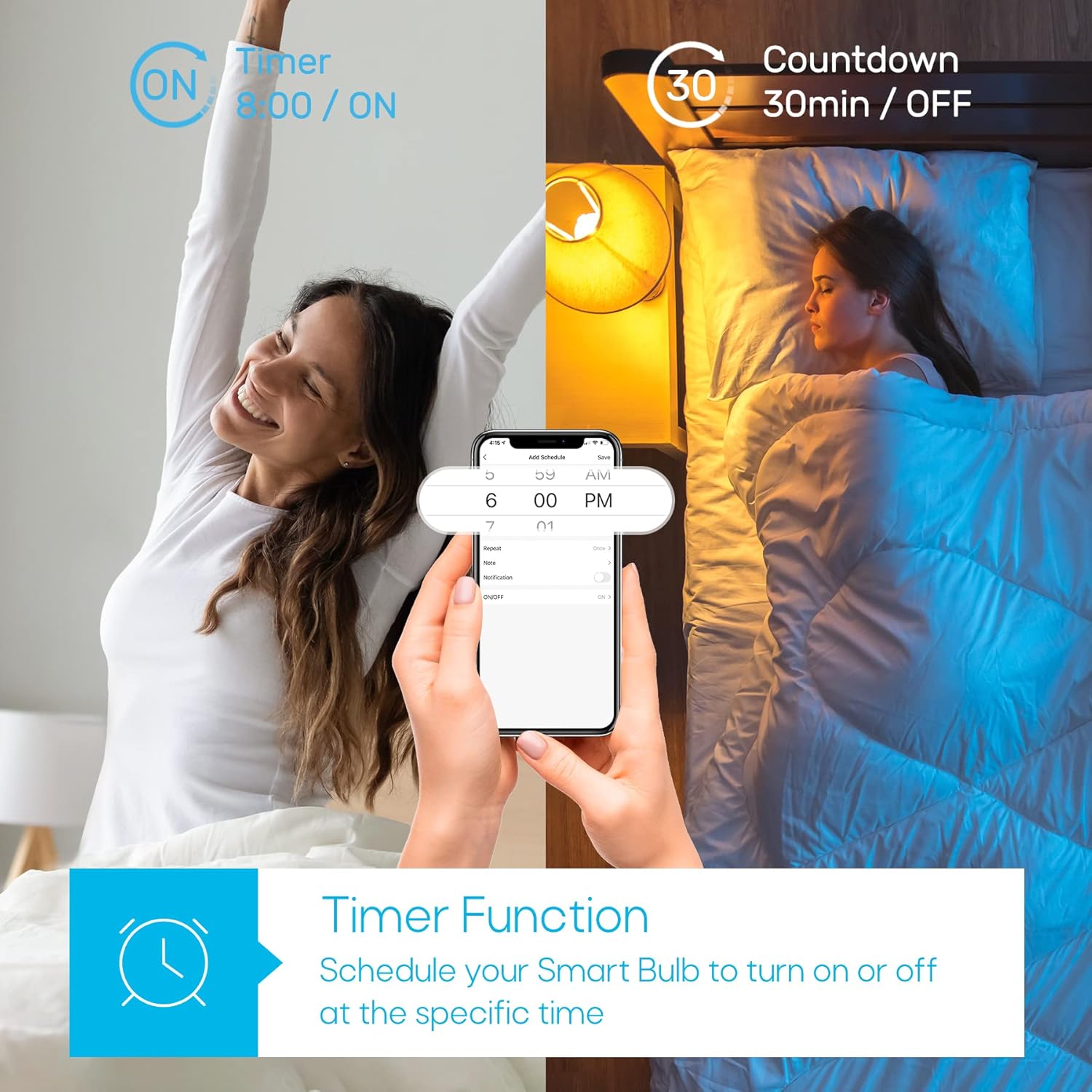
Image: A house with various rooms illuminated by smart bulbs, illustrating remote and group control capabilities through a mobile application.
Timer Function & Schedules
Set schedules for your bulbs to turn on or off at specific times, or use the countdown timer for temporary lighting needs.
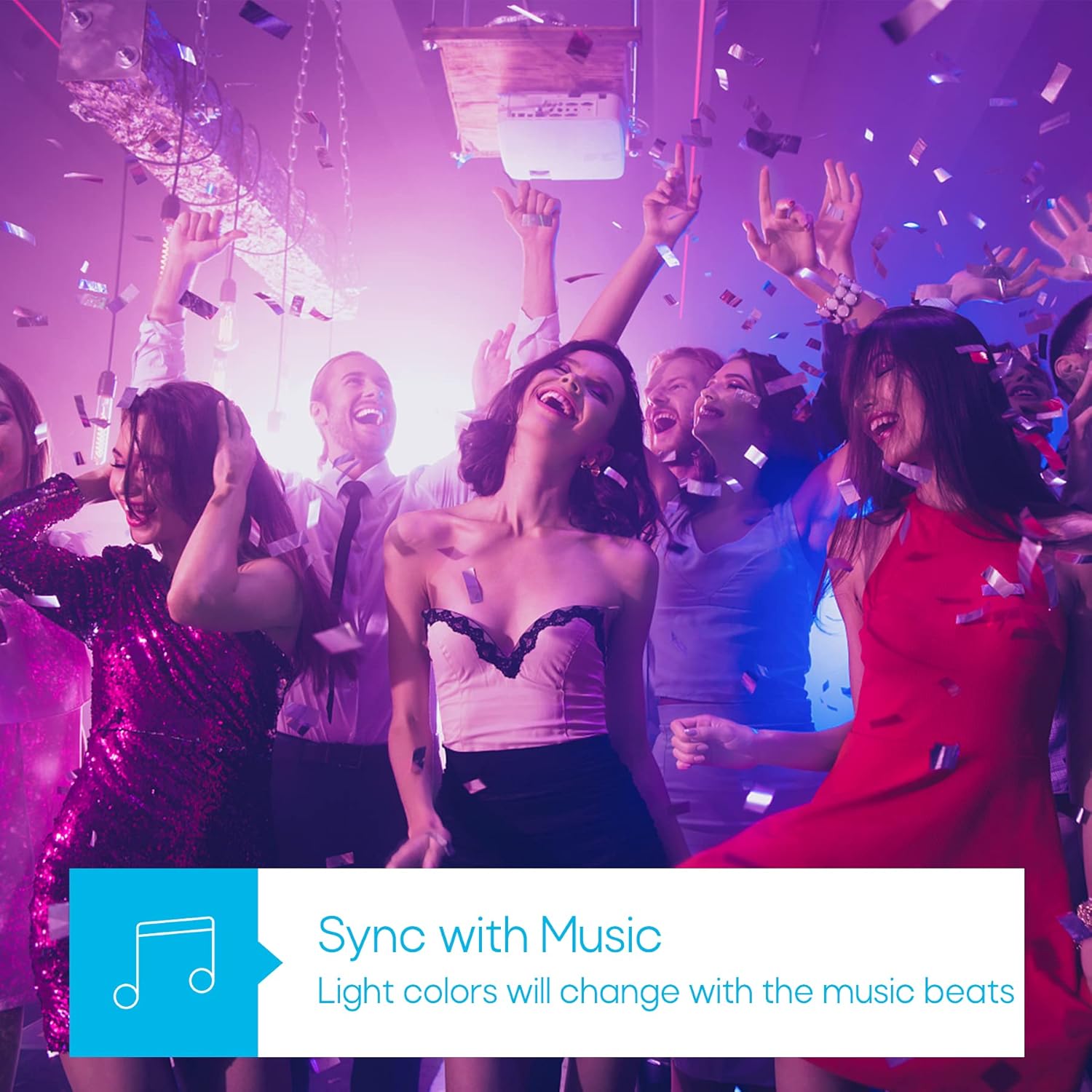
Image: A visual representation of the timer function, showing a smart bulb turning on for waking up and turning off for sleeping, managed via a smartphone app.
Режим синхронизации музыки
Synchronize your lighting with music beats for an immersive audio-visual experience, perfect for parties or relaxation.

Image: A group of people enjoying a party with dynamic, color-changing smart lighting synchronized to music.
Biorhythm Mode
Adjust lighting automatically throughout the day to mimic natural sunlight, supporting your body's natural circadian rhythm.

Image: A visual guide to the Biorhythm mode, demonstrating how the smart bulb adjusts its light temperature and brightness to align with natural daylight patterns.
Инструкции по установке
- Установите лампочку: Screw the TRAMSMART Smart Bulb A19 into a standard E26/E27 light socket. Ensure the power is off before installation.
- Включение питания: Turn on the light switch. The bulb should blink rapidly, indicating it's in pairing mode. If it doesn't blink, turn the light switch off and on three times (on-off-on-off-on) to reset it.
- Загрузите приложение: Download the recommended smart home app (e.g., Smart Life, Tuya Smart) from your smartphone's app store (iOS or Android).
- Зарегистрироваться/Войти: Откройте приложение и зарегистрируйте новую учетную запись или войдите в систему, если она у вас уже есть.
- Добавить устройство: In the app, tap "Add Device" or the "+" icon. Select "Lighting" then "Light Source (Wi-Fi)".
- Подключитесь к Wi-Fi: Confirm the bulb is blinking rapidly. Enter your 2.4 GHz Wi-Fi network password. Note: The bulb only supports 2.4 GHz Wi-Fi networks.
- Сочетание: The app will begin pairing with the bulb. Once connected, you can rename the bulb and start controlling it.
- Connect to Voice Assistant (Optional):
- Для Алексы: Open the Alexa app, go to "Skills & Games," search for the smart home app (e.g., Smart Life), enable the skill, and link your account. Then, discover devices.
- Для Google Ассистента: Open the Google Home app, tap "Set up device," then "Works with Google," search for the smart home app, link your account, and assign the bulb to a room.
Инструкция по эксплуатации
Using the Smart Home App:
- Вкл/Выкл: Чтобы включить или выключить лампочку, коснитесь значка питания рядом с ее названием.
- Регулировка цвета: Select the bulb, then navigate to the "Color" tab. Choose from the color wheel or preset scenes.
- Регулировка белого света: Select the bulb, then navigate to the "White" tab. Adjust brightness and color temperature (warm to cool white).
- Затемнение: Use the brightness slider in either the "Color" or "White" tab to adjust the light intensity from 1% to 100%.
- Выбор сцены: The app offers various preset scenes (e.g., Reading, Party, Relax). You can also create custom scenes.
- Таймер и расписание: Access the "Schedule" or "Timer" function within the bulb's settings to set automated on/off times or countdowns.
- Синхронизация музыки: In the app, select the "Music" mode. The bulb's colors will change in rhythm with music played through your phone's microphone.
- Групповой контроль: Create groups of bulbs in the app to control multiple lights simultaneously.
Использование голосовых команд:
Once connected to Alexa or Google Assistant, use commands such as:
- "Алекса/Привет, Google, включи [Название лампочки]."
- "Alexa/Hey Google, turn off [Bulb Name]."
- "Alexa/Hey Google, set [Bulb Name] to blue."
- «Алекса/Привет, Google, приглуши [Название лампочки] до 50%».
- "Alexa/Hey Google, make [Bulb Name] warmer/cooler."
Обслуживание
- Уборка: Перед чисткой убедитесь, что лампа выключена и остыла. Протрите мягкой сухой тканью. Не используйте жидкие чистящие средства.
- Хранилище: При длительном хранении держите лампочку в прохладном, сухом месте, вдали от прямых солнечных лучей.
- Обновления прошивки: Periodically check the smart home app for firmware updates to ensure optimal performance and security.
Поиск неисправностей
| Проблема | Возможная причина | Решение |
|---|---|---|
| Лампочка не загорается. | Нет питания; плохое соединение; неисправная лампочка. | Check light switch and power supply. Ensure bulb is screwed in tightly. Test bulb in another fixture. |
| Bulb not pairing/connecting to app. | Incorrect Wi-Fi band (not 2.4 GHz); incorrect password; bulb not in pairing mode; Wi-Fi signal too weak. |
|
| Голосовое управление не работает. | Not linked to Alexa/Google Assistant; incorrect device name; internet connectivity issues. |
|
| Лампочка часто перегорает. | Слабый сигнал Wi-Fi; перегрузка сети. |
|
| Colors appear dim or inaccurate. | Brightness setting too low; specific color limitations. |
|
Технические характеристики
| Особенность | Деталь |
|---|---|
| Модель | А19 |
| Бренд | ТРАМСМАРТ |
| Ватtage | 9 Вт |
| Выходной световой поток | 800 люмен |
| Цветовая температура | 2700K - 6500K (настраиваемый белый) |
| Варианты цвета | 16 миллионов цветов RGB |
| Связность | Wi-Fi (2.4 GHz only) & Bluetooth |
| Совместимость с голосовым помощником | Amazon Alexa, Google Ассистент |
| Диммируемый | Yes (via app/voice control) |
| Особые возможности | Dimmable, Color Changing, Music Sync, Timer, Schedule, Group Control, Biorhythm Mode |
| Размер формы луковицы | А19 |
| Размеры (приблизительные) | 14.1 x 12.8 x 12.6 см (Упаковка) |
| Требуются батареи | Нет |
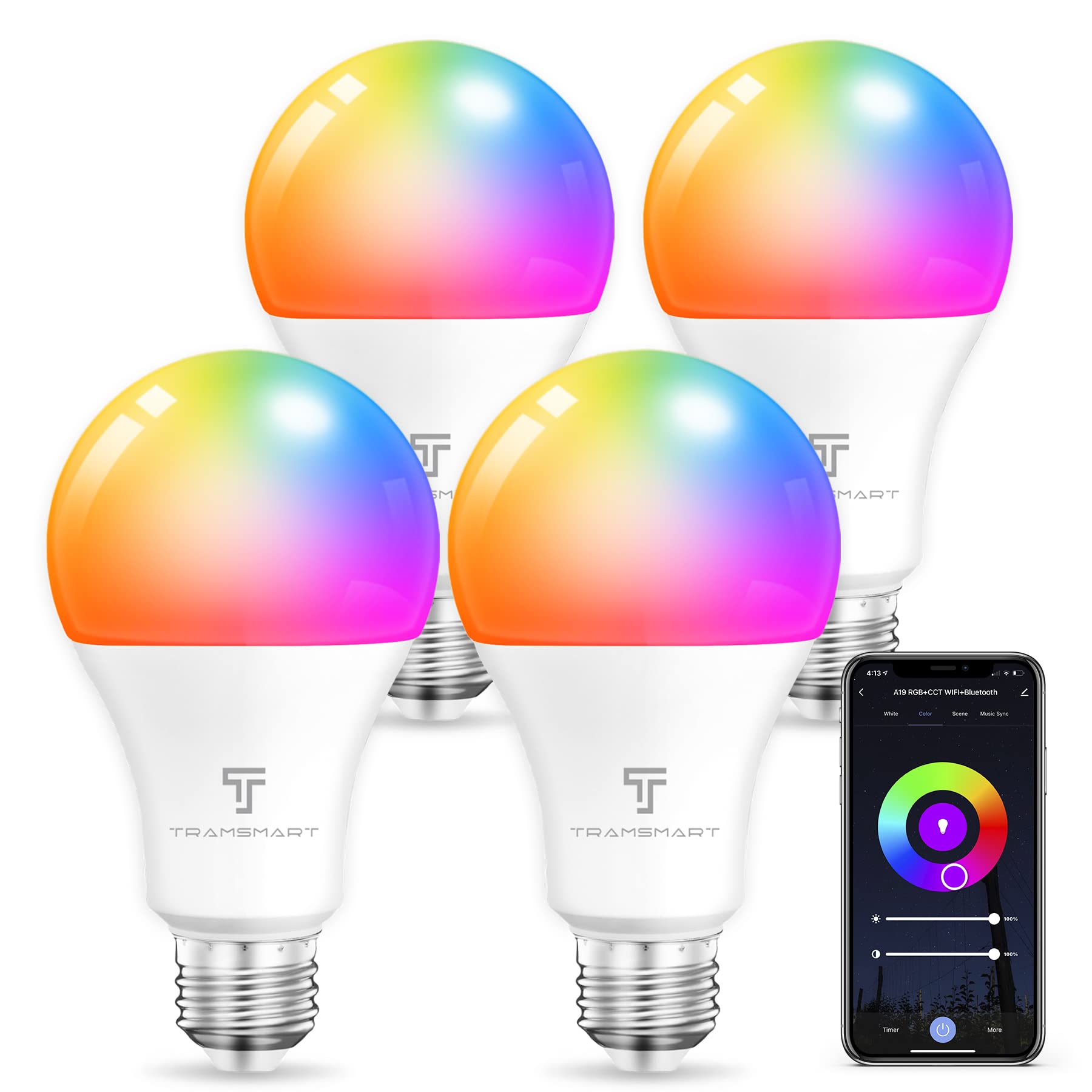
Image: TRAMSMART Smart Bulb A19 showing its physical dimensions and a summary of its features.
Гарантия и поддержка
TRAMSMART products typically come with a limited warranty. Please refer to the warranty card included with your purchase or visit the official TRAMSMART website for detailed warranty information and terms. For technical support, troubleshooting assistance, or any product-related inquiries, please contact TRAMSMART customer service through their official channels. Contact information can usually be found on the product packaging or the brand's webсайт.
Примечание: сохраните чек о покупке в качестве подтверждения покупки для предъявления гарантийных претензий.


