1. Введение
This manual provides comprehensive instructions for the operation and maintenance of your FOXWELL NT604 OBD2 Scanner and BT100 Pro Battery Tester. These devices are designed to assist in diagnosing vehicle issues and assessing battery health, providing valuable information for vehicle maintenance.
The FOXWELL NT604 is an advanced diagnostic scan tool capable of reading and clearing fault codes, displaying live data, and performing various tests on key vehicle systems. The FOXWELL BT100 Pro is a professional battery analyzer designed to test 12V batteries, providing accurate readings on battery voltage, CCA, internal resistance, and overall health.
2. Настройка
2.1 Распаковка устройства
Carefully remove all components from the packaging. Verify that all items listed in the product packaging are present. Retain the packaging for future storage or shipping.
2.2 Первоначальное включение
The NT604 scanner typically powers on when connected to a vehicle's OBD-II port. The BT100 Pro battery tester powers on when connected to a 12V battery.

Figure 2.1: The FOXWELL NT604 OBD2 Scanner and BT100 Pro Battery Tester.
3. Операция
3.1 FOXWELL NT604 OBD2 Scanner Operation
The NT604 scanner connects to your vehicle's On-Board Diagnostics II (OBD-II) port to access vehicle system information.
- Найдите порт OBD-II: Разъем OBD-II обычно расположен под приборной панелью со стороны водителя.
- Подключите сканер: Plug the NT604's diagnostic cable into the vehicle's OBD-II port. The scanner will power on automatically.
- Vehicle Communication: The scanner will attempt to establish communication with the vehicle's ECU (Engine Control Unit). Follow on-screen prompts.
- Навигация по главному меню: Use the navigation buttons (up, down, left, right, OK, ESC) to select desired functions from the main menu. Common functions include:
- Прочтите коды: Retrieves Diagnostic Trouble Codes (DTCs) from the vehicle's systems.
- Очистить коды: Удаляет коды неисправностей из памяти автомобиля. Note: Clearing codes does not fix the underlying problem. Address the issue before clearing codes.
- Живые данные: Displays real-time sensor data from the vehicle.
- Стоп-кадр: Делает моментальный снимок условий эксплуатации транспортного средства на момент установки кода неисправности.
- I / M Готовность: Проверяет состояние мониторов, связанных с выбросами.
- System Diagnostic: Accesses specific vehicle systems like Engine, ABS, SRS (Airbag), and Transmission for detailed diagnostics.

Figure 3.1: The NT604 scanner's main menu showing various OBDII functions.

Figure 3.2: The NT604 scanner's capability to diagnose Engine, ABS, SRS, and Transmission systems.
3.2 FOXWELL BT100 Pro Battery Tester Operation
The BT100 Pro is designed for testing 12V automotive batteries. It can perform tests both in-vehicle and out-of-vehicle.
- Подготовьте аккумулятор: Убедитесь, что клеммы аккумулятора чистые и не имеют коррозии.
- Подключите тестер:
- Подключите красный провод.amp к положительной (+) клемме аккумулятора.
- Подключите черный кл.amp к отрицательной (-) клемме аккумуляторной батареи.
- Тестер включится автоматически.
- Выберите тип теста:
- In-Vehicle Test: For batteries installed in the vehicle.
- Out-of-Vehicle Test: For standalone batteries.
- Выберите тип батареи: Choose the correct battery type (e.g., Regular Flooded, AGM Flat Plate, AGM Spiral, GEL) from the menu. Incorrect selection may lead to inaccurate results.
- Enter CCA Rating: Введите холодный запуск Amps (CCA) rating found on the battery label.
- Выполнить тест: The tester will perform the analysis and display results such as:
- Томtage
- Измеренный CCA
- Внутреннее сопротивление
- Состояние здоровья (SOH)
- Состояние заряда (SOC)

Figure 3.3: The BT100 Pro supports both in-vehicle and out-of-vehicle battery testing.
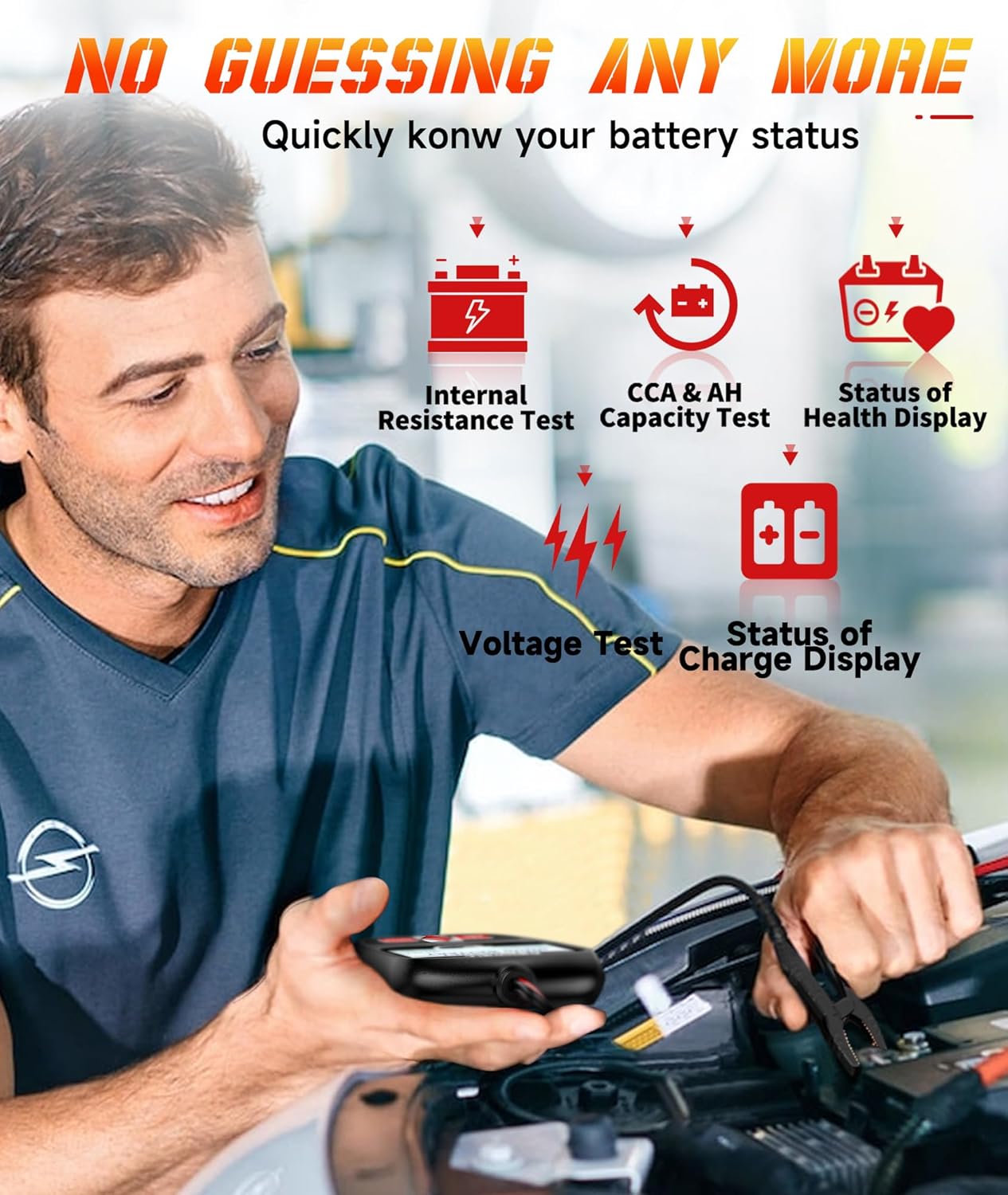
Figure 3.4: The BT100 Pro provides detailed battery status including internal resistance, CCA, and health display.
4. Техническое обслуживание
4.1 Очистка
Протрите устройство мягкой, дamp Ткань. Не используйте абразивные чистящие средства или растворители. Перед хранением убедитесь, что устройство полностью высохло.
4.2 Обновления программного обеспечения
Periodically check the FOXWELL official website for software updates for the NT604 scanner. Updates can improve performance, add new features, and expand vehicle compatibility. Follow the instructions provided on the website for updating the device firmware.
4.3 Хранение
Store the devices in a clean, dry environment, away from extreme temperatures and direct sunlight. Keep cables neatly coiled to prevent damage.
5. Поиск Неисправностей
| Проблема | Возможная причина | Решение |
|---|---|---|
| NT604 does not power on. | Loose OBD-II connection; vehicle's OBD-II port fuse blown; vehicle battery low. | Ensure secure connection. Check vehicle's OBD-II port fuse. Verify vehicle battery voltage. |
| NT604 fails to link with vehicle. | Incorrect protocol selected; vehicle ignition off; faulty connection. | Ensure ignition is ON. Check cable connection. Try a different vehicle if possible to isolate the issue. |
| BT100 Pro does not power on. | Неплотно закрепленная батареяamp connection; battery voltagе слишком низко. | Убедитесь, что clamps are securely attached to clean battery terminals. Test a different battery if available. |
| Inaccurate BT100 Pro readings. | Incorrect battery type or CCA entered; dirty battery terminals. | Verify battery type and CCA input. Clean battery terminals thoroughly. |
6. Технические характеристики
FOXWELL NT604 OBD2 сканер
- Поддерживаемые системы: Двигатель, ABS, SRS (подушка безопасности), трансмиссия
- OBDII Modes: 10 modes (Read Codes, Clear Codes, Live Data, Freeze Frame, I/M Readiness, Component Test, O2 Monitor Test, On-Board Monitor Test, Retrieve Vehicle Info, Modules Present)
- Источник питания: Vehicle OBD-II port
FOXWELL BT100 Pro Battery Tester
- Батарея Voltage: 12В
- Диапазон испытаний: 100-1100 ОСО
- Поддерживаемые типы аккумуляторов: Обычные жидкостные, AGM плоские пластинчатые, AGM спиральные, гелевые
- Результаты теста: Томtage, CCA, Internal Resistance, State of Health (SOH), State of Charge (SOC)
- Источник питания: Battery Powered (from the tested battery)

Рисунок 6.1: Example of battery test results displayed on the BT100 Pro.
7. Гарантия и поддержка
7.1 Информация о гарантии
FOXWELL products are covered by a limited warranty against defects in materials and workmanship. Please refer to the warranty card included with your product or visit the official FOXWELL webсайт для получения подробных условий гарантии.
7.2 Техническая поддержка
For technical assistance, software updates, or service inquiries, please contact FOXWELL customer support. Contact information can typically be found on the official FOXWELL webсайте или в упаковке продукта.
Webсайт: www.foxwelltech.com (Бывшийamp(ссылка, проверьте официальный сайт)


