
1. Продукт закончилсяview
The NETVUE Sentry 2 is a 1080P outdoor security camera designed to provide comprehensive surveillance for your home. It features advanced functionalities such as 360° pan and 110° tilt for wide area coverage, real-time motion and human detection, two-way audio communication, and enhanced night vision capabilities. Its IP66 weatherproof rating ensures reliable performance in various outdoor conditions.
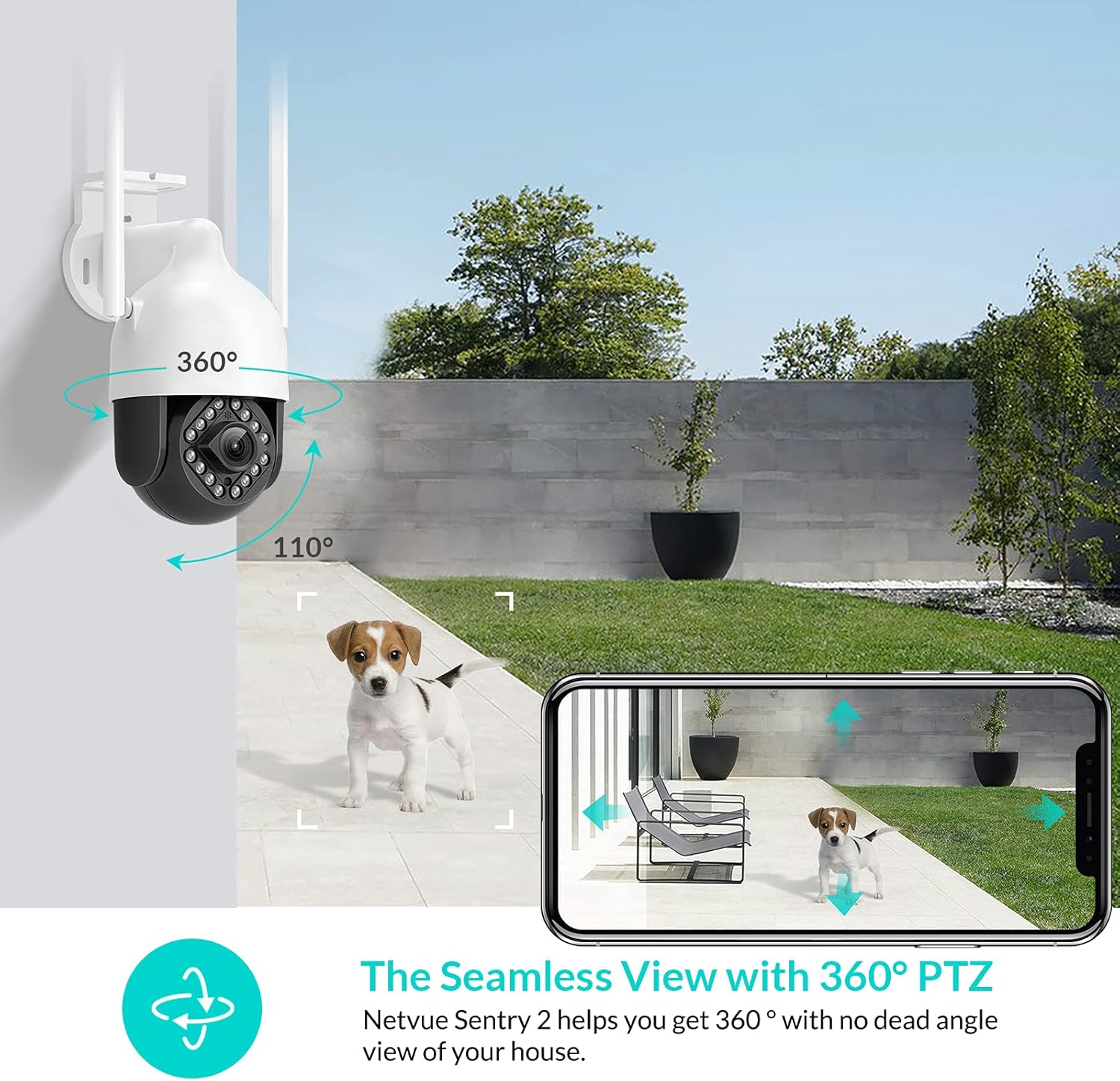
Image: NETVUE Sentry 2 Outdoor Security Camera showcasing its 360° pan and 110° tilt view.
2. Что в коробке
Upon unboxing your NETVUE Sentry 2 camera, please verify that all components are present:
- NETVUE Sentry 2 Outdoor Security Camera
- Адаптер питания
- Монтажный кронштейн
- Монтажные винты и настенные анкеры
- Водонепроницаемый комплект для кабельных соединений
- Руководство пользователя (этот документ)
For a visual guide on the product and its components, please refer to the official product video below:
Video: Official Netvue Outdoor Security Camera Sentry 2 overview, including unboxing and installation steps.
3. Настройка и установка
3.1 Включение
- Подключите адаптер питания к разъему питания камеры.
- Подключите адаптер питания к стандартной электрической розетке.
- Wait for the camera to power on and initiate its self-test.
3.2 Загрузка приложения и создание учетной записи
- Download the official NETVUE app from your device's app store (iOS or Android).
- Откройте приложение и создайте новую учетную запись или войдите в систему, если у вас уже есть учетная запись.
3.3 Wi-Fi-соединение
The NETVUE Sentry 2 camera supports 2.4GHz Wi-Fi networks. Ensure your mobile device is connected to a 2.4GHz Wi-Fi network during the setup process.
- In the NETVUE app, tap 'Add Device' and select your camera model.
- Следуйте инструкциям на экране, чтобы подключить камеру к вашей сети Wi-Fi. Обычно это включает сканирование QR-кода, сгенерированного приложением, с помощью объектива камеры.

Image: NETVUE Sentry 2 camera demonstrating stable Wi-Fi connection in distance.
3.4 Физическая установка
Выберите подходящее место на открытом воздухе для установки камеры, убедившись, что оно свободно от препятствий. view and is within Wi-Fi range. The camera is IP66 weatherproof, suitable for various outdoor conditions.
- Use the mounting bracket as a template to mark drill holes on the desired surface.
- Просверлите отверстия и вставьте дюбели в стену.
- Закрепите монтажный кронштейн на поверхности с помощью прилагаемых винтов.
- Прикрепите камеру к монтажному кронштейну.
- Ensure all cable connections are properly sealed using the waterproof kit to prevent water ingress.
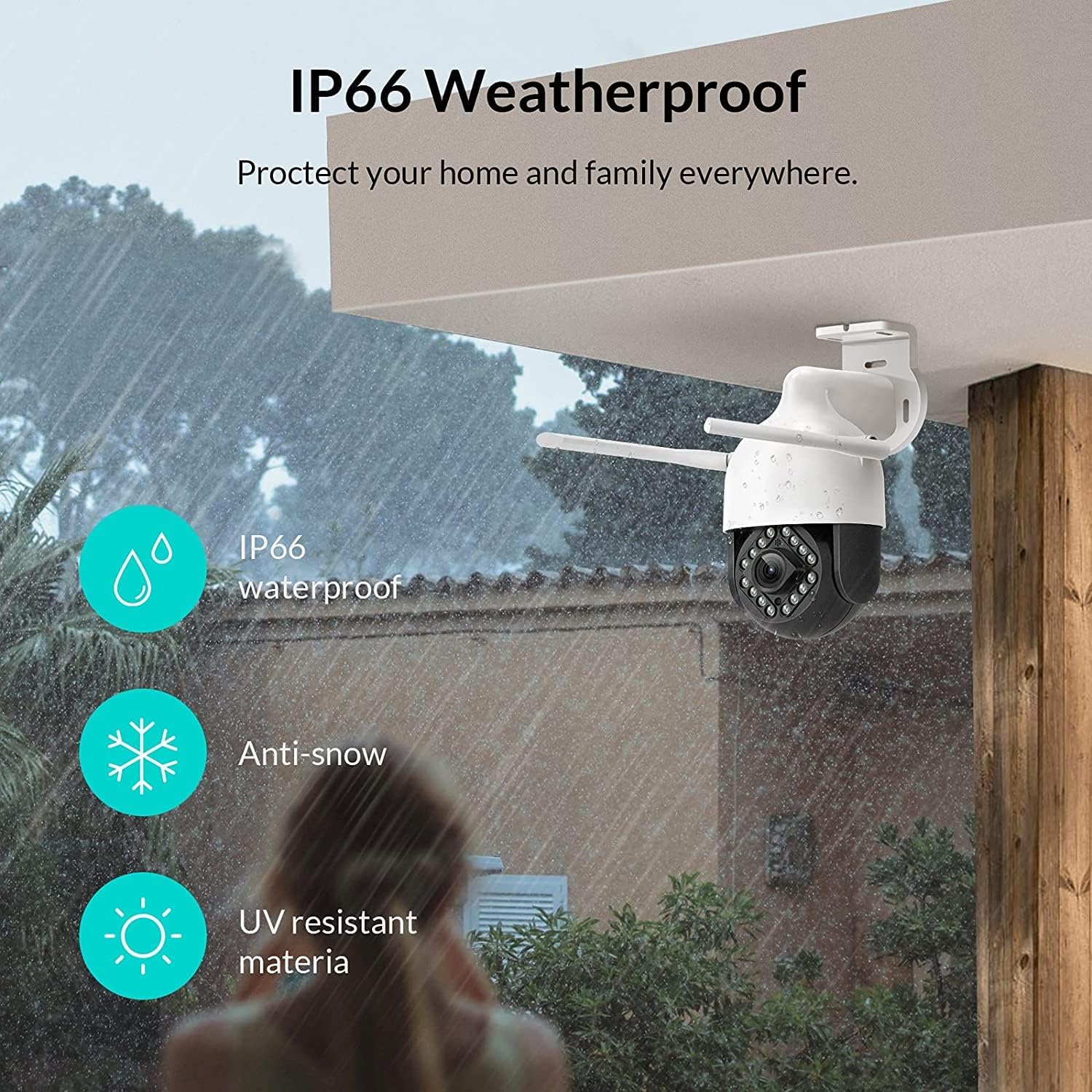
Image: NETVUE Sentry 2 camera highlighting its IP66 weatherproof features against rain and snow.
4. Эксплуатация камеры
4.1 Прямой эфир View и управление панорамированием/наклоном
Access the live video feed from your camera through the NETVUE app. You can remotely control the camera's pan (horizontal) and tilt (vertical) movements to adjust the viewугол наклона по мере необходимости.
4.2 Обнаружение движения и человека
The camera is equipped with motion and human detection capabilities. When motion or a human figure is detected, you will receive immediate notifications on your mobile device.

Image: Real-time motion detection alert displayed on a smartphone from the NETVUE Sentry 2 camera.

Image: Motion and human detection alert from the NETVUE Sentry 2 camera, showing a person at the front door.
4.3 Двусторонняя аудиосвязь
Utilize the two-way audio feature to communicate with individuals near the camera. This is useful for interacting with visitors or deterring unwanted guests.

Image: Two-way audio feature of the NETVUE Sentry 2 camera, allowing communication with a delivery person.
4.4 Ночное видение
The NETVUE Sentry 2 camera is equipped with 16 infrared lights for super night vision, providing clear video footage even in low-light or complete darkness.

Image: Close-up of the NETVUE Sentry 2 camera's 16 infrared lights for super night vision.
5. Техническое обслуживание
5.1 Чистка камеры
Periodically clean the camera lens and housing to ensure optimal performance. Use a soft, damp Для удаления пыли и грязи используйте специальную ткань. Избегайте использования агрессивных химикатов или абразивных материалов, которые могут повредить линзу или покрытие.
5.2 обновлений прошивки
Regularly check the NETVUE app for available firmware updates. Keeping your camera's firmware up-to-date ensures you have the latest features, security enhancements, and bug fixes.
5.3 Управление хранением
The camera supports local storage via a microSD card (not included) and cloud storage options. If using a microSD card, ensure it is properly formatted and regularly check its status within the app to prevent recording issues.
6. Поиск Неисправностей
6.1 Проблемы с подключением Wi-Fi
- Ensure 2.4GHz Wi-Fi: The camera only supports 2.4GHz Wi-Fi. Confirm your router is broadcasting a 2.4GHz signal and your phone is connected to it during setup.
- Уровень сигнала: Verify the camera is installed within a strong Wi-Fi signal range. Relocate the camera or use a Wi-Fi extender if necessary.
- Настройки роутера: Check your router settings for any restrictions that might prevent new devices from connecting.
6.2 SD Card Not Detected or Recording
- Переустановите SD-карту: Power off the camera, remove the microSD card, and reinsert it firmly. Power the camera back on.
- Форматировать SD-карту: Format the SD card through the NETVUE app. If issues persist, try a different, high-quality microSD card.
- Проверьте настройки приложения: Ensure recording settings are correctly configured in the NETVUE app.
6.3 No Motion Alerts
- Включить оповещения: Confirm motion detection and notification alerts are enabled in the NETVUE app settings.
- Отрегулируйте чувствительность: Отрегулируйте чувствительность обнаружения движения до соответствующего уровня.
- Check Schedule: Ensure motion detection is not disabled during specific times via a schedule.
6.4 Общие вопросы
- Перезапустить камеру: Disconnect the power adapter, wait 10 seconds, and reconnect it to restart the camera.
- Обновление приложения: Ensure your NETVUE app is updated to the latest version.
7. Технические характеристики
| Совместимые устройства | Видеомонитор |
| Источник питания | Переменный/постоянный ток |
| Протокол подключения | Wi-Fi |
| Тип контроллера | Ирис |
| Тип крепления | Настенное крепление |
| Разрешение видеозахвата | 1080p |
| Количество предметов | 1 |
| Количество каналов | 1 |
| Технология беспроводной связи | Wi-Fi |
| Нужны ли батареи? | Нет |
| Технология слабого освещения | Ночной цвет |
| Тип предупреждения | Только движение |
| Тип источника света | Инфракрасный |
| Формат захвата видео | MPEG-4 |
| Количество единиц | 1.0 Количество |
| Международный рейтинг защиты | IP66 |
| Размеры упаковки | 11.3 x 6.1 x 5.91 дюйма |
| Вес товара | 2.12 фунта |
| Рекомендуемое использование продукта | Безопасность на открытом воздухе |
| Использование внутри и снаружи помещений | На открытом воздухе |
8. Гарантия и поддержка
For warranty information and technical support, please refer to the official NETVUE website or contact NETVUE customer service directly. Keep your purchase receipt for warranty claims.