Введение
This manual provides instructions for the setup, operation, and maintenance of your Mooas Dual LED Moon Night Light Digital Alarm Clock (Model: MC-RLEDW2R). Please read this manual thoroughly before using the product to ensure proper function and longevity.

Figure 1: Mooas Dual LED Moon Night Light Digital Alarm Clock
Важная информация по безопасности
- Не подвергайте устройство воздействию воды или чрезмерной влажности.
- Не размещайте устройство рядом с источниками тепла или под прямыми солнечными лучами.
- Используйте только прилагаемый адаптер питания и кабели.
- Хранить в недоступном для детей месте.
- Не пытайтесь разбирать или ремонтировать устройство самостоятельно. Обратитесь в службу поддержки клиентов за помощью.
Содержимое упаковки
Проверьте наличие всех предметов в посылке:
- Mooas Dual LED Moon Night Light Digital Alarm Clock
- Дистанционное управление
- Адаптер питания (USB-кабель и сетевой адаптер)
- Руководство пользователя (этот документ)
- CR2032 Battery (pre-installed for time memory)
Настраивать
1. Подключение питания
- Подключите прилагаемый USB-кабель к разъему питания часов.
- Plug the other end of the USB cable into the wall adapter.
- Insert the wall adapter into a standard electrical outlet.
- Индикатор часов загорится.
Примечание: Для сохранения настроек времени при отключении питания предварительно установлена батарейка CR2032.tages. Ensure any protective tab is removed from the battery compartment if the clock does not retain time after initial setup.
2. Настройка дистанционного управления
The remote control is used for all settings and operations. It may have a protective plastic tab that needs to be removed from the battery compartment before first use.

Figure 2: Remote Control for the Mooas Clock
The remote control can be magnetically attached to the base of the clock for convenient storage.
Инструкция по эксплуатации
1. Установка времени и даты
Use the remote control to adjust time and date settings.
- Установить время: Press the "Time Set" button on the remote. Use the arrow buttons to adjust hours and minutes. Press "Time Set" again to confirm.
- Установить дату: Press the "Date Set" button. Use arrow buttons to adjust year, month, and day. Press "Date Set" again to confirm.
- Режим 12/24 часа: Press the "12/24H" button to switch between 12-hour and 24-hour display formats.
2. Функция будильника
- Установить будильник: Press the "Alarm Set" button. Use arrow buttons to set the desired alarm time. Press "Alarm Set" again to confirm.
- Активировать / деактивировать будильник: Press the "Alarm ON/OFF" button to toggle the alarm. An alarm icon will appear on the display when active.
- Отложить: When the alarm sounds, press the "Snooze" button on the remote to temporarily silence it. The alarm will sound again after a set interval (typically 5-10 minutes).
- Остановить будильник: To stop the alarm completely, press any other button on the remote or the "Alarm ON/OFF" button.
3. Adjusting Clock Display Brightness
The clock display has three brightness levels (High, Medium, Low).
- Press the "Clock Brightness" button on the remote control to cycle through the brightness levels.

Figure 3: Clock Display with White LED
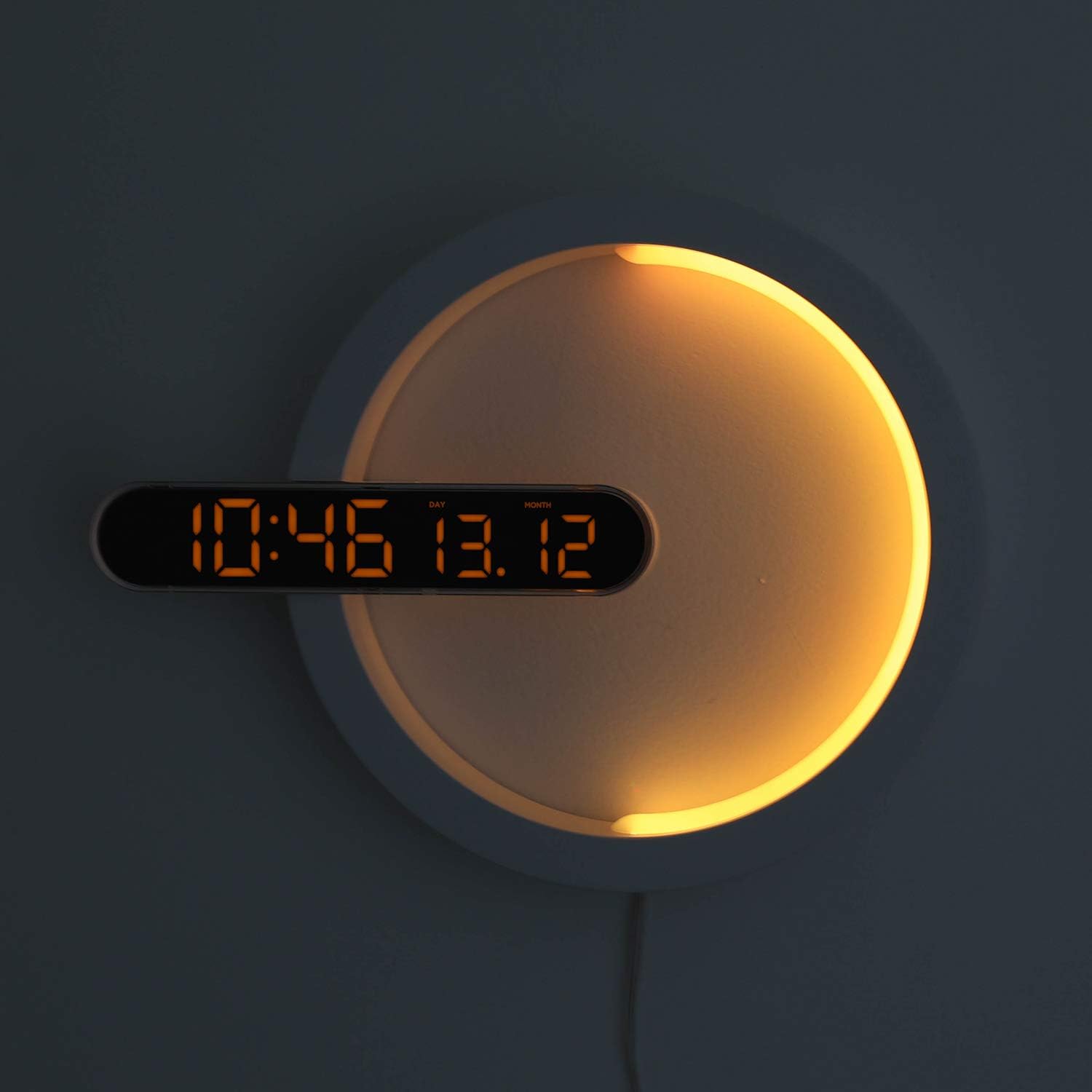
Figure 4: Clock Display with Orange LED
4. Функция ночного освещения
The moon night light offers 7 distinct colors and an automatic color change mode.
- Изменить цвет: Press the "LED Color" button on the remote control to cycle through blue, sky blue, green, yellow, red, purple, white, and RGB auto change mode.
- Яркость ночного освещения: The night light brightness is not independently adjustable via remote.
- Automatic Dimming Mode: The clock features an automatic dimming mode where the night light's color and brightness will automatically adjust to a dimmer setting during a specified time period (default: 6:00 PM to 6:00 AM). This setting can be customized using the remote control. Refer to the remote control's specific buttons for "Auto Dim Set" or similar.
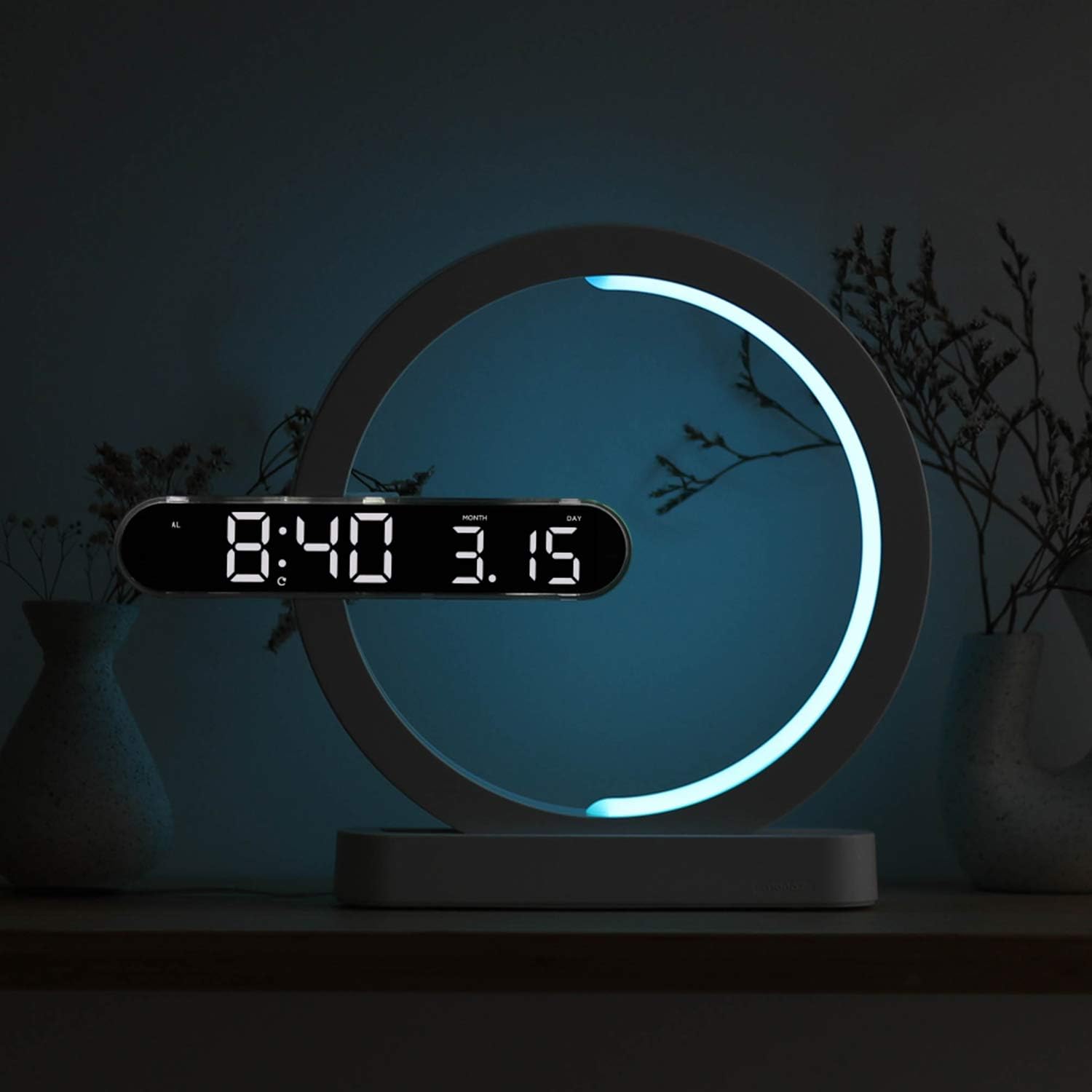
Figure 5: Available Night Light Colors
5. Режимы использования
The device can be used in various configurations:
- Режим часов: Only the digital clock display is active.
- Ночной режим: Only the moon night light is active.
- Clock + Night Light Mode: Both the digital clock and the moon night light are active simultaneously.
Specific buttons on the remote control allow switching between these modes. Consult the remote for labels such as "Mode" or dedicated ON/OFF buttons for clock and night light.

Figure 6: Wall-mounted usage example
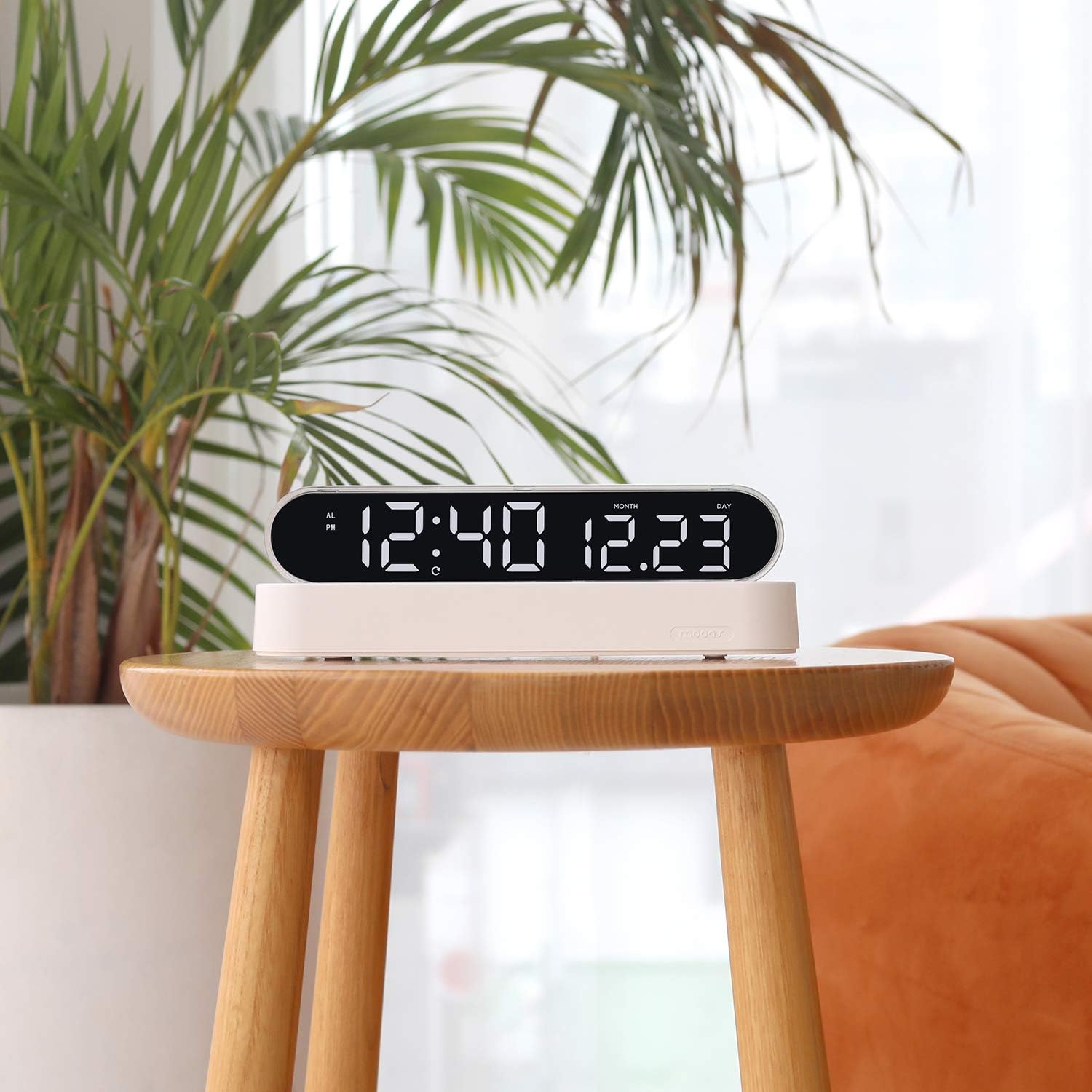
Figure 7: Desk clock usage example
Обслуживание
- Уборка: Протирайте устройство мягкой сухой тканью. Не используйте абразивные чистящие средства или растворители.
- Замена батареи (пульт дистанционного управления): If the remote control's functionality decreases, replace its battery (type not specified, usually CR2025 or CR2032).
- Time Memory Battery (CR2032): The CR2032 battery for time memory typically lasts several years. If the clock loses time settings after a power outage, replace this battery.
Поиск неисправностей
| Проблема | Возможная причина | Решение |
|---|---|---|
| Отображение времени выключено или не работает. | Нет питания, плохое соединение, проблема с адаптером питания. | Ensure power cable is securely connected. Check if the power adapter is plugged into a working outlet. Try a different USB port or adapter if available. |
| Пульт дистанционного управления не отвечает. | Remote battery is dead or protective tab is still in place. | Remove the protective plastic tab from the remote's battery compartment. Replace the remote control battery if necessary. Ensure you are within range and pointing the remote at the clock. |
| Clock loses time settings after power outage. | CR2032 memory battery is dead or protective tab is still in place. | Ensure the protective tab is removed from the CR2032 battery compartment. Replace the CR2032 battery. |
| Night light is not changing colors. | Выбран неверный режим или возникла проблема с удаленным доступом. | Ensure the night light is active and not in a fixed color mode. Press the "LED Color" button repeatedly to cycle through colors. Check remote functionality. |
Технические характеристики
| Бренд | мооа |
| Номер модели | MC-RLEDW2R |
| Цвет | Белый |
| Размеры (Д x Ш x В) | 30.71 x 25.17 x 5.36 см (12.09 x 9.91 x 2.11 дюймов) |
| Вес товара | 508 г (1.12 фунта) |
| Материал | Acrylic, ABS Acrylic |
| Тип источника света | ВЕЛ |
| Clock Display Colors | Белый, оранжевый |
| Цвета ночного света | Blue, Sky Blue, Green, Yellow, Red, Purple, White, RGB Auto Change |
| Источник питания | AC Powered (with CR2032 battery for time memory) |
| Особые возможности | Alarm, Adjustable Brightness (for clock display), Date Display, 12/24H Mode, Snooze, Remote Control |
Информация о гарантии
Mooas products are covered by a limited warranty against defects in materials and workmanship. The specific warranty period may vary by region and retailer. Please retain your proof of purchase for warranty claims. For detailed warranty terms and conditions, please refer to the documentation provided at the time of purchase or contact Mooas customer support.
Поддержка клиентов
If you encounter any issues or have questions regarding your Mooas Dual LED Moon Night Light Digital Alarm Clock that are not addressed in this manual, please contact Mooas customer support. Contact information can typically be found on the product packaging or the official Mooas webсайт.
Для онлайн-поддержки посетите: www.mooas.com


