Введение
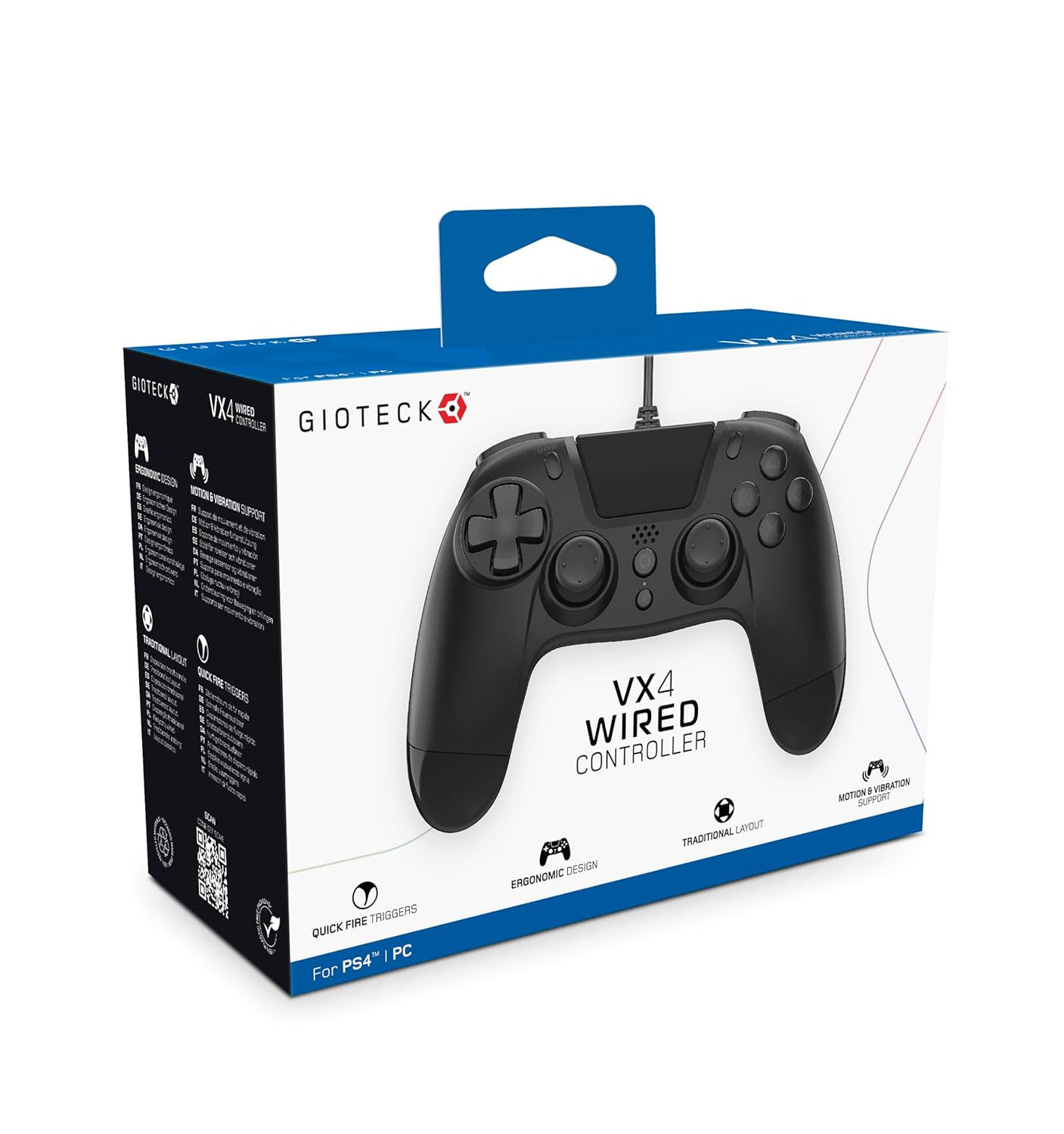
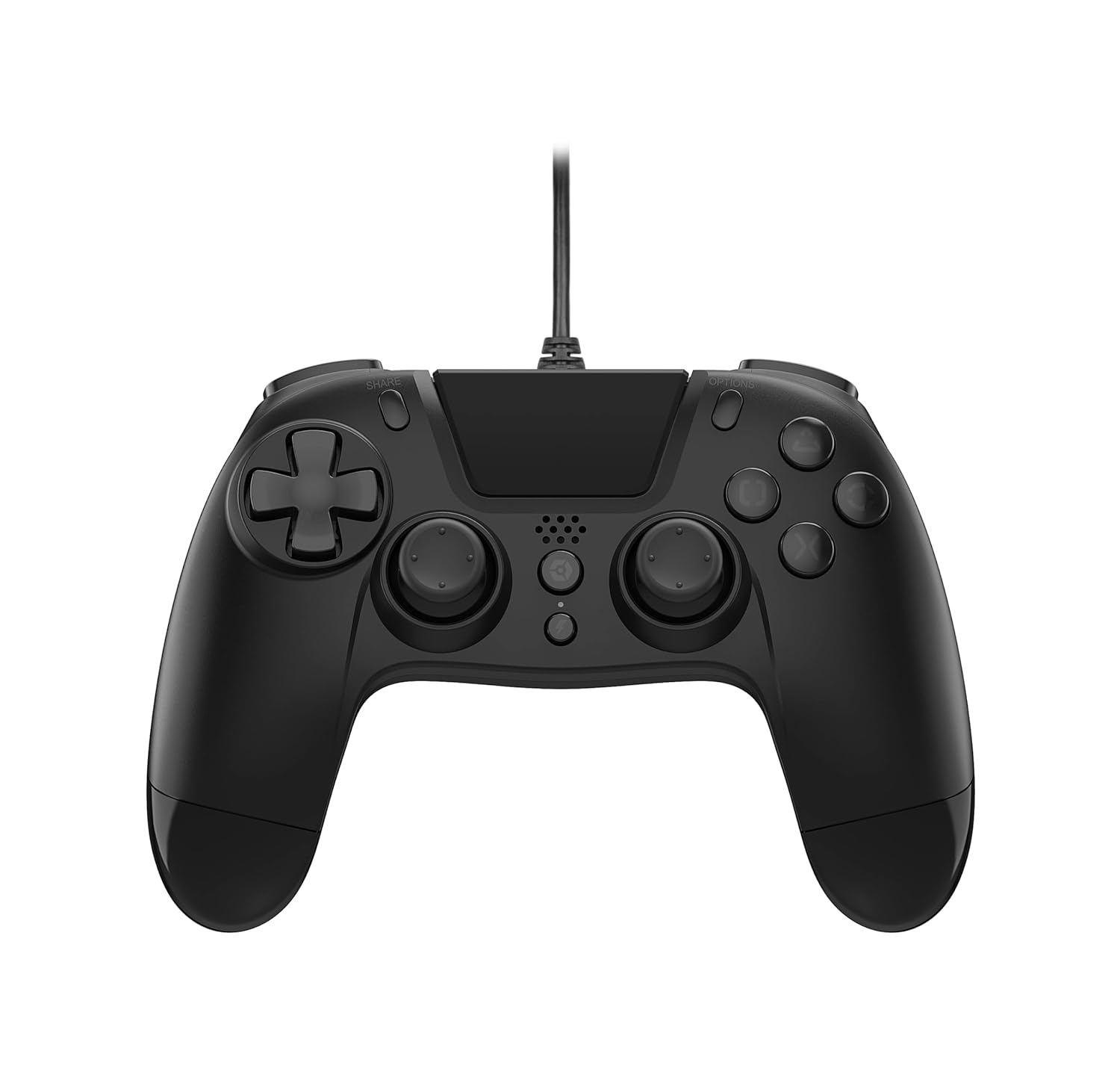
The Gioteck VX-4 Wired Controller is designed for PlayStation 4 and PC, offering a comfortable and responsive gaming experience. It features quick-fire triggers, a precision D-pad, and anti-slip rubber thumb sticks for enhanced performance, providing a next-level immersive gaming experience.
Основные характеристики:
- Quick Fire triggers
- Эргономичный дизайн
- Traditional PlayStation layout
Содержимое упаковки:
- Gioteck VX-4 Wired Controller
- Руководство пользователя (этот документ)
Продукт болееview:
Настраивать
Connecting to PlayStation 4:
- Убедитесь, что ваша консоль PlayStation 4 включена.
- Insert the USB connector of the VX-4 Wired Controller into an available USB port on your PlayStation 4 console.
- Контроллер должен автоматически распознаваться и быть готовым к использованию.
Подключение к ПК:
- Убедитесь, что ваш компьютер включен.
- Insert the USB connector of the VX-4 Wired Controller into an available USB port on your PC.
- The PC operating system should automatically install the necessary drivers. If prompted, allow the driver installation to complete.
- Контроллер будет готов к использованию с совместимыми компьютерными играми.

Инструкция по эксплуатации
Расположение кнопок:
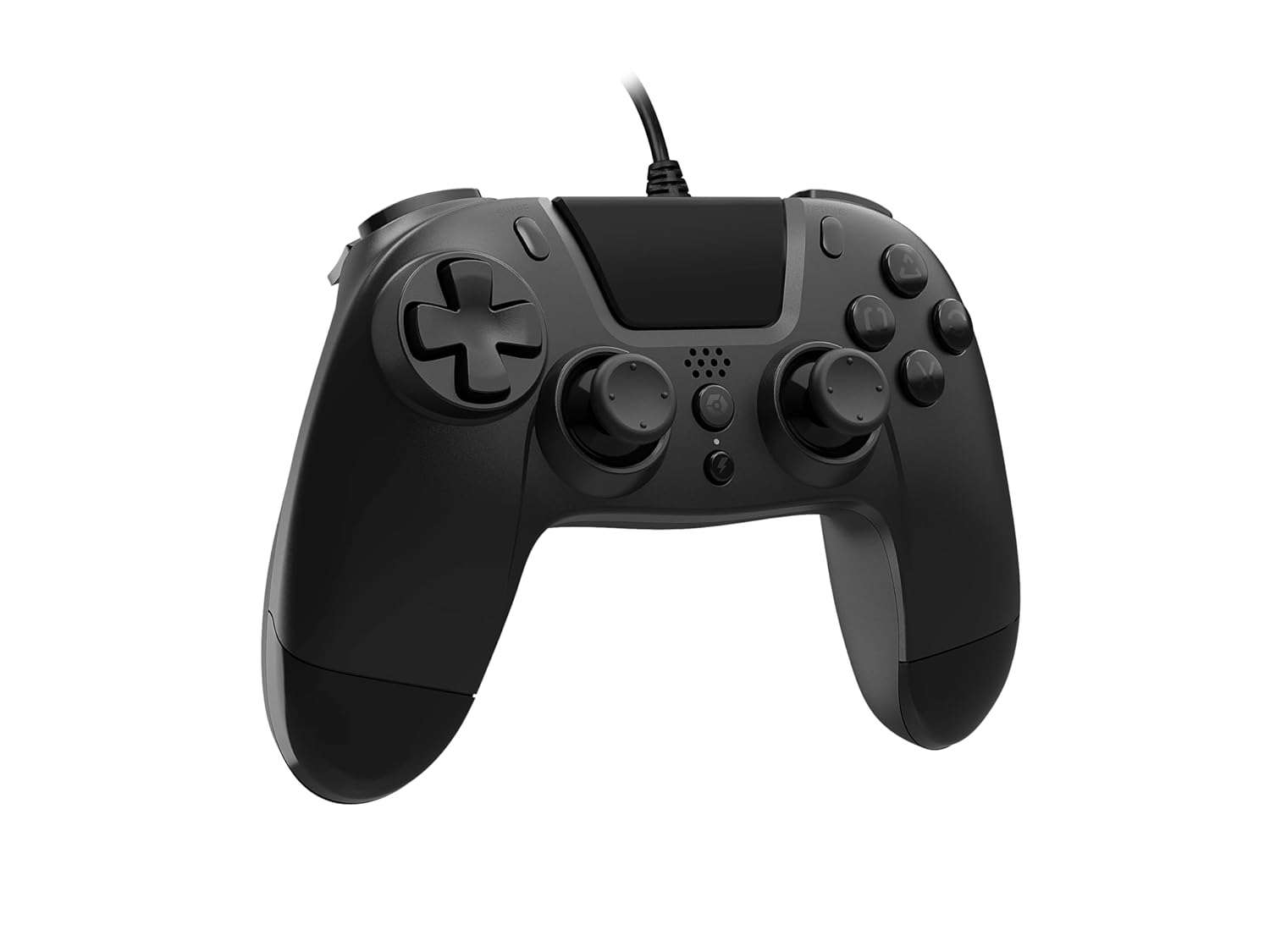
The VX-4 Wired Controller features a traditional PlayStation layout:
- Кнопки управления (D-Pad): Для точного указания направления.
- Левый аналоговый джойстик: Первичный контроль движений.
- Правый аналоговый джойстик: Управление камерой или прицеливанием.
- Кнопки действий (треугольник, круг, крест, квадрат): Контекстно-зависимые действия в играх.
- Кнопка «Поделиться»: Share gameplay moments (PS4 only).
- Кнопка "ПАРАМЕТРЫ": Access in-game menus or pause (PS4 only).
- Кнопка PS: Access the PlayStation Home screen or power on/off the console (PS4 only).
- Кнопки L1/R1: Кнопки на плечах, как правило, для быстрых действий.
- Триггеры L2/R2: Аналоговые триггеры для точного ввода данных, таких как ускорение или выстрел.
Использование контроллера:
Once connected, the controller functions similarly to a standard PlayStation 4 controller for compatible games. For PC, ensure the game supports XInput or DirectInput controllers for optimal performance.
Обслуживание
Уборка:
Для очистки контроллера используйте мягкую сухую ткань. Для удаления стойких загрязнений используйте слегка грубую ткань.amp cloth can be used, but ensure no moisture enters the controller's internal components. Do not use harsh chemicals or abrasive cleaners, as these may damage the finish or internal electronics.
Хранилище:
Store the controller in a cool, dry place away from direct sunlight and extreme temperatures. Avoid placing heavy objects on the controller to prevent damage to the cable or buttons.
Уход за кабелем:
Do not sharply bend, twist, or pull on the controller cable. Always grasp the plug, not the cable, when connecting or disconnecting it from your console or PC to prevent internal wire damage.
Поиск неисправностей
Контроллер не отвечает:
- Убедитесь, что USB-кабель надежно подключен как к контроллеру, так и к консоли/ПК.
- Попробуйте подключить контроллер к другому USB-порту на вашей консоли/ПК.
- Перезагрузите консоль или компьютер.
- Если вы используете ПК, проверьте Диспетчер устройств, чтобы убедиться, что контроллер распознан и драйверы установлены правильно.
Кнопки или джойстики работают некорректно:
- Проверьте наличие каких-либо препятствий или мусора вокруг кнопок или аналоговых джойстиков.
- Ensure the controller is clean (refer to Maintenance section).
- Test the controller with another game or application to determine if the issue is specific to one program.
Вибрация не работает:
- Убедитесь, что игра или приложение, в которое вы играете, поддерживает виброотклик.
- Проверьте настройки игры и убедитесь, что вибрация включена.
Технические характеристики
| Особенность | Деталь |
|---|---|
| Номер модели | SWIAGJC |
| Связность | Проводной USB-кабель |
| Совместимость | PlayStation 4, ПК |
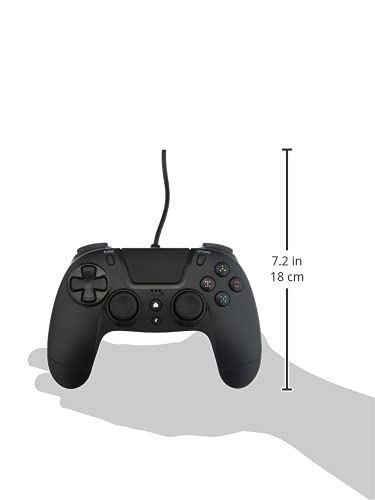
| Product Dimensions (Controller) | Approximately 7.2 inches (18 cm) in height |
| Вес товара | 7.41 унции (210 грамма) |
| Производитель | Gioteck |
Гарантия и поддержка
For warranty information and technical support regarding your Gioteck VX-4 Wired Controller, please refer to the official Gioteck webПосетите их сайт или свяжитесь напрямую со службой поддержки клиентов. Рекомендуется сохранить подтверждение покупки для предъявления гарантийных претензий.
Manufacturer: Gioteck
Дата первого выхода в продажу: 10 сентября 2020 г.


