1. Введение
This manual provides instructions for the setup, operation, maintenance, and troubleshooting of your ROCCAT Vulcan TKL Mechanical PC Gaming Keyboard. The Vulcan TKL is a tenkeyless mechanical keyboard designed for PC gaming, featuring Linear Titan Switches, per-key AIMO RGB lighting, an anodized aluminum top plate, and a detachable USB-C cable.
Ключевые особенности включают в себя:
- Tenkeyless form factor for increased desk space and mouse movement.
- Titan Switch Mechanical with linear actuation for responsive keystrokes.
- Durable construction with a 50 million keystroke lifecycle.
- Сверхнизкий проfile design to reduce wrist strain.
- Key stabilizer technology for solid and sturdy keys.
- AIMO intelligent lighting engine for customizable RGB effects.
- Mixer-style volume dial and dedicated media controls.
2. Что в коробке
Убедитесь, что все компоненты присутствуют в упаковке:
- ROCCAT Vulcan TKL Mechanical PC Gaming Keyboard
- Съемный кабель USB-C
- Краткое руководство пользователя (не входит в данное руководство)
3. Настройка
Follow these steps to set up your ROCCAT Vulcan TKL keyboard:
- Подключите кабель USB-C: Locate the USB-C port on the back of the keyboard. Connect the smaller end of the provided USB-C cable to this port.
- Подключение к ПК: Подключите стандартный разъем USB-A кабеля к свободному USB-порту на вашем компьютере.

Изображение 3.1: Подключение съемного кабеля USB-C к клавиатуре.

Image 3.2: Close-up of the USB-C port on the keyboard.
- Установка драйвера: Ваша операционная система должна автоматически обнаружить и установить необходимые драйверы.
- Установите программное обеспечение ROCCAT Swarm: For full customization of lighting, key assignments, and macros, download and install the ROCCAT Swarm software from the official ROCCAT website. This software allows you to configure advanced features and update firmware.
4. Инструкция по эксплуатации
The ROCCAT Vulcan TKL keyboard offers a range of functions for gaming and general use.
4.1 Расположение клавиш и функции
The keyboard features a UK layout with standard alphanumeric keys, function keys (F1-F12), and dedicated media controls.

Изображение 4.1: оконченоview of the ROCCAT Vulcan TKL keyboard layout.
- Функциональные клавиши (F1–F12): These keys can have secondary functions when pressed in combination with the FN key. Refer to the keycaps for specific secondary functions (e.g., media playback, volume, lighting adjustments).
- Регулятор громкости: Located in the upper right corner, this dial allows for quick adjustment of system volume. Rotate clockwise to increase volume, counter-clockwise to decrease.

Image 4.2: The mixer-style volume dial for audio control.
4.2 Подсветка AIMO RGB
The keyboard features per-key AIMO intelligent RGB lighting. This lighting system can be customized extensively using the ROCCAT Swarm software. AIMO reacts to your input and other compatible ROCCAT devices to create dynamic lighting effects.
- Настройка: Use the ROCCAT Swarm software to select from various lighting effects, adjust brightness, and create custom lighting profiles.
- Встроенное хранилище: The keyboard supports on-board profile storage, allowing you to save your preferred settings directly to the keyboard for use on different systems without the Swarm software.
4.3 Titan Switch Mechanical
The Vulcan TKL utilizes ROCCAT's Titan Switch Mechanical with linear actuation. This design provides a smooth and consistent keystroke, optimized for speed and responsiveness in gaming scenarios.

Изображение 4.3: Подробно view of the Titan Switch Mechanical.
4.4 Эргономичный дизайн
The keyboard features an ultra-low profile design, which helps to reduce wrist strain during extended use by allowing a more natural hand position.
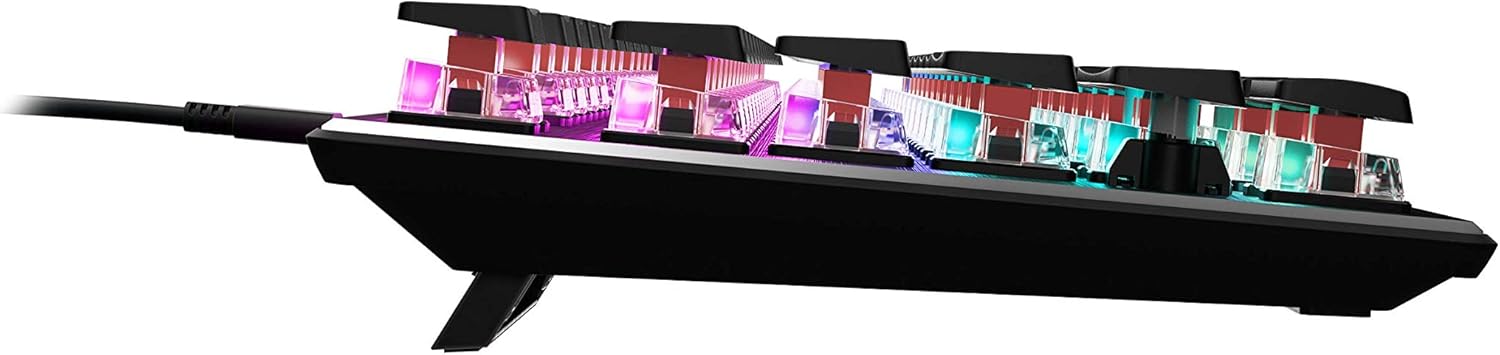
Изображение 4.4: Боковая сторонаfile of the keyboard demonstrating its low-profile дизайн.
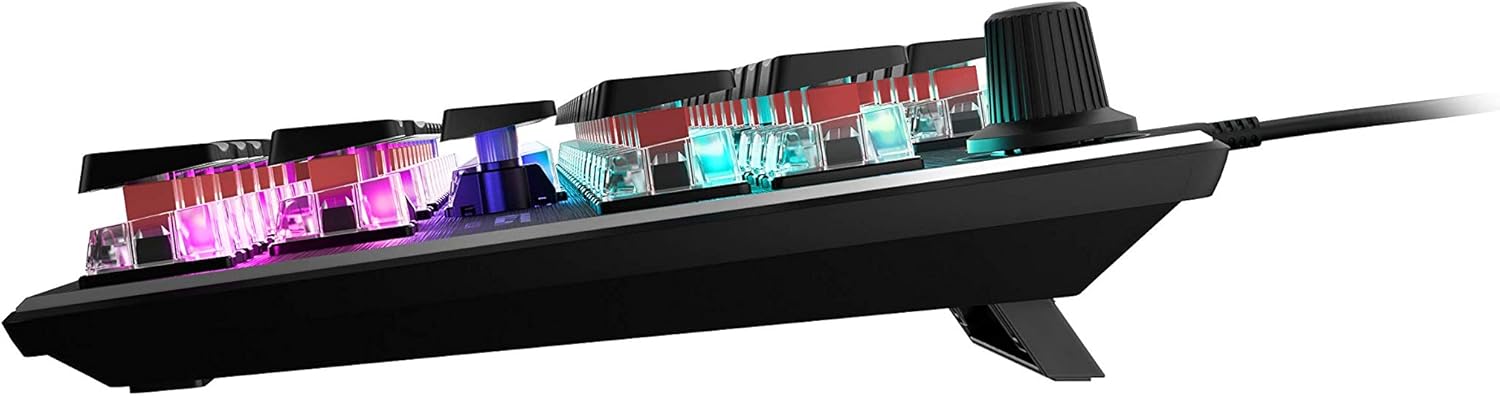
Изображение 4.5: вид сбоку view showing the keyboard's adjustable feet for ergonomic tilt.
5. Техническое обслуживание
Правильный уход гарантирует долговечность и оптимальную работу вашей клавиатуры.
- Очистка клавиатуры: Regularly clean the keyboard surface and between keycaps to prevent dust and debris buildup. Use a soft, lint-free cloth, slightly dampened with water or a mild cleaning solution. For deeper cleaning, you may carefully remove keycaps (refer to online guides for safe keycap removal for your specific switch type) and use compressed air to clear debris. Ensure the keyboard is disconnected from your PC before cleaning.
- Уход за кабелем: The detachable USB-C cable should be handled with care. Avoid sharp bends or excessive pulling to prevent damage to the cable or the keyboard's port.
- Хранилище: Если клавиатура не используется в течение длительного времени, храните ее в чистом, сухом месте, вдали от экстремальных температур.
6. Поиск Неисправностей
If you encounter issues with your ROCCAT Vulcan TKL keyboard, try the following troubleshooting steps:
- Клавиатура не отвечает:
- Ensure the USB-C cable is securely connected to both the keyboard and your PC.
- Попробуйте подключить клавиатуру к другому USB-порту вашего ПК.
- Test the keyboard on another computer to determine if the issue is with the keyboard or your PC.
- Перезагрузите компьютер.
- Двойное нажатие клавиш или отсутствие регистрации:
- Ensure the keyboard firmware is up to date via the ROCCAT Swarm software.
- Clean the affected key switches using compressed air to remove any debris.
- Если проблема сохраняется, это может указывать на аппаратную неисправность. Обратитесь к разделу «Гарантия и поддержка».
- Проблемы с RGB-освещением:
- Verify that the ROCCAT Swarm software is running and the keyboard is detected.
- Check lighting settings within Swarm to ensure desired effects are enabled.
- Update the keyboard's firmware through Swarm.
- ROCCAT Swarm Software Not Detecting Keyboard:
- Ensure the keyboard is properly connected to your PC.
- Restart the Swarm software.
- Переустановите программное обеспечение ROCCAT Swarm.
- Проверьте наличие конфликтующего программного обеспечения или драйверов.
7. Технические характеристики
| Бренд | ROCCAT |
| Название модели | Vulcan TKL |
| Номер модели | РПЦ-12-274 |
| Технология связи | USB-C (съемный) |
| Описание клавиатуры | Механическая игровая клавиатура |
| Тип переключателя | Механические (линейные) переключатели Titan |
| Освещение | Подсветка AIMO RGB для каждой клавиши |
| Материал | Верхняя пластина из анодированного алюминия |
| Размеры (ДxШxВ) | 14.17 x 5.25 x 1.34 дюйма (36 x 13.3 x 3.4 см) |
| Вес товара | 2.2 фунта (1 кг) |
| Совместимые устройства | PC |
| Специальная характеристика | Ergonomic, Tenkeyless Design |
8. Информация о гарантии
ROCCAT products are covered by a manufacturer's warranty against defects in materials and workmanship. The specific terms and duration of your warranty may vary by region and product. Please retain your proof of purchase for warranty claims.
For detailed warranty information, please visit the official ROCCAT support webсайт.
9 Поддержка
For further assistance, technical support, or to download the latest drivers and software, please visit the official ROCCAT support webсайт:
На странице поддержки вы также найдете ответы на часто задаваемые вопросы и форумы сообщества.


