1. Введение
Thank you for choosing the Hama Wi-Fi GU10 Smart LED Lamp. This smart home lamp allows for intelligent light control in your home, functioning as a light source, effect lighting, or for creating special lighting atmospheres. It is designed for easy use via an application and voice control, requiring no additional hub or gateway as it connects directly to your Wi-Fi router. This manual provides essential information for safe installation, setup, and operation of your smart lamp.
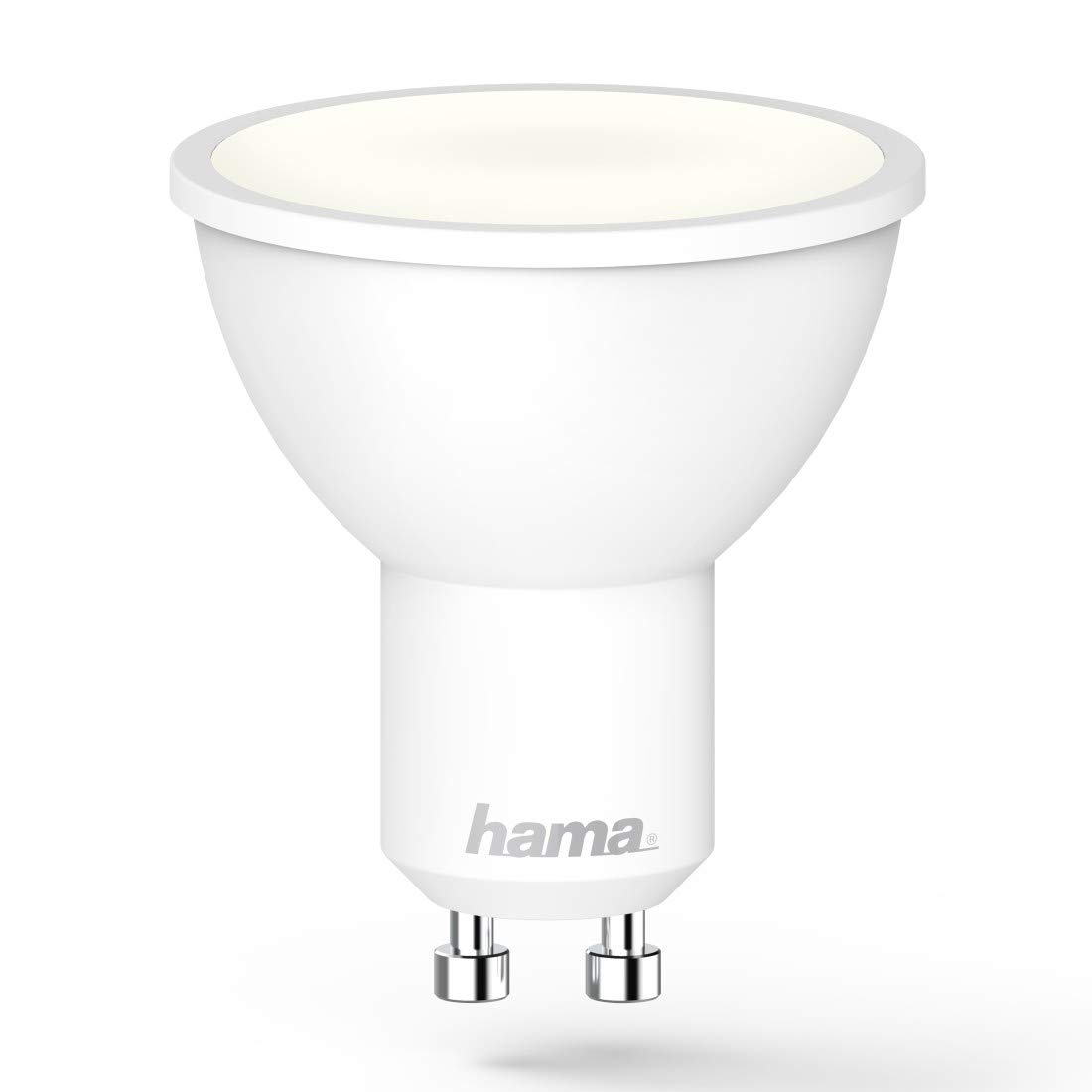
Image 1.1: The Hama GU10 Smart LED Lamp, highlighting its key features including app and voice control, and direct Wi-Fi connectivity.
2. Инструкции по технике безопасности
Please read these safety instructions carefully before installing or using the product. Keep this manual in a safe place for future reference.
- Электробезопасность: Always disconnect power before installing or replacing the lamp. Installation should only be performed by a qualified electrician if you are unsure.
- Только для использования в помещении: Это лamp is designed for indoor use in dry environments (IP20). Do not expose it to moisture or extreme temperatures.
- Совместимость: Убедитесь, что lamp holder is compatible with the GU10 base and the electrical supply (230V).
- Нагревать: Лamp may generate heat during operation. Ensure adequate ventilation and do not cover the lamp.
- Затемнение: Это лamp is dimmable via the application or voice control. Do not use external dimmers unless specifically designed for smart LED lamps.
- Дети: Храните упаковочные материалы в недоступном для детей месте, так как они представляют опасность удушья.
3. Содержимое упаковки
Пожалуйста, проверьте наличие всех предметов и их хорошее состояние:
- 1x Hama Wi-Fi GU10 Smart LED Lamp
- Краткое руководство пользователя 1x
4. Установка
Follow these steps to install your Hama Wi-Fi GU10 Smart LED Lamp:
- Выключите питание: Before installation, ensure the power supply to the lamp holder is switched off at the main circuit breaker.
- Вставка Lamp: Carefully insert the Hama Wi-Fi GU10 Smart LED Lamp into the GU10 lamp holder. Twist it gently until it is securely in place.
- Восстановить мощность: Как только лamp is securely installed, restore power at the main circuit breaker. The lamp should briefly flash, indicating it is ready for pairing.
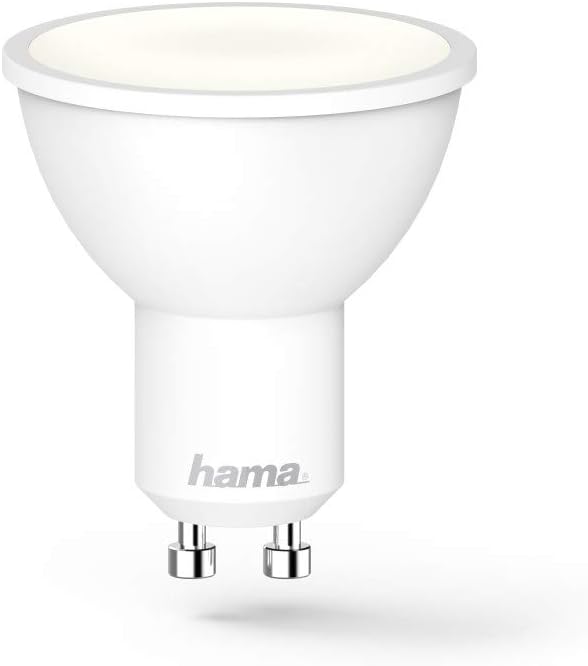
Изображение 4.1: Подробный view of the Hama GU10 Smart LED Lamp, showing its GU10 base.
5. Подключение к Wi-Fi и настройка приложения
The Hama Wi-Fi GU10 Smart LED Lamp connects directly to your home Wi-Fi network without the need for a separate hub.
- Загрузите приложение: Download the "Hama Smart Home" app from the Apple App Store (for iOS) or Google Play Store (for Android).
- Зарегистрироваться: Откройте приложение и создайте новую учетную запись пользователя или войдите в систему, если у вас уже есть учетная запись.
- Добавить устройство: In the app, select the option to add a new device. Follow the on-screen instructions to put the lamp into pairing mode (usually by turning it on/off a few times until it flashes).
- Подключитесь к Wi-Fi: The app will guide you through connecting the lamp to your 2.4 GHz Wi-Fi network. Ensure your smartphone is connected to the same Wi-Fi network during setup.
- Имя устройства: Once connected, you can assign a name to your lamp (e.g., "Living Room Lamp") for easier control.

Image 5.1: A smartphone showing the Hama Smart Home application, used for controlling the smart lamp и другие устройства.
6. Operating the Smart Lamp
6.1. Управление приложениями
The Hama Smart Home app provides full control over your lamp:
- Вкл/Выкл: Переключить лamp включено или выключено.
- Яркость: Adjust the brightness level (dimmable).
- Цветовая температура: Change the color temperature from warm white (2700K) to daylight white (6500K).
- Сцены и группы: Create custom lighting scenes or group multiple lamps together for synchronized control.
- Контроль времени: Установить расписание для лamp Включать или выключать в определенное время.

Image 6.1: A user adjusting the brightness and color temperature of the smart lamp via the Hama Smart Home app.
6.2. Голосовое управление
The Hama Wi-Fi GU10 Smart LED Lamp is compatible with popular voice assistants:
- Амазон Алекса: Enable the "Hama Smart Home" skill in the Alexa app and link your Hama account.
- Google Ассистент: Activate the "Hama Smart Home" service in the Google Home app and link your Hama account.
- Горячие клавиши Siri: Create custom shortcuts for quick control.
После установления соединения вы сможете использовать голосовые команды, например:
- «Алекса, включи Living Room L»amp."
- "Hey Google, dim Kitchen Light to 50%."
- "Alexa, set Bedroom Light to warm white."

Image 6.2: The Hama Smart LED Lamp integrates with various smart home platforms for voice control.
6.3. Color Temperature and Dimming
Лamp offers a wide range of color temperatures and dimming capabilities to suit different moods and activities:
- Теплый белый (2700К): Ideal for relaxing evenings and cozy atmospheres.
- Дневной белый свет (6500К): Suitable for tasks requiring bright, clear light, such as working or cooking.
- Регулируемая яркость: Adjust the light intensity from 1% to 100% via the app or voice commands.
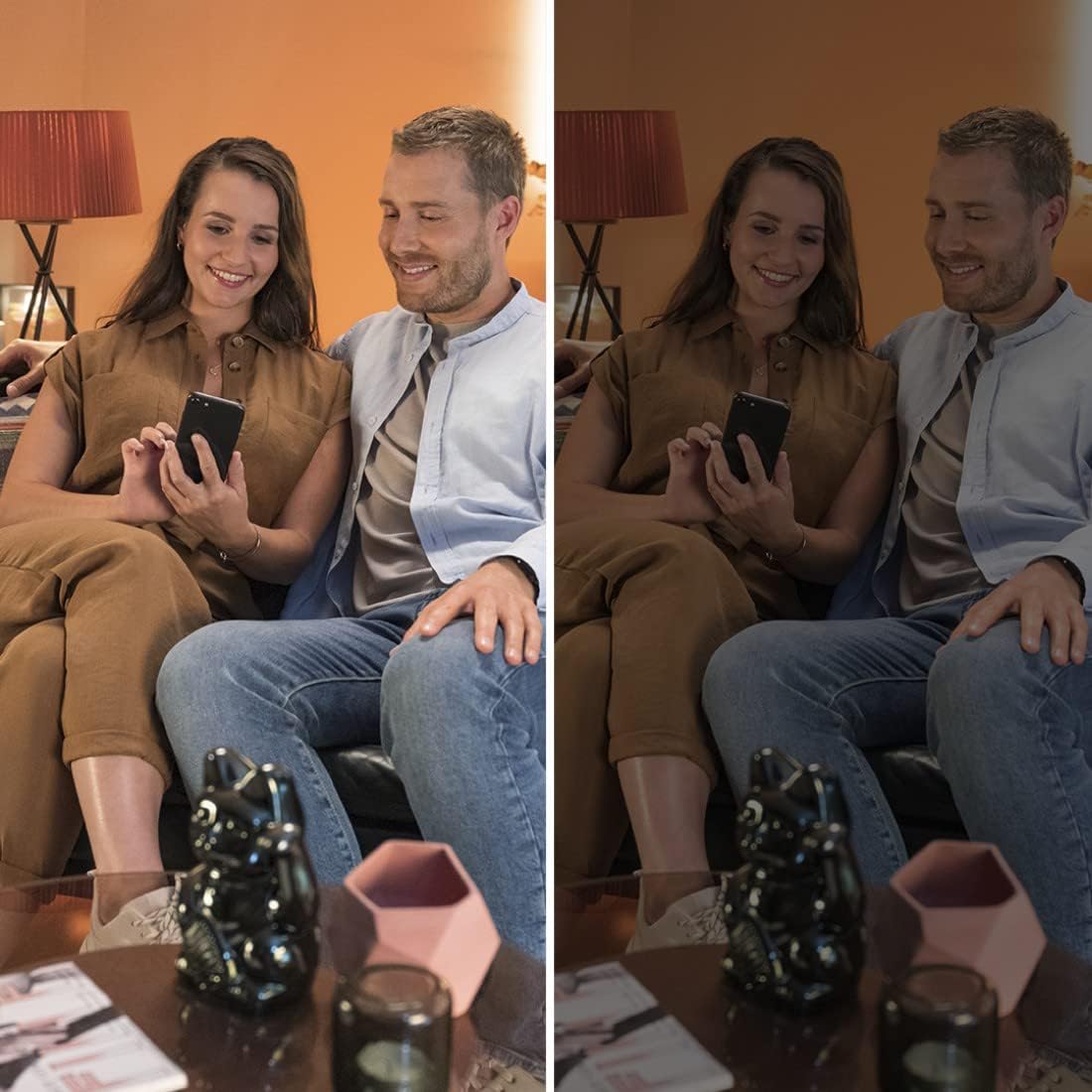
Image 6.3: Demonstrating the dimming capability of the Hama Smart LED Lamp, creating different ambiances.
7. Техническое обслуживание и уход
To ensure optimal performance and longevity of your Hama Wi-Fi GU10 Smart LED Lamp, следуйте этим рекомендациям по обслуживанию:
- Уборка: Disconnect power before cleaning. Use a dry, soft, lint-free cloth to wipe the lamp. Do not use abrasive cleaners, solvents, or wet cloths, as these can damage the surface or internal components.
- Хранилище: Если хранить лamp for an extended period, keep it in a cool, dry place away from direct sunlight and extreme temperatures.
- Нет деталей, обслуживаемых пользователем: Лamp Не содержит деталей, которые пользователь может обслуживать самостоятельно. Не пытайтесь открыть или отремонтировать устройство.amp yourself. This will void the warranty and may pose a safety risk.
8. Поиск Неисправностей
If you encounter issues with your Hama Wi-Fi GU10 Smart LED Lamp, ознакомьтесь со следующими распространенными проблемами и решениями:
| Проблема | Возможная причина | Решение |
|---|---|---|
| Lamp не включается. | No power supply; lamp not properly installed; faulty lamp. | Check power supply; ensure lamp is securely twisted into the holder; test with another lamp если возможно. |
| Lamp is not connecting to Wi-Fi / App. | Incorrect Wi-Fi password; 5 GHz Wi-Fi network; lamp not in pairing mode; Wi-Fi signal too weak. | Verify Wi-Fi password; ensure you are using a 2.4 GHz network; follow app instructions to re-enter pairing mode; move router closer or use a Wi-Fi extender. |
| Lamp frequently desynchronizes or flickers. | Unstable Wi-Fi connection; interference; firmware issue. | Ensure strong Wi-Fi signal; restart router; check for app updates and lamp firmware updates; if problem persists, contact Hama support. |
| Голосовое управление не работает. | Voice assistant not linked; incorrect device name; internet connection issue. | Ensure Hama Smart Home skill/service is enabled and linked in your voice assistant app; use the exact device name; check internet connection. |
9. Технические характеристики
| Особенность | Спецификация |
|---|---|
| Номер модели | 00176585 |
| Lamp Тип | ВЕЛ |
| Базовый тип | ГУ10 |
| Потребляемая мощность | 5.5 Вт |
| Эквивалентная мощность лампы накаливания | 40 Вт |
| Световой поток | 400 лм |
| Цветовая температура | 2700 K (Warm White) - 6500 K (Daylight White) |
| Индекс цветопередачи (CRI) | RA (min.) 80 |
| Диммируемый | Yes (via app/voice) |
| Томtage | 230 В |
| Частота | 50 Гц / 60 Гц |
| Диапазон частот Wi-Fi | 2.4 ГГц |
| Угол луча | 120° |
| Номинальная продолжительность жизни | 25,000 ч. |
| Класс энергоэффективности | G |
| Размеры (Д x Ш x В) | 50 mm x 50 mm x 56.5 mm (Reflector shape) |
| Масса | 90 г |
| Требования к операционной системе | Android 4.4 или выше, iOS 8.0 или выше |

Image 9.1: Official Product Information Sheet with detailed technical data. For more details, visit База данных ЭПРЕЛ.

Image 9.2: Energy Efficiency Label, indicating a 'G' rating for the Hama GU10 Smart LED Lamp.
10. Информация об утилизации
According to European Directive 2012/19/EU on Waste Electrical and Electronic Equipment (WEEE), electrical and electronic devices must not be disposed of with household waste. Consumers are obliged by law to return electrical and electronic devices at the end of their service lives to the public collection points set up for this purpose or point of sale.
The symbol on the product, the instruction manual, or the packaging indicates that a product is subject to these regulations. By recycling, reusing the materials, or other forms of utilising old devices, you are making an important contribution to protecting our environment.
For proper disposal, please take this product to a designated recycling center or collection point.
11. Гарантия и поддержка
Компания Hama GmbH & Co KG не несет ответственности и не предоставляет никаких гарантий за ущерб, возникший в результате неправильной установки/монтажа, неправильного использования изделия или несоблюдения инструкций по эксплуатации и/или указаний по технике безопасности.
For technical support or warranty claims, please contact your retailer or the Hama customer service department. Please have your proof of purchase and model number (00176585) ready.
Информация о наличии запасных частей и гарантированных обновлениях программного обеспечения в настоящее время недоступна.


