1. Введение
The Chamberlain MYQ-G0402 Smart Garage Sensor is designed to expand the capabilities of your existing Chamberlain Smart Garage Control system. This sensor allows you to monitor, open, and close a second garage door opener using the myQ App, providing enhanced convenience and security for your home. Please note that a Chamberlain Smart Garage Control unit (hub) is required and sold separately to utilize this sensor.
2. Что включено
- One (1) Chamberlain MYQ-G0402 Door Sensor
Note: The main Smart Garage Control unit (e.g., MYQ-G0401, MYQ-G0301 series) is required for operation and is not included with this sensor.
3. Совместимость
This MYQ-G0402 Door Sensor is compatible with the following Chamberlain Smart Garage Control models:
- New Smart Garage Control (MYQ-G0401, MYQ-G0401-E, 821LMC)
- Smart Garage models (MYQ-G0201 & 821LM)
- Smart Garage Hub (MYQ-G0301, MYQ-G0301-E, MYQ-G0301-D, MYQ-G0301C, MYQ-G0301LA, 821LMB)
Ensure your existing Smart Garage Control unit is one of the listed compatible models for proper functionality.
4. Настройка и установка
Installation and programming of the MYQ-G0402 Door Sensor are designed to be straightforward. Follow these steps to integrate your new sensor with your myQ system:
4.1. Mounting the Door Sensor
The sensor should be mounted to the inside top panel of your garage door. It is recommended to clean the surface before mounting to ensure proper adhesion if using adhesive strips. Screws are also typically included for a more secure installation, especially in environments with extreme temperatures.
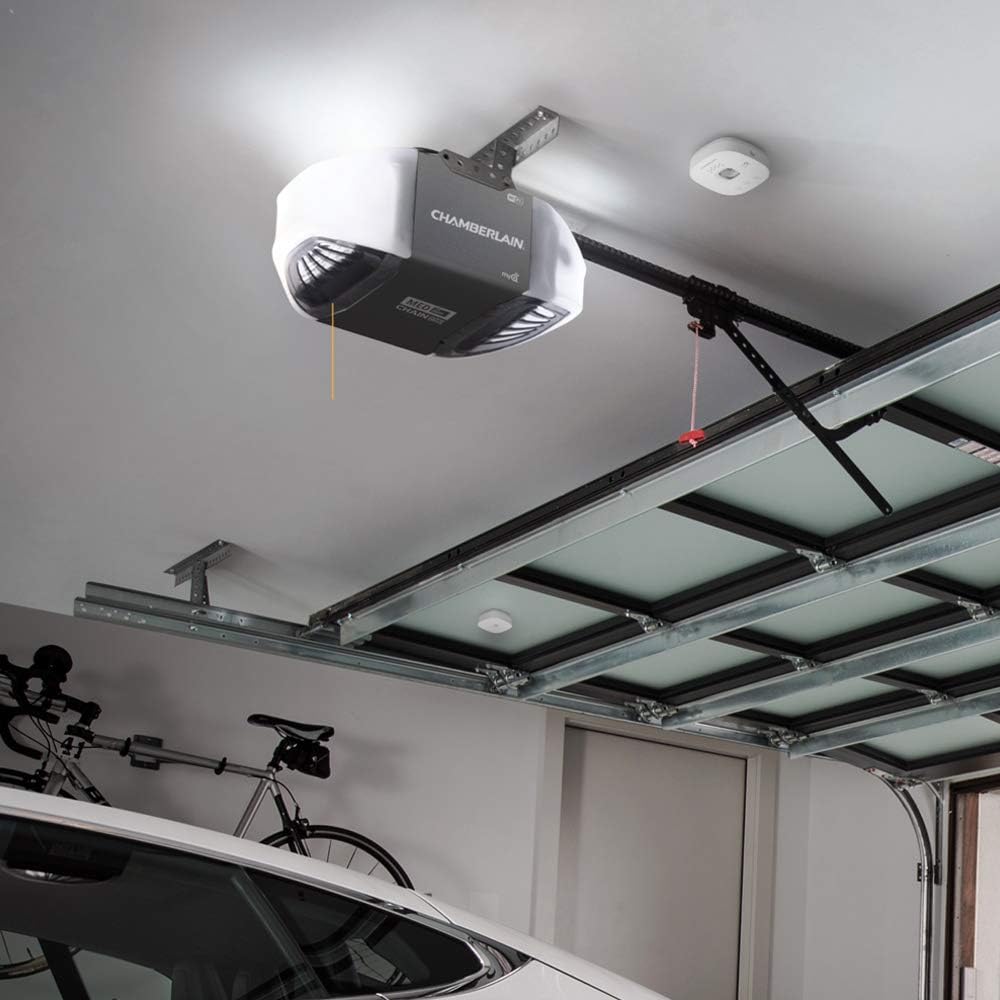
Image: The Chamberlain MYQ-G0402 Smart Garage Sensor is shown mounted on the inside top panel of a white garage door, positioned near the top edge.
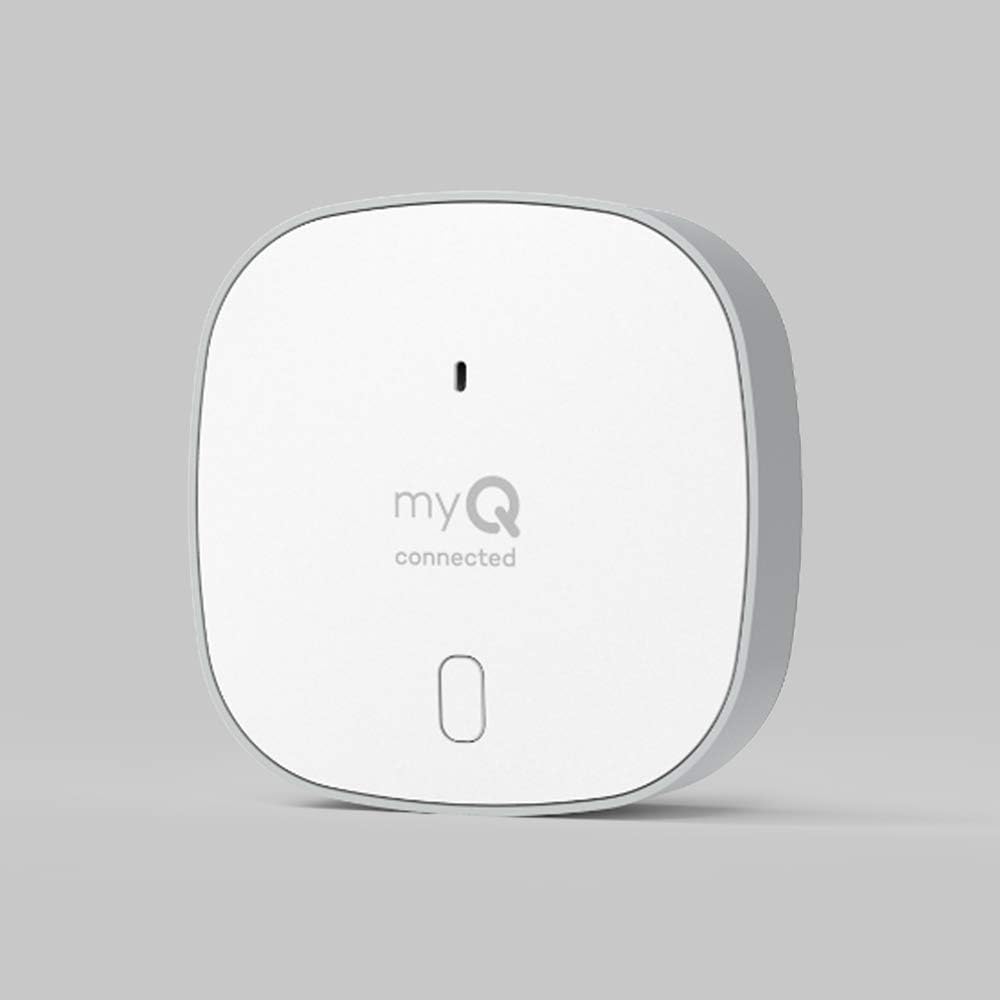
Изображение: крупный план view of the white Chamberlain MYQ-G0402 Smart Garage Sensor, displaying its compact design and 'myQ connected' branding.
4.2. Adding to Your myQ Account
After mounting the sensor, add it to your existing myQ account through the myQ App. The app will guide you through the pairing process. Ensure your Smart Garage Control hub is powered on and connected to your home Wi-Fi network.
Video: This video demonstrates the installation and setup process of the myQ Door Sensor, showing how it attaches to the garage door and connects to the system.
Video: This video highlights the ease of installation for the myQ Smart Garage Control system, including the door sensor, and its overall functionality.
5. Инструкция по эксплуатации
Once your MYQ-G0402 Door Sensor is successfully installed and paired with your Smart Garage Control unit, you can begin to utilize its smart features through the myQ App.
5.1. Monitoring Door Status
The myQ App provides real-time status updates for your garage door. You can check whether your garage door is open or closed from anywhere, at any time, using your smartphone.

Image: A person is shown outdoors, looking at a smartphone displaying the myQ app interface, which is used to open and close a garage door remotely.
5.2. Remote Opening and Closing
With the myQ App, you can remotely open or close your garage door. This feature is useful for granting access to deliveries, family members, or service providers when you are not home.
Видео: Это видео предоставляет болееview of the Chamberlain Smart Garage Control, demonstrating how users can monitor and control their garage door remotely via the myQ app.
5.3. Уведомления о низком заряде батареи
The MYQ-G0402 sensor provides low battery notifications directly through the myQ App, ensuring you are aware when it's time to replace the battery.
5.4. Scheduling (via Smart Garage Control)
While this sensor extends control to a second door, the primary Smart Garage Control unit allows for setting schedules to automatically close your garage door at specific times, enhancing security and peace of mind.
6. Техническое обслуживание
To ensure optimal performance of your Chamberlain MYQ-G0402 Smart Garage Sensor, regular maintenance is recommended.
6.1. Замена батареи
The sensor is powered by 1 Lithium Metal battery (included). When the myQ App indicates a low battery, replace it promptly to maintain continuous functionality. Refer to the sensor's casing for specific battery type and replacement instructions.
6.2. Уборка
Periodically wipe the sensor with a soft, dry cloth to remove dust or debris. Avoid using harsh chemicals or abrasive cleaners.
7. Поиск Неисправностей
If you encounter issues with your MYQ-G0402 Smart Garage Sensor, consider the following general troubleshooting steps:
- Проверьте аккумулятор: Ensure the sensor battery is not low or depleted. Replace if necessary.
- Verify myQ App Connection: Confirm your smartphone has an active internet connection and the myQ App is functioning correctly.
- Check Smart Garage Control Hub: Ensure your main Smart Garage Control unit is powered on, connected to Wi-Fi, and operating properly.
- Повторно подключите датчик: If connectivity issues persist, try removing and re-adding the sensor within the myQ App, following the in-app instructions.
- Сигнал Wi-Fi: Ensure the Smart Garage Control hub is within range of a strong Wi-Fi signal.
For more detailed troubleshooting or persistent issues, refer to the myQ App's help section or contact Chamberlain customer support.
8. Технические характеристики
| Особенность | Деталь |
|---|---|
| Бренд | ЧЕМБЕРЛЕН |
| Размеры товара Д x Ш x В | 0.88 x 2.63 x 2.63 дюйма |
| Материал | Пластик |
| Вес товара | 3.2 унции |
| Стиль | Smart Garage Sensor |
| Диапазон измерения | Closed - Open |
| Тип крепления | Поверхностный монтаж |
| Тип вывода | Кнопка нажатия |
| Конкретные области применения продукта | Inside; Amateur |
| СКП | 012381194827 |
| Производитель | Чемберлен |
| Размеры продукта | 0.88 x 2.63 x 2.63 дюйма |
| ASIN | B08GD33GQR |
| Номер модели товара | MYQ-G0402 |
| Аккумуляторы | Требуется 1 литий-металлическая батарея. (в комплекте) |
| Дата первой доступности | 20 августа 2020 г. |
| Отделение | Унисекс-Взрослый |
9. Информация о поддержке
For further assistance, technical support, or warranty information regarding your Chamberlain MYQ-G0402 Smart Garage Sensor, please refer to the myQ App's dedicated support section or visit the official Chamberlain website. You can also contact Chamberlain customer service directly for personalized support.


