Введение
This manual provides essential information for the proper setup, operation, and maintenance of your Schubert Preludio 88-Key Digital Piano. Please read this manual thoroughly before using the instrument to ensure optimal performance and longevity. Keep this manual for future reference.
Инструкции по технике безопасности
- Убедитесь в громкости адаптера питания.tage соответствует вашему местному источнику питания.
- Do not expose the instrument to rain, moisture, or extreme temperatures.
- Избегайте размещения прибора вблизи источников тепла или под прямыми солнечными лучами.
- Не открывайте сasinг; поручайте все работы по обслуживанию квалифицированному персоналу.
- Хранить в недоступном для маленьких детей месте во избежание несчастных случаев.
- Disconnect power during thunderstorms or when not in use for extended periods.
Настраивать
Распаковка и сборка
Carefully remove all components from the packaging. Ensure all items listed in the "Included in Delivery" section are present.
- Place the keyboard on a stable, flat surface or a compatible keyboard stand.
- Attach the music stand to the designated slot on the keyboard.
- Connect the sustain pedal to the "PEDAL" input on the rear panel of the keyboard.
- Connect the power adapter to the "DC 12V" input and then to a power outlet.

Рисунок 1: Входящие в комплект аксессуары. The image displays the Schubert Preludio keyboard's accessories, including the music stand, sustain pedal, power adapter, and various USB cables for connectivity.

Рисунок 2: Варианты подключения. This image shows the various input/output ports on the rear of the keyboard, including Audio In, Audio Out, USB, pedal input, and two 6.3mm headphone jacks.
Инструкция по эксплуатации
Включение/выключение питания
Нажмите ВЛАСТЬ кнопка для включения или выключения клавиатуры.
Регулятор громкости
Отрегулируйте общую громкость с помощью МАСТЕР ОБЪЕМ knob. Individual volumes for Upper and Lower voices can be adjusted via the ГРОМКОСТЬ+ и VOL- buttons in Function mode.
Selecting Voices (Sounds)
The Schubert Preludio offers 140 different voices. To select a voice:
- Нажмите ГОЛОС кнопка.
- Воспользуйтесь цифровой клавиатурой или +/- buttons to select the desired voice number. The selected voice number will be displayed on the LED screen.

Figure 3: Control Panel and Voice Selection. The image highlights the control panel with buttons for voice selection, layering, splitting, and reverb, along with categories like Piano, Organ, Guitar, and Strings.
Layer and Split Functions
- Слой: Нажмите СЛОЙ button to combine two voices simultaneously. Select the second voice using the voice selection method.
- Расколоть: Нажмите SPLIT button to divide the keyboard into two sections, each with a different voice. The split point can be adjusted. This is useful for teaching or playing duets.
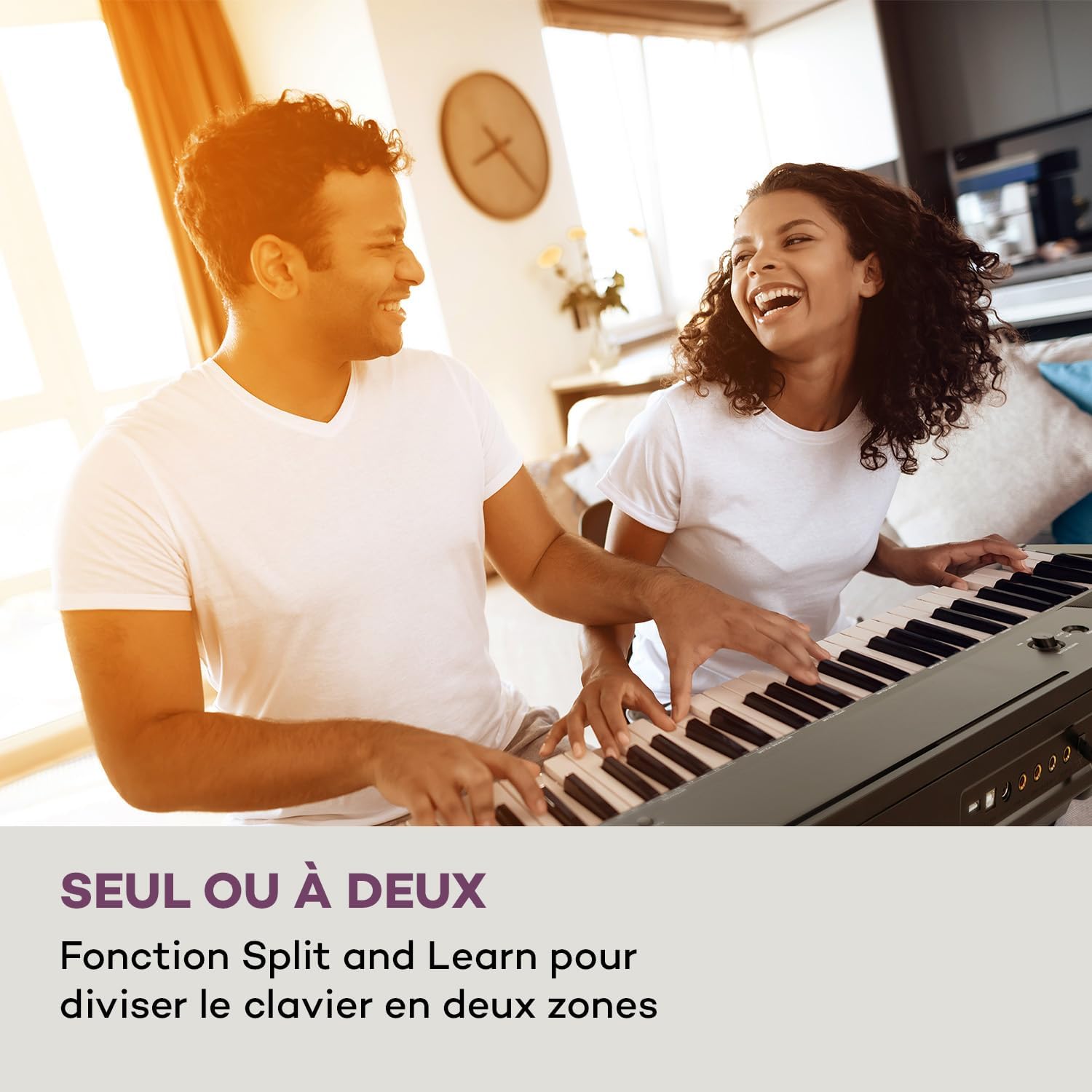
Figure 4: Split and Learn Function. This image shows two individuals playing the keyboard simultaneously, demonstrating the Split function which divides the keyboard into two playable zones.
Метроном и темп
Activate the metronome by pressing the МЕТРО button. Adjust the tempo using the ТЕМП кнопки.
Запись и воспроизведение
The keyboard features a recording function:
- Нажмите ЗАПИСЫВАТЬ Нажмите кнопку, чтобы начать запись вашего выступления.
- Нажимать ИГРАТЬ to listen to your recorded track.
USB-подключение
The integrated USB port allows for MP3 playback and MIDI connectivity:
- Воспроизведение MP3: Вставьте USB-накопитель с MP3-файлами. files into the USB port. Use the ПЕСНЯ buttons to navigate and play tracks.
- USB-MIDI: Connect the keyboard to a computer using the provided USB-MIDI cable for use with educational and recording software.

Figure 5: Recording and USB Playback. The image depicts the keyboard's capability for recording performances and playing MP3 files via its integrated USB port, enhanced by its 5-watt RMS speakers.
Обслуживание
- Уборка: Для очистки поверхности клавиатуры используйте мягкую сухую ткань. Не используйте абразивные чистящие средства или растворители.
- Хранилище: When not in use, store the keyboard in a dry, dust-free environment. If storing for a long period, disconnect the power adapter.
- Уход за ключами: Avoid excessive force on the keys. Clean keys gently with a slightly damp при необходимости протрите тряпкой и немедленно высушите.
Поиск неисправностей
| Проблема | Возможная причина | Решение |
|---|---|---|
| Нет звука | Power not connected, volume too low, headphones connected. | Check power connection, increase master volume, disconnect headphones. |
| Клавиши не реагируют | Function mode active, internal error. | Exit Function mode, power cycle the instrument. |
| Не работает педаль сустейна | Pedal not fully inserted, pedal polarity issue. | Ensure pedal is firmly connected. Some pedals require the keyboard to be powered on with the pedal already pressed to set polarity. |
| Проблемы с воспроизведением через USB | Неподдерживаемый file format, corrupted USB drive. | Гарантировать files are MP3 format. Try a different USB drive or reformat the current one. |
Технические характеристики
- Название модели: Preludio
- Количество ключей: 88
- Тип ключа: Full-size, touch-sensitive (3 levels)
- Sounds (Voices): 140
- Демо-песни: 16
- Функции: Sustain, Vibrato, Transposition, Octave, Split, Layer, Metronome, Record, Playback, Learning Function
- Связь: 1 x 6.3 mm Audio In, 1 x 6.3 mm Audio Out, 2 x 6.3 mm Headphone Outputs, 1 x USB (Type A for MP3), 1 x USB-MIDI (Type B)
- Источник питания: AC adapter (220-240 V~ | 50/60 Hz)
- Размеры (Д х В х Г): Приблизительно 130 x 29 x 35 см (51.2 x 11.4 x 13.8 дюйма)
- Масса: Приблизительно 6.2 кг (13.7 фунта)
- Материал: Пластик

Рисунок 6: Размеры изделия. A visual representation of the keyboard's length, height, and depth measurements.
Гарантия и поддержка
For detailed warranty information and technical support, please refer to the warranty card included with your product or visit the official Schubert webСохраните чек о покупке для предъявления гарантийных претензий.
Видеоролики о продуктах
Sustain Pedal Overview
This video provides a close-up view and demonstration of the M-Audio SP-2 sustain pedal, which is compatible with digital pianos like the Schubert Preludio. It shows how the pedal functions to extend notes, similar to an acoustic piano.
Keyboard Features Overview
This video offers a detailed close-up view of the digital piano, showcasing its keys, control panel, and various functions. It provides a visual guide to the instrument's design and user interface.


