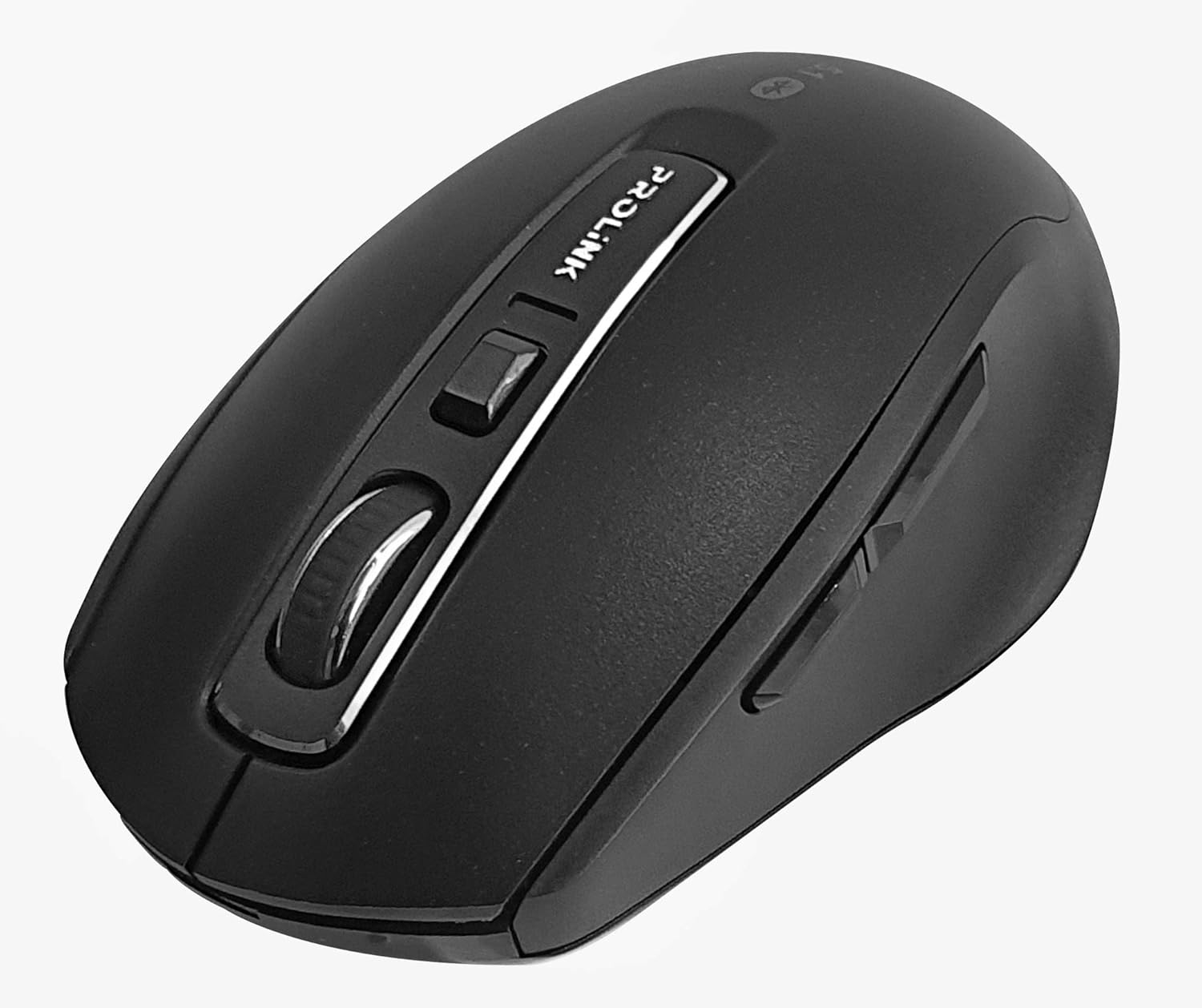
Изображение: сверху вниз view of the Prolink PMB8502 Bluetooth Wireless Optical Mouse.
1. Введение и окончаниеview
The Prolink PMB8502 Bluetooth Mouse is designed for seamless wireless control of your desktop, laptop, or tablet. It features Bluetooth 5.2 connectivity, an ergonomic design, and adjustable DPI settings for personalized comfort and precision. This manual provides detailed instructions for setup, operation, maintenance, and troubleshooting.
Основные характеристики:
- Bluetooth 5.2 connectivity (backward compatible with 5.1/5.0/4.2/4.1/4.0)
- Up to 27 months battery life (based on supplied batteries)
- Регулируемый DPI: 800/1200/1600
- 6-button design including back and forward buttons
- Эргономичный дизайн для комфортного использования
- Operating range of up to 10 meters

Image: Prolink PMB8502 mouse highlighting its Bluetooth 5.2, battery life, DPI, and range features.
2. Содержимое упаковки
- Prolink PMB8502 Bluetooth Wireless Optical Mouse
- 1 x AA Battery (pre-installed or included separately)
- Руководство пользователя (этот документ)
3. Инструкции по настройке
3.1. Установка аккумулятора
- Найдите крышку батарейного отсека на нижней стороне мыши.
- Чтобы открыть отделение, аккуратно сдвиньте или поднимите крышку.
- Вставьте одну батарейку типа АА, убедившись, что положительный (+) и отрицательный (-) полюса правильно совмещены с отметками внутри отсека.
- Установите крышку батарейного отсека на место и зафиксируйте ее со щелчком.
3.2. Сопряжение по Bluetooth
Before pairing, ensure your device (computer, laptop, tablet) has Bluetooth enabled.
- Включите мышь с помощью переключателя включения/выключения, расположенного на нижней стороне.
- Press and hold the Bluetooth 'Connect' button (usually located near the On/Off switch or within the battery compartment) for 3-5 seconds until the LED indicator on the mouse begins to flash, indicating it is in pairing mode.
- На вашем устройстве перейдите к настройкам Bluetooth.
- Искать new devices. The mouse should appear as "Prolink PMB8502" or similar.
- Select the mouse from the list to complete the pairing process. The LED indicator on the mouse will stop flashing and remain solid for a few seconds, then turn off, indicating a successful connection.

Изображение: Спереди view of the Prolink PMB8502 mouse, showing its ergonomic shape.
4. Инструкция по эксплуатации
4.1 Функции кнопок
- Левая кнопка мыши: Стандартный выбор и активация.
- Правая кнопка мыши: Доступ к контекстным меню.
- Колесо прокрутки: Прокручивает документы и web Страницы отображаются вертикально. Также можно нажать для активации функции щелчка средней кнопкой мыши.
- Кнопка регулировки DPI: Located below the scroll wheel. Press to cycle through DPI settings (800/1200/1600).
- Кнопка вперед: Перемещается вперед в web браузеры или file исследователи.
- Кнопка «Назад»: Перемещает назад в web браузеры или file исследователи.
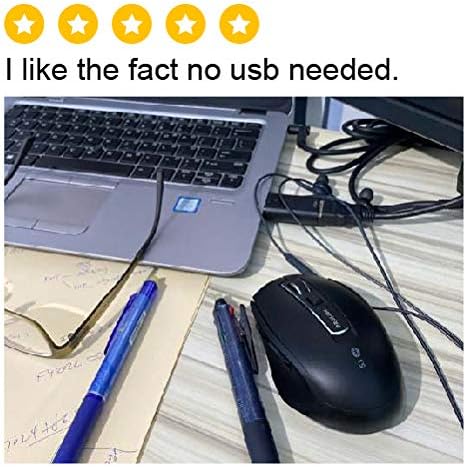
Изображение: сбоку view of the Prolink PMB8502 mouse, illustrating the placement of the back and forward navigation buttons.
4.2. Регулировка DPI
The mouse offers three DPI (Dots Per Inch) settings: 800, 1200, and 1600. Press the DPI button located below the scroll wheel to switch between these sensitivities. A higher DPI setting results in faster cursor movement across the screen.
4.3. Управление энергопотреблением
- Переключатель Вкл/Выкл: To conserve battery life, turn off the mouse using the switch on its underside when not in use for extended periods.
- Автоматический спящий режим: The mouse automatically enters a sleep mode after more than 10 minutes of inactivity. To wake it up, simply move the mouse or click any button.
5. Техническое обслуживание
5.1. Уборка
Для чистки мыши используйте мягкую, сухую ткань без ворса. Для удаления стойких загрязнений слегка потрите.ampПромокните ткань водой или слабым чистящим раствором. Избегайте использования агрессивных химикатов, абразивных чистящих средств или распыления жидкостей непосредственно на мышь.
5.2. Замена батареи
When the mouse performance degrades or the LED indicator suggests low battery, replace the AA battery following the steps in Section 3.1. Dispose of used batteries responsibly according to local regulations.
6. Поиск Неисправностей
- Mouse not connecting or erratic movement:
- Убедитесь, что мышь включена.
- Проверьте уровень заряда батареи и при необходимости замените.
- Убедитесь, что на вашем устройстве включен Bluetooth.
- Try re-pairing the mouse with your device (refer to Section 3.2).
- Чтобы исключить проблемы с дальностью действия, поднесите мышь ближе к устройству.
- Ensure there are no other strong wireless signals interfering with the Bluetooth connection.
- Cursor not moving smoothly:
- Очистите оптический датчик на нижней стороне мыши.
- Используйте мышь на чистой, неотражающей поверхности.
- Adjust the DPI setting to a level that suits your preference.
- Кнопки не отвечают:
- Проверить уровень заряда батареи.
- Ensure the mouse is properly connected via Bluetooth.
- Перезагрузите компьютер или устройство.
7. Технические характеристики
| Особенность | Деталь |
|---|---|
| Кнопки | 6 |
| Датчик | Оптический |
| DPI Разрешение | 800 / 1200 / 1600 точек на дюйм |
| Интерфейс | Bluetooth 5.2 (backward compatible with Bluetooth 5.1/5.0/4.2/4.1/4.0) |
| Частота отчетов USB | 125 Гц |
| ФПС | 2400 раза/сек |
| Рабочая влажность | 30%–95% относительной влажности |
| Рабочая температура | -20°С - +60°С |
| Операционная система | Windows 7 / 10 / 11, Mac OS 10.2 above |
| Размеры (Д x Ш x В) | 108 мм x 66.7 мм x 40.2 мм |
| Масса | 69.2g (product only) |
| Тип батареи | 1 батарейки типа АА |

Image: Graphic displaying the technical specifications of the Prolink PMB8502 mouse.
8. Гарантия и поддержка
The Prolink PMB8502 Bluetooth Wireless Optical Mouse typically comes with a Гарантия 3 год from the date of purchase. Please refer to your purchase receipt or the official Prolink website for specific warranty terms and conditions applicable in your region.
For technical support, troubleshooting assistance, or warranty claims, please visit the official Prolink website or contact their customer service department. Contact information can usually be found on the product packaging or the Prolink official webсайт.
Интернет-ресурсы:

Image: Prolink PMB8502 mouse with a "3 Year Warranty" label, indicating product assurance.


