1. Введение
This manual provides essential information for the safe and effective operation of your SHARP FPK50UW Plasmacluster Air Purifier. This air purifier is designed to improve indoor air quality through a triple filtration system and Plasmacluster Ion Technology, covering areas up to 1,253 sq. ft. (based on 1 air change per hour).
Перед использованием прибора внимательно прочтите данное руководство и сохраните его для дальнейшего использования.
2. Важные инструкции по технике безопасности
- Перед чисткой, проведением технического обслуживания или когда очиститель воздуха не используется, всегда отключайте его от сети.
- Не используйте устройство с поврежденным шнуром или вилкой. В случае повреждения шнура или вилки обратитесь в службу поддержки клиентов за помощью.
- Do not block air inlets or outlets. Ensure adequate space around the unit for proper airflow.
- Keep the unit away from water or other liquids. Do not use in wet environments such as bathrooms.
- Данное устройство не предназначено для использования лицами (включая детей) с ограниченными физическими, сенсорными или умственными способностями или с недостатком опыта и знаний, если они не находятся под присмотром или не получили инструкции по использованию устройства от лица, ответственного за их безопасность.
- Используйте только оригинальные сменные фильтры SHARP.
3. Компоненты продукта
Familiarize yourself with the main parts of your SHARP FPK50UW Air Purifier.
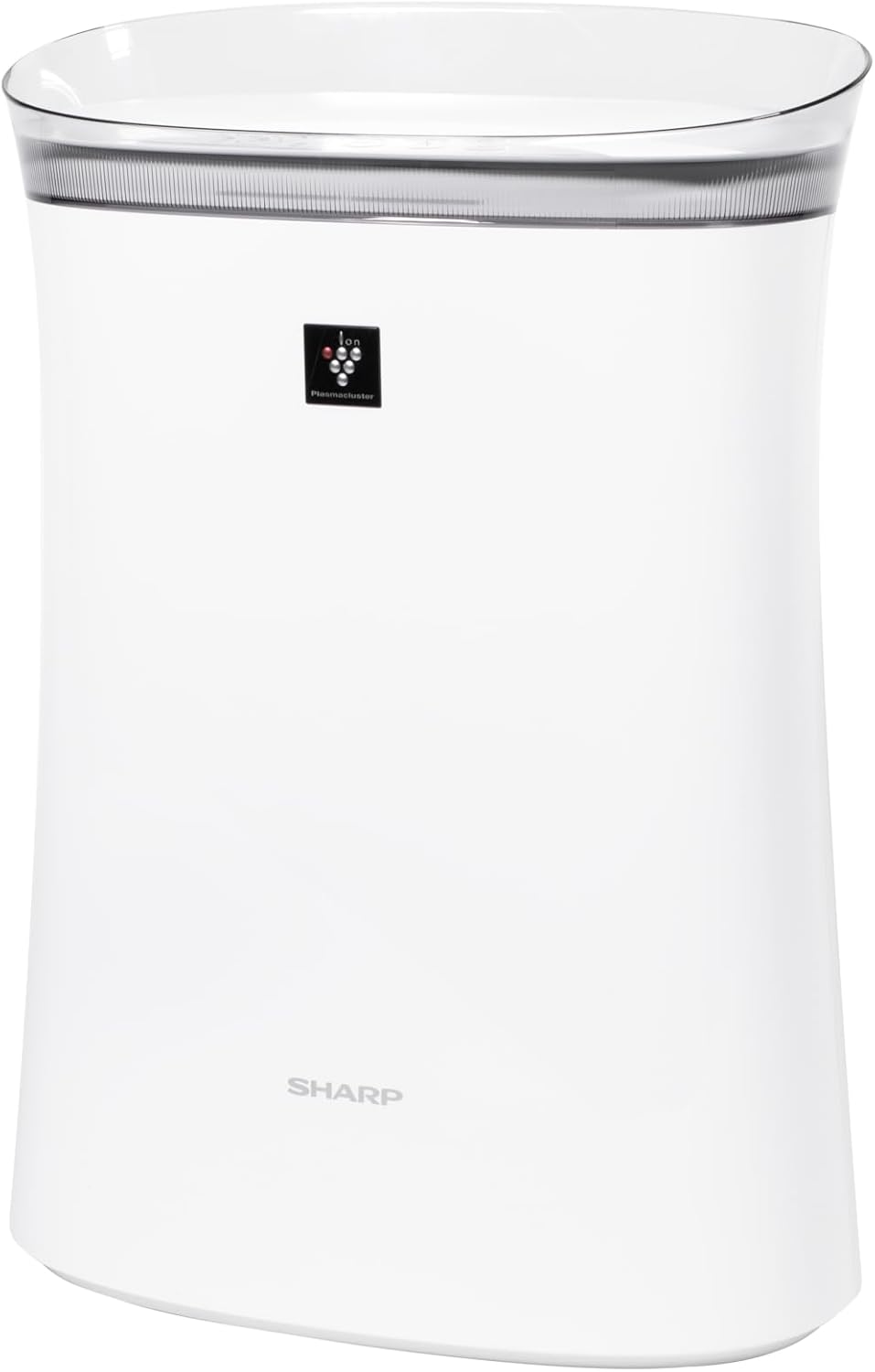
Рисунок 3.1: Передний view of the SHARP FPK50UW Air Purifier. This image displays the sleek, white design of the unit with the SHARP logo and Plasmacluster indicator on the front panel.

Рисунок 3.2: Назад view of the SHARP FPK50UW Air Purifier. The rear panel features the air intake grille and the power cord.

Рисунок 3.3: Control Panel. This image shows the touch-sensitive buttons for power, fan speed, Plasmacluster, Express Clean, and timer functions.
Список компонентов:
- Основной блок
- Washable Microscreen Pre-filter (installed)
- Activated Carbon Deodorizing Filter (installed)
- True HEPA Filter (installed)
- Шнур питания (прилагается)
4. Настройка и установка фильтра
Before operating your air purifier, ensure all filters are properly installed and packaging removed.
Начальные шаги настройки:
- Распакуйте устройство: Осторожно извлеките очиститель воздуха из упаковки.
- Remove Back Panel: Gently pull the back panel of the unit to detach it.
- Удалить фильтры: Take out the pre-filter, activated carbon filter, and True HEPA filter.
- Remove Plastic Packaging: Remove all plastic bags and protective wrapping from the activated carbon filter and True HEPA filter. The pre-filter does not have plastic wrapping.
- Переустановить фильтры: Insert the True HEPA filter first, followed by the activated carbon filter, and then the pre-filter. Ensure they are oriented correctly as indicated on the filters or unit.
- Reattach Back Panel: Securely reattach the back panel.
- Размещение: Place the air purifier on a firm, level surface, ensuring at least 8 inches of clearance from walls or furniture for optimal airflow.
- Подключить: Подключите шнур питания к стандартной электрической розетке.

Рисунок 4.1: Задний view with the back panel removed, revealing the pre-filter and main filters inside the unit.

Рисунок 4.2: The True HEPA filter and Activated Carbon filter are shown removed from the air purifier, with the internal fan visible.
5. Операция
Панель управления позволяет управлять функциями очистителя воздуха.
Функции панели управления:
- ON/OFF Button (Power): Нажмите, чтобы включить или выключить устройство.
- Кнопка скорости вентилятора: Cycles through fan speeds: Max, Med, and Sleep.
- Plasmacluster ON/OFF Button: Activates or deactivates the Plasmacluster Ion Technology.
- Express Clean Button: Initiates a 60-minute high-speed cleaning cycle before returning to the previous setting.
- Кнопка таймера: Sets the operating timer for 2, 4, or 8 hours. The unit will automatically turn off after the selected time.
- Light ON/OFF (Press 3 sec.): Press and hold the Timer button for 3 seconds to turn the display lights on or off.
- Filter Reset (Press 3 sec.): After replacing filters, press and hold the Plasmacluster button for 3 seconds to reset the filter indicator.
6. Техническое обслуживание
Регулярное техническое обслуживание обеспечивает оптимальную производительность и продлевает срок службы вашего очистителя воздуха.
Обслуживание фильтра:
- Предварительный фильтр: The washable microscreen pre-filter should be cleaned regularly (e.g., monthly) by vacuuming or rinsing with water. Ensure it is completely dry before reinstalling.
- Activated Carbon Deodorizing Filter & True HEPA Filter: These filters are designed for long life, lasting up to 2 years depending on the environment and usage. Replace them when the filter indicator light illuminates or when you notice a decrease in performance or increased odors. These filters are not washable.
Уборка помещения:
- Экстерьер: Wipe the exterior of the unit with a soft, dry cloth. For stubborn stains, use a damp тканью с мягким моющим средством, затем вытрите насухо.
- Air Outlets/Inlets: Periodically vacuum or wipe the air outlets and inlets to remove dust accumulation.
7. Поиск Неисправностей
If you encounter issues with your air purifier, refer to the following table for common problems and solutions.
| Проблема | Возможная причина | Решение |
|---|---|---|
| Устройство не включается. | Кабель питания не подключен; Питание отключеноtage; Unit malfunction | Ensure power cord is securely plugged in; Check household circuit breaker; Contact customer support if issue persists. |
| Слабый воздушный поток | Filters are dirty or clogged; Air inlets/outlets blocked | Clean or replace filters; Ensure no obstructions around the unit. |
| Необычный запах | Activated carbon filter needs replacement; New unit odor | Replace activated carbon filter; New unit odor typically dissipates within a few days of use. |
| Plasmacluster indicator not lit | Plasmacluster function is off; Ion generator needs cleaning | Press the Plasmacluster button to activate; Refer to maintenance section for ion generator cleaning (if applicable to model). |
If the problem persists after attempting these solutions, please contact SHARP customer support.
8. Технические характеристики
| Особенность | Деталь |
|---|---|
| Номер модели | FPK50UW |
| Бренд | Острый |
| Размеры продукта | 8.2"Д x 15.1"Ш x 21.3"В |
| Покрытие площади пола | Up to 1,253 sq. ft. (1 air change/hr); 259 sq. ft. (4.8 air changes/hr) |
| Уровень шума | 22 dB (Sleep mode) |
| Тип контроллера | Кнопка управления |
| Ватtage | 50 Вт |
| Вес товара | 11 фунта |
| Система фильтрации | Washable Pre-filter, Activated Carbon Filter, True HEPA Filter |
| Особые возможности | Plasmacluster Ion Technology, Express Clean Mode, Timer Function |
| Сертификаты | ENERGY STAR Rated, AHAM Verifide Tested, CARB Certified |
| СКП | 074000663794 |
9. Гарантия и поддержка клиентов
Your SHARP FPK50UW Air Purifier comes with a 1-year limited parts and labor warranty.
For warranty claims, technical assistance, or to purchase replacement filters, please contact SHARP customer support:
- Webсайт: Посетите официальный сайт SHARP. webсайт для получения ресурсов поддержки и контактной информации.
- Телефон: Refer to your product registration card or the SHARP website for the appropriate customer service number.
Please have your model number (FPK50UW) and proof of purchase ready when contacting support.


