Введение
This manual provides detailed instructions for the proper use and maintenance of your Hytera PNC550 Dual-SIM Rugged IP68 Push-to-Talk Smartphone. Please read this manual thoroughly before operating the device to ensure optimal performance and longevity. The Hytera PNC550 is designed for robust communication in challenging environments, featuring IP68 water and dust resistance and MIL-STD-810G durability.

Настраивать
1. Содержимое упаковки
Прежде чем продолжить, убедитесь, что в упаковке присутствуют все предметы:
- Hytera PNC550 Smartphone
- Аккумулятор
- USB-кабель
- Адаптер питания
- Краткое руководство пользователя

2. Установка SIM-карты и аккумулятора.
The Hytera PNC550 supports Dual SIM cards. To install the SIM cards and battery:
- Locate the SIM card and battery compartment on the device. This is typically on the back, under a protective cover.
- Осторожно откройте защитную крышку.
- Insert your GSM SIM cards into the designated slots. Ensure the gold contacts face downwards and the notched corner aligns correctly.
- Insert the battery into its compartment, ensuring the contacts align with those on the phone.
- Close the protective cover securely to maintain the device's IP68 rating.
Note: This smartphone is compatible with GSM networks only. It will not work with CDMA networks (e.g., Verizon, Sprint, US Cellular).

3. Первоначальная зарядка и включение
Before first use, fully charge the device. Connect the USB cable to the phone and the power adapter, then plug it into a power outlet.
To power on the device, press and hold the Power button (usually on the side) until the Hytera logo appears on the screen.
Инструкция по эксплуатации
1. Основная навигация
The PNC550 runs on Android 8.1. Navigate using the touchscreen and the standard Android navigation buttons (Back, Home, Recent Apps) located at the bottom of the screen.

2. Функциональность «Нажми и говори» (PTT)
The PNC550 is designed for Push-to-Talk (PTT) communication. The dedicated PTT button is typically located on the side of the device. Consult your network provider or PTT application guide for specific usage instructions related to your service.

3. Использование камеры
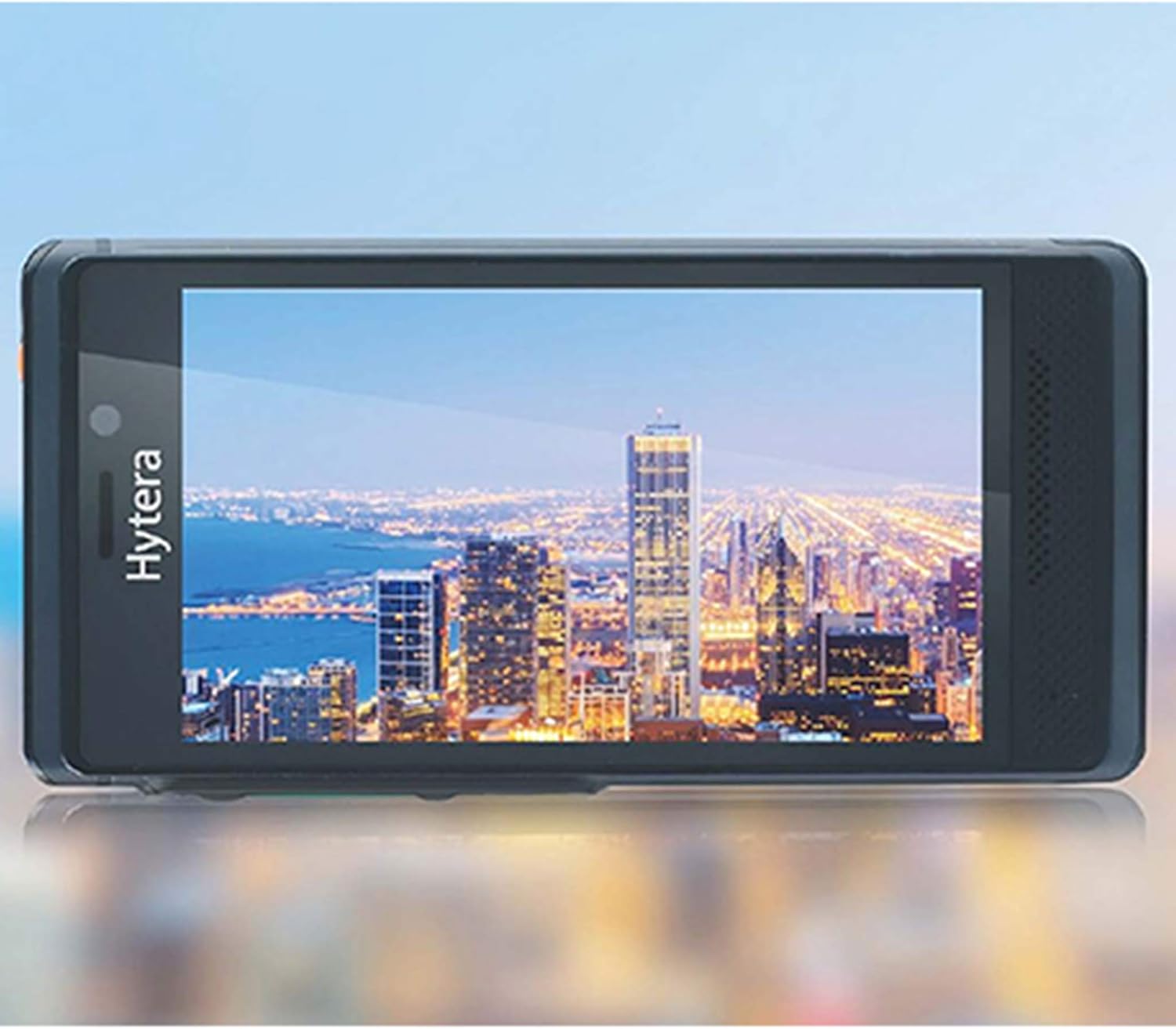
The device features a 13MP main camera and an 8MP front camera. Open the Camera application from the home screen or app drawer. Tap to focus, and press the shutter button to capture photos or videos.
4. Связь
The PNC550 supports Wi-Fi and Bluetooth connectivity. Access these settings via the Quick Settings panel (swipe down from the top of the screen) or through the main Settings app.
- Wi-Fi: Для доступа в интернет подключитесь к доступным сетям Wi-Fi.
- Bluetooth: Pair with Bluetooth headsets, speakers, or other compatible devices.
5. Надежные функции
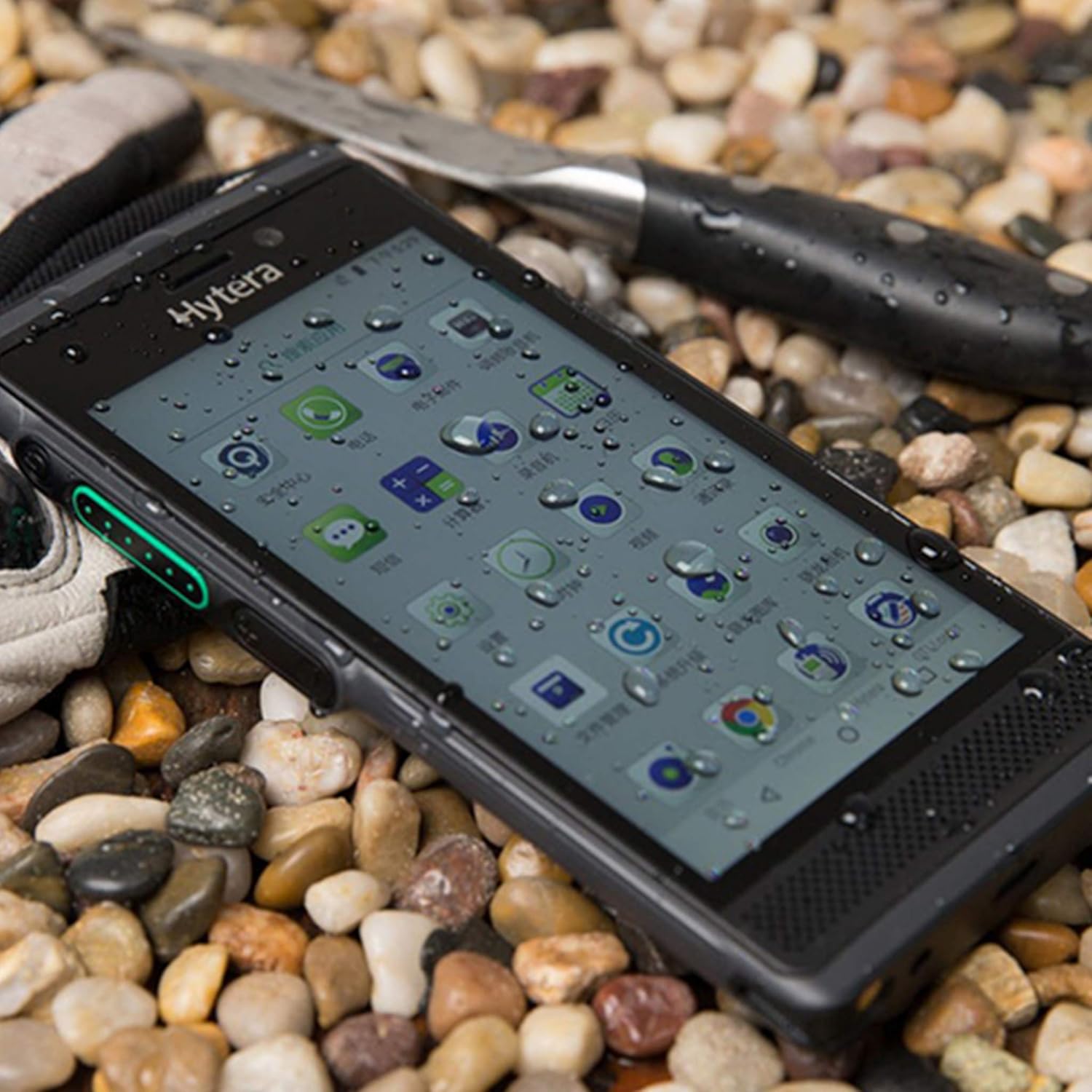
The Hytera PNC550 is built to withstand harsh conditions:
- Рейтинг IP68: Provides protection against dust ingress and immersion in water up to 1.5 meters for 30 minutes.
- Военный стандарт 810Г: Complies with military standard for durability, including resistance to drops from 1.2 meters.
Обслуживание
1. Очистка устройства.
Use a soft, lint-free cloth to clean the screen and body of the device. For stubborn dirt, slightly dampСмочите ткань водой. Избегайте использования едких химикатов и абразивных материалов.
2. Уход за аккумулятором
Чтобы продлить срок службы батареи:
- Избегайте экстремальных температур.
- Не допускайте частой полной разрядки аккумулятора.
- Используйте только оригинальное зарядное устройство и кабель.
3. Обновления программного обеспечения
Регулярно проверяйте наличие обновлений программного обеспечения и устанавливайте их, чтобы обеспечить оптимальную производительность, безопасность и доступ к новым функциям. Перейти к Настройки > Система > Обновление системы для проверки обновлений.
Поиск неисправностей
1. Устройство не включается.
- Убедитесь, что аккумулятор правильно установлен и заряжен.
- Connect the device to the charger and wait a few minutes before attempting to power on again.
- If the issue persists, perform a forced restart by holding the Power button for 10-15 seconds.
2 Проблемы с сетевым подключением
- Проверьте, правильно ли вставлена SIM-карта.
- Verify that you are within a GSM network coverage area.
- Перезагрузите устройство.
- Перейти к Настройки > Сеть и Интернет > Мобильная сеть и убедитесь, что мобильный интернет включен.
3. Приложения вылетают или зависают
- Закройте и снова откройте приложение.
- Очистите кэш и данные приложения (Настройки > Приложения и уведомления > [Название приложения] > Хранилище и кэш).
- Убедитесь, что приложение обновлено до последней версии.
- If the problem persists, consider uninstalling and reinstalling the app.
4 Проблемы с зарядкой
- Убедитесь, что зарядный кабель и адаптер надежно подключены.
- Попробуйте использовать другую розетку.
- Осмотрите порт зарядки на предмет наличия мусора или повреждений.
- Use only the original Hytera charger and cable.
Технические характеристики
| Особенность | Деталь |
|---|---|
| Модель | Hytera PNC550 |
| Операционная система | Андроид 8.1 |
| Процессор | 1.8 ГГц Qualcomm |
| БАРАН | 3 ГБ |
| Внутреннее хранилище | 32 ГБ |
| Расширяемое хранилище | MicroSD до 64 ГБ |
| Отображать | 5-inch (13 cm) Multi-capacitive touch, 1080 x 720 pixels, Gorilla Glass |
| Основная камера | 13 МП |
| Передняя камера | 8 МП |
| Емкость аккумулятора | 4000 мАч |
| Поддержка SIM-карт | Две SIM-карты (только GSM) |
| Совместимость сети | 2G GSM, 3G WCDMA, 4G FDD-LTE, 4G TD-LTE |
| Прочность | IP68, MIL-STD-810G, 1.2m drop resistance |
| Связность | Bluetooth, Wi-Fi |
| Вес товара | 249.48 г |
Гарантия и поддержка
The Hytera PNC550 comes with a standard manufacturer's warranty. Please refer to the warranty card included in your product packaging or visit the official Hytera webПодробные условия гарантии, действующие в вашем регионе, можно найти на сайте.
For technical support, troubleshooting assistance beyond this manual, or warranty claims, please contact your authorized Hytera dealer or Hytera customer service. Contact information can typically be found on the Hytera official webсайте или в документации к вашему продукту.
Для получения общей информации вы можете посетить [ссылка]. Hytera official webсайт.


