1. Введение и окончаниеview
The ViewSonic ELITE XG270 is a 27-inch gaming monitor engineered for eSports enthusiasts, delivering exceptional speed and visual clarity. This monitor features an IPS display with an ultra-fast 1ms (GtG) response time and a 240Hz refresh rate, ensuring smooth screen transitions and responsive gameplay. It offers accurate color reproduction and wide viewing angles, making it suitable for competitive gaming and general use. The panel supports Full HD (1920x1080) resolution with 99% sRGB color coverage and is NVIDIA G-SYNC Compatible, which helps eliminate screen tearing and stuttering for a seamless gaming experience. Advanced ergonomic features and ELITE Design Enhancements are integrated for user comfort and a premium setup.

Изображение: ViewSonic ELITE XG270 highlighting key performance features.
2. Что в коробке
После распаковки вашего ViewSonic ELITE XG270 monitor, please ensure all the following items are present:
- ЖК монитор (ViewSonic ELITE XG270)
- ELITE Hood (Sight Shields)
- Силовой кабель
- Адаптер переменного/постоянного тока
- Кабель DisplayPort
- Кабель USB 3.1
- Краткое руководство пользователя
Video: Unboxing the ViewSonic ELITE XG270 27" Gaming Monitor. This video demonstrates the contents of the product packaging and initial setup steps.
3. Настройка и сборка
The ViewSonic ELITE XG270 monitor is designed for easy, tool-less assembly. The stand column is pre-mounted to the monitor head, requiring only the base to be attached.
- Прикрепите основание подставки: Carefully place the monitor face down on a soft, clean surface. Align the stand base with the bottom of the pre-attached stand column and secure it using the captive thumbscrew. Tighten until firm.
- Расположите монитор: Gently lift the assembled monitor and place it upright on your desk.
- Соединительные кабели: Connect the DisplayPort cable from your computer to the monitor for optimal performance, especially for 240Hz refresh rate and G-SYNC. Connect the USB 3.1 cable from your computer to the monitor to enable the integrated USB hub. Finally, connect the AC/DC adapter and power cable to the monitor and a power outlet.
Эргономичные регулировки
The monitor's advanced ergonomic stand allows for various adjustments to optimize your viewкомфорт:
- Регулировка высоты: Для достижения желаемого результата аккуратно потяните или надавите на монитор вверх или вниз. viewвысота.
- Поворотный: Rotate the monitor left or right on its base to adjust the horizontal viewугол наклона.
- Вращаться: Поверните монитор на 90 градусов, чтобы переключиться между альбомной и книжной ориентацией.
- Наклон: Tilt the screen forwards or backwards to find the most comfortable vertical viewугол наклона.

Image: Ergonomic adjustments of the ViewSonic ELITE XG270 monitor.
4. Связь
The XG270 offers flexible connectivity options to support various devices, including laptops, PCs, Macs, PlayStation, and Xbox consoles.
- DisplayPort: Recommended for achieving the full 240Hz refresh rate and enabling NVIDIA G-SYNC Compatible technology.
- HDMI: Supports high refresh rates, suitable for gaming consoles and other HDMI-enabled devices.
- USB 3.1: Connect the monitor to your computer via the USB 3.1 upstream cable to activate the integrated USB hub, allowing you to connect peripherals like keyboards and mice directly to the monitor.
- Аудио выход: A 3.5mm audio jack is available for connecting headphones or external speakers.

Изображение: сзади view of ViewSonic ELITE XG270 connectivity ports.
5.Основные характеристики
Display & Performance
- Частота обновления 240 Гц и время отклика 1 мс (GtG): Experience ultra-smooth gameplay with minimal input lag, crucial for competitive eSports.
- Совместимость с NVIDIA G-SYNC: Синхронизирует частоту обновления монитора с частотой кадров графического процессора, устраняя разрывы и заикания экрана.
- PureXP Blur Reduction: Tuned by Blur Busters, this technology utilizes backlight strobing to drastically improve motion image clarity in fast-moving scenes.
- IPS-панель с 99% охватом цветового пространства sRGB: Наслаждайтесь яркими цветами и широкими возможностями. viewing angles without compromising on speed.
- Поддержка HDR10: Delivers enhanced contrast and color depth for a more immersive visual experience.

Image: Visual representation of 1ms (GtG) response time.
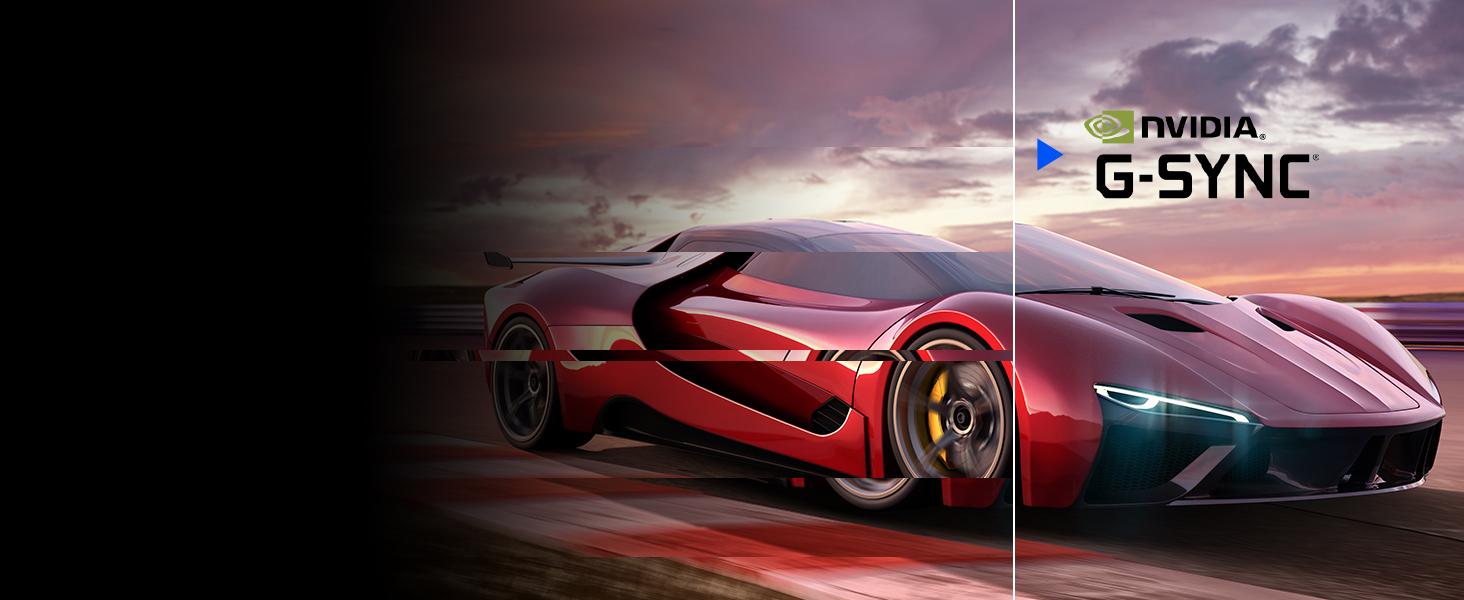
Image: Visual representation of NVIDIA G-SYNC Compatible technology.
ELITE Design Enhancements
- Built-in Mouse Bungee: Helps manage your mouse cable, preventing tangles and drag for unrestricted movement.
- Reinforced Headphone Hook: Conveniently store your gaming headset within easy reach.
- ELITE RGB Ambient Lighting: Customizable RGB lighting on the back of the monitor adds aesthetic flair to your gaming setup.
- Sight Shields (ELITE Hood): Attachable side panels reduce glare and distractions, enhancing focus during competitive play.

Изображение: сзади view of the monitor with ELITE RGB Lighting System.

Image: Headphone hook and mouse bungee on the ViewSonic ELITE XG270.
Видео: Оверview принадлежащий ViewSonic ELITE XG270 G-Sync Monitor, highlighting its design and features.
6. Инструкция по эксплуатации
Включение/выключение питания
To power on the monitor, press the power button located on the bottom right side of the monitor. To power off, press and hold the power button until the screen turns off.
Экранное меню (OSD)
The OSD menu allows you to adjust various monitor settings. Use the joystick or buttons (depending on model variation) located on the back or bottom of the monitor to navigate the menu. Common settings include:
- Картина: Adjust brightness, contrast, color temperature, and gamma.
- Вход Выберите: Переключение между входами DisplayPort и HDMI вручную.
- Аудио: Отрегулируйте громкость или отключите звук.
- Игры: Configure refresh rate, response time overdrive, G-SYNC settings, and other gaming-specific features like Black Stabilization.
- Настройки: Access general settings like OSD language, OSD timeout, and factory reset.
7. Техническое обслуживание
Правильное обслуживание гарантирует долговечность и оптимальную производительность вашего монитора.
- Очистка экрана: Аккуратно протрите экран мягкой тканью без ворса. Для удаления стойких пятен слегка протрите экран.ampen the cloth with water or a specialized screen cleaner. Avoid using alcohol, ammonia, or abrasive cleaners.
- Очистка Casing: Используйте мягкую сухую ткань, чтобы протереть поверхность монитора.asing.
- Вентиляция: Во избежание перегрева убедитесь, что вентиляционные отверстия монитора не заблокированы.
- Выключение питания, когда он не используется: Выключайте монитор, если он не используется в течение длительного времени, чтобы экономить энергию и продлить срок его службы.
8. Поиск Неисправностей
Если у вас возникли проблемы с вашим ViewSonic ELITE XG270 monitor, try the following basic troubleshooting steps:
- Нет питания: Ensure the power cable and AC/DC adapter are securely connected to both the monitor and a working power outlet. Check if the power button is pressed.
- Нет сигнала/черный экран: Verify that the DisplayPort or HDMI cable is securely connected to both the monitor and your computer/device. Ensure the correct input source is selected in the OSD menu.
- Image Issues (Blurry, Flickering, Incorrect Colors): Check the cable connections. Adjust picture settings in the OSD menu. Ensure your graphics card drivers are up to date. For G-SYNC related issues, confirm it's enabled in both the monitor OSD and NVIDIA Control Panel.
- USB-порты не работают: Ensure the USB 3.1 upstream cable is connected from the monitor to your computer.
For more detailed troubleshooting or persistent issues, please refer to the full user manual available on the ViewСоник webсайт или контакт ViewСлужба поддержки клиентов Sonic.
9. Технические характеристики
| Особенность | Спецификация |
|---|---|
| Номер модели | XG270 |
| Размер экрана | 27 дюйма |
| Тип панели | ИПС |
| Разрешение | 1920x1080 (Full HD) |
| Частота обновления | 240 Гц |
| Время отклика | 1мс (GtG) |
| Совместимость с G-SYNC | Совместимость с NVIDIA G-SYNC |
| Цветовая гамма | 99% sRGB |
| Поддержка HDR | HDR10 |
| Связность | HDMI, DisplayPort, USB 3.0 (4 ports) |
| Эргономика | Height, Swivel, Pivot, Tilt Adjustable |
| Масса | 17.38 фунта |
| Размеры (ДxШxВ) | 18.06 x 24.2 x 2.7 дюйма |
10. Гарантия и поддержка
Твой ViewSonic ELITE XG270 monitor comes with a manufacturer's warranty. For specific warranty terms and conditions, please refer to the warranty card included in your product packaging or visit the official ViewСоник webсайт.
Для получения технической поддержки, загрузки драйверов или дополнительной информации о продукте, пожалуйста, посетите [ссылку]. ViewSonic support page or contact their customer service directly. Keep your product's serial number handy when seeking support.


