Введение
This manual provides important information regarding the safe operation, installation, and maintenance of your Arctic-Pro Mini Desk Oscillating Tower Fan. Please read this manual thoroughly before using the product and retain it for future reference.
The Arctic-Pro Mini Desk Oscillating Tower Fan is designed to provide personal cooling with its compact size and quiet operation. It features two speed settings and a 75-degree oscillation function for effective air circulation in small spaces such as offices, bedrooms, and cubicles.
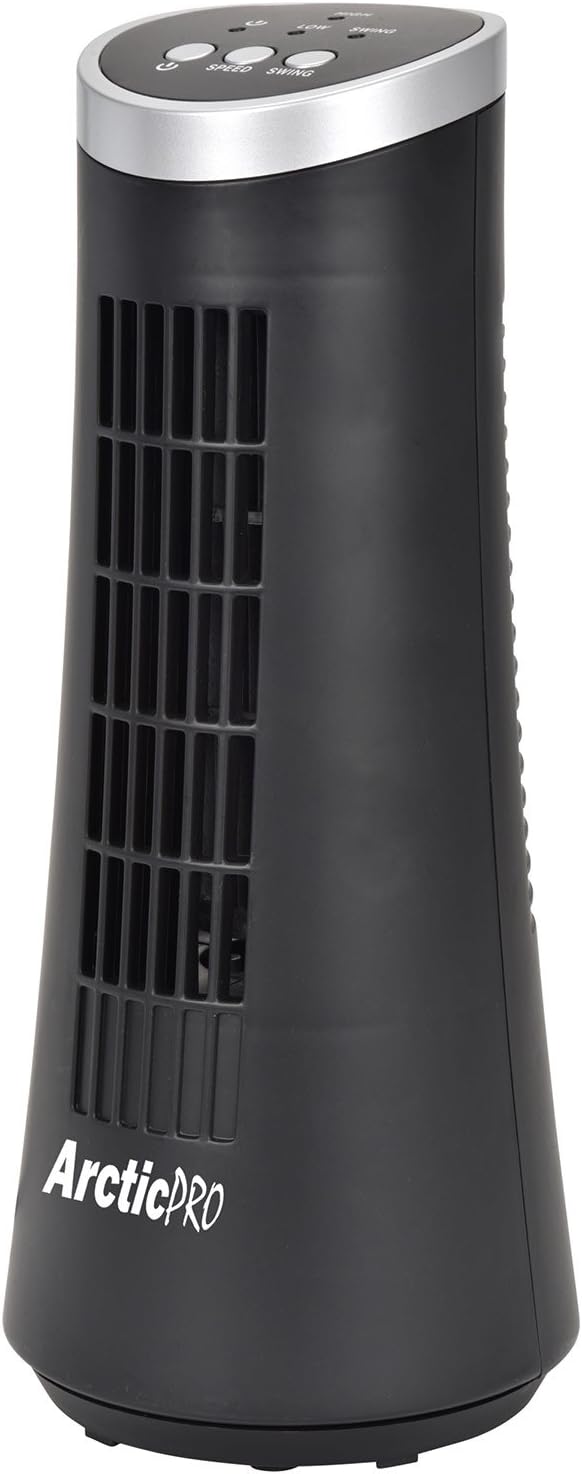
Figure 1: Arctic-Pro Mini Desk Oscillating Tower Fan, a compact black tower fan with a silver top panel.
Характеристики и компоненты продукта
Familiarize yourself with the key features and components of your fan for optimal use.
- Бесшумная работа: Engineered to produce minimal operational noise, ensuring no distractions during work or sleep.
- Портативный и компактный дизайн: Features a convenient carrying handle for easy transport between rooms. Ideal for desks, nightstands, and small spaces. Dimensions: 5 x 12 inches.
- Две настройки скорости: Adjustable airflow from Low to High wind via electronic touch controls with LED indicators.
- 75-градусное колебание: Provides wide-angle air distribution and circulation to cool your entire area effectively.
- Electronic Touch Controls: Intuitive controls located on the top panel for power, speed, and oscillation.

Рисунок 2: Болееview of fan components, highlighting the user controls on top, the front grill, the handle on the back, and the oscillating base.
Настраивать
The Arctic-Pro Mini Desk Oscillating Tower Fan requires no assembly. Simply remove it from its packaging and place it on a stable, flat surface.
- Unpack the fan carefully from its box.
- Place the fan on a firm, level surface, ensuring adequate space around it for air circulation and oscillation.
- Plug the power cord into a standard electrical outlet (AC 120V, 60Hz).
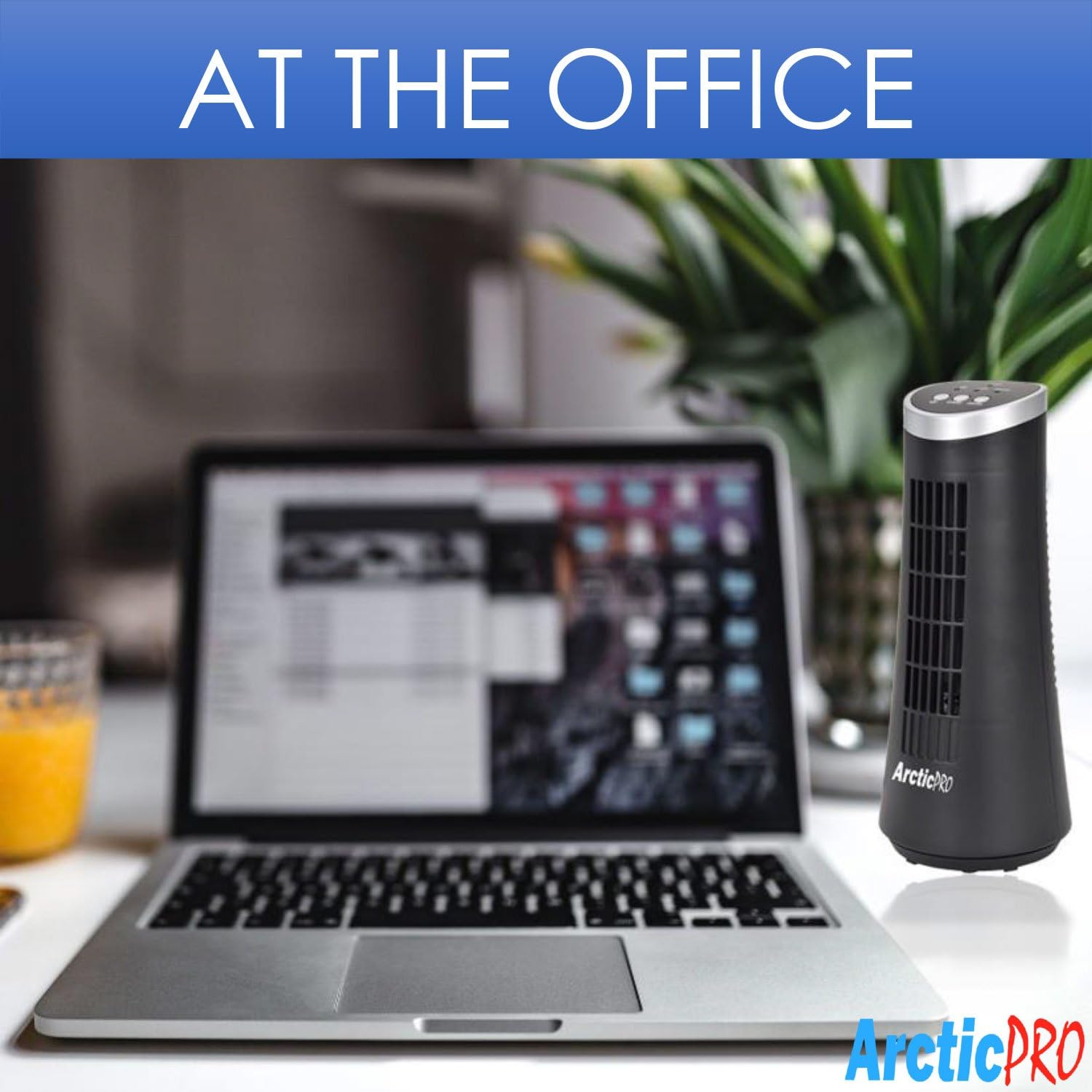
Figure 3: The product packaging, indicating the fan is ready to use out of the box.
Инструкция по эксплуатации
The fan is operated using the touch controls located on the top panel.

Рисунок 4: Подробная информация view of the fan's touch control panel, showing buttons for On/Off, Speed (Low/High), and Oscillation (Swing).
- Включение/выключение питания: Нажмите Кнопка питания to turn the fan on or off. An LED indicator will illuminate when the fan is on.
- Регулировка скорости: Нажмите Кнопка ускорения to cycle between Low and High speed settings. Corresponding LED indicators will show the selected speed.
- Контроль колебаний: Нажмите Кнопка качания to activate or deactivate the 75-degree oscillation function. When active, the fan will rotate from side to side to distribute air across a wider area.
Техническое обслуживание и уход
Regular cleaning and proper care will ensure the longevity and efficient operation of your fan.
- Уборка:
- Перед чисткой всегда отключайте вентилятор от розетки.
- Используйте мягкий, damp Ткань для протирки внешних поверхностей вентилятора. Не используйте абразивные чистящие средства или растворители.
- To clean the fan grill, use a vacuum cleaner with a brush attachment to remove dust and debris. Do not attempt to disassemble the fan for cleaning.
- Хранилище:
- If storing the fan for an extended period, clean it thoroughly and place it back in its original packaging or a suitable box.
- Храните вентилятор в прохладном, сухом месте, вдали от прямых солнечных лучей и экстремальных температур.
Note: Do not immerse the fan in water or allow water to drip into the motor housing.
Поиск неисправностей
Если у вас возникли проблемы с вентилятором, ознакомьтесь со следующими распространенными проблемами и решениями:
| Проблема | Возможная причина | Решение |
|---|---|---|
| Вентилятор не включается. | Не подключено к сети; розетка не работает; выключатель вентилятора выключен. | Ensure the power cord is securely plugged into a working electrical outlet. Press the Power button. Test the outlet with another device. |
| Слабый поток воздуха или его отсутствие. | Fan speed set to low; air intake/output blocked; excessive dust buildup. | Increase the fan speed using the Speed button. Ensure nothing is obstructing the front grill or rear air intake. Clean the fan grill to remove dust. |
| Вентилятор не вибрирует. | Функция колебания отключена. | Press the Swing button to activate the oscillation function. |
| Необычный шум во время работы. | Fan not on a level surface; internal obstruction. | Place the fan on a stable, level surface. Unplug the fan and check for any visible obstructions in the grill. If the noise persists, discontinue use and contact customer support. |
Технические характеристики
| Атрибут | Деталь |
|---|---|
| Бренд | Arctic-Pro |
| Номер модели | 21599 |
| Размеры продукта | 5"Г x 5"Ш x 12"В (12.7 см Г x 12.7 см Ш x 30.48 см В) |
| Цвет | Черный |
| Источник питания | Проводной электрический |
| Метод контроля | Трогать |
| Особые возможности | Oscillating, Portable, Ultra-Quiet Operation |
| Вес товара | 2.45 фунтов (1.11 кг) |
| СКП | 815691021599 |

Figure 5: Dimensions of the fan, indicating a height of 12.5 inches (31.75 cm) and a base width of 5 inches (12.7 cm).
Важная информация по безопасности
Пожалуйста, внимательно ознакомьтесь со всеми инструкциями по технике безопасности и соблюдайте их, чтобы предотвратить травмы или повреждения.
- Не используйте вентилятор с поврежденным шнуром или вилкой. Выбросьте вентилятор или верните его в авторизованный сервисный центр для проверки и/или ремонта.
- Не прокладывайте шнур под ковровым покрытием. Не накрывайте шнур коврами, дорожками или подобными покрытиями. Не прокладывайте шнур под мебелью или бытовой техникой. Располагайте шнур вдали от проезжей части и там, где о него не споткнутся.
- Чтобы отключить вентилятор, поверните регуляторы в положение ВЫКЛ., затем выньте вилку из розетки.
- Не вставляйте и не допускайте попадания пальцев или посторонних предметов в вентиляционные или вытяжные отверстия, так как это может привести к поражению электрическим током, возгоранию или повреждению вентилятора.
- Не блокируйте каким-либо образом отверстия для забора или выпуска воздуха. Не используйте на мягких поверхностях, например, на кровати, где отверстия могут быть заблокированы.
- Этот вентилятор не предназначен для использования во влажных илиamp локации.
- Always place the fan on a stable, flat surface during operation to prevent tipping.
- Необходимо обеспечить строгий надзор, если какой-либо прибор используется детьми или рядом с ними.
Поддержка клиентов
For any questions, concerns, or assistance with your Arctic-Pro Mini Desk Oscillating Tower Fan, please contact your retailer or the manufacturer's customer service. While specific warranty details are not provided in this manual, the product is backed by a 30-day full money-back guarantee from the point of purchase, as per product information.
Пожалуйста, сохраните чек о покупке в качестве подтверждения покупки для обращения в службу поддержки.


