1. Введение
This manual provides detailed instructions for the installation, operation, and maintenance of your ANNKE 5MP Bullet Wireless Security Camera. Please read this manual thoroughly before using the product to ensure proper setup and functionality. This camera is designed for both indoor and outdoor surveillance, featuring 5MP Super HD resolution, IP66 weatherproof rating, and 100ft night vision.
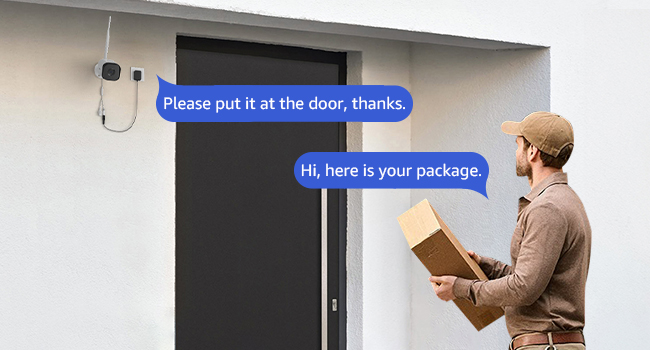
Image: An ANNKE 5MP Outdoor Security WiFi Camera mounted on a house exterior, highlighting its 5MP resolution and 24/7 recording capabilities.
2. Что в коробке
Убедитесь, что в упаковке присутствуют все компоненты:
- 2 x 5MP Wireless Camera
- 2 x Antenna & 1x Extension Antenna
- 2 x Mounting Screws Bag & 2 x Sticker
- Адаптер питания
- 1 х Краткое руководство пользователя
Image: All components included in the ANNKE 5MP Bullet Wireless Security Camera package, showing two cameras, antennas, power adapters, mounting hardware, and a quick start guide.
3. Инструкции по настройке
3.1 Important Note: NVR Requirement
These IP cameras require connection to an ANNKE Network Video Recorder (NVR) to function. The NVR is not included in this package and must be purchased separately. Ensure your NVR is compatible with 5MP wireless cameras.
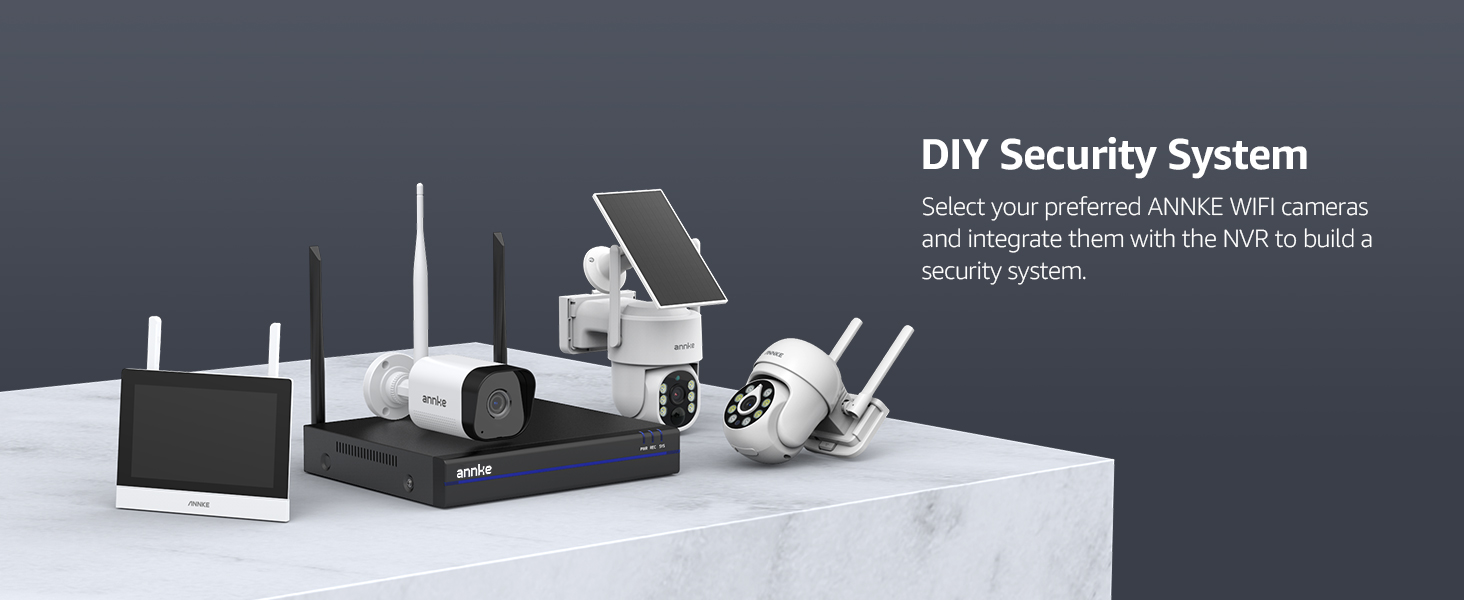
Image: Diagram illustrating the ANNKE camera wirelessly paired with an ANNKE NVR system, showing various ANNKE NVR models.
3.2 Установка камеры
- Выберите местоположение: Select a suitable indoor or outdoor location for your camera. Consider the desired viewing area, proximity to a power outlet, and Wi-Fi signal strength. The camera is IP66 weatherproof, suitable for various outdoor conditions.
- Монтаж: Use the provided mounting screws and stickers to securely attach the camera to a wall or ceiling. Ensure the camera is positioned to cover the desired surveillance area.
- Подключите питание: Connect the provided DC12V/1A power adapter to the camera and plug it into a power outlet. The camera requires continuous power for operation.
- Прикрепите антенны: Screw the 5dB antennas onto the camera. For extended range, use the 7dB extension antenna if needed.
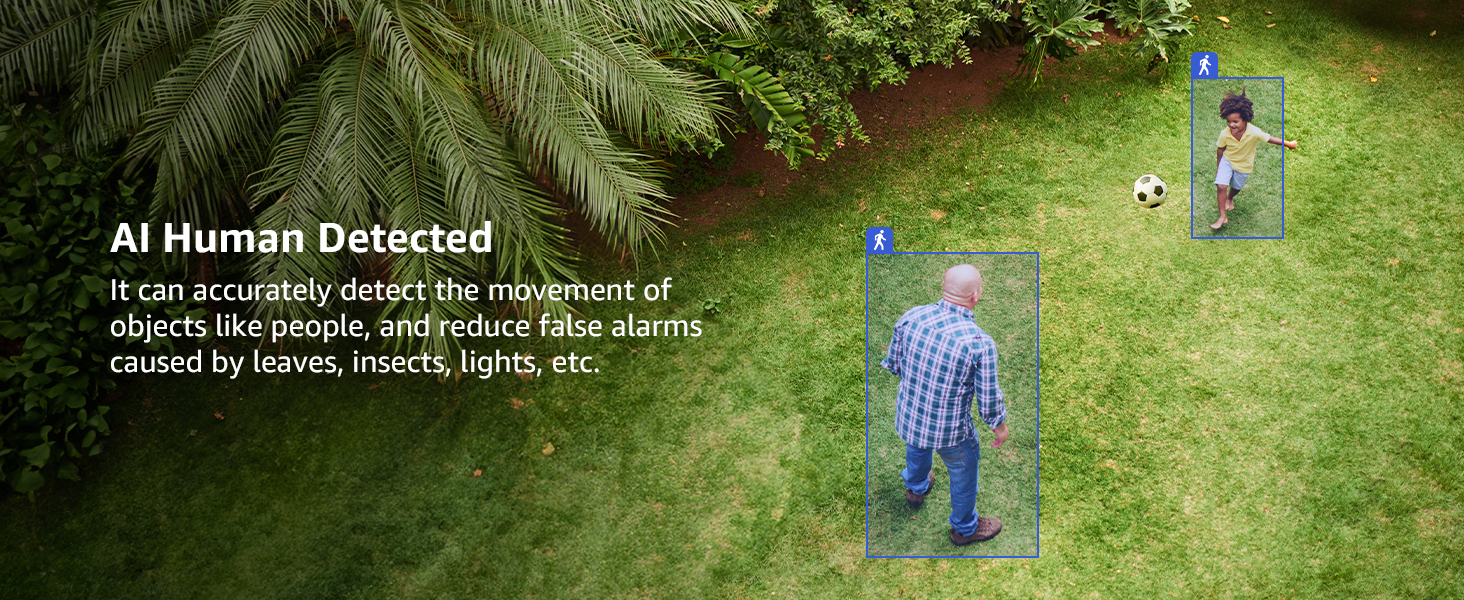
Image: An ANNKE camera mounted on an exterior wall, shown enduring snow, rain, and sunshine, highlighting its IP66 weatherproof design.
3.3 NVR Pairing (Wireless)
Refer to your ANNKE NVR's instruction manual for specific steps on adding wireless IP cameras. Generally, this involves accessing the NVR's camera management interface and initiating a wireless pairing process. The cameras will automatically connect to the NVR's Wi-Fi network.
4. Инструкция по эксплуатации
4.1 Continuous Monitoring (24/7 Recording)
With a continuous power supply, the camera provides 24/7 monitoring and recording when connected to your NVR. This ensures constant surveillance of your property.

Image: A security camera shown monitoring a house throughout a 24-hour cycle, from day to night, indicating continuous recording capability.
4.2 5MP Super HD Video Quality
The camera captures video in 5MP Super HD resolution, providing clear and detailed images for effective surveillance.

Image: A side-by-side comparison showing the superior clarity of 5MP Super HD video compared to 3MP resolution, focusing on a house exterior.
4.3 100ft Super Night Vision
Equipped with built-in IR lights, the camera provides clear night vision up to 100 feet, ensuring visibility even in complete darkness.
4.4 Двусторонняя аудиосвязь
Utilize the built-in microphone and speaker to engage in two-way communication through the ANNKE Sight app on your smartphone. This allows you to speak with visitors or deter intruders remotely.
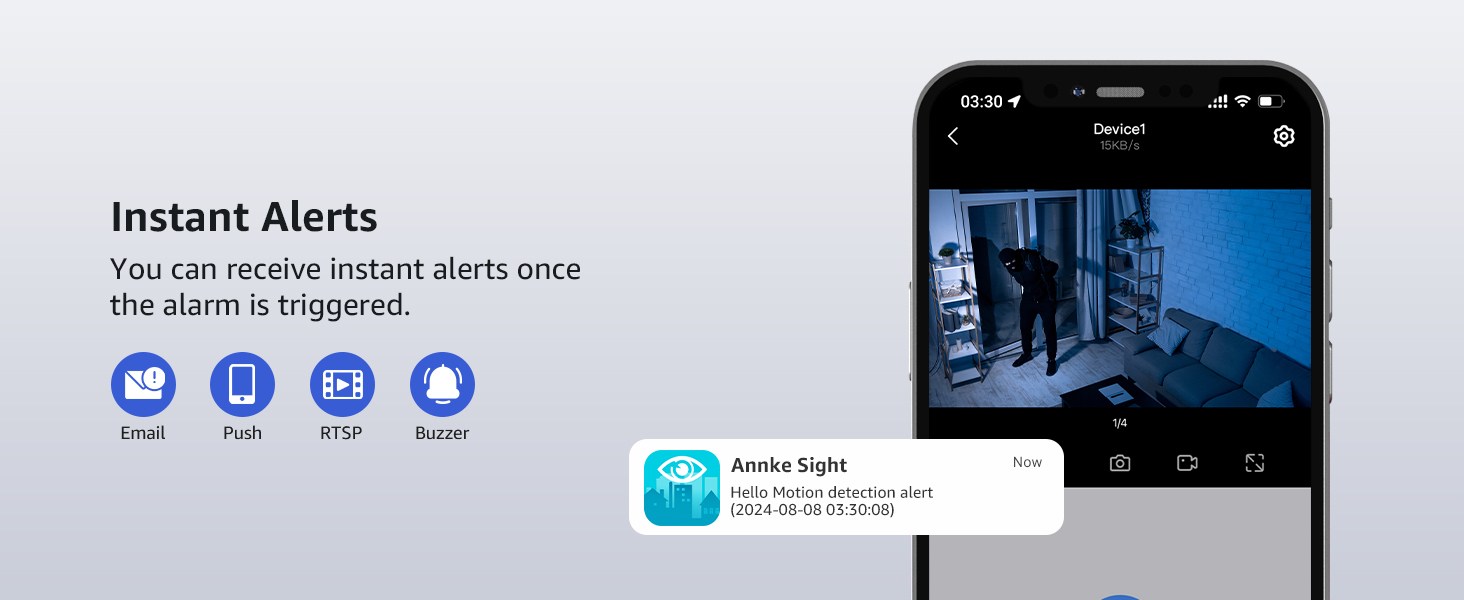
Image: A user interacting with a delivery person via the camera's two-way audio feature, showing a phone screen with the live feed and a speech bubble.
4.5 Remote Access and Viewing
Доступ в прямом эфире viewи записанная едаtage from your smart devices (iOS, Android) using the ANNKE Sight app, or via a web browser on Windows. This allows for remote monitoring from anywhere with an internet connection.
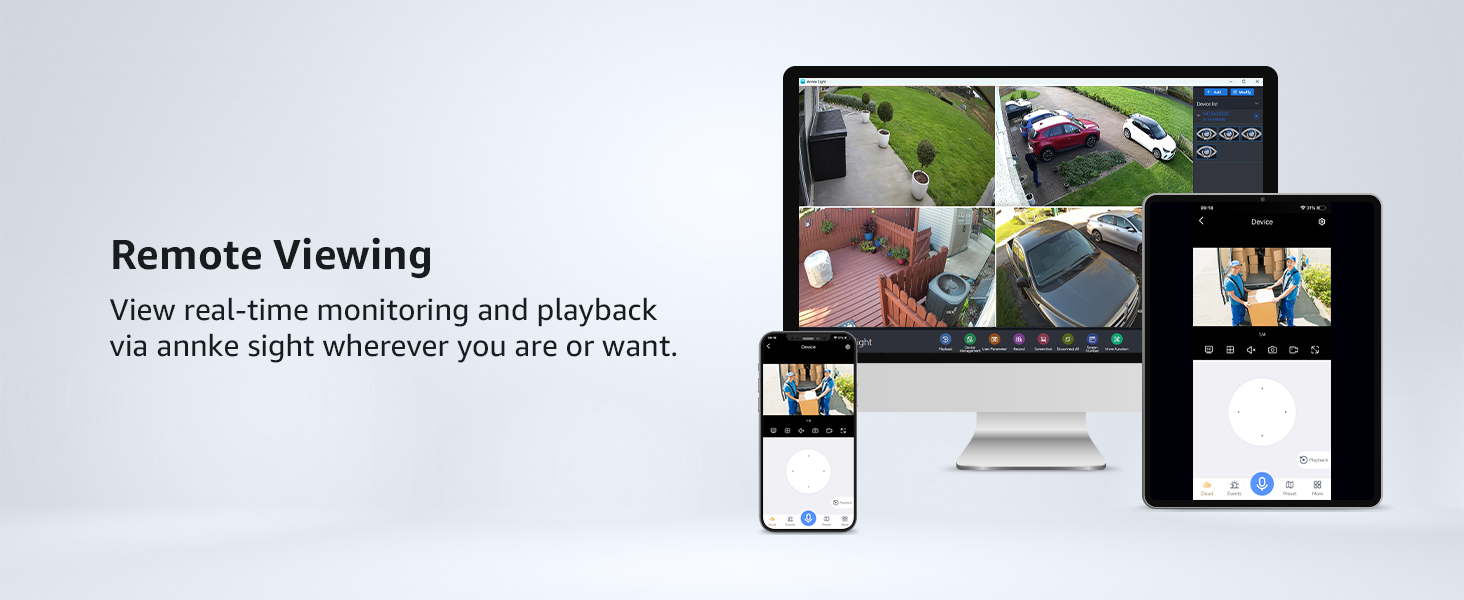
Изображение: Человек viewing camera feeds on a smartphone, tablet, and computer, demonstrating the remote access capabilities across various devices.
4.6 AI Human Detection & Instant Alerts
The camera's AI human detection feature accurately identifies human figures within its field of view, reducing false alarms from other movements. Upon detection, you will receive instant alerts via the ANNKE Sight app.

Image: A smartphone screen showing an "Annke Sight" app notification for a motion detection alert, with a live view of a person inside a house.
4.7 Monitor Area Setting & Privacy Masking
Customize specific monitoring areas within the camera's view to focus on critical zones and reduce unnecessary alerts. Additionally, you can set up to 4 privacy masks to block out areas you do not wish to record, ensuring privacy.
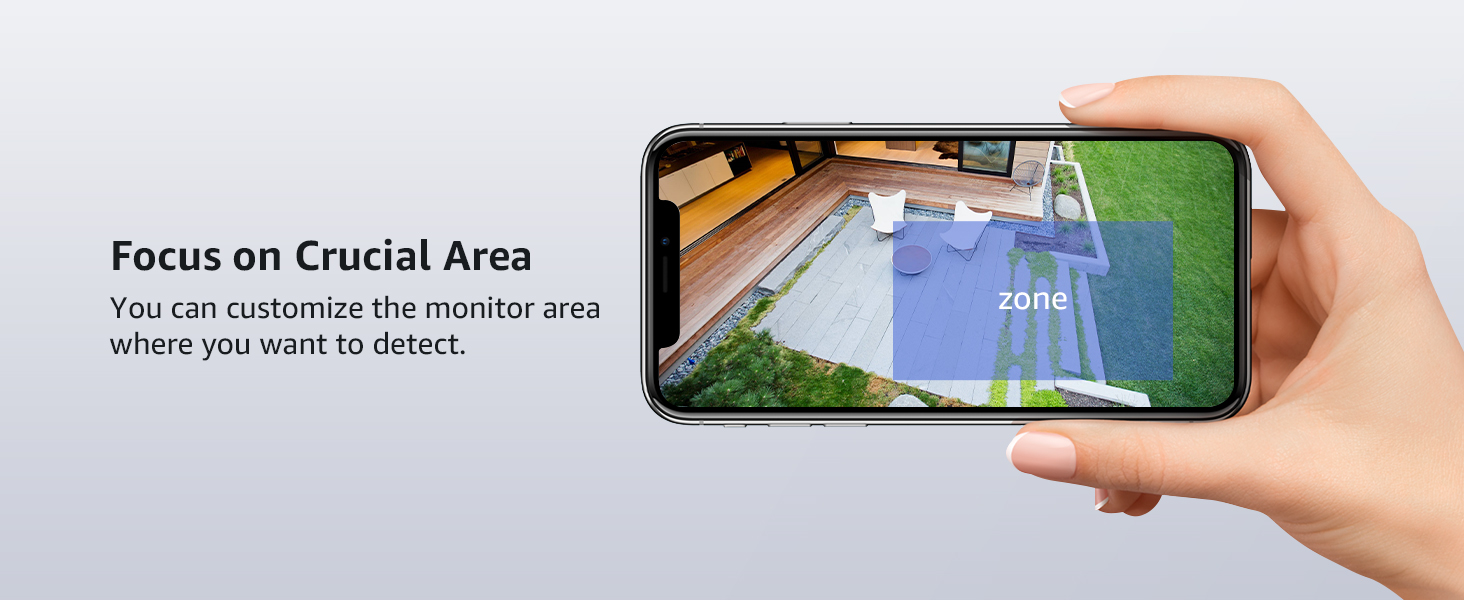
Image: A smartphone screen displaying a camera's live view with a customizable monitoring zone highlighted, allowing users to focus detection on specific areas.
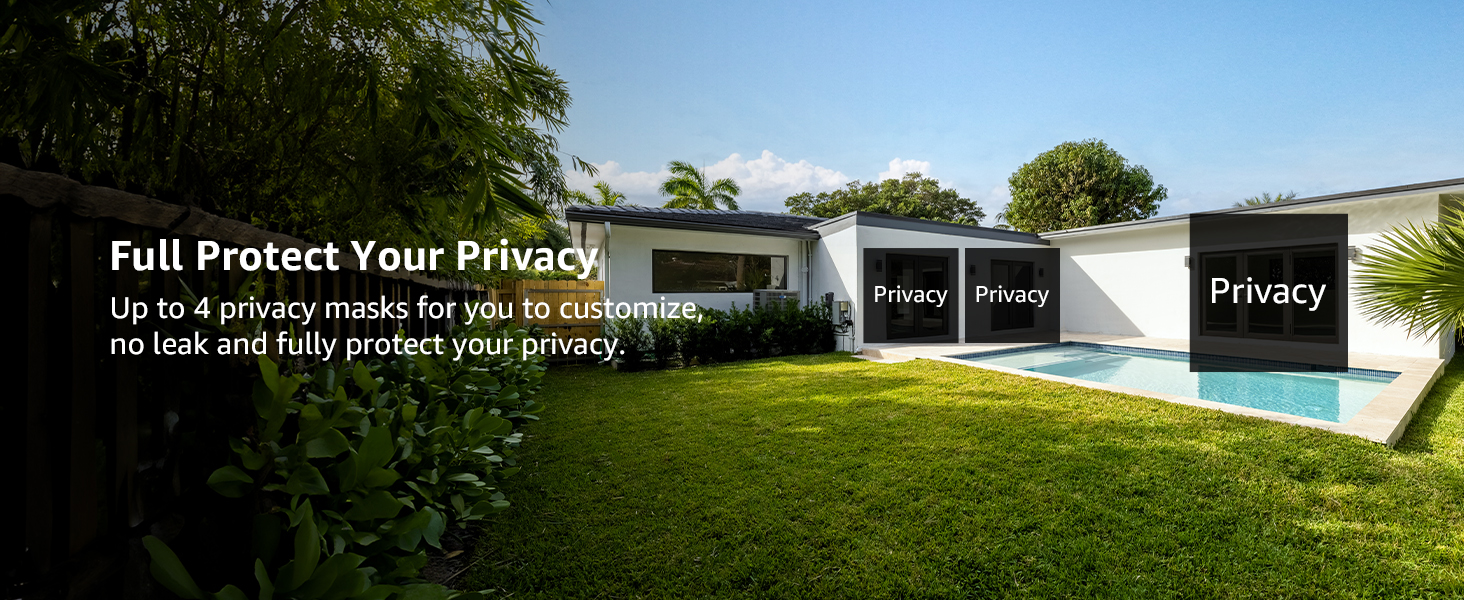
Image: An outdoor scene showing a house with several windows obscured by dark privacy masks, demonstrating the camera's privacy protection feature.
5. Техническое обслуживание
- Уборка: Регулярно протирайте объектив камеры мягкой сухой тканью, чтобы обеспечить чёткое изображение. Избегайте использования абразивных чистящих средств.
- Обновления прошивки: Проверьте ANNKE website or the ANNKE Sight app periodically for firmware updates to ensure optimal performance and security.
- Источник питания: Убедитесь, что адаптер питания и кабель не повреждены. Замените их при обнаружении износа или разрыва.
- Условия окружающей среды: While IP66 weatherproof, extreme conditions outside the operating temperature range (-4°F to 140°F / -20°C to 60°C) may affect performance.
6. Поиск Неисправностей
| Проблема | Возможная причина | Решение |
|---|---|---|
| Камера не включается | Нет питания, неисправен адаптер/кабель. | Проверьте подключение к электросети, попробуйте другую розетку, осмотрите адаптер/кабель на наличие повреждений. |
| No video feed on NVR | Camera not paired, weak Wi-Fi signal, NVR issue | Ensure camera is powered and paired with NVR. Check Wi-Fi signal strength. Refer to NVR manual. |
| Плохое качество изображения | Загрязнённый объектив, низкая освещённость, пропускная способность сети. | Clean the camera lens. Ensure adequate lighting or check night vision settings. Verify network speed. |
| Частые ложные срабатывания | Sensitivity too high, environmental factors | Adjust motion detection sensitivity in the app. Utilize AI human detection and monitor area settings. |
| Двусторонняя аудиосвязь не работает | Микрофон/динамик отключен, разрешения приложения. | Check audio settings in the ANNKE Sight app. Ensure app has microphone permissions on your device. |
7. Технические характеристики
| Особенность | Деталь |
|---|---|
| Номер модели | 3216560481 |
| Разрешение видео | 5MP Super HD (2560x1920) |
| Диапазон ночного видения | До 100 футов (30 метров) |
| Всепогодный рейтинг | IP66 (Indoor/Outdoor use) |
| Связность | Беспроводная связь (Wi-Fi) |
| Аудио | Двусторонняя аудиосвязь (встроенный микрофон и динамик) |
| Обнаружение | AI обнаружение человека |
| Источник питания | DC12V/1A Power Adapter (Wired) |
| Рабочая температура | от -4°F до 140°F (от -20°C до 60°C) |
| Размеры (Д x Ш x В) | 7.64 x 6.5 x 5.31 дюйма |
| Масса | 2.07 фунта |
| Включенные компоненты | 2x Cameras, 2x Antennas, 1x Extension Antenna, 2x Mounting Kits, 2x Stickers, Power Adapters, Quick Start Guide |
8. Гарантия и поддержка
На продукцию ANNKE обычно распространяется гарантия производителя. Пожалуйста, ознакомьтесь с гарантийным талоном, входящим в комплект поставки, или посетите официальный сайт ANNKE. website for detailed warranty information and terms. For technical assistance, product support, or warranty claims, please contact ANNKE customer service through their official channels. Lifetime technical support is often provided.
Более подробную информацию и поддержку вы можете найти на сайте Магазин ANNKE на Amazon.


