1. Введение
Thank you for choosing the Mac Audio Ice Cube 12-300mm Subwoofer. This manual provides essential information for the proper installation, operation, and maintenance of your new car audio subwoofer. Please read these instructions carefully before attempting to install or use the product to ensure optimal performance and safety.
2. Инструкции по технике безопасности
Всегда соблюдайте следующие меры предосторожности, чтобы предотвратить травмы или повреждение изделия и транспортного средства:
- Рекомендуется профессиональная установка: Installation of car audio components can be complex. If you are unsure about any part of the installation process, consult a qualified professional installer.
- Отключить аккумулятор: Before starting any electrical work, disconnect the vehicle's negative battery terminal to prevent short circuits and electrical hazards.
- Правильная проводка: Ensure all wiring is correctly connected, insulated, and secured to prevent shorts, overheating, and interference. Use appropriate gauge wires for power and speaker connections.
- Монтаж безопасности: Надежно закрепите сабвуфер, чтобы он не превратился в снаряд в случае резкой остановки или столкновения.
- Вентиляция: Обеспечьте достаточную вентиляцию вокруг сабвуфера и ampсветильник для предотвращения перегрева.
- Уровни громкости: Длительное воздействие высокой громкости может привести к повреждению слуха. Отрегулируйте громкость до безопасного и комфортного уровня.
3. Продукт закончилсяview
The Mac Audio Ice Cube 12-300mm Subwoofer is designed to deliver powerful bass performance for your car audio system. It features a robust construction suitable for both enclosed and bass-reflex mounting applications.
Основные характеристики:
- 300 mm subwoofer for enclosed/bass-reflex mounting.
- High-performance 5 cm voice coil with Japanese Totoku wire and additional ventilation.
- Steel basket with multi-layer coating for reduced resonance.
- High-power 40 oz magnet with protective cap.
Компоненты:
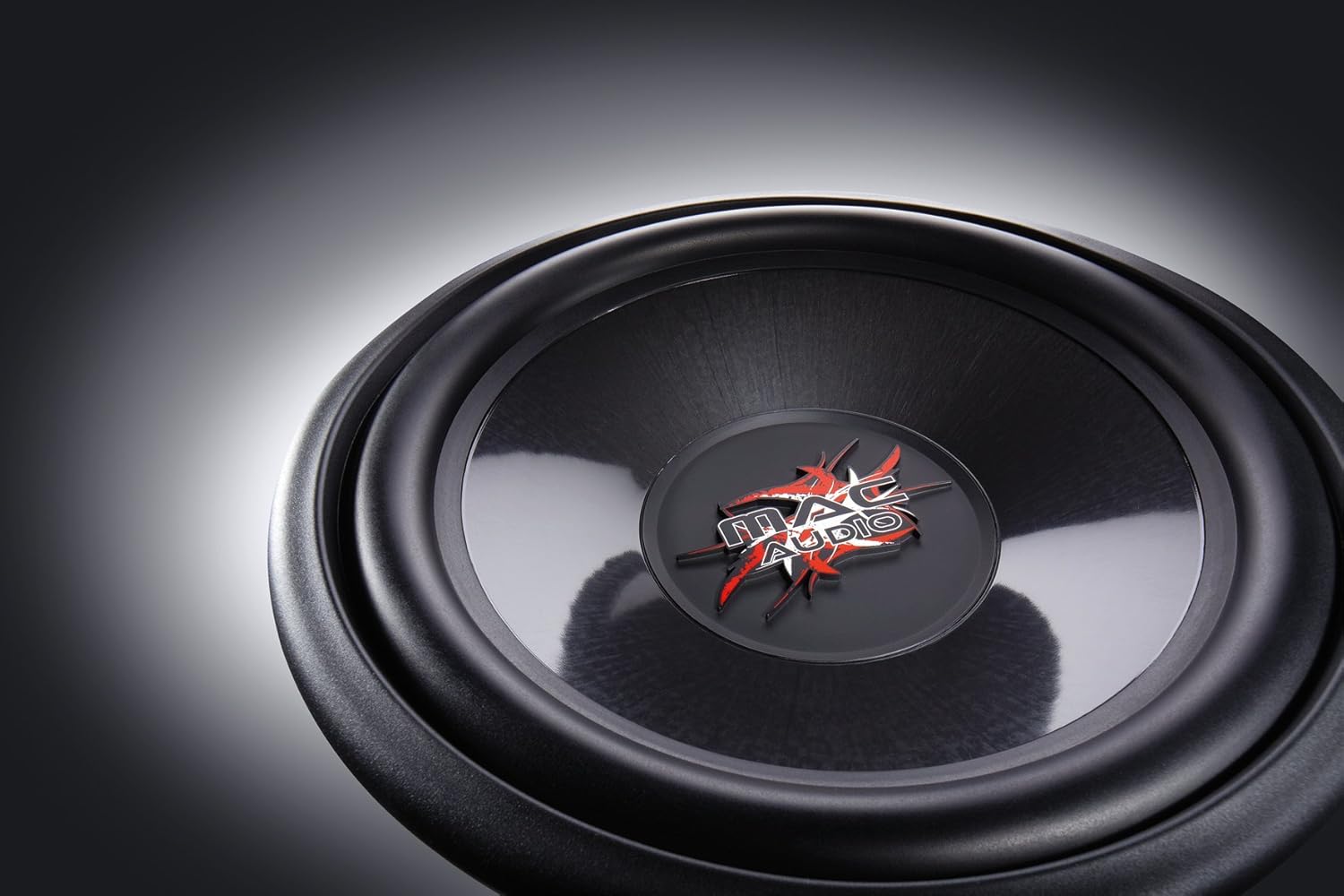
The subwoofer consists of the speaker driver, a robust steel basket, a voice coil, and a powerful magnet assembly. The terminals for connecting speaker wires are located on the side of the basket.

4. Настройка и установка
Proper installation is crucial for the performance and longevity of your subwoofer. This subwoofer is designed for integration into a custom enclosure, either sealed (enclosed) or ported (bass-reflex).
4.1 Конструкция корпуса
- Герметичный корпус: Provides tight, accurate bass response. The internal volume of the enclosure should be calculated based on the subwoofer's Thiele-Small parameters for optimal performance.
- Ported (Bass-Reflex) Enclosure: Offers louder bass output at specific frequencies. Requires careful design of port dimensions (length and diameter) to tune the enclosure to the desired frequency.
- Consult a car audio specialist or use specialized software for precise enclosure design.
4.2 Установка сабвуфера
- Ensure the enclosure has a cutout of the correct diameter for the subwoofer.
- Place the subwoofer into the cutout, aligning the mounting holes.
- Secure the subwoofer using appropriate screws, ensuring an airtight seal between the subwoofer frame and the enclosure. Do not overtighten.
4.3 Подключение проводки
Подключите сабвуфер к подходящему ampпожизненнее. Убедитесь, что amplifier can provide sufficient power within the subwoofer's rated specifications. Pay close attention to polarity.
- Клеммы динамика: The subwoofer has clearly marked positive (+) and negative (-) terminals.
- AmpПодключение: Подключите положительный (+) контакт сабвуфера к положительному (+) выходу динамика вашего устройства. ampПодключите отрицательный (-) вывод сабвуфера к отрицательному (-) выходу динамика вашего усилителя. ampпожизненнее.
- Проволочный калибр: Use appropriate gauge speaker wire (e.g., 12-16 gauge) for the distance and power levels.
- Безопасные соединения: Убедитесь, что все соединения надежно закреплены и не имеют поврежденных проводов, которые могут вызвать короткое замыкание.
5. Инструкция по эксплуатации
Once installed, follow these steps for initial operation and optimal sound adjustment:
- Начальное включение: After all connections are made and checked, reconnect the vehicle's battery. Turn on your car audio system.
- AmpНастройки лифта:
- Gain Control: Начнем с amplifier's gain control at its minimum setting. Gradually increase the gain until the subwoofer output matches the rest of your system without distortion. Avoid setting the gain too high, as this can lead to clipping and damage.
- Фильтр нижних частот (ФНЧ): Установите amplifier's low-pass filter to a suitable frequency, typically between 60 Hz and 100 Hz. This ensures the subwoofer only reproduces low frequencies.
- Усиление басов: Use bass boost sparingly, if at all. Excessive bass boost can cause distortion and damage the subwoofer.
- Период обкатки: Allow a break-in period of approximately 10-20 hours of normal listening before operating the subwoofer at maximum volume. This allows the suspension components to loosen up and perform optimally.
6. Техническое обслуживание
The Mac Audio Ice Cube subwoofer requires minimal maintenance to ensure long-term performance.
- Уборка: Use a soft, dry cloth to wipe down the subwoofer cone and frame. Avoid using harsh chemicals or abrasive cleaners.
- Инспекция: Periodically check all wiring connections for tightness and signs of corrosion. Ensure the subwoofer is still securely mounted in its enclosure.
- Факторы окружающей среды: Защищайте сабвуфер от экстремальных температур, прямых солнечных лучей и влаги.
7. Поиск Неисправностей
Если у вас возникли проблемы с сабвуфером, ознакомьтесь со следующими распространенными проблемами и решениями:
| Проблема | Возможная причина | Решение |
|---|---|---|
| Нет звука из сабвуфера |
|
|
| Искаженные или слабые басы |
|
|
| Subwoofer cuts out |
|
|
Если проблема не исчезнет после применения этих решений, обратитесь к своему дилеру или квалифицированному специалисту по обслуживанию.
8. Технические характеристики
The following are the technical specifications for the Mac Audio Ice Cube 12-300mm Subwoofer (Model 1328320):
| Спецификация | Ценить |
|---|---|
| Бренд | МАК АУДИО |
| Тип динамика | Сабвуфер |
| Власть | 1200 Вт (пиковая) |
| Размеры продукта (Д x Ш x В) | 31.7 х 31.7 х 13 см |
| Вес товара | 3.3 Килограмма |
| Номер модели товара | 1328320 |
| Тип крепления | Table Mount (Refers to general mounting, typically in an enclosure) |
| Software updates guaranteed until | Информация недоступна. |
9. Гарантия и поддержка
For warranty information, please refer to the documentation provided at the time of purchase or contact your authorized Mac Audio dealer. Keep your proof of purchase for any warranty claims.
For technical support or further assistance, please contact the retailer where you purchased the product or visit the official Mac Audio webсайт для контактных данных.