
1. Введение
Welcome to the OPPO K14 5G Smartphone user manual. This guide provides comprehensive instructions to help you set up, operate, and maintain your new device. Please read this manual thoroughly to ensure optimal performance and longevity of your smartphone.
2. Продукт закончилсяview
The OPPO K14 5G is a high-performance smartphone designed for daily use, gaming, and content creation. It features a durable design, a powerful 7000 mAh battery, 6GB RAM, 128GB internal storage, and a SuperCool VC System for efficient thermal management.
2.1 Компоненты устройства
- Отображать: Large, vibrant screen for immersive viewинж.
- Задние камеры: Dual AI camera system for high-quality photography.
- Фронтальная камера: Для селфи и видеозвонков.
- Кнопка питания: Located on the side, used for power on/off and screen lock.
- Кнопки громкости: Located on the side, used to adjust audio levels.
- Порт USB-C: Для зарядки и передачи данных.
- Слот для SIM/SD-карты: Для установки SIM-карт и расширения памяти.
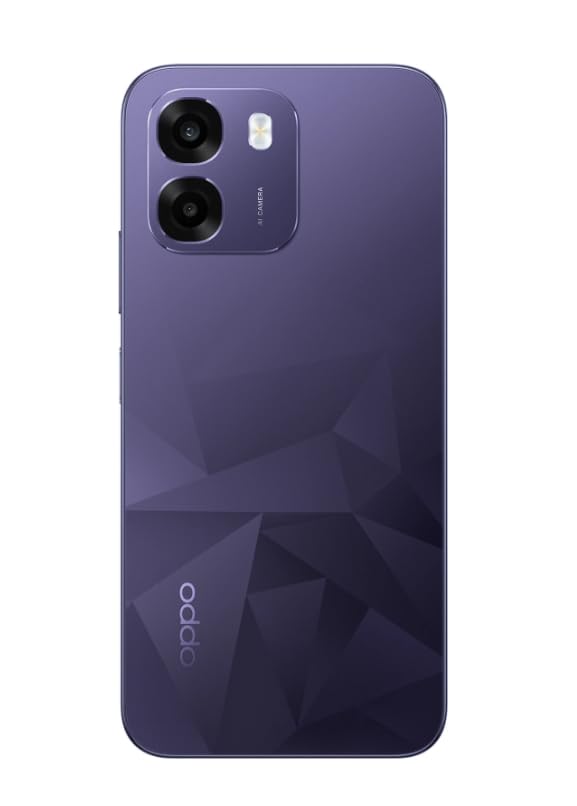
Изображение: сзади view of the OPPO K14 5G Smartphone, showcasing the dual camera setup and geometric pattern in Prism Violet.
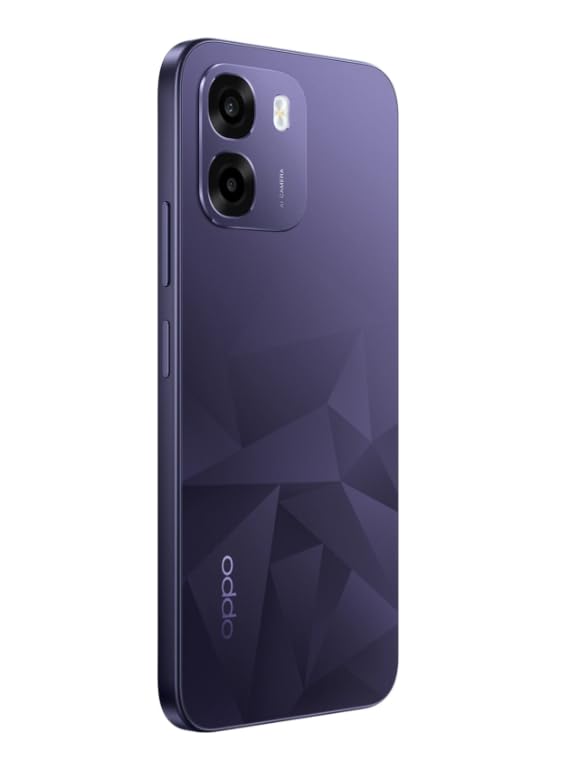
Изображение: сбоку view of the OPPO K14 5G Smartphone, highlighting the slim profile и размещение кнопок.
3. Настройка
3.1 Установка SIM-карты/SD-карты
- Найдите лоток для SIM-карты/SD-карты на боковой стороне вашего устройства.
- Вставьте инструмент для извлечения SIM-карты в небольшое отверстие рядом с лотком и аккуратно нажмите, чтобы лоток выдвинулся.
- Вставьте карту Nano-SIM и/или карту microSD в лоток позолоченными контактами вниз. Убедитесь, что они установлены правильно.
- Аккуратно вставьте лоток обратно в телефон.
3.2 Первоначальное включение и настройка
- Нажмите и удерживайте кнопку питания, пока не появится логотип OPPO.
- Следуйте инструкциям на экране, чтобы выбрать язык, регион, подключиться к Wi-Fi и настроить учетную запись Google.
- You can transfer data from an old device during this process or skip it for later.
3.3 Зарядка устройства
Before first use, it is recommended to fully charge your OPPO K14 5G. Connect the USB-C cable to the phone's charging port and the other end to a compatible power adapter. The device supports 45W fast charging.
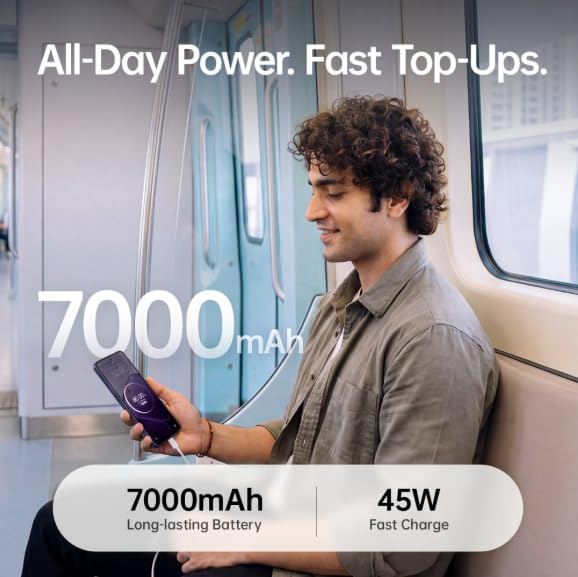
Image: The OPPO K14 5G highlighting its 7000mAh long-lasting battery and 45W fast charge capability.
4. Инструкция по эксплуатации
4.1 Базовая навигация
- Трогать: Нажмите, чтобы выбрать элементы, открыть приложения или подтвердить действия.
- Проведите пальцем по экрану: Move your finger across the screen to scroll, switch between home screens, or navigate within apps.
- Ущипнуть: Используйте два пальца для увеличения или уменьшения масштаба фотографий и web страниц.
- Жесты: Customize navigation gestures in Settings for a fluid experience. The 120Hz display ensures smooth motion.
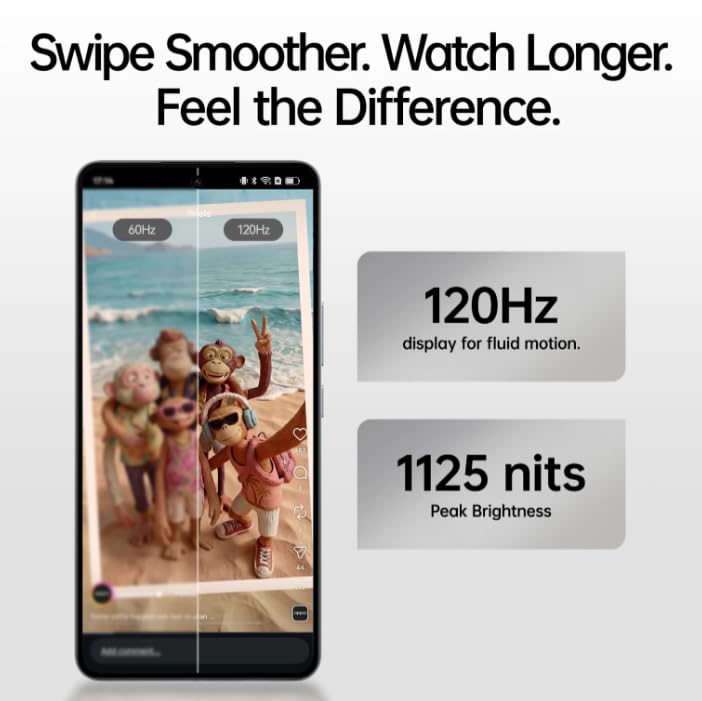
Image: The OPPO K14 5G display showcasing 120Hz for fluid motion and 1125 nits peak brightness.
4.2 Звонки и сообщения
- Делая звонки: Откройте приложение «Телефон», введите номер и нажмите значок вызова.
- Отправка сообщений: Откройте приложение «Сообщения», нажмите, чтобы начать новый разговор, введите получателя и ваше сообщение.
4.3 Сетевое подключение
The OPPO K14 5G supports 5G connectivity for fast internet speeds. Ensure your SIM card supports 5G and that you are in a 5G coverage area. You can manage Wi-Fi and mobile data settings in the Settings app.
5. Использование камеры
Your OPPO K14 5G is equipped with a dual AI camera system designed to capture sharp and detailed photos in various conditions. The main camera is 50MP.
5.1 Фото- и видеосъемка
- Откройте приложение «Камера».
- Выберите нужный режим (Фото, Видео, Портрет, Ночь и т. д.).
- Нажмите кнопку спуска затвора, чтобы сделать фотографию или начать/остановить запись видео.
- Use the zoom controls or switch between lenses as needed.
6. Управление батареей
The OPPO K14 5G features a large 7000 mAh battery, providing extended usage time. To maximize battery life:
- Отрегулируйте яркость экрана.
- Закройте неиспользуемые приложения, работающие в фоновом режиме.
- Включите режимы энергосбережения при низком заряде батареи.
- Избегайте экстремальных температур.
7. Производительность и охлаждение
The device is engineered for smooth performance with 6GB RAM and is equipped with a SuperCool VC System. This system includes a 3900 mm² vapour chamber cooling area, which effectively dissipates heat during intensive tasks like gaming, ensuring sustained performance without overheating.
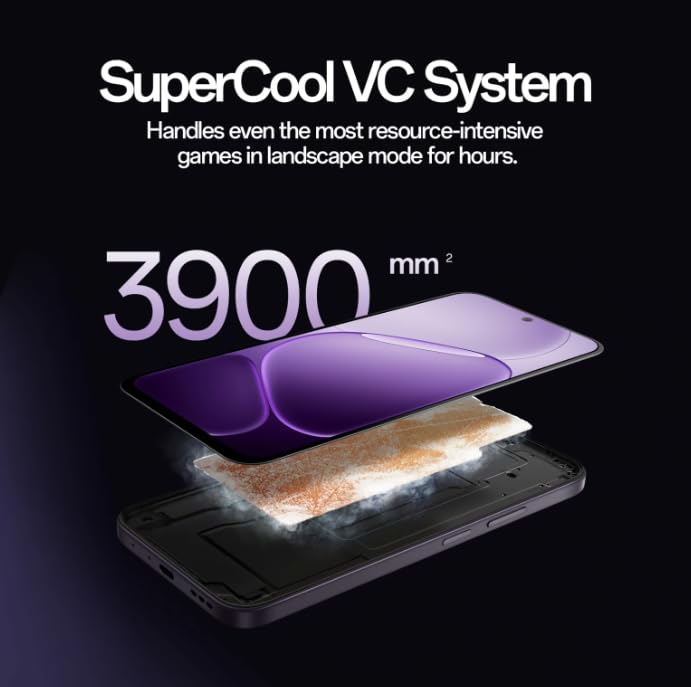
Image: Diagram illustrating the SuperCool VC System with its 3900 mm² vapour chamber, designed to prevent overheating during extended use.
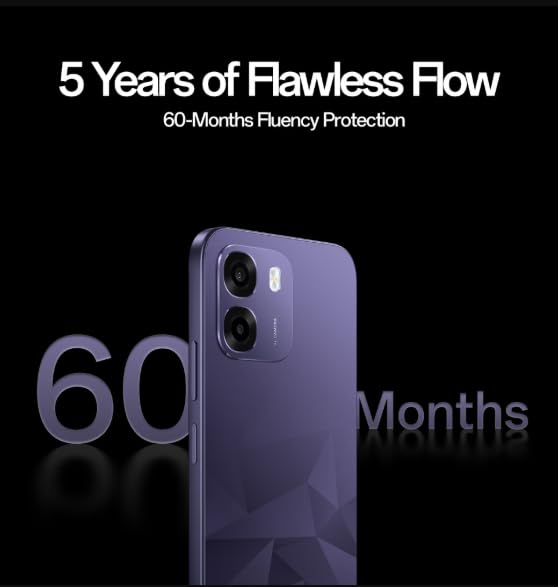
Image: The OPPO K14 5G promoting 60-Months Fluency Protection for long-term smooth performance.
8. Техническое обслуживание
8.1 Очистка устройства
Use a soft, lint-free cloth to clean the screen and body of your phone. Avoid using harsh chemicals or abrasive materials. The device offers IP69 all-weather protection.
8.2 Обновления программного обеспечения
Regularly check for and install software updates to ensure your device has the latest features, security patches, and performance improvements. Go to Settings > About device > Software update.
8.3 Резервное копирование данных
Для предотвращения потери данных периодически создавайте резервные копии важных данных (фотографий, контактов, документов) в облачном сервисе или на компьютере.
9. Поиск Неисправностей
If you encounter issues with your OPPO K14 5G, try the following steps:
- Устройство не включается: Убедитесь, что аккумулятор заряжен. Подключите устройство к зарядному устройству как минимум на 15 минут, прежде чем пытаться включить его.
- Приложения вылетают/зависают: Закройте приложение и откройте его снова. Если проблема сохраняется, очистите кэш приложения (Настройки > Приложения > [Название приложения] > Хранилище > Очистить кэш).
- Network Issues (5G/Wi-Fi): Check if Airplane Mode is off. Restart your phone. For Wi-Fi, try forgetting the network and reconnecting. For 5G, ensure you have coverage and your SIM is active.
- Низкая производительность: Закройте фоновые приложения, очистите кэш или перезагрузите устройство.
- Сброс к заводским настройкам: As a last resort, if problems persist, you can perform a factory reset (Settings > System settings > Back up and reset > Reset phone). Внимание: это приведет к удалению всех данных на вашем телефоне. Перед продолжением сделайте резервную копию данных.
10. Технические характеристики
| Особенность | Спецификация |
|---|---|
| Бренд | ОППО |
| Модель | К14 5G |
| Установленный размер оперативной памяти | 6 ГБ |
| Емкость памяти | 128 ГБ |
| Сотовые технологии | 5G |
| Технология связи | 5G |
| Цвет | Prism Violet |
| Number of Rear Facing Cameras | 2 |
| Емкость аккумулятора | 7000 миллиamp Часы |
| Конкретные области применения продукта | Gaming, Content Creation |
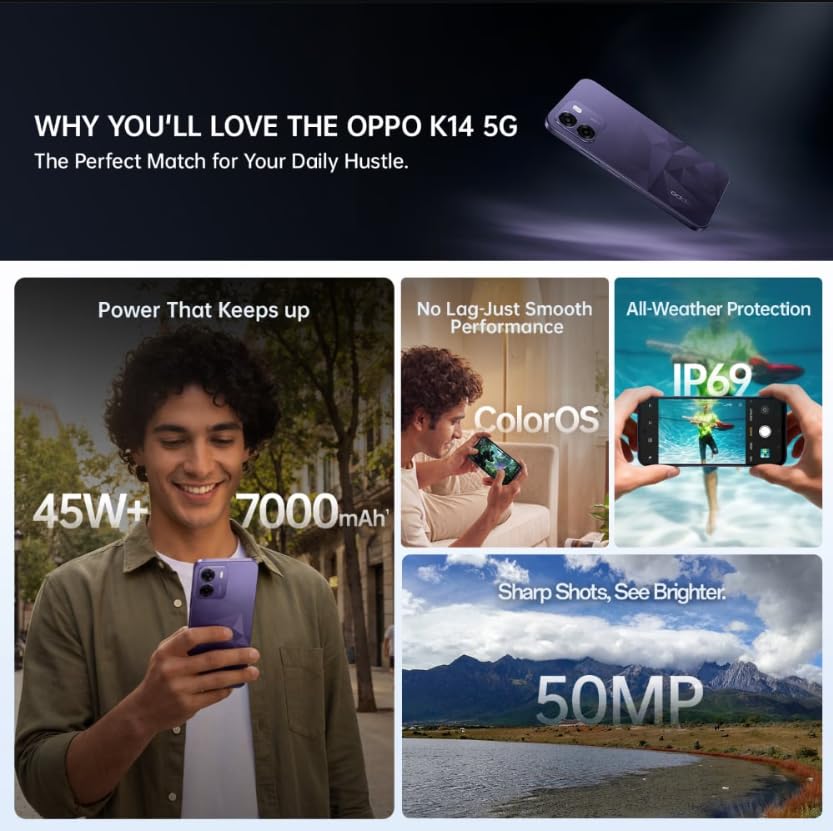
Image: A collage of key features for the OPPO K14 5G, including 7000mAh battery, smooth performance with ColorOS, IP69 all-weather protection, and a 50MP camera.
11. Гарантия и поддержка
Your OPPO K14 5G Smartphone comes with a standard manufacturer's warranty. Please refer to the warranty card included in your product packaging for specific terms and conditions, including coverage duration and service procedures. For technical assistance, troubleshooting beyond this manual, or warranty claims, please contact OPPO customer support through their official webсайт или назначенные сервисные центры.
Keep your purchase receipt and product packaging for warranty purposes.