
Введение
This manual provides detailed instructions for the setup, operation, maintenance, and troubleshooting of your BOSGAME M4 Neo Mini PC. Please read this manual thoroughly before using the device to ensure proper functionality and to prevent damage.
Содержимое упаковки
Проверьте наличие всех предметов в упаковке:
- BOSGAME M4 Neo Mini PC
- Адаптер питания
- HDMI-кабель
- Руководство пользователя
Продукт болееview
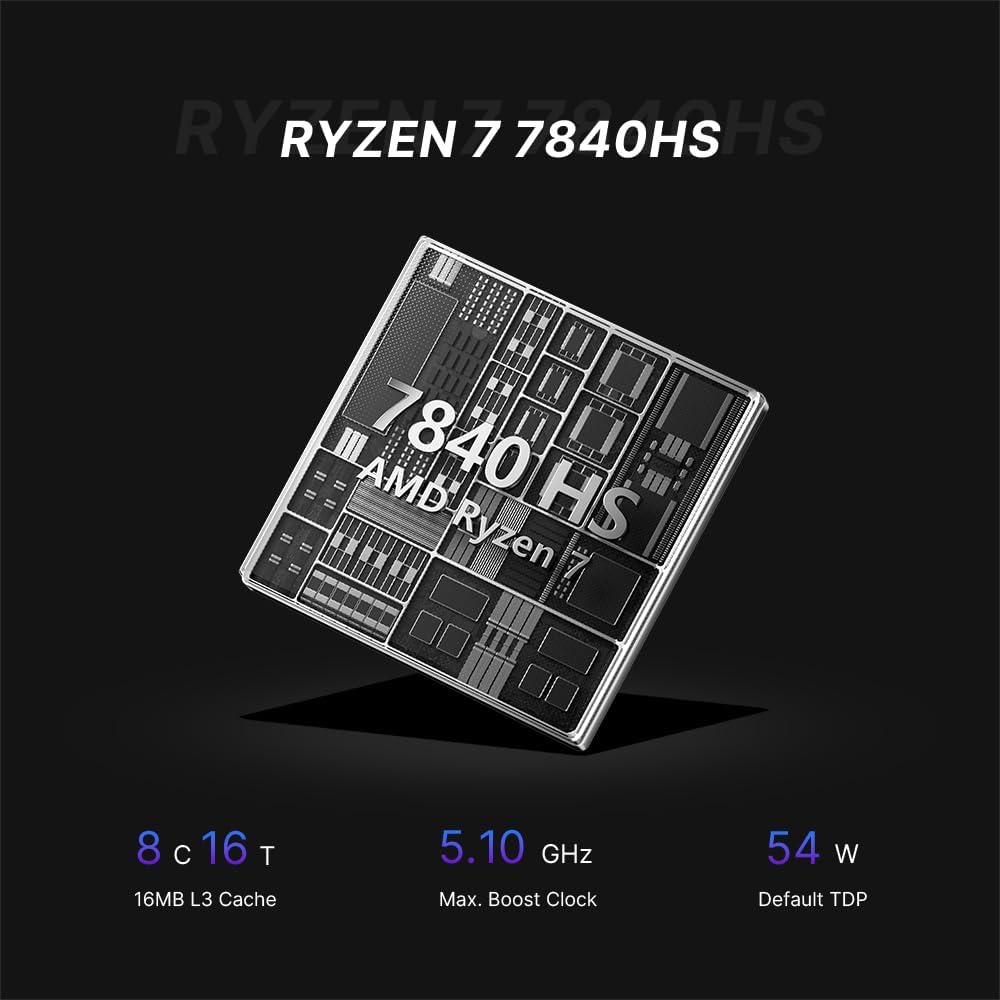
The BOSGAME M4 Neo is a compact desktop computer designed for various applications, from office tasks to gaming. It features an AMD Ryzen 7 7840HS processor, DDR5 memory, and PCIe SSD storage.

Image: Top, front, side, and rear views of the BOSGAME M4 Neo Mini PC with dimensions (130mm x 129mm x 46mm) and port labels.
Изображение: подробное view of the front and rear ports on the BOSGAME M4 Neo Mini PC, including USB, HDMI, DisplayPort, LAN, and power input.
Настраивать
Подключение периферийных устройств
- Подключить дисплей: Use an HDMI or DisplayPort cable to connect your monitor(s) to the corresponding ports on the Mini PC. The device supports up to three displays simultaneously.
- Подключите устройства ввода: Подключите USB-клавиатуру и мышь к имеющимся USB-портам.
- Подключить сеть (необязательно): For a wired connection, connect an Ethernet cable from your router or modem to one of the 2.5G LAN ports.
- Подключите питание: Вставьте адаптер питания в разъем DC-in на мини-ПК, затем подключите адаптер к розетке.

Image: The BOSGAME M4 Neo Mini PC connected to an external display, keyboard, and mouse via its USB4.0 interface, demonstrating its connectivity capabilities.
Первоначальное включение питания
- Нажмите кнопку питания, расположенную на передней панели мини-ПК.
- The system will boot up. Follow the on-screen instructions to complete the initial operating system setup.
Операционная система
The BOSGAME M4 Neo Mini PC comes with Windows 11 Pro pre-installed. It also supports other operating systems such as Ubuntu and Linux. For installing alternative operating systems, refer to the specific installation guides for your chosen OS.
Расширение памяти и хранилища данных
The M4 Neo is equipped with 64GB DDR5 4800MHz dual-channel RAM and a 2TB PCIe 4.0x4 NVMe SSD. The storage can be expanded by adding another M.2 2280 NVMe PCIe 4.0x4 SSD.
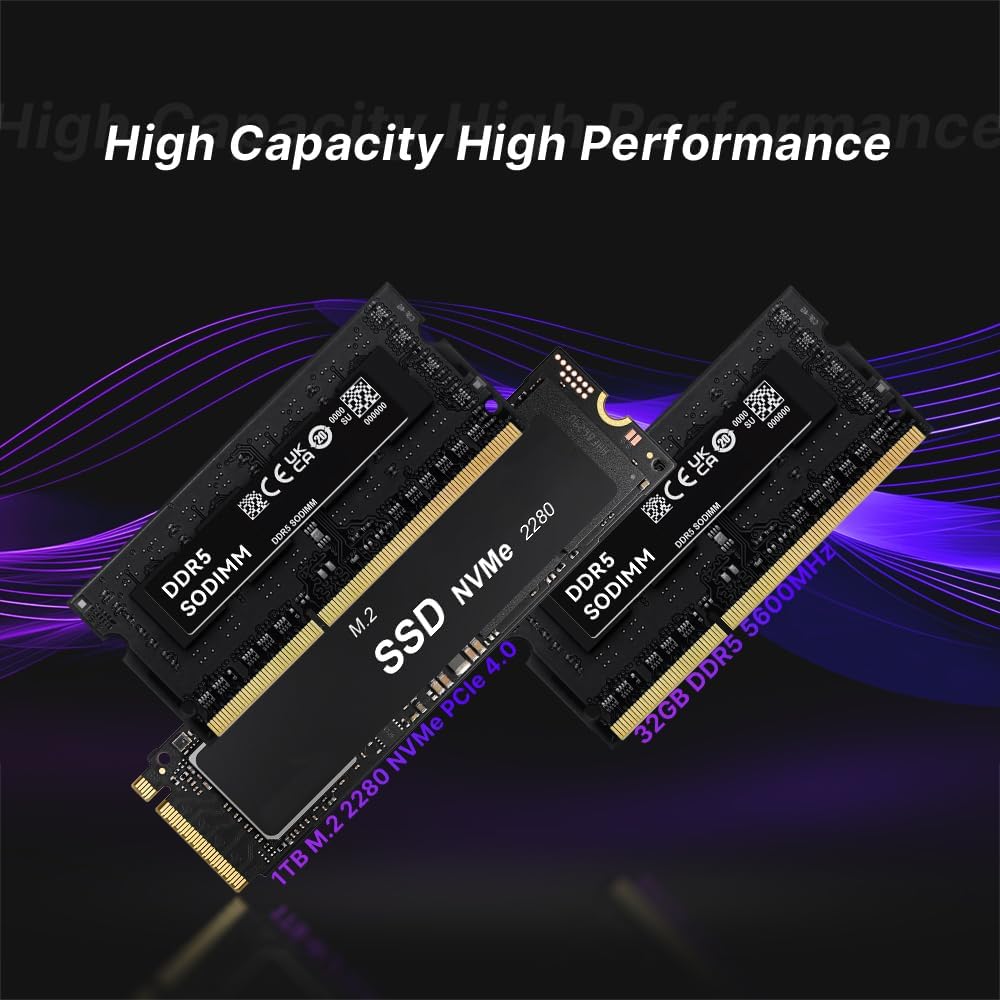
Image: Illustration of DDR5 SODIMM memory modules and an M.2 NVMe PCIe 4.0 SSD, representing the internal components for storage and memory.
For detailed instructions on upgrading RAM or SSD, consult the advanced user guide or contact technical support to avoid damaging internal components.
Связность
Проводное подключение
The Mini PC features dual 2.5G Ethernet LAN ports, providing high-speed and reliable wired network connections.
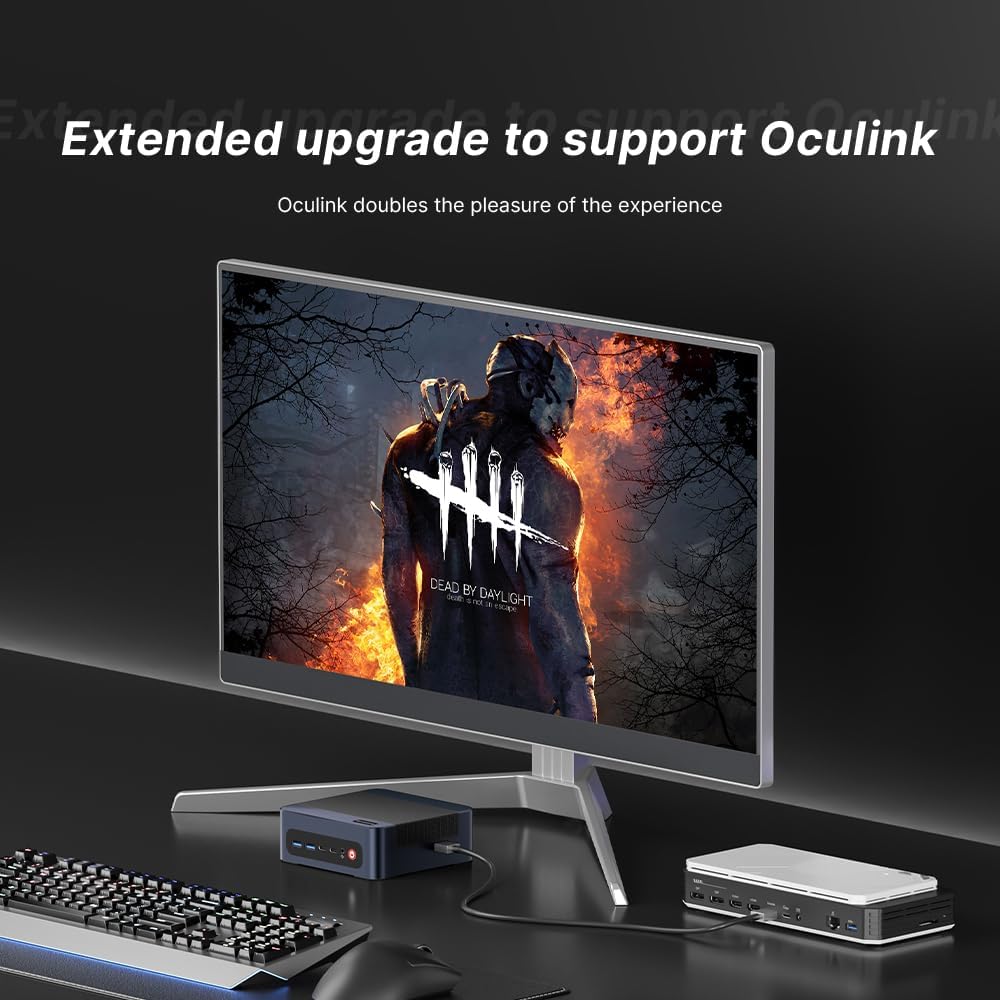
Image: The BOSGAME M4 Neo Mini PC highlighting its dual 2.5G RJ45 LAN ports with Ethernet cables connected, indicating high-speed network capability.
Беспроводное подключение
Integrated Wi-Fi 6E and Bluetooth 5.2 provide fast and stable wireless network access and connectivity for various wireless accessories.
Конфигурация дисплея
The Mini PC supports quad-screen display output via HDMI 2.0 (4K@60Hz), DisplayPort 1.4 (4K@60Hz), and USB4.0 (8K@60Hz) / Type-C (4K@60Hz) ports. This allows for multi-tasking across multiple monitors.

Image: The BOSGAME M4 Neo Mini PC connected to three external monitors, demonstrating its capability to support a quad-screen display setup for enhanced productivity and entertainment.
An Oculink port is also included, enabling connections to external GPUs (eGPUs) for enhanced graphics performance.

Image: The BOSGAME M4 Neo Mini PC connected to an external graphics card enclosure via its Oculink port, illustrating the option for extended graphics capabilities.
Обслуживание
Уборка
- Регулярно протирайте внешнюю поверхность мини-ПК мягкой сухой тканью.
- Use compressed air to gently clear dust from ventilation openings to maintain optimal airflow and cooling. Ensure the device is powered off before cleaning.
Обновления программного обеспечения
- Регулярно обновляйте операционную систему и драйверы, чтобы обеспечить стабильность и безопасность системы.
- Check the BOSGAME official website for the latest driver updates for your M4 Neo Mini PC.
Поиск неисправностей
Нет питания
- Убедитесь, что адаптер питания надежно подключен как к мини-ПК, так и к работающей розетке.
- Проверьте работоспособность розетки, подключив к ней другое устройство.
Нет отображения
- Убедитесь, что кабель HDMI или DisplayPort надежно подключен как к мини-ПК, так и к монитору.
- Убедитесь, что ваш монитор настроен на правильный источник входного сигнала (например, HDMI 1, DisplayPort).
- Если возможно, проверьте работу с другим кабелем дисплея или монитором.
Проблемы с производительностью
- Закройте ненужные фоновые приложения, чтобы освободить системные ресурсы.
- Ensure the operating system and drivers are up to date.
- Monitor system temperatures. Excessive heat can lead to performance throttling.

Image: Graphs showing CPU temperature changes over 14 hours (peaking at 72°C) and noise data from running various software (Illustrator, Photoshop, Office, Standby mode), indicating typical operating conditions.
Технические характеристики
| Бренд | БОСГЕЙМ |
| Номер модели | M4 |
| Модель ЦП | AMD Ryzen 7 7840HS |
| Скорость ЦП | 3.8 GHz (Max Boost 5.1 GHz) |
| Установленная оперативная память | 64 ГБ DDR5 4800 МГц |
| Емкость памяти | 2 TB PCIe 4.0x4 NVMe SSD |
| Графический сопроцессор | Графический процессор AMD Radeon 780M (интегрированный) |
| Операционная система | Support Win/Ubuntu/Linux (Windows 11 Pro pre-installed) |
| Видеовыход | HDMI, DisplayPort, USB4.0, USB Type-C (Supports Quad Screen, 4K/8K) |
| Сетевое подключение | Dual 2.5G Ethernet, Wi-Fi 6E, Bluetooth 5.2 |
| USB-порты | 4 Total USB Ports (USB3.2 Type A*2, USB4.0*1, Type-C*1) |
| Особые возможности | Oculink Port for eGPU |
Гарантия и поддержка
The BOSGAME M4 Neo Mini PC comes with a 1-year manufacturer's warranty. For technical assistance, troubleshooting, or warranty claims, please contact BOSGAME customer service. Refer to the contact information provided with your product or visit the official BOSGAME webсайт ресурсов поддержки.