Введение
The LOFREE Pudding Dual Mode Wireless Mouse (Model OE929) is designed for versatile use across various operating systems and devices. It offers both Bluetooth and 2.4G wireless connectivity, adjustable DPI settings, and a comfortable, ergonomic design. This manual provides instructions for setup, operation, maintenance, and troubleshooting to ensure optimal performance of your device.
Содержимое упаковки
- LOFREE Pudding Dual Mode Wireless Mouse
- USB-приемник (2.4G)
- Charging Cable (USB-C to USB-A, typically)
- Руководство пользователя
Продукт болееview
The LOFREE Pudding mouse features a unique transparent texture and an ergonomic design for comfortable use. It includes an adjustable ambient light feature and a scroll wheel with integrated button functionality.

Изображение: The LOFREE Pudding mouse showcasing its high transparency texture and sleek design.

Изображение: A hand holding the LOFREE Pudding mouse, illustrating its comfortable, skin-like touch and ergonomic grip.
Настраивать
1. Зарядка мыши
Before first use, ensure the mouse is fully charged. Connect the provided charging cable to the mouse's charging port and to a USB power source. The ambient light may indicate charging status (e.g., breathing light while charging, solid when full).

Изображение: The LOFREE Pudding mouse, highlighting its approximately 100 hours of battery life on a single charge.
2. Dual-Mode Connection
The mouse supports two wireless connection methods: 2.4G via USB receiver and Bluetooth.
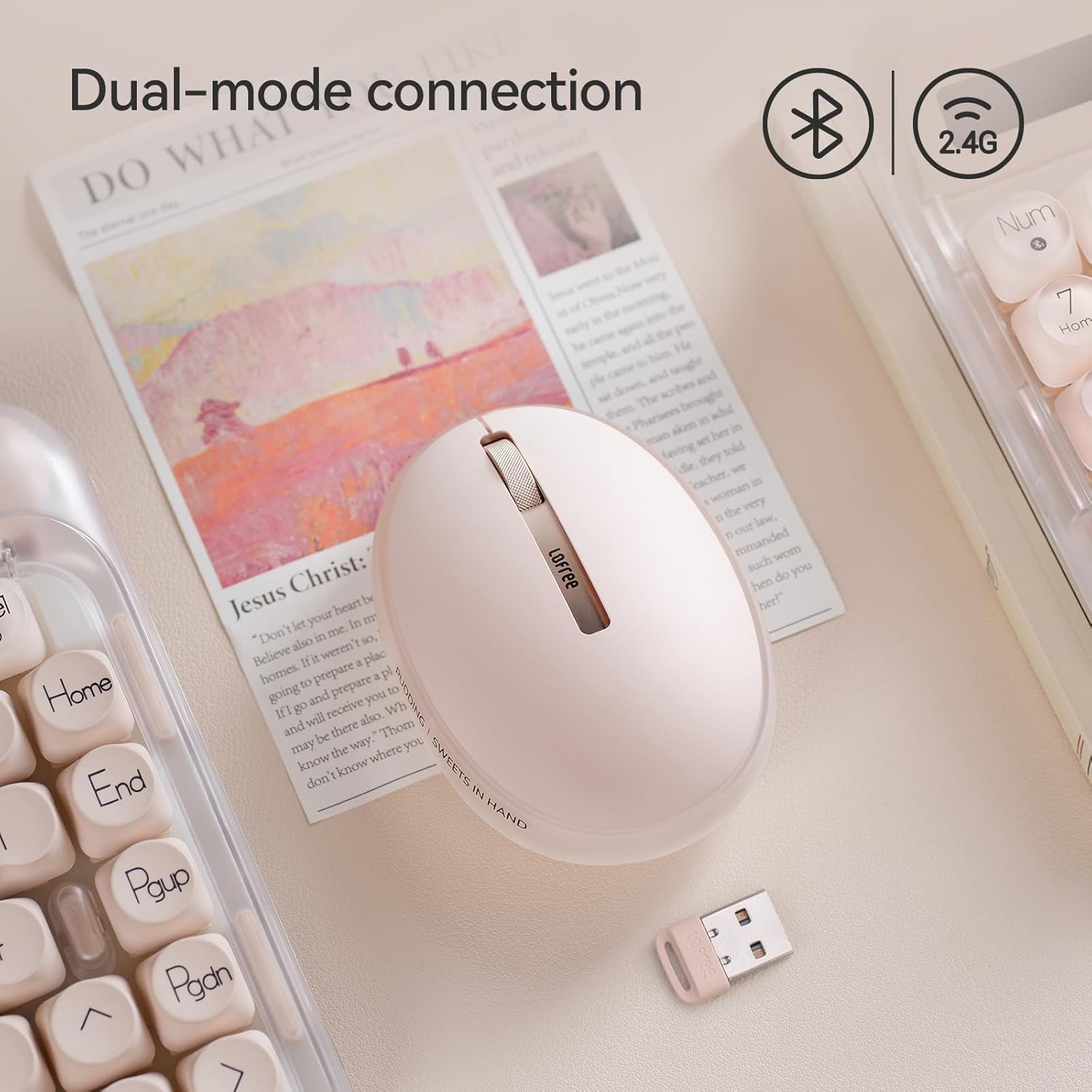
Изображение: The LOFREE Pudding mouse demonstrating its dual-mode connection capability, supporting both Bluetooth and 2.4G wireless technologies.
2.1. Беспроводное соединение 2.4G
- Locate the USB receiver, typically stored in a compartment on the mouse or in the packaging.
- Подключите USB-приемник к свободному USB-порту на вашем компьютере.
- Включите мышь. Компьютер должен автоматически обнаружить и установить необходимые драйверы.
- Примечание: For systems below Windows 7, the 2.4G connection is recommended as Bluetooth mode may not be supported.
2.2. Подключение по Bluetooth.
- Убедитесь, что Bluetooth на вашем устройстве включен.
- Switch the mouse to Bluetooth mode (refer to the mouse's bottom switch or button for mode selection).
- On your device, search for Bluetooth devices. The mouse should appear as "LOFREE Pudding Mouse" or similar.
- Выберите мышь для сопряжения. Следуйте инструкциям на экране, чтобы завершить процесс сопряжения.
3. Совместимость
The LOFREE Pudding mouse is compatible with a wide range of operating systems and devices, including:
- Windows (Windows 7 and above for Bluetooth)
- macOS
- iOS
- андроид
- PC, Mac, Laptop, and other compatible devices.
Инструкция по эксплуатации
1. Регулировка уровней DPI
The mouse features 5 adjustable DPI levels to suit different tasks and preferences. You can cycle through these settings by pressing the DPI button, usually located near the scroll wheel or on the bottom of the mouse.
- Доступные значения DPI: 600, 800, 1200, 1600, 3600.
- Press the DPI button to switch between levels. The mouse cursor speed will change accordingly.

Изображение: A hand demonstrating the adjustment of DPI levels on the LOFREE Pudding mouse, with available settings of 600, 800, 1200, 1600, and 3600.
2. Режимы окружающего освещения
The mouse is equipped with an adjustable ambient light feature, offering two modes:
- Constant Always On: The light remains steadily illuminated.
- Режим дыхания: The light gently pulses on and off.
To switch between these modes, refer to the dedicated light control button or combination of buttons on the mouse. In dormant state, the ambient light will turn off and can be reactivated by clicking any button on the mouse.

Изображение: The LOFREE Pudding mouse displaying its adjustable ambient light feature, with options for "Always On" or "Breathing" modes.
3. Управление энергопотреблением
The mouse is designed to conserve battery life. It will enter a dormant state after a period of inactivity, turning off the ambient light. To wake the mouse, simply click any button.
Обслуживание
1. Уборка
- Для очистки поверхности мыши используйте мягкую, сухую, безворсовую ткань.
- Для удаления стойких загрязнений слегкаampсмочите ткань водой или мягким неабразивным чистящим средством.
- Избегайте использования агрессивных химикатов, растворителей или абразивных материалов, так как они могут повредить покрытие мыши.
- Следите за тем, чтобы жидкость не попала во внутренние компоненты мыши.
2. Уход за аккумулятором
- Для поддержания заряда батареи регулярно заряжайте мышь.
- Избегайте частой полной разрядки аккумулятора.
- If storing the mouse for an extended period, charge it to approximately 50% to prevent deep discharge.
Поиск неисправностей
Мышь не отвечает / Отключается
- Проверьте аккумулятор: Ensure the mouse is charged. Connect it to a power source.
- 2.4G соединение:
- Убедитесь, что USB-приемник надежно подключен к работающему USB-порту.
- Попробуйте использовать другой порт USB.
- Ensure the mouse is switched to 2.4G mode.
- Подключение Bluetooth:
- Убедитесь, что на вашем устройстве включен Bluetooth.
- Убедитесь, что мышь переключена в режим Bluetooth.
- Unpair and re-pair the mouse from your device's Bluetooth settings.
- Ensure your device's operating system supports Bluetooth for mice (e.g., Windows versions below 7 may have limited support).
- Вмешательство: Move the mouse closer to the receiver/device. Avoid using it near other wireless devices that might cause interference.
DPI не меняется
- Убедитесь, что вы нажимаете правильную кнопку регулировки DPI.
- If the mouse is unresponsive, try restarting it (turn off and on).
Ambient Light Not Working
- Check if the mouse is in a dormant state; click a button to wake it.
- Убедитесь, что аккумулятор достаточно заряжен.
- Verify you are using the correct button or combination to cycle through light modes.
Технические характеристики
| Особенность | Деталь |
|---|---|
| Номер модели | OE929 |
| Технология связи | Bluetooth, радиочастота 2.4 ГГц |
| Технология обнаружения движения | Оптический |
| Уровни DPI | 600, 800, 1200, 1600, 3600 (регулируемая) |
| Емкость аккумулятора | 500мАч |
| Срок службы батареи | Примерно 100 часа |
| Особые возможности | LED Lights (Ambient), Lightweight, Rechargeable, Wireless |
| Совместимость | Windows, macOS, iOS, Android (PC, Mac, Laptop) |
| Вес товара | 8.9 унции |
| Размеры упаковки | 5.2 x 4.13 x 2.4 дюйма |
Гарантия и поддержка
LOFREE products are manufactured to high-quality standards. For warranty information, technical support, or service inquiries, please refer to the official LOFREE webили обратитесь в службу поддержки напрямую. Сохраните чек о покупке для предъявления гарантийных претензий.
Для получения более подробной информации посетите Магазин LOFREE на Amazon.