
1. Введение
The Strong 4G LTE N300 WiFi Router provides high-speed internet access using a 4G SIM card, offering reliable Cat4 LTE speeds up to 150 Mbps and stable N300 Mbps Wi-Fi coverage. This device is designed for easy setup and use, supporting up to 32 devices simultaneously, making it suitable for both home and small office environments where wired broadband may not be available.
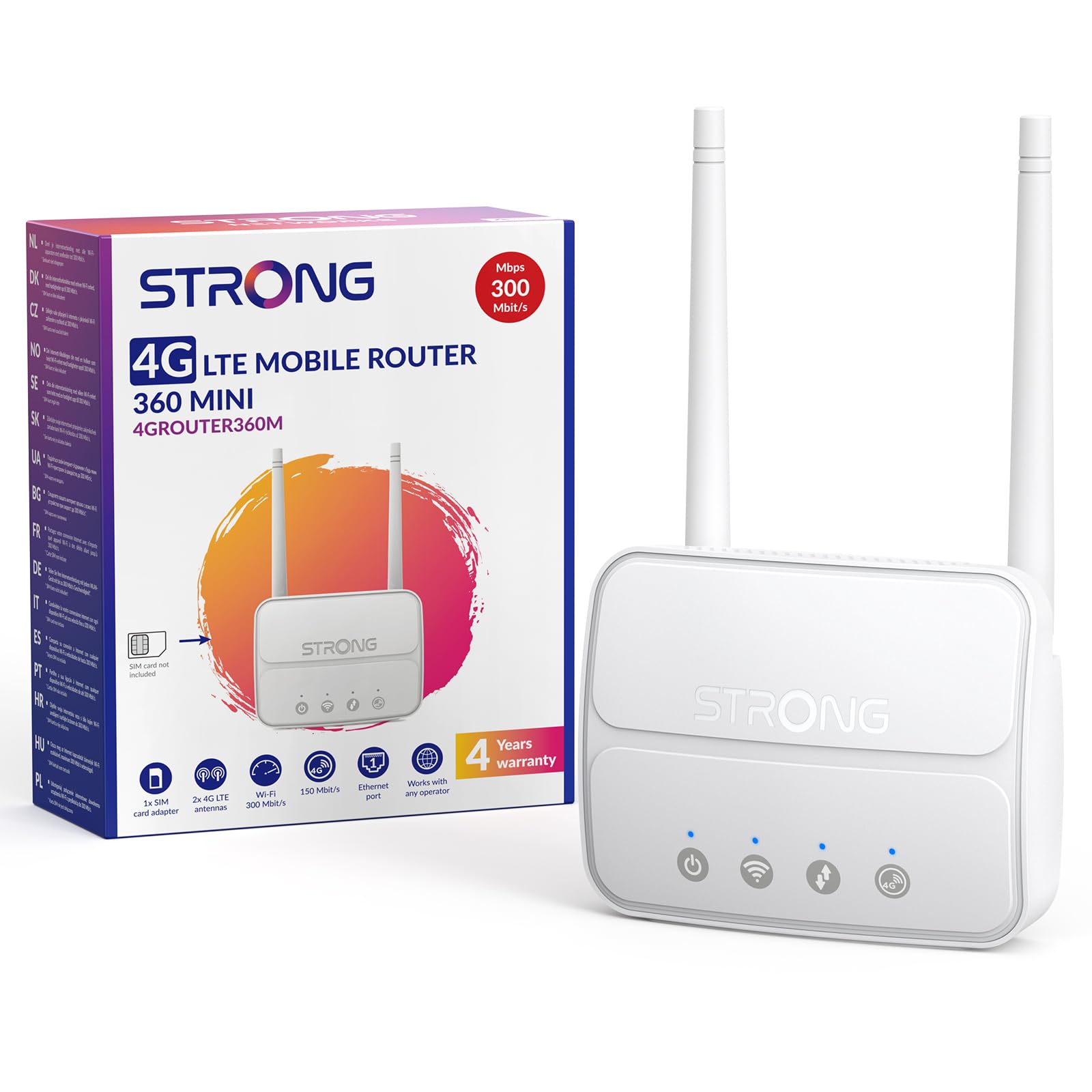
Image 1: The Strong 4G LTE N300 WiFi Router, a compact device with two external antennas for enhanced signal reception.
2. Что в коробке
Внимательно проверьте комплектацию. Если какие-либо предметы отсутствуют или повреждены, обратитесь в службу поддержки клиентов.
- Strong 4G LTE N300 WiFi Router
- External Antennas (2 units)
- Кабель Ethernet RJ45
- Внешний источник питания
- Nano to Micro SIM Card Adapter
- Краткое руководство по установке
- Гарантийный талон
3. Руководство по установке
Follow these steps for a quick and easy setup of your Strong 4G LTE N300 WiFi Router.
3.1. Prepare Your SIM Card
Before inserting your SIM card, ensure that any PIN protection is disabled. You can do this by inserting the SIM card into a smartphone and disabling the PIN request through the phone's settings.
3.2. Insert the SIM Card
- Найдите слот для SIM-карты на роутере.
- If you have a Nano SIM, use the provided Nano to Micro SIM adapter to fit it into the standard SIM slot.
- Gently insert the prepared SIM card into the slot until it clicks into place.
3.3. Attach External Antennas
Screw the two external 4G antennas onto the designated connectors at the back of the router. Adjust their orientation for optimal signal reception.
3.4. Power On the Router
Connect the external power supply to the router's DC-in port and then plug it into a power outlet. The router will automatically power on and begin the startup sequence.
3.5. Connect to the Network (Plug & Play)
The router is designed for Plug & Play operation. Once powered on and with a valid SIM card, it will automatically connect to the 4G LTE network. You can then connect your devices via Wi-Fi or Ethernet.

Image 2: Visual guide for SIM card insertion and powering on the router for instant connection. The image also shows the SIM card slot supporting standard, micro, and nano SIMs with an adapter.
3.6. Доступ к Web Интерфейс
For advanced settings and network management, access the router's web интерфейс, набрав 192.168.188.1 в ваш web browser's address bar. Refer to the Quick Installation Guide for default login credentials.
4. Инструкция по эксплуатации
This section details how to use your Strong 4G LTE N300 WiFi Router for optimal performance.
4.1. Подключение устройств
The router supports connections for up to 32 devices simultaneously.
- Wi-Fi-соединение: Найдите название сети Wi-Fi (SSID) и пароль, указанные на этикетке в нижней части роутера. Выберите эту сеть на своем устройстве и введите пароль для подключения.
- Ethernet-подключение: Use an RJ45 Ethernet cable to connect devices such as PCs, game consoles, or Smart TVs to the router's 100 Mbps LAN port for a stable wired connection.
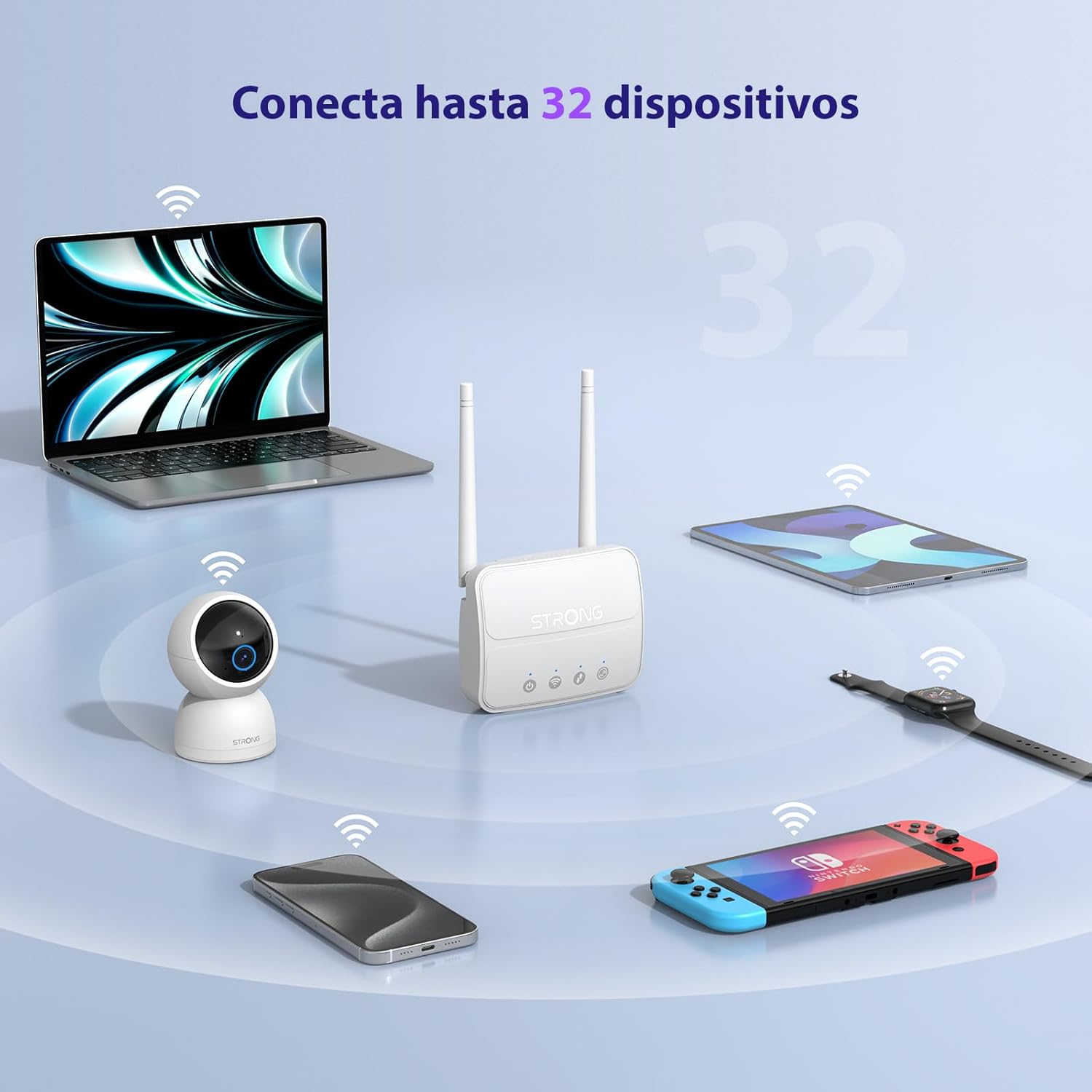
Image 3: The router connecting various devices including laptops, tablets, smartphones, and gaming consoles, demonstrating its capacity for up to 32 simultaneous connections.
4.2. Network Management and Security
Маршрутизатор предлагает надежные функции безопасности для защиты вашей сети:
- Шифрование WPA / WPA2: Ensures secure wireless communication.
- PIN Control: Manage SIM card PIN settings.
- MAC-фильтрация: Control which devices can connect to your network based on their MAC addresses.
- Advanced Firewall Settings: Customize firewall rules for enhanced protection.
All these settings can be managed through the easy-to-use web интерфейс (192.168.188.1).

Image 4: A user managing network settings on a laptop, illustrating the router's WPA/WPA2 encryption and PIN control features for secure network management.
5. Техническое обслуживание
Правильное обслуживание гарантирует долговечность и оптимальную производительность вашего маршрутизатора.
- Уборка: Для очистки внешней поверхности маршрутизатора используйте мягкую сухую ткань. Не используйте жидкие чистящие средства или аэрозоли.
- Размещение: Разместите маршрутизатор в хорошо проветриваемом месте, вдали от прямых солнечных лучей, источников тепла и сильных электромагнитных полей.
- Обновления прошивки: The router features a USB port specifically for firmware updates. Regularly check the Strong official website for the latest firmware versions to ensure improved performance and security. Follow the instructions provided with the firmware update package carefully.
6. Поиск Неисправностей
Если у вас возникли проблемы с маршрутизатором, воспользуйтесь следующими распространенными шагами по устранению неполадок:
- Нет соединения с интернетом:
- Убедитесь, что SIM-карта правильно вставлена и имеет активный тарифный план.
- Verify that the SIM card's PIN protection is disabled.
- Check the signal strength indicators on the router. If the signal is weak, try adjusting the external antennas or relocating the router.
- Перезагрузите маршрутизатор, отключив и снова подключив адаптер питания.
- Wi-Fi не виден или не подключается:
- Ensure the Wi-Fi function is enabled (check the router's LED indicators).
- Verify you are entering the correct Wi-Fi password (SSID and password are on the router's label).
- Try connecting a device via Ethernet to confirm the router has internet access.
- Низкие скорости:
- Check the 4G signal strength. Weak signal can lead to slower speeds.
- Убедитесь, что никакие другие приложения или устройства не потребляют чрезмерную пропускную способность.
- Consider the number of connected devices; the router supports up to 32, but performance may vary with heavy usage.
- Невозможно получить доступ Web Интерфейс:
- Убедитесь, что ваше устройство подключено к сети маршрутизатора (Wi-Fi или Ethernet).
- Confirm you are typing the correct IP address: 192.168.188.1.
- Попробуйте другой web браузер.
If these steps do not resolve the issue, please contact Strong customer support.
7. Технические характеристики
Detailed technical specifications for the Strong 4G LTE N300 WiFi Router (Model 4GROUTER360M).
| Особенность | Спецификация |
|---|---|
| Бренд | Сильный |
| Название модели | 4ГРУТЕР360М |
| Технология связи | 4G, Ethernet, LTE, Wi-Fi |
| Беспроводной стандарт | 802.11n (N300 Mbps) |
| Скорость 4G LTE | Up to 150 Mbps (Cat4) |
| Ethernet-порты | 1 x 100 Mbps LAN Port |
| Слот для SIM-карты | Standard (2FF), includes Nano to Micro adapter |
| Тип антенны | 2 x External, Detachable 4G Antennas; 2 x Internal Wi-Fi Antennas |
| Максимальное количество подключенных устройств | До 32 |
| Функции безопасности | WPA/WPA2 Encryption, PIN Control, MAC Filtering, Firewall |
| Операционная система | StrongOS |
| Размеры (упаковка) | 18.1 х 15.6 х 7.3 см |
| Вес продукта | 204 г |
| Источник питания | Внешний адаптер питания |
| Особые возможности | Secure Network Management, Plug & Play, Connect up to 32 devices, USB port for firmware updates |
8. Гарантия и поддержка
Strong is committed to providing reliable products and excellent customer service.
8.1. Информация о гарантии
Your Strong 4G LTE N300 WiFi Router comes with a 4-year protection plan, ensuring long-term peace of mind. Please refer to the included Safety and Warranty Card for detailed terms and conditions.
8.2. Поддержка клиентов
For any technical assistance, troubleshooting, or warranty inquiries, please contact our expert support team:
- Электронная почта: support_at@strong-eu.com
Our support team offers solid service and extended coverage to assist you.

Image 5: Visual representation of Strong's reliable support, highlighting the 4-year protection and contact email for assistance.